

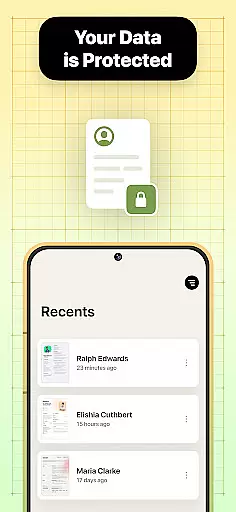

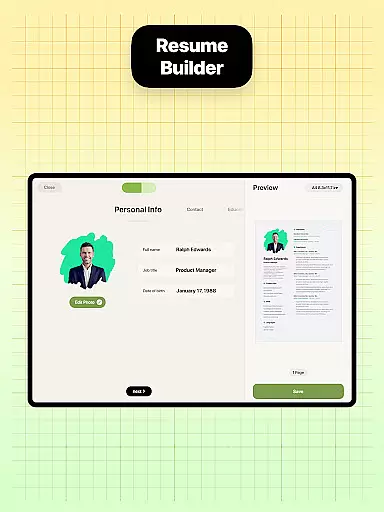
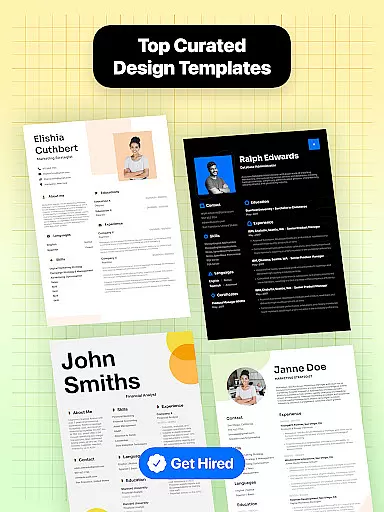
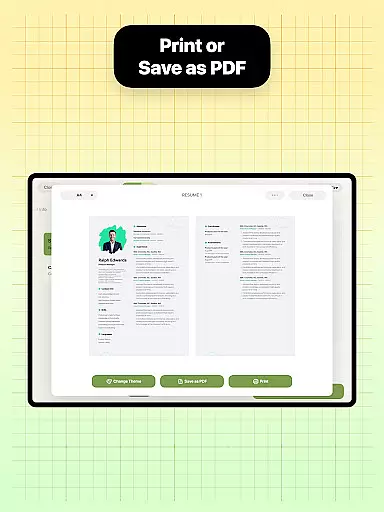

Resume Builder is a professional resume creation tool designed to help users craft impressive and well-structured resumes in PDF format. Whether you're a recent graduate or an experienced professional, this app simplifies the process of creating job-ready resumes with just a few taps on your mobile device.
The app offers an intuitive interface that guides users through each step of resume creation, from selecting templates to customizing sections and content. With Resume Builder, users can choose from a wide range of resume designs tailored to different career stages and industries. The app ensures that every resume is visually appealing, professional, and optimized for job applications.
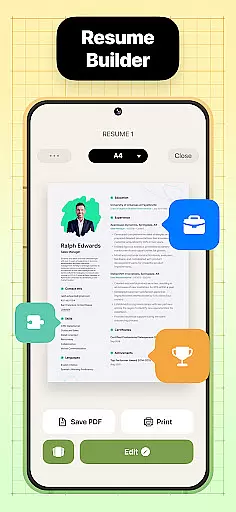
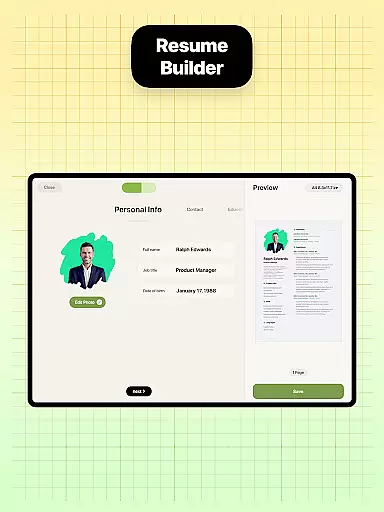
One standout feature is its real-time editing capability, allowing users to see updates as they input their qualifications and work experience. This makes it easy to create, edit, and export resumes directly from your phone, ensuring convenience and efficiency for job seekers.
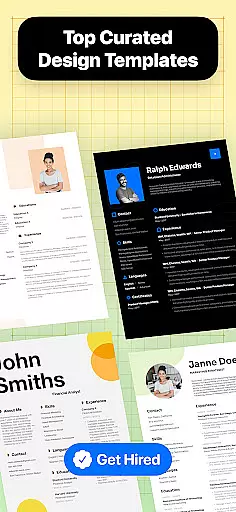
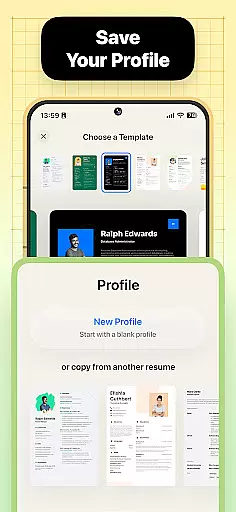
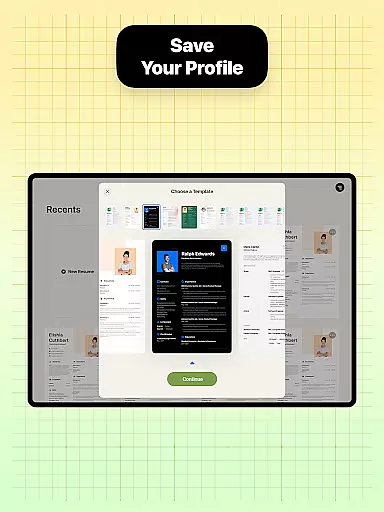
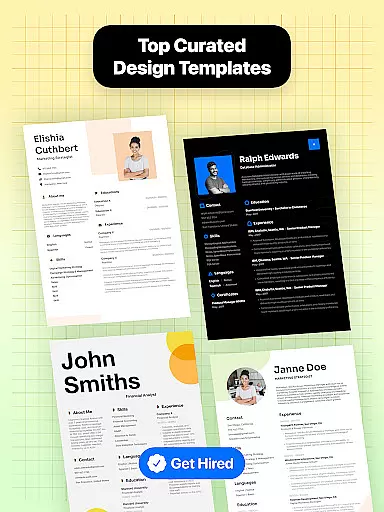
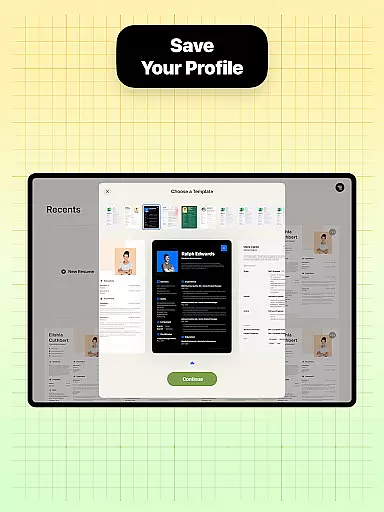
Resume Builder stands out with its comprehensive set of features designed to streamline resume creation. First, the app provides a diverse selection of professionally designed resume templates suitable for various career levels and industries. These templates are fully customizable, enabling users to tailor their resumes to specific job requirements.
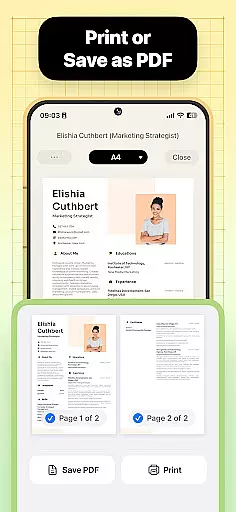
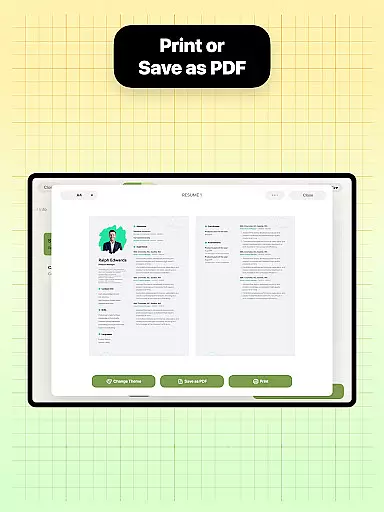
Another key feature is the step-by-step guidance system, which simplifies the process of structuring a resume. Users can easily navigate through sections such as work experience, education, skills, and more. Additionally, the app supports exporting resumes in PDF format, ensuring compatibility across devices and platforms.
For added convenience, Resume Builder includes built-in sharing functionality, allowing users to send their resumes directly to employers or save them locally for future use. Its user-friendly interface ensures seamless navigation and quick updates, making it an ideal tool for crafting polished resumes efficiently.
Collaborative work features are essential for modern business applications, enabling teams to work together efficiently regardless of location. Resume Builder incorporates these features by allowing users to share their resumes easily with peers or mentors for feedback and refinement.
The app's built-in sharing functionality supports collaborative efforts by enabling direct sharing of resumes in PDF format. This ensures that team members can provide input on resume design and content, making the job application process more dynamic and interactive.
Users benefit from real-time updates and seamless communication, ensuring that their resumes are polished and professional before sending them to potential employers. The ability to collaborate within the app significantly enhances the quality of the final resume.
By integrating collaborative work features, Resume Builder not only simplifies resume creation but also fosters teamwork and collective improvement, which is crucial for career advancement.
Task management is a critical component of productivity, especially when crafting documents like resumes. Resume Builder excels in task management by providing a structured, step-by-step guidance system that helps users organize and execute the resume-building process effectively.
The app offers customizable options for different sections of the resume, allowing users to manage tasks such as selecting templates, entering personal information, and formatting content. This systematic approach ensures that no important detail is overlooked during the creation process.
With intuitive navigation and real-time progress tracking, users can easily monitor their progress and make necessary adjustments. This feature empowers users to maintain control over their resume development, leading to a more personalized and professional outcome.
Ultimately, Resume Builder's robust task management capabilities ensure that users can create high-quality resumes efficiently, enhancing their chances of securing desired job opportunities.
User-friendly interface
Wide template selection
Real-time editing
PDF export option
Customizable sections
Limited free templates
Premium subscription required
No offline mode
Occasional ads
Basic design tools

viewing and sharing of PDFs
 3.60
3.60
Zoom built for Chrome OS
3.90
Find jobs and make money fast with JobStack.
4.60
ANDROID'S TOP MOBILE OFFICE - Word, Excel, PowerPoint and PDF at your fingertips
4.50
BuildCalc - the easiest AND the most advanced construction calculator app.
4.80
Find the right fit, faster.
4.70
Smarter career moves start here. AI job alerts, insights & the right tools.
4.20
Earn money with the driver & delivery partner app for Uber, UberEats & Postmates
4.60
On the go? Take FedEx with you.
4.00
TurboScan turns your phone into a full-featured PDF document scanner.
4.80
We help people get jobs
4.70
Ask Accio anything about business. Alibaba-backed, built by experts, not just AI
4.60
Finance, Investing, Stocks, Trading and Stock news
4.60
Chat, meet, and collaborate to achieve more together, all in one place on Teams
4.60
Amazon A to Z is the place to manage your work-life at Amazon.
4.50
Drive and earn extra money
4.50
Measure distances, surfaces and draw plans in seconds with CamToPlan!
4.40
All Your Gig Work. One App.
4.30
A secure, all-in-one team collaboration app
4.30


User Reviews