
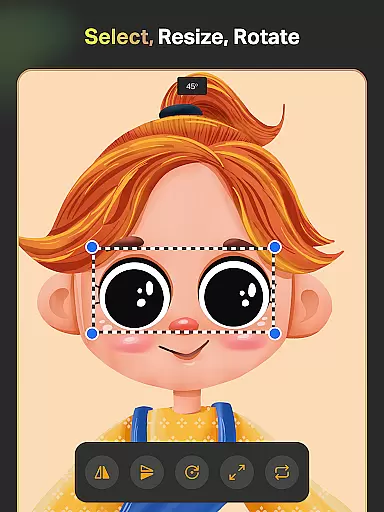
SketchPro is a premier digital art application tailored for professional artists and designers. This comprehensive tool offers advanced AI-powered features that streamline the creative process, making it an ideal choice for graphic designers, illustrators, and comic book artists. With its robust set of customizable brushes, drawing tools, and layer systems, SketchPro enables users to create intricate designs and illustrations with precision.
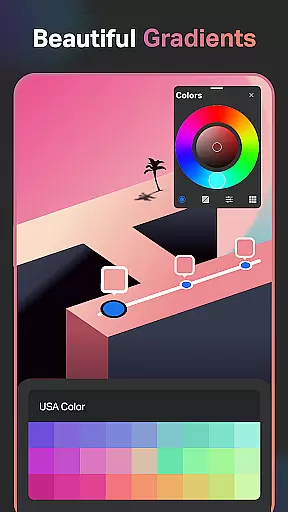
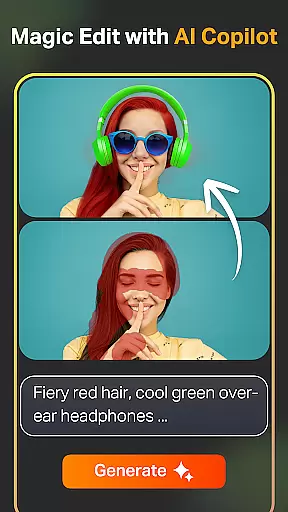
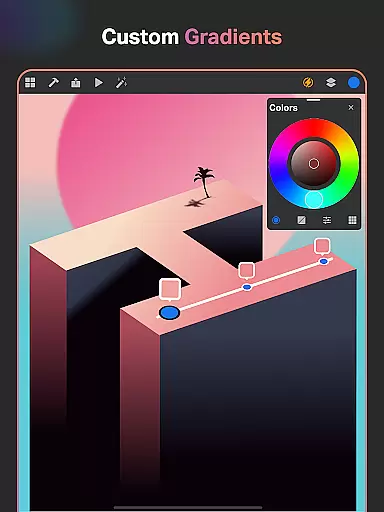
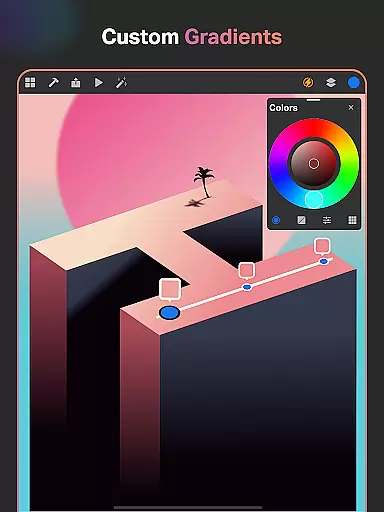
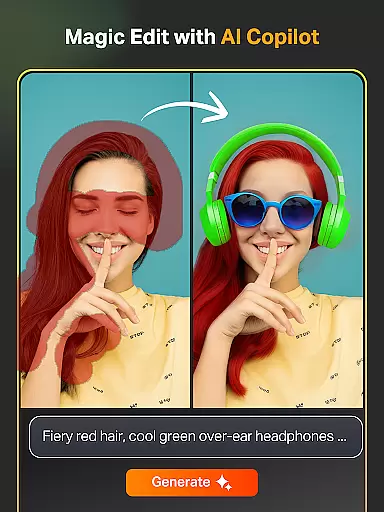
The app's standout feature is its suite of AI tools that enhance productivity. These include Text to Image, Sketch to Image, and Magic Edit functionalities, allowing artists to transform simple prompts into complex artworks. Additionally, SketchPro provides essential utilities like Smart Shapes, Gradient Tools, and an extensive Color Palette, ensuring a seamless drawing experience on both tablets and phones.
Whether you're working on detailed illustrations or quick sketches, SketchPro's intuitive interface and professional-grade tools make it an indispensable companion for digital artists. The app's ability to save work automatically, offer cloud syncing, and provide time-lapse playback adds significant value, enabling creatives to focus on their art without worrying about losing progress.
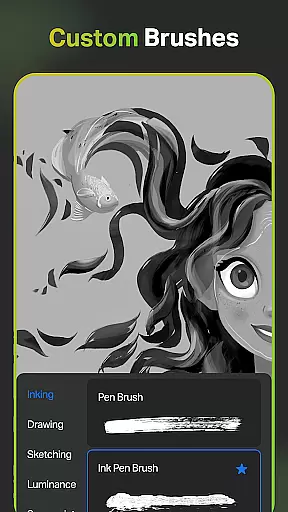
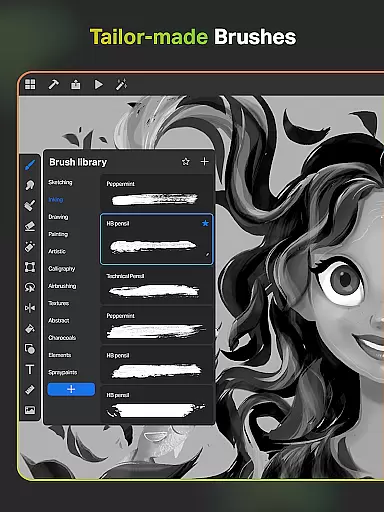
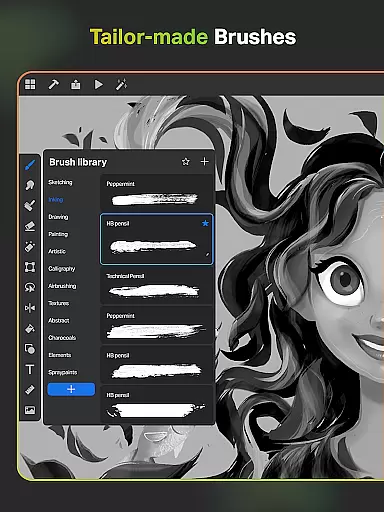
SketchPro distinguishes itself through a rich array of features designed to cater to professional digital artists. One of its core strengths lies in the customizable brush system, which includes over 100 patterns in the Free Roller Brush and allows users to tailor brushes to their specific needs. This flexibility empowers artists to execute their vision with accuracy and flair.
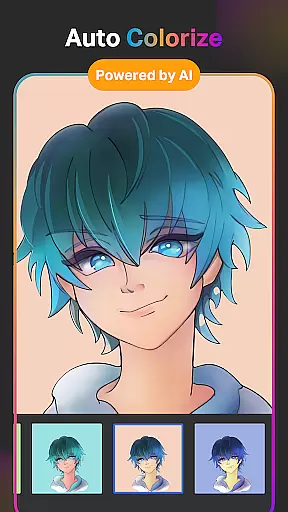
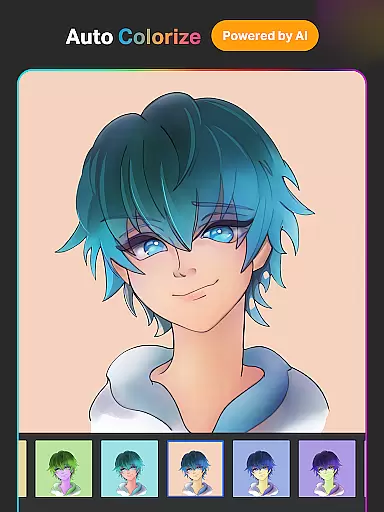
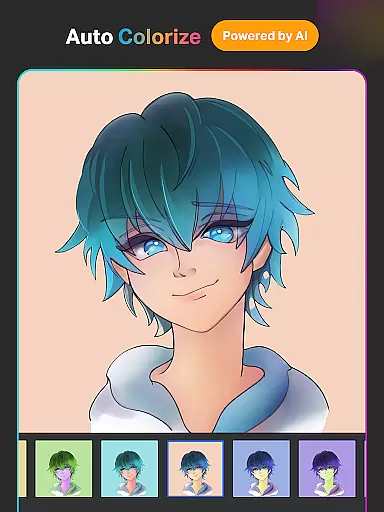
In addition to traditional drawing tools, SketchPro incorporates cutting-edge AI technology to revolutionize the creative workflow. Artists can leverage tools like Auto-Coloring, Expand Artwork, and Line Art Generation to expedite their projects while maintaining high-quality standards. The inclusion of AI Object Remove and Pro BG Remove further enhances the editing capabilities, providing unparalleled control over the final output.
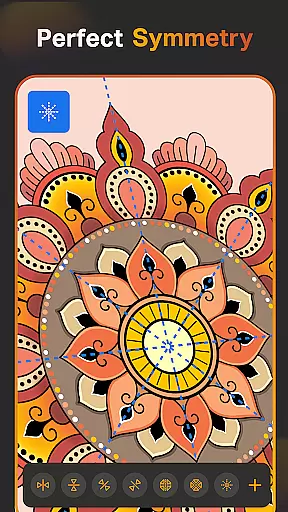
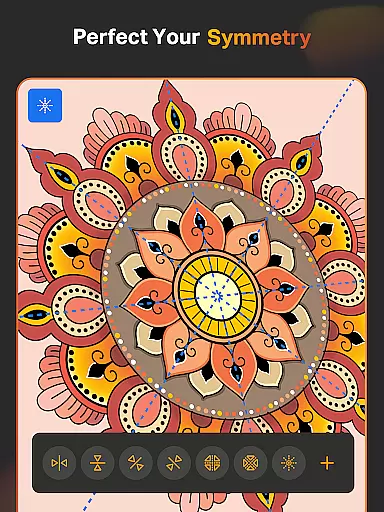
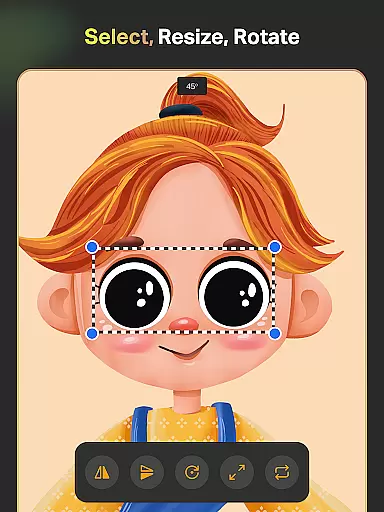
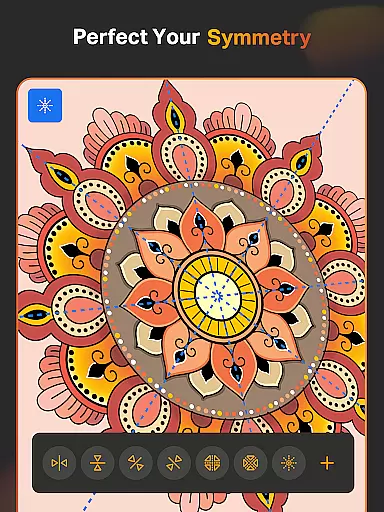
For those focused on design, SketchPro offers an extensive library of shapes, fonts, and symbols alongside advanced layer management. Features such as Symmetry Tool, Assisted Drawing, and Reference Tool ensure that every project is executed with precision. Moreover, the app's organizational features, including automatic saving and cloud syncing, guarantee that artwork is secure and accessible across devices, making SketchPro a holistic solution for digital creators.
SketchPro offers an extensive suite of creative tools that cater to the needs of professional digital artists. The application includes customizable brushes for sketching, painting, and illustrating, allowing users to tailor their tools to specific project requirements.
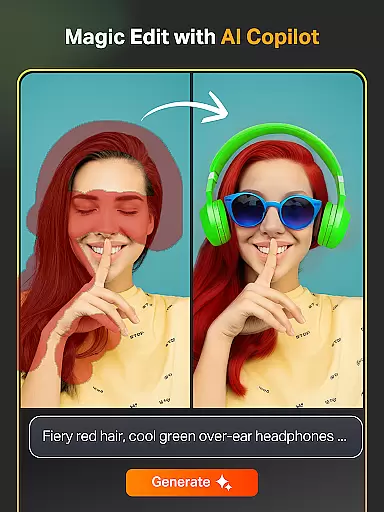
In addition to traditional drawing implements, SketchPro provides advanced AI-driven features such as Text to Image, Sketch to Image, and Magic Edit, which utilize simple prompts to transform and enhance artwork. These innovative tools not only streamline the creative process but also open new avenues for artistic expression.
The app further supports professionals with smart shapes, a symmetry tool, gradient options, and layer systems that facilitate complex designs and illustrations. Such comprehensive features ensure that artists can execute their visions with precision and efficiency.
By integrating essential utilities like the smudge tool, fill bucket, cutter, and custom canvas settings, SketchPro consolidates all necessary instruments within a single platform, empowering artists to focus on creation without technical hindrances.
Flexibility in canvas and format options is crucial for digital artists who require adaptability in their work. SketchPro addresses this need by providing a customizable canvas that can be adjusted to fit various project specifications and artist preferences.
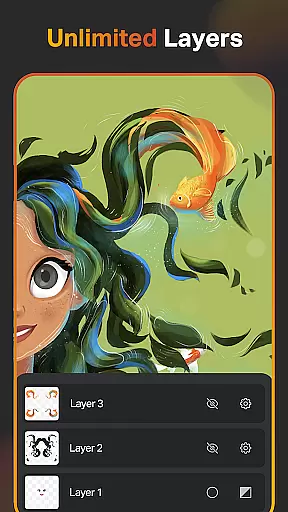
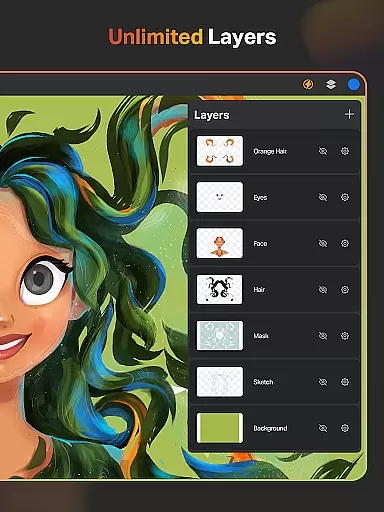
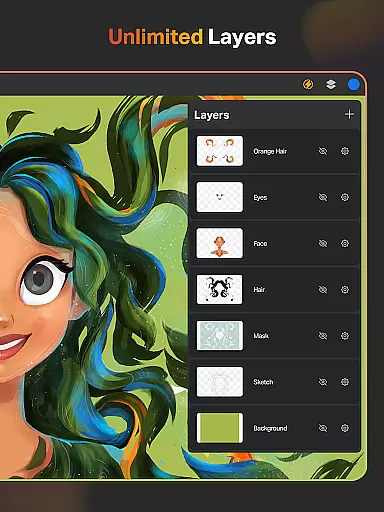
Artists using SketchPro have access to unlimited layers, enabling intricate designs through rasterization, duplication, merging, and advanced layer options such as fill, color invert, lock alpha, and lock layer. This layer system allows for detailed control over each element of a composition.
Moreover, SketchPro's expand artwork AI tool permits seamless expansion of the digital canvas while maintaining original content quality. This feature ensures that creators are not constrained by initial canvas dimensions and can modify their workspace dynamically.
With capabilities ranging from importing colors from images to generating line art extractions, SketchPro equips artists with versatile solutions that accommodate diverse artistic styles and project demands, enhancing both creativity and productivity.
User-friendly interface
Advanced AI tools
Customizable brushes
Extensive shape library
Automatic saving feature
High learning curve
Premium subscription required
Limited free features
Occasional bugs
Resource-intensive

Draw anime & manga drawing, art with templates to create stunning picture!
 4.50
4.50
Digital Drawing: Draw & Paint
4.10
Unleash Your Creativity with Draw Cartoon - AR Drawing App
4.10
Novices can also easily complete diamond painting masters
4.70
Unleash the artist in you with our AR drawing and tracing tool for photo drawing
4.10
Just trace a projected picture on paper and color! Draw & Paint with AR drawing
4.40
Draw, fidget, and spin glow art! Relax and express your creativity with a finger
4.60
Explore future self face age filter & remove background image for a unique look.
3.50
Unleash your inner artist! Sketchar: AR Drawing for Limitless Creativity
4.40
Mobile pixel art editor. Simple. Fast. Portable.
4.80
Create neon drawing with magic doodle and fun doodle art effects!
4.50
AI generated images & photos, turn your words into drawing, painting & pictures.
4.30
Custom Character Creator & PFP Maker!
4.20
AR Anime Drawing: How to draw anime with AR drawing & sketching apps!
4.00
AI Art Generator transforms your words into AI generated art & paintings.
3.70
Vidu is an AI video generator made for creators and aspiring makers.
3.30
Meet the magic aı 3d photo generator and smart AI video generator app.
3.20
Transform photos into amazing monochrome dither art with professional algorithms
4.0
Art of Combination Wear OS Watch faces
4.3


User Reviews