
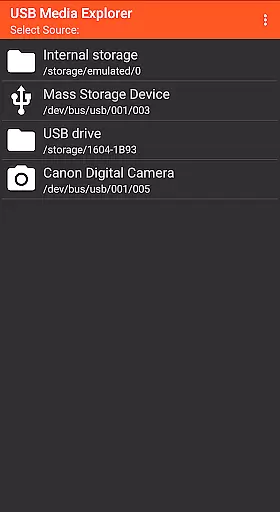
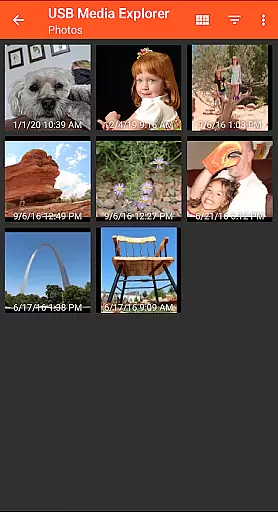
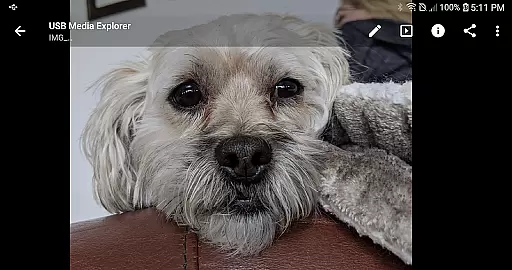
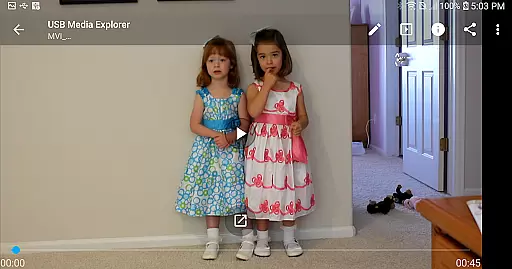
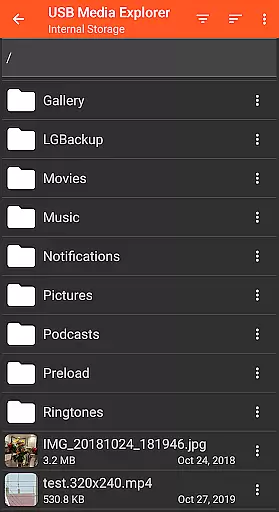
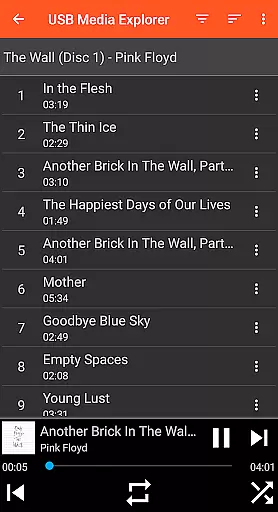
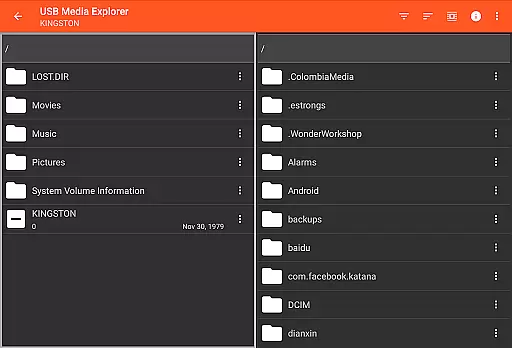
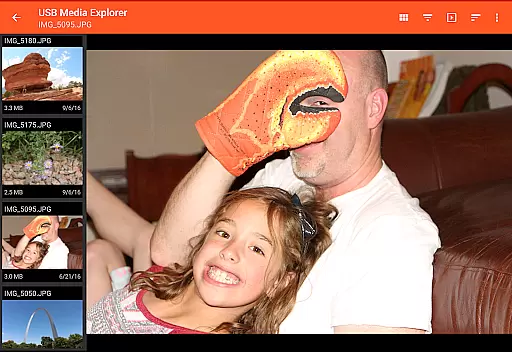
USB Media Explorer (UME) is a versatile photography app that allows users to view photos, stream videos, listen to music, and manage documents from various USB storage devices. The app supports specialized viewing modes for different media types, enabling full-size photo and video playback without the need for importing files. With compatibility across flash drives, card readers, hard drives, cameras, and other Android devices, UME provides a comprehensive solution for accessing multimedia content on the go.
The app's key advantage lies in its ability to handle both Jpeg and Raw image formats, making it an ideal tool for photographers who need to review their work directly from external storage. Its intuitive interface and file management capabilities allow seamless copying of files to and from connected devices. Whether you're a professional photographer managing large photo libraries or simply looking to enjoy media from external sources, USB Media Explorer offers a practical and efficient solution.
USB Media Explorer stands out with its specialized screens tailored for different media types. The app features dedicated interfaces for photos, videos, music, documents, and general file management, ensuring optimal viewing and organization experiences. Its standout capability is the ability to display full-size photos and videos directly from USB devices, eliminating the cumbersome importing process required by many similar apps.
Another notable feature is its broad device compatibility. UME supports flash drives, card readers, external hard drives, cameras, and even other Android devices in MTP mode. This versatility makes it adaptable to various use cases, whether you're backing up photos from a camera or streaming videos from an external drive. Additionally, the app accommodates specific needs like AVI video playback through third-party players such as VLC, further enhancing its flexibility for advanced users.
USB Media Explorer offers a unique real-time capture and preview feature that allows users to view photos and stream videos directly from USB storage devices without the need for importing files. This functionality is crucial for photographers and videographers who require immediate access to their media files.
The application supports both JPEG and Raw photo formats, ensuring professional-quality previews across different types of images. For video content, while Android natively supports many formats, some specialized codecs may necessitate third-party players like VLC for optimal playback experience.
Users benefit significantly from this feature as it eliminates the cumbersome process of transferring files before viewing, thus saving time and enhancing workflow efficiency. The ability to view full-size photos and videos directly enhances productivity and facilitates quicker decision-making processes.
This real-time capability underscores the app's commitment to providing a seamless user experience by bridging the gap between storage devices and media consumption on Android platforms.
While USB Media Explorer does not explicitly market itself with AI beauty or enhancement features, its robust support for various media formats inherently provides a natural enhancement experience. Users can enjoy high-quality photo and video playback that maintains the integrity and authenticity of the original content.
The app's specialized screens for photos, videos, music, documents, and file management ensure that each media type is presented optimally. This tailored approach contributes to an enhanced viewing experience where colors, resolutions, and audio clarity are preserved as intended by the creators.
For users seeking more advanced enhancements, compatibility with third-party applications such as VLC player ensures that even less common formats receive adequate support, further enriching the overall quality of media presentation.
By focusing on delivering true-to-source media experiences, USB Media Explorer upholds a standard of naturalness in digital media consumption, allowing users to appreciate their content without artificial alterations compromising the original work's essence.
User-friendly interface
Wide device compatibility
Direct full-size media viewing
Efficient file management
Supports RAW image formats
No native support for all video formats
External power may be needed for HDDs
Limited camera compatibility
Proprietary device restrictions
Commercial DVD limitations

Perfect photos with body shaping, BG changer and object remover.
 3.70
3.70
Photo Exif Editor allows to view, add and modify EXIF data of multiple photos
4.50
HD Camera Pro with HD Video shooting, Panorama, Photo editor , Beauty Camera.
4.50
Gallery Slideshow is slideshow maker app for slideshow from your gallery photos.
3.90
See your baby AI baby face generator AI baby maker Face generator babymaker fun!
4.70
AI Photo Editor with 100+ Filters, Effects! Remove BG, Retouch & Photo Enhancer.
4.80
Transform Photos: Edit, Beautify and Craft Memories & Make Collages!
4.10
Hair color changer, AI haircut app, fun hair editor and buzz cut filter for all!
3.80
RAW video capture with advanced controls
4.40
Pro version: AR sun/moon tracker for any date. Tool for photographers & planners
4.90
Photo editor & gallery. Crop pictures & edit photos offline, no wifi!
4.50
A reflected light meter with spot metering and incident light metering.
4.40
AI portrait generator and polaroid AI selfie, fun AI generated AI photo creator!
4.30
Photobooth mini FULL app will allow you to add more fun to your parties
4.00
How would you look like with a differently shaped nose, chin or lips?
3.90
Turn photos into cartoons & avatars! - Photo Editor, Cartoon Face!
3.90
Pet Camera
3.70
Professional video recording application with manual controls for filmmakers!
2.80
Snap photos remotely using your Garmin watch as the camera trigger
4.4


User Reviews