
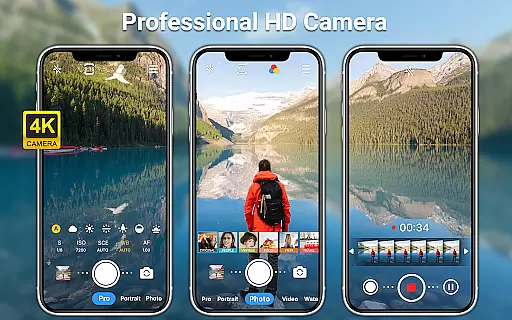
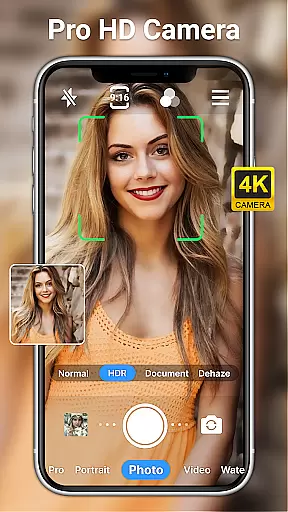
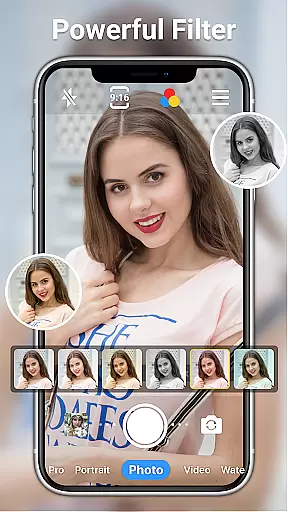
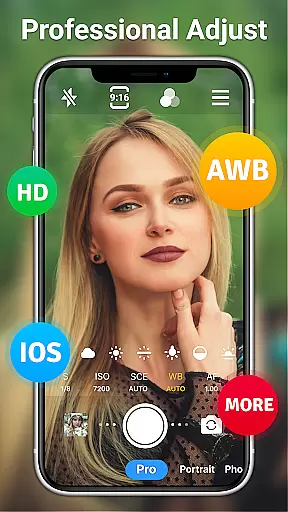
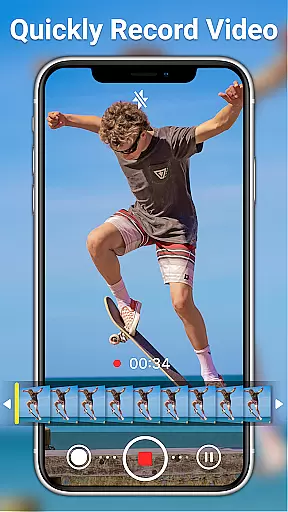
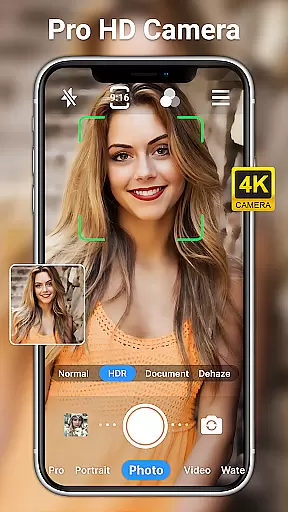
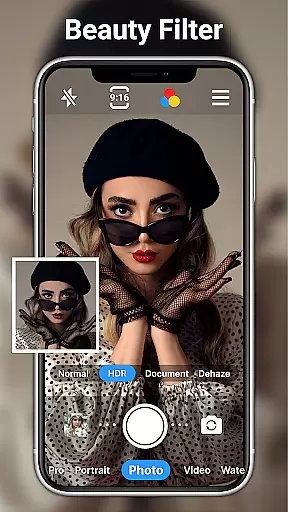
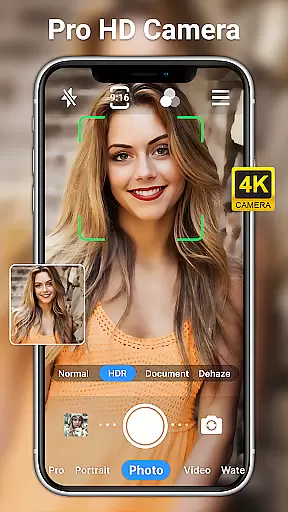
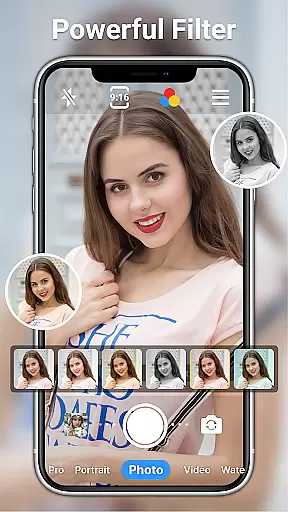
HD Camera for Android is a professional-grade photography application that allows users to capture high-definition photos and videos with ease. The app supports full HD 1080p resolution, ensuring crisp and vibrant images regardless of lighting conditions. With its intuitive interface, users can toggle between front and rear cameras, apply real-time filters, and utilize advanced shooting modes.
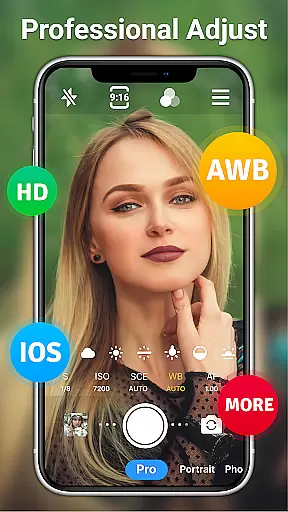
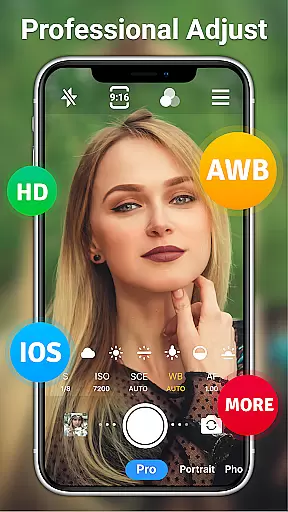
The app's standout feature is its comprehensive set of professional tools. These include scene modes for various environments, manual controls for ISO and shutter speed, and white balance adjustments. Whether capturing fast-moving sports or low-light night scenes, the app provides the necessary tools to achieve optimal results. Additionally, the built-in photo editor offers advanced retouching options, making it an all-in-one solution for mobile photography enthusiasts.
Perfect for both amateur and professional photographers, HD Camera for Android is particularly useful during travel or special events where quality and convenience are paramount. By offering features like optical zoom, timer settings, and date watermarking, the app ensures users never miss an important moment while maintaining professional standards in every shot.
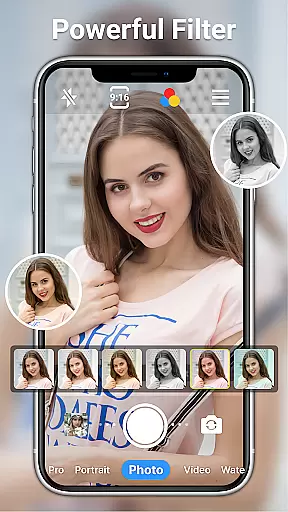
HD Camera for Android distinguishes itself through a rich array of features designed to enhance the mobile photography experience. One of its key strengths is the ability to shoot in full HD 1080p, providing users with stunning clarity and detail in every frame. The app also includes over ten real-time filters, allowing users to customize their photos and videos with unique styles and effects before capturing the moment.
In addition to its impressive image quality, the app offers several professional-grade functionalities. Users can access advanced settings such as ISO adjustment, shutter speed control, and white balance customization. These features enable precise adjustments based on different shooting scenarios, from daylight landscapes to indoor low-light environments. The app also supports steady shooting and pinch-to-zoom capabilities, ensuring smooth operation even during complex shots.
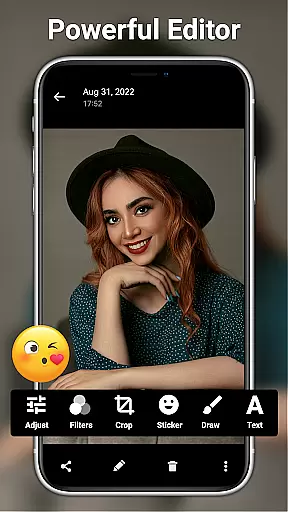
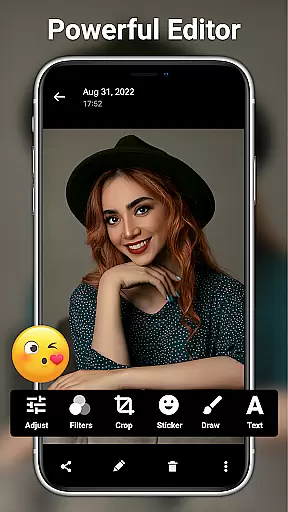
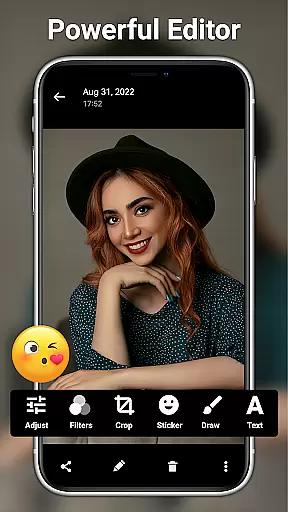
Another notable aspect is the integrated photo editing suite. This powerful toolset allows users to fine-tune their images with options to adjust brightness, contrast, saturation, and more. With additional features like AI restoration, facial retouching, and creative overlays, users can transform ordinary photos into professional-quality works of art directly within the app. These comprehensive features make HD Camera for Android a versatile choice for anyone seeking to elevate their mobile photography game.
Real-time capture and preview functionality is essential for ensuring that every photo or video taken meets the user's expectations immediately. HD Camera for Android excels in this area by providing a seamless experience where users can see exactly what the camera captures before taking a shot.
This application leverages 1080p full HD mode, allowing users to capture images with stunning clarity and vibrant colors. The real-time preview ensures that even the smallest details are visible, making it easier to compose shots perfectly. Whether capturing landscapes or portraits, users can trust that their photos will reflect precisely what they see on the screen.
Moreover, HD Camera offers various filters and effects that can be applied in real time. This feature enables users to experiment with different styles and aesthetics instantly, enhancing creativity without needing post-processing. From professional photographers to casual users, everyone benefits from the ability to visualize final results while still framing their shots.
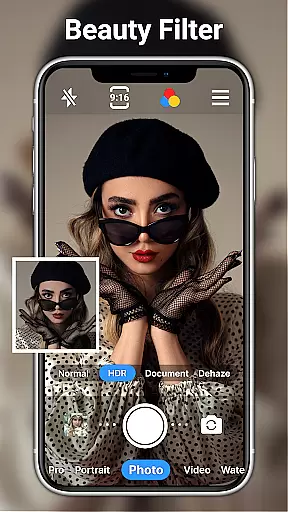
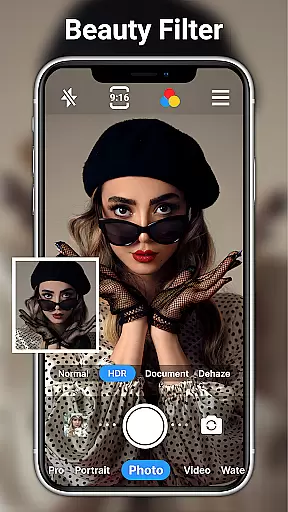
AI beauty and enhancement features have become increasingly popular in photography apps, aiming to improve image quality naturally. HD Camera for Android incorporates advanced AI algorithms to enhance facial features subtly, ensuring that edits look genuine rather than over-processed.
The app provides one-click facial retouch options that smooth skin textures and brighten eyes without losing natural details. Users can adjust settings like brightness, contrast, and saturation to fine-tune their images further. These adjustments maintain the authenticity of the original photo while elevating its overall appeal.
In addition to basic enhancements, HD Camera includes specialized tools such as AI restore and AI palettes. These features intelligently analyze and modify images to bring out hidden details and enrich colors. By combining powerful editing capabilities with intuitive controls, HD Camera ensures that every picture looks its best without appearing artificially altered.
User-friendly interface
High-quality 1080p output
Professional shooting modes
Extensive filter options
All-in-one photo editing
Occasional performance lag
Interface may feel complex
Advanced features require learning
Some tools need refinement
Drains battery quickly

How old age camera Gender Swap App Face Shape Hairstyle App Hair Styler App fun!
 4.00
4.00
Create & Edit with AI: AI Remove, Enhance, Retouch, Filter
4.10
Create amazing frames with up to five photos. Rounded corners, effects and more!
3.60
Photo editor & gallery. Crop pictures & edit photos offline, no wifi!
4.50
RAW video capture with advanced controls
4.40
Unlock the full potential of your DJI drone with Litchi
4.50
A unique animation app. Powerful, easy to use, and lots of fun.
4.30
Welcome to ProShot, the most powerful camera app on Android.
4.20
Try an anime version, cartoon yourself, and generate AI hug or aging videos!
3.70
Cartoon and artistic effects for your photos and videos
4.70
Cut and paste photo editor & eraser to customize photos easy and swap faces fun
4.50
Turn your phone into a professional camera - full DSLR manual photography
4.30
A light meter for true photographers.
4.20
How would you look like with a differently shaped nose, chin or lips?
3.90
GCamera allows all GCam features on all phone models! Better photos with GCamera
3.30
An interval timer to automate photo taking process for timelapse
2.90
Raw Image Viewer. Gallery with support of raw images (.cr3, .cr2, .nef, .raf).
2.00
Remote control the phone camera shutter from your smartwatch and take a picture
1.60
Add a dreamy vibe to your selfies and videos with soft style filters
4.4


User Reviews