
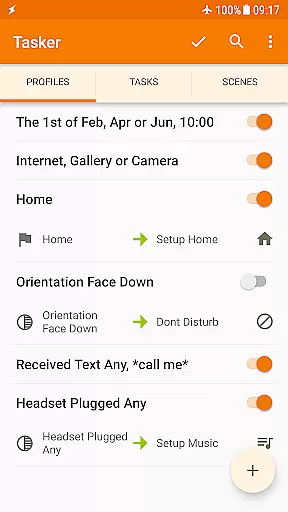
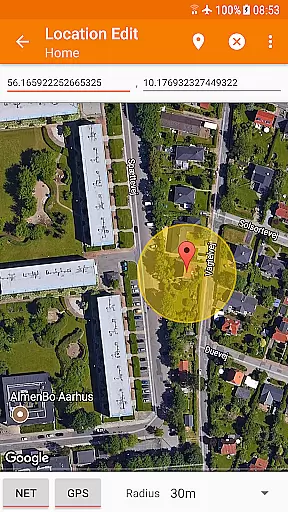
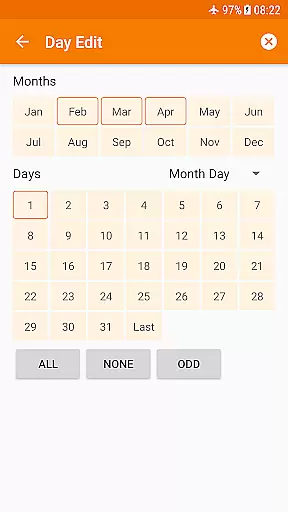
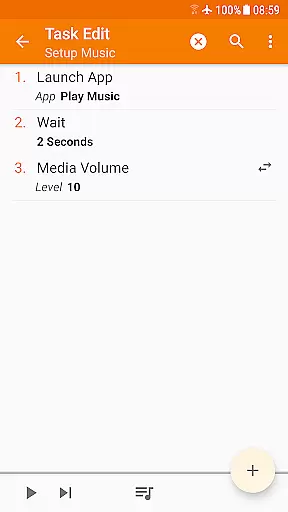
Tasker is a powerful automation tool designed specifically for Android devices. It allows users to automate a wide range of tasks based on various triggers such as time, location, or specific events. With over 350 actions available, users can customize their phone settings, send messages, create notifications, and even backup files automatically.
The app's true strength lies in its flexibility, enabling users to combine different contexts and tasks to suit their needs. Whether it's adjusting the phone volume when leaving home or triggering actions via widgets or hardware buttons, Tasker provides comprehensive control over device functionalities without requiring root access for most features.
Tasker is particularly useful for tech-savvy individuals looking to maximize their productivity by automating routine tasks. By integrating with other apps and services, it offers endless possibilities for customization and personalization, making daily smartphone usage more efficient and enjoyable.
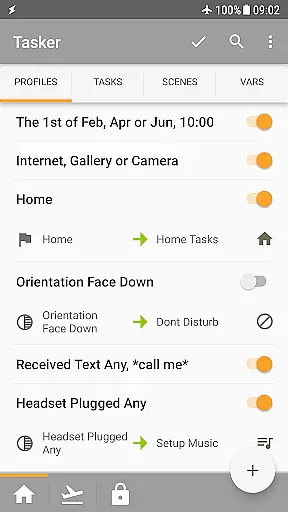
Tasker stands out with its extensive range of features tailored for automation enthusiasts. The app supports over 130 contexts and events, allowing users to trigger actions based on factors like app usage, time of day, location, Wi-Fi network, received SMS or calls, and currently playing music.
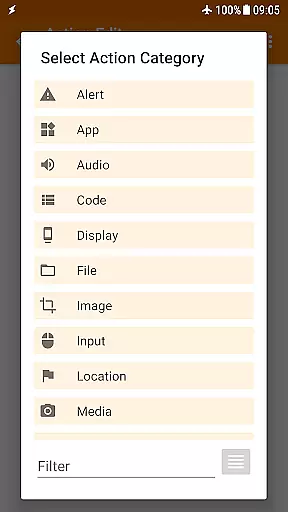
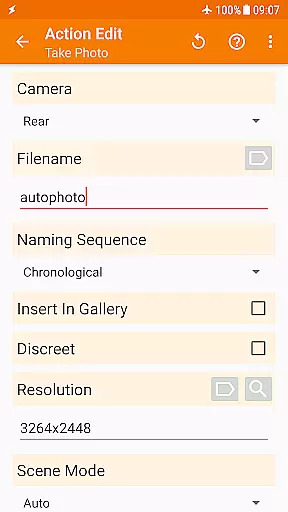
With more than 350 built-in actions, Tasker enables deep customization of Android devices. Users can change system settings, control Do Not Disturb modes, manipulate files, manage music playback, and retrieve location data. Advanced capabilities include automatic file backups to local storage or cloud services, downloading and installing APKs directly, and creating custom UI scenes.
For developers, Tasker offers integration with third-party applications through plugins and supports calling web APIs using HTTP requests. This developer-friendly approach extends Tasker's functionality beyond basic automation, providing tools for creating standalone apps and complex automated workflows.
Tasker exemplifies core function accuracy and effectiveness by offering over 350 actions that allow users to customize their Android experience extensively. These actions range from sending SMS, controlling system settings like Wi-Fi Tether and Dark Mode, to manipulating files and controlling music playback.
The app's strength lies in its ability to combine various contexts and tasks seamlessly. Users can automate based on the app they're using, time of day, location, Wi-Fi network, and more, ensuring that the device behaves exactly as needed without manual intervention.
Tasker stands out with its flexibility and powerful automation capabilities, which do not require root access for most functions. This ensures a wide compatibility across devices while maintaining system security and integrity.
With Tasker, users gain an unparalleled level of control over their devices, enabling them to automate repetitive tasks and focus on what truly matters. The precision in executing commands and the reliability of these automations underscore the app's commitment to functional excellence.
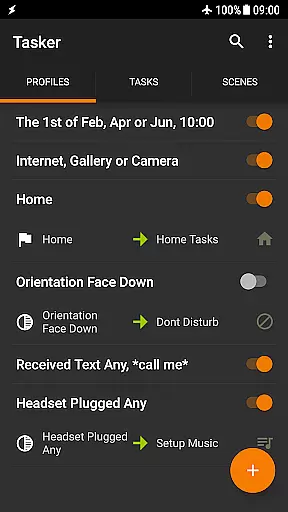
Despite its complex capabilities, Tasker maintains an interface that balances power with approachability. The design allows users to create automations through a straightforward process, as demonstrated in tutorial videos available on platforms like YouTube.
Tasker provides multiple ways to trigger actions, including launcher shortcuts, widgets, and hardware buttons. This variety ensures that users can interact with the app in a way that feels natural and convenient for them, enhancing the overall user experience.
For those new to automation, Tasker offers starter guides and pre-made projects that help demystify the setup process. These resources make advanced customization accessible even to beginners, promoting a smoother learning curve.
While the breadth of features might seem daunting at first, Tasker's structured approach to task creationu2014from contexts to actionsu2014ensures that users can build and manage their automations with confidence. This blend of depth and accessibility highlights Tasker's dedication to intuitive design.
Highly customizable
Extensive automation options
No root required for most features
Developer friendly
Versatile trigger mechanisms
Steep learning curve
Overwhelming for beginners
Some features require root
Premium price point
Complex interface

pdf merge, word to pdf, jpg to pdf, edit pdf, convert to pdf and much more!
 4.20
4.20
Quickly switch to an encrypted DNS server on Android TV
4.50
A recovery soft,it features photo recovery, video recovery, file recovery.
3.40
HD Video player and downloader for all formats, fast & smooth 4K video playback.
4.60
Quickly & easily calculate the spacing of handrail balusters
4.20
A non-root local ADB shell client. READ BELOW!
3.40
Unleash gamepad precision for ultimate mobile gaming dominance.
3.90
Quickly check the frequency of the Earth
4.30
Screen recorder with audio to record high-quality videos and take screenshots.
4.40
Enjoy smooth gameplay with Game Booster
4.90
Connect instantly to a fast, encrypted VPN with one tap
4.60
FV File Manager Pro, Fast and powerful file manager for Android
4.60
App to pay for FUTO Keyboard
4.60 4.50
4.50
Use your phone as a webcam on your computer over WiFi or USB.
4.40
Effortlessly run ADB commands directly on your device without a PC.
4.20
Detect hidden spy camera with advanced scanning {{ Premium version }}
4.00
Introducing Smart Printer, your ultimate destination for printing solutions!
4.00
Download any file easily and quickly with Downloader
4.0


User Reviews