
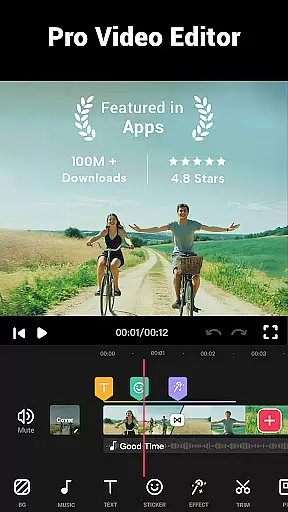

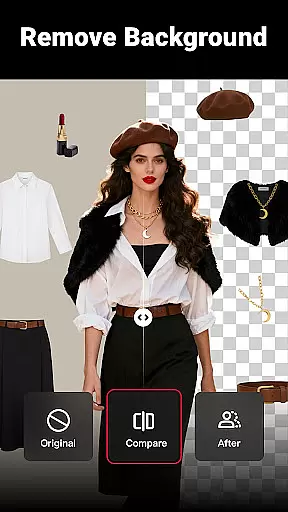
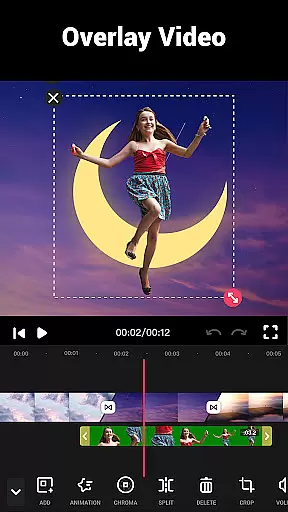
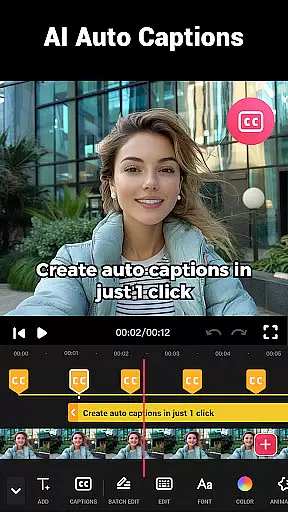
Video Maker is a versatile video editing application that allows users to create professional-quality videos directly from their Android devices. The app offers an extensive range of features including trimming, cutting, and adjusting video speed, as well as adding music, transitions, filters, and effects. With support for 4K video export and no watermark, it provides creators with the tools needed to produce high-quality content for platforms like YouTube, Instagram, and TikTok.
Beyond basic editing, Video Maker stands out with its multi-layer editing capabilities, glitch effects, and sound customization options. Whether you're a beginner or a seasoned creator, this app catifies all your video editing needs in one place. Its intuitive interface makes video creation accessible to everyone while delivering powerful functionality that rivals desktop editing software.
The app's ability to convert photos into videos with music, combined with its vast library of effects and transitions, makes it ideal for creating engaging vlogs, social media content, or promotional videos. By offering advanced features like video speed control, background blur, and HD exporting, Video Maker empowers users to bring their creative visions to life without any technical barriers.
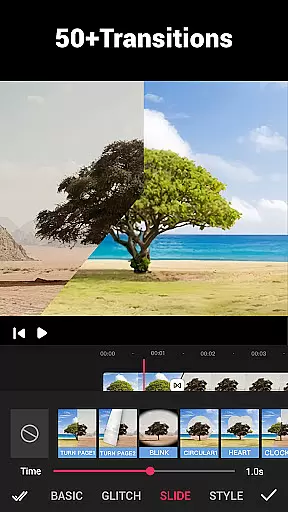
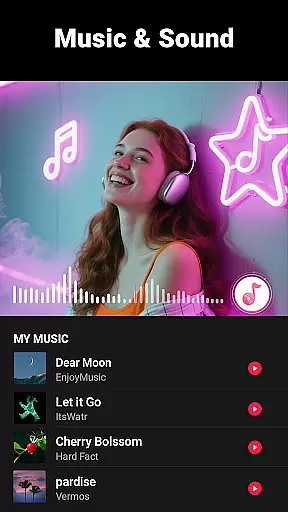
Video Maker distinguishes itself through its comprehensive suite of editing tools designed for both amateur and professional use. The app supports multi-layer editing, enabling users to add music tracks, voice-overs, and sound effects seamlessly. With over 50 transition effects and various filters, users can enhance their videos with cinematic flair. The ability to extract audio from videos and adjust track markers according to rhythm adds another layer of creative control.
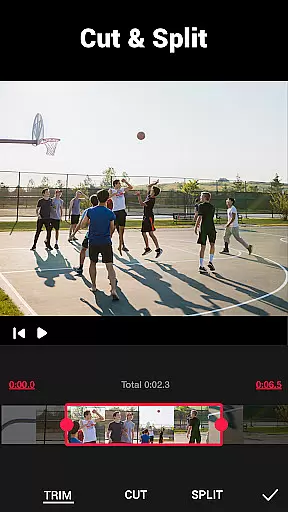
One of the standout features is its user-friendly interface that simplifies complex editing tasks. Users can trim, cut, and split videos into multiple clips effortlessly. The app also includes speed adjustment tools, allowing creators to produce fast or slow-motion effects with precision. Additionally, the absence of banner ads and watermarks ensures a distraction-free editing experience.
Video Maker also excels in its adaptability across different platforms. It offers customizable video ratios for various social media formats, including 1:1 for Instagram and 16:9 for YouTube. The inclusion of a video compressor and converter further enhances its utility, letting users optimize file sizes without compromising quality. These robust features make Video Maker an indispensable tool for anyone looking to create compelling video content.
Video format compatibility is a crucial feature for any video editing application, ensuring that users can work with a wide range of video files without conversion hassles. Video Maker excels in this area by supporting various popular formats, allowing creators to import and export videos seamlessly.
The app's robust compatibility covers formats like MP4, AVI, MOV, and more, making it versatile for both casual users and professional content creators. This flexibility ensures that no matter the source of your video, you can start editing immediately without worrying about format restrictions.
For users looking to share their creations on platforms like YouTube or Instagram, Video Maker guarantees that exported videos maintain high quality across different formats. The absence of a watermark further enhances the sharing experience, providing a clean, professional look to every video.
By prioritizing comprehensive video format support, Video Maker empowers users to focus on their creative process rather than technical limitations, significantly improving the overall video editing experience.
AI-powered editing features represent the cutting edge of video editing technology, automating complex tasks and enabling creators to produce professional-quality videos with minimal effort. Video Maker incorporates advanced AI tools that simplify the editing process while delivering impressive results.
One standout feature is the automatic audio extraction and rhythm-based marking, which allows users to synchronize video cuts with music beats effortlessly. This creates dynamic, engaging content that stands out on social media platforms like TikTok and Instagram.
The app also utilizes AI for its powerful transition effects and filters, intelligently suggesting enhancements based on video content. These smart recommendations help users, especially beginners, to create visually stunning videos without requiring extensive technical knowledge.
With real-time AI processing, Video Maker ensures smooth performance even when applying complex effects. This technological advantage enables creators to experiment with different styles and techniques, pushing the boundaries of their creativity while maintaining efficient workflow.
User-friendly interface
Extensive editing tools
No watermark on exports
Supports 4K video quality
Versatile platform compatibility
Occasional performance lags
Limited advanced color grading
Some features may feel overwhelming
Music library could be more extensive
Ads in free version

Video player, file manager for all formats, 4K/HD media player supports subtitle
 4.30
4.30
You can play SWF format file!
2.50
Watch full episodes of your favorite Cartoon Network and Cartoonito shows!
3.50
Tik & Story Saver-Download ALL social media videos, photos & reels no watermark.
4.80
Capture images & record videos for USB Camera, Webcam, Microscopes, Endoscopes
3.80
Download videos easily & play them all in one smart, powerful video manager.
3.40
Download website videos fast&privacy
4.40
All in one HD video downloader & player for multiple formats with full privacy
4.70
Browser for Fire TV to stream webvideos, online movies, livestreams in HD
4.40
Flud is a simple and beautiful BitTorrent client for Android.
4.80
Play ALL formats in 4K & HD. Video downloader, MP3 player, Chromecast & more.
4.80
GENRAL PRO - General Pro is the best video player that fully supports all formats.
4.70
A Simple app to download Video & Music from the Internet.
4.70
HD Video player all format, HD Videos, Cast & Subtitle. No annoying ads.
4.60
?100% FREE! Download & save videos? safely in this app. All formats supported.
4.60
Watch a large amount of high-definition short drama content
4.60
Create photo video with music & template. AI video maker for stunning slideshow.
4.60
IPTV Loader, loads your own Playlist. DOES NOT CONTAIN ANY LIST OR CHANNELS
4.60
KMPlayer Plus (Divx Codec) officially support Divx codec.
4.30


User Reviews