

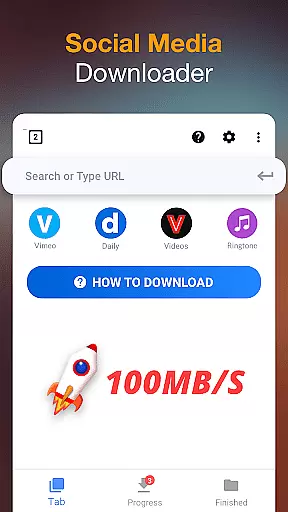
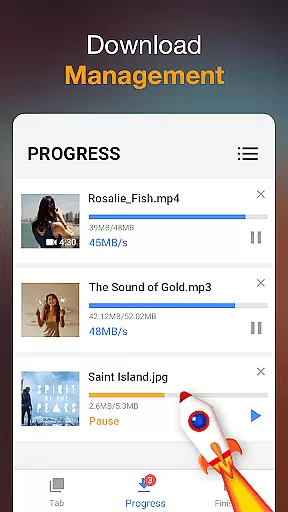
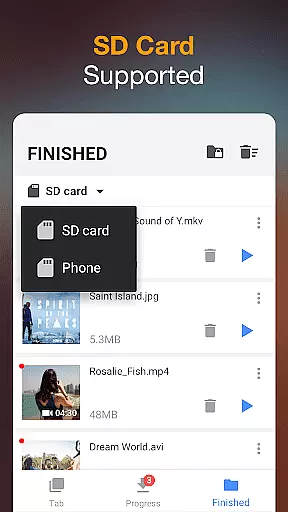

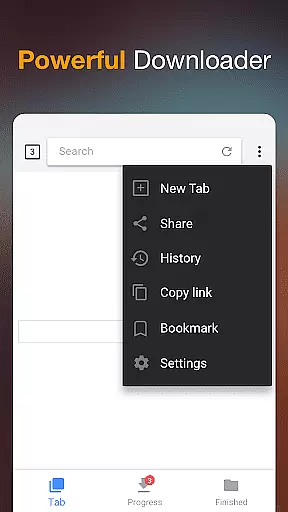
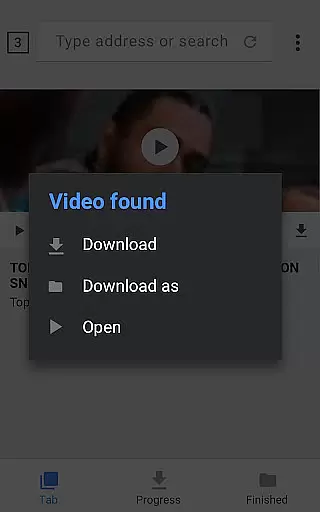
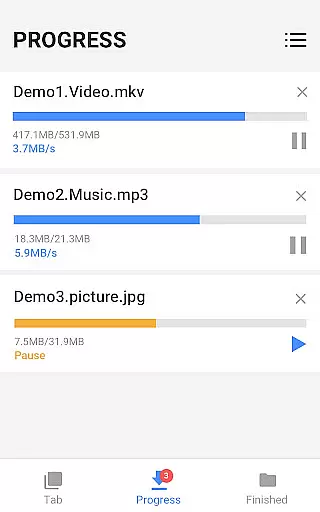
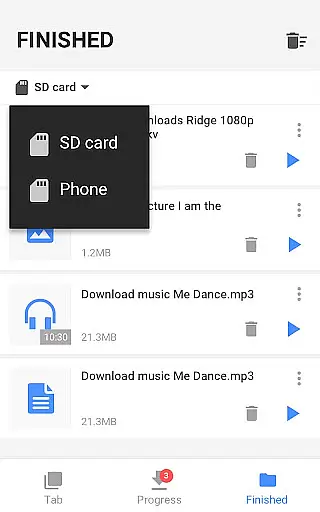

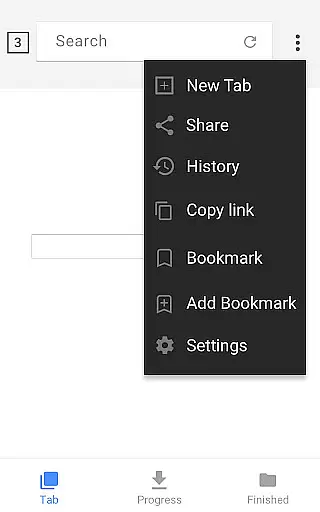
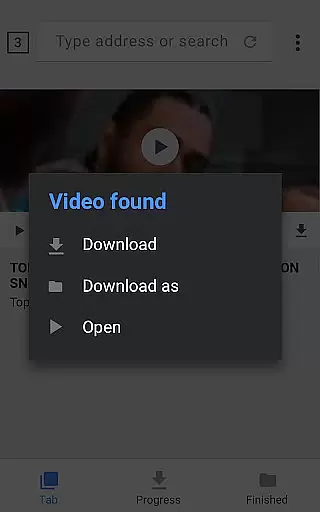
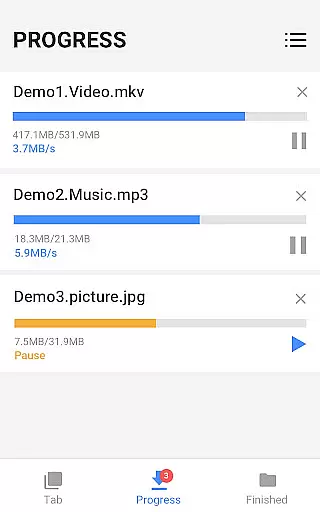
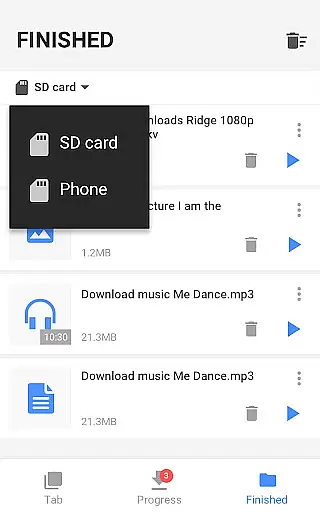

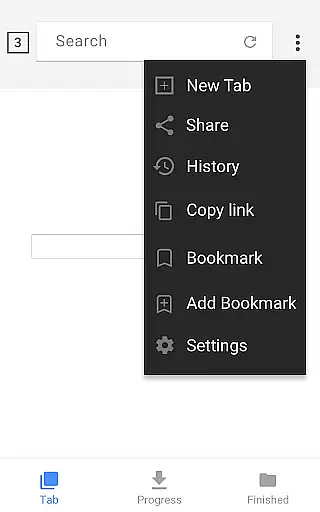
Video Downloader is a versatile tool designed to simplify the process of downloading videos and music directly from the Internet onto your device. This application supports all video formats, making it an ideal choice for users who need flexibility in their downloads. Whether you're looking to save online content for offline viewing or require specific file types for personal use, Video Downloader delivers a seamless experience.
The app's powerful download manager allows users to pause and resume downloads, ensuring that large files can be managed efficiently. With support for background downloads and the ability to handle multiple files simultaneously, this tool caters to both casual users and those with more demanding needs. Its user-friendly interface and fast download speeds make it accessible to everyone, while features like password-protected folders enhance security for your downloaded content.
Video Downloader stands out with its comprehensive feature set tailored for efficient media management. The built-in browser enables users to browse and detect videos effortlessly, allowing for quick downloads with just one click. This functionality is complemented by a robust download manager that supports pausing, resuming, and removing downloads, giving users complete control over their download tasks.
In addition to supporting all major file formats such as MP3, MP4, AVI, and PDF, the app offers specialized options like HD video downloads and background downloading. Users can also take advantage of advanced features like SD card support and bookmarking favorite websites. These capabilities ensure that whether you're downloading videos for entertainment or saving important documents, Video Downloader provides the tools necessary to manage your digital library effectively.
Video format compatibility is a crucial feature for any video player and editor, ensuring that users can enjoy a wide range of video content without worrying about format support. Video Downloader excels in this area by supporting all major video formats including mp3, m4a, mp4, m4v, mov, avi, wmv, and more.
The application's powerful download manager not only allows users to pause and resume downloads but also ensures that files of any format are downloaded seamlessly. This means whether you're downloading music or high-definition videos, the process is smooth and hassle-free.
For users who frequently download various types of media, having comprehensive format support means they can manage their media library more effectively. With Video Downloader, there's no need to convert files before playing them back, saving time and effort.
Ultimately, the extensive video format compatibility enhances user experience by providing flexibility and convenience. Users can download, store, and play videos and music directly from their device with confidence, knowing that whatever format they encounter, Video Downloader has them covered.
AI-powered editing features represent the cutting edge of video player and editor technology, offering users advanced tools to enhance their video content effortlessly. Video Downloader incorporates such innovative features, allowing users to edit their videos with minimal effort and achieve professional results.
One standout feature is the auto-detection of videos, which simplifies the downloading process significantly. By tapping the download button, users can choose which video to download, streamlining the workflow and making it accessible even for those with little technical expertise.
In addition to simplifying downloads, AI enhancements enable users to preview videos quickly and accurately. This ensures that users can make informed decisions about their downloads, optimizing both time and storage space on their devices.
By integrating AI-powered editing features, Video Downloader not only facilitates easy downloading and management of video files but also empowers users to create and customize content like never before. These capabilities set a new standard for what users should expect from a modern video player and editor.
User-friendly interface
Fast download speed
All format support
Background downloads
Powerful download manager
Limited free features
Ads in free version
Occasional bugs
Requires permissions
No cloud integration

A Quick and Pro Video Editor
 4.70
4.70
All format media Player, no need video converter any more!
4.00
Capture images & record videos for USB Camera, Webcam, Microscopes, Endoscopes
3.80
This app was created to edit the metadata of music files.
4.20
High-Quality USB Camera Viewer & HDMI Display
4.70
Play and download HD videos from all sources — fast, simple, and all-in-one.
4.5
Add date and time watermark to photos and videos
4.50
Viddo: Generate Action Figure, AI Anime, AI kiss, AI hug Video from image & text
4.40
Create, Publish & Maximize
4.70
Download Hub, easy and private way to download and enjoy your videos offline
4.80
GENRAL PRO - General Pro is the best video player that fully supports all formats.
4.70
Create photo video with music & template. AI video maker for stunning slideshow.
4.60
Video Downloader, Multiple Resolution Options, Video Player
4.50
Download website videos fast&privacy
4.40
KMPlayer Plus (Divx Codec) officially support Divx codec.
4.30
Web Browser for LG TV to stream webvideos, online movies and livestreams in HD
4.20
AI Video Editor:AI Music, Text to Video,Text to Speech,Auto Caption,Video Effect
4.00
Live TV, anywhere in your home
3.80
Powerful HD video player with support for all formats & subtitles.
4.1


User Reviews