
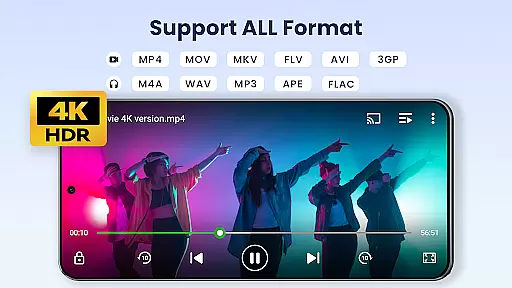

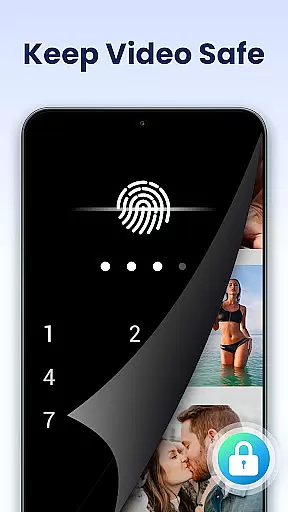
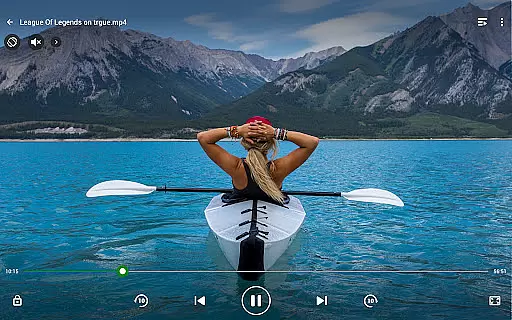
Video Player All Format is a versatile video playback application designed for both Android phones and tablets. This professional-grade player supports all video formats including MKV, MP4, AVI, and more, with specialized features like 4K Ultra HD playback. The app ensures privacy by allowing users to set passwords for private albums, protecting personal videos from unauthorized access. With hardware acceleration, it delivers smooth playback even for high-resolution files.
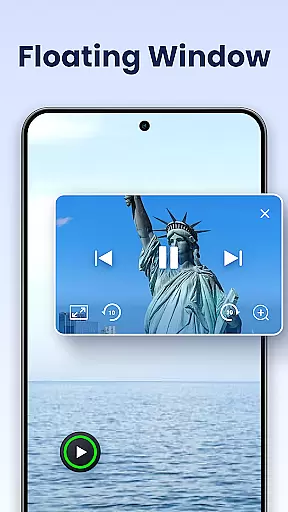
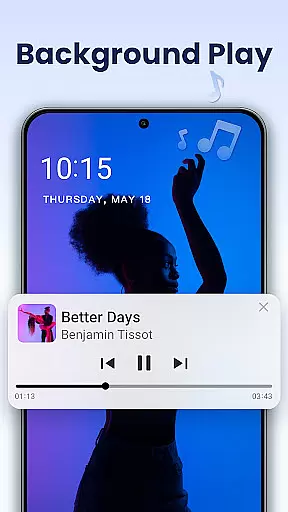
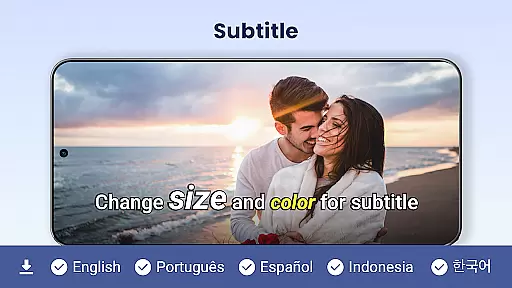
Beyond basic playback, the app offers advanced functionalities such as pop-up video windows, background play, and Chromecast support for casting videos to TV screens. It also includes practical tools like subtitle downloader, night mode, and playback speed control. These features make it an essential tool for users who need comprehensive video management and high-quality playback on their mobile devices.
Video Player All Format stands out with its extensive format compatibility and advanced playback options. The app supports every major video format, ensuring no file is unplayable. Its hardware acceleration feature enables seamless 4K video streaming, while the multi-playback options allow customization of screen orientation, aspect ratio, and screen lock settings.
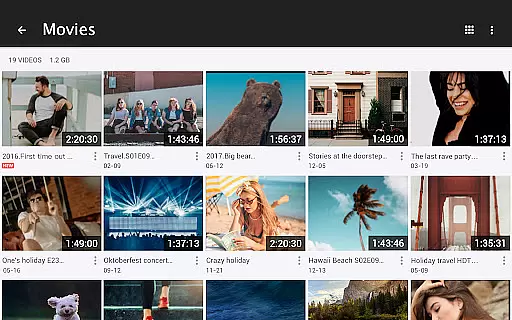
The app's unique capabilities extend to multitasking support through floating video windows that can be resized and moved across the screen. Users can also enjoy background video playback, turning visual content into an audio experience. Additionally, the built-in file manager automatically scans and organizes videos on both internal storage and SD cards, making it easy to manage or share files directly from the app.
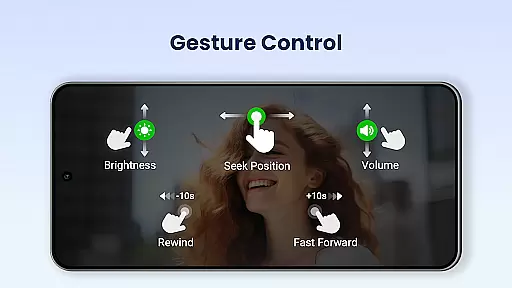
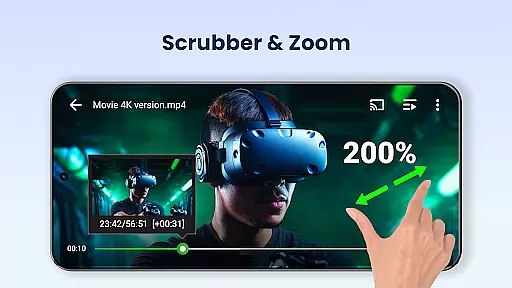
Other notable features include Chromecast integration for big-screen viewing, speed control for slow or fast motion playback, and intuitive touch controls for adjusting volume, brightness, and progress. These robust features collectively deliver a premium video playback experience tailored to diverse user needs.
Video Player All Format stands out as a versatile video playback tool that supports an extensive range of video formats, making it adaptable to various user needs.
The application is designed to handle ALL video formats including MKV, MP4, M4V, AVI, MOV, 3GP, FLV, WMV, RMVB, TS, and more. This ensures that users are not limited by specific file types and can enjoy both standard and high-definition content without conversion hassles.
Moreover, the Ultra HD video player capability means that even 4K video files play back with impressive clarity. Whether you're using an Android tablet or phone, this feature caters to those who demand the highest video quality on their devices.
By removing the barrier of format compatibility, Video Player All Format provides a seamless experience for users who want to watch videos without worrying about whether their player will support the file type.
Beyond its core functionality as a video player, Video Player All Format incorporates AI-powered features that enhance the viewing experience.
One notable feature is the automatic identification of all video files on your device and SD Card, streamlining media management. The smart organization saves time and effort, allowing users to focus on enjoying their content rather than searching for it.
In addition to managing and sharing videos easily, the app offers advanced playback options such as speed control from 0.5 to 2.0 times the normal rate, catering to viewers who prefer slow motion or fast playback depending on their mood or need.
These intelligent enhancements demonstrate how AI integration in Video Player All Format not only simplifies video management but also enriches the overall user engagement with innovative playback controls.
Supports all video formats
Hardware acceleration
Private folder protection
Chromecast integration
Background playback
No iOS version available
Occasional ads in free version
Limited editing tools
Subscription required for premium
Interface may feel cluttered

Kodi media center, a free and open source cross-platform entertainment hub
 3.60
3.60
Create photo video with music & template. AI video maker for stunning slideshow.
4.60
Full HD Video mp3 Player, MP4 player play 1080p, File manager, Video Downloader
4.40
Cast to Smart TV, Fire TV. Cast video, photo - Fast & Stable!
3.90
Add date and time watermark to photos and videos
4.50
The essential companion to your Blue Iris PC software
2.50
Cast movies, tv shows and live streams to Chromecast, Roku, DLNA, Fire TV & more
4.60
Screen recorder with audio to take live videos & Screenshot in high quality!
4.70
Manage your YouTube channel on the go
4.40
AI Video Editor with Music, Filter, Slideshow, Effect, Merge & Trim Video.
4.80
GENRAL PRO - General Pro is the best video player that fully supports all formats.
4.70
Watch a large amount of high-definition short drama content
4.60
Browser for Fire TV to stream webvideos, online movies, livestreams in HD
4.40
VLC for Android is the best open source video and music player, fast and easy!
4.10
Stream Web Videos to Chromecast, Samsung, LG, Sony, Roku, Fire TV, DLNA + more
4.00
AirMirror is Receiver for Screen Mirroring and Casting from Apple Devices.
3.60
Watch full episodes of your favorite Cartoon Network and Cartoonito shows!
3.50
Download videos easily & play them all in one smart, powerful video manager.
3.40
The smartest M3U IPTV Player your playlists have ever seen.
4.4


User Reviews