
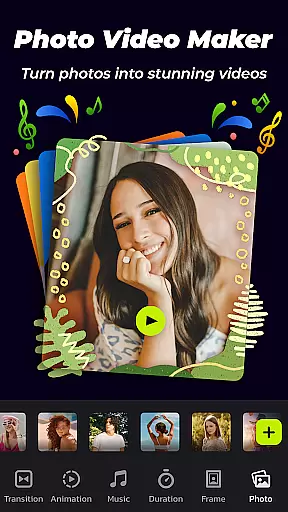
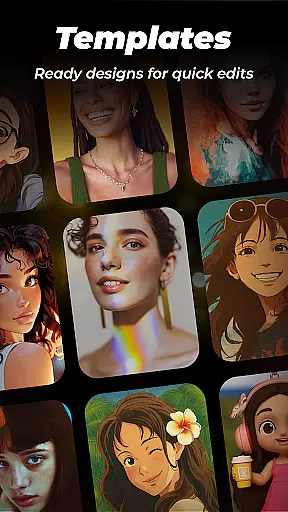

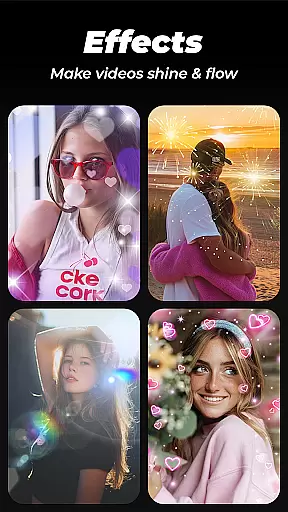
Photo Video Maker with Music - InSlide is a versatile video editing tool designed for creating engaging photo slideshows, music albums, and presentations. This app allows users to transform their photos and videos into professional-quality content by adding music, transitions, animations, and frames. With its user-friendly interface, even beginners can create stunning visual stories.
The application stands out with its rich content library that's regularly updated, offering various customization options such as aspect ratio adjustment, transparency settings, and transition effects. Whether you're looking to revitalize old photos, design a captivating slideshow, or publish eye-catching videos on social media platforms like Instagram and TikTok, InSlide provides all the necessary tools.
Ideal for personal or professional use, this app enables users to record and share precious moments effectively. From holiday greetings to tutorial videos, Photo Video Maker serves as an all-in-one solution for creative video production.
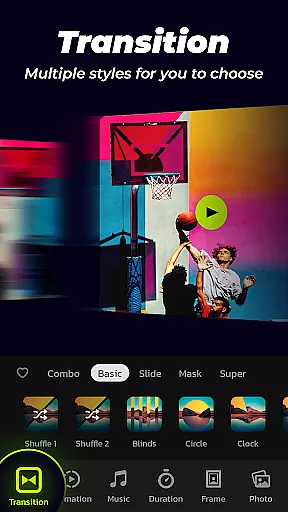
Photo Video Maker offers a comprehensive suite of features that cater to diverse video editing needs. One of the standout functionalities is the ability to import multiple photos at once and assemble them into professional-looking videos quickly. The app includes an easy one-click transition feature, providing a wide selection of transition effects that enhance the visual appeal without manual hassle.
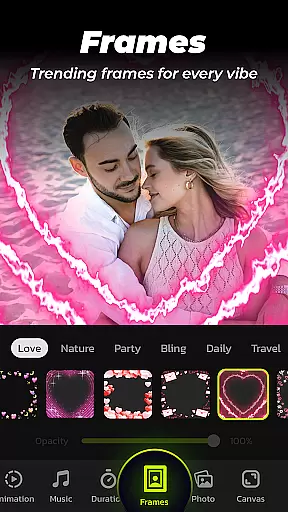
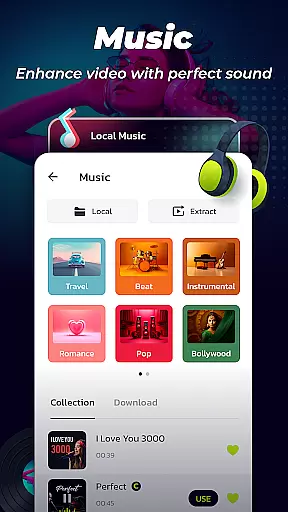
In addition to transitions, users can add music from a broad range of online styles or upload their tracks. The app also boasts categorized frames themed around family, travel, and more, allowing seamless integration with slideshow content. Customization extends to setting transition durations between 0.5 to 8 seconds, ensuring smooth flow control throughout the presentation.
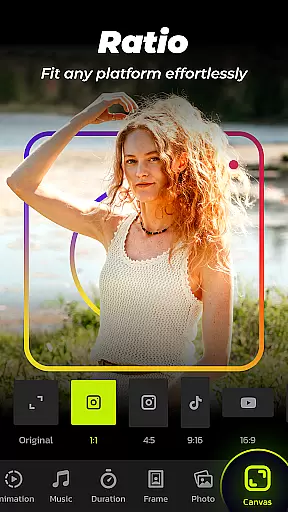
Export options are flexible with resolutions ranging from 480P to 2K, alongside adjustable aspect ratios tailored for platforms like YouTube, TikTok, and Instagram. These robust features make it simple for anyone to produce high-quality videos ready for sharing across various social networks.
Video format compatibility is crucial for any video editor, ensuring that users can work with a wide range of file types without conversion hassles. Photo Video Maker - InSlide supports an extensive array of video formats, allowing creators to import and export projects in their desired resolutions.
This application stands out by offering flexibility from 480P to 2K resolution selections, catering to both easy sharing and high-quality visual needs. Whether you're looking to upload your creations on YouTube, TikTok, or Instagram, the adaptive aspect ratio feature ensures your content fits perfectly on any platform.
With this tool, users are empowered to focus on their creative process rather than technical limitations. The ability to customize output settings means that whether it's for professional presentations or casual social media posts, your videos will always meet the necessary specifications.
AI-powered editing features revolutionize how we create and edit videos, making sophisticated tools accessible even to novices. Photo Video Maker - InSlide incorporates intelligent algorithms that automate complex processes such as transitions and animations, providing a seamless experience for creating dynamic slideshows.
The app offers one-click transition effects and automatic music synchronization, which significantly reduce the time and effort required to produce professional-grade videos. These AI-driven capabilities ensure that every project not only looks polished but also feels cohesive and engaging.
By leveraging these advanced features, users can enhance their storytelling with minimal manual adjustments. This makes InSlide an ideal choice for anyone looking to revitalize dull photos into stunning visual narratives quickly and efficiently.
User-friendly interface
Extensive transition effects
Versatile music library
Customizable frame options
Flexible resolution settings
Limited advanced editing
Fewer filters compared to competitors
Occasional bugs reported
Premium features locked behind paywall
Heavy app size

Online Videos Player
 3.90
3.90
Fast, private downloading, video saving, social media
4.50
Video Player - Unlimited features, 30 days money back guarantee.
4.60
An easy-to-use and all-round screen recorder with audio
4.80
GENRAL PRO - General Pro is the best video player that fully supports all formats.
4.70
IPTV Player - Watch live TV from m3m & m3u8 playlist, stream IPTV on mobile
3.30
Watch IPTV on your Android device
4.60
Flud is a simple and beautiful BitTorrent client for Android.
4.80
LumaFusion: The Ultimate Storytelling Experience for Video Editing
4.10
A Simple app to download Video & Music from the Internet.
4.70
Seamlessly connect and control your smart devices, anytime, anywhere with ease.
4.60
Search & download videos from net with all video downloader, auto-detect & safe.
4.60
Fast & easy HD video downloader for all formats, support 4K playback & download.
4.60
Cast movies, tv shows and live streams to Chromecast, Roku, DLNA, Fire TV & more
4.60
Auto video maker with music & exclusive filters. Video editing made simple.
4.50
All format media Player, no need video converter any more!
4.00
Explore the largest library of free GIFs, Stickers & Memes - or create your own!
3.90
Download videos easily & play them all in one smart, powerful video manager.
3.40
A full editing room to accompany your Insta360 cameras and handheld gimbals.
3.30


User Reviews