
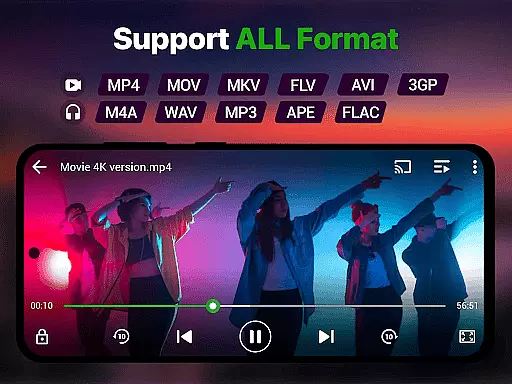
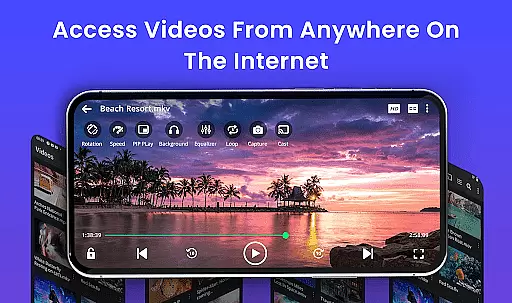
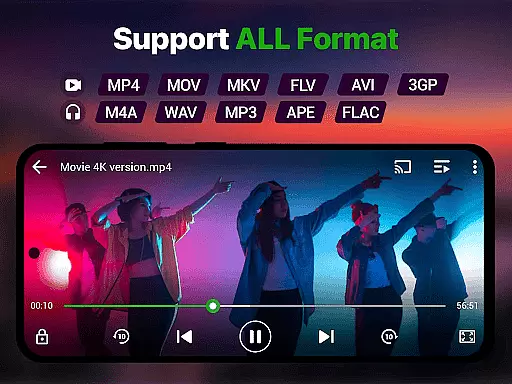
Video Player is a feature-rich media application designed for Android users who demand high-quality video playback. This app supports Ultra HD and 4K resolution, ensuring crystal-clear visuals for all your video content. With comprehensive format compatibility, including MP4, MKV, AVI, and more, it eliminates the need for separate apps to play different file types.
The app's standout features include smart gesture controls, multi-language subtitle support, and advanced playback options like speed control and background play. Its AI-enhanced rendering optimizes video quality while maintaining smooth performance. The inclusion of practical tools such as a built-in file manager, private folder security, and Chromecast support makes it an indispensable tool for managing and enjoying your video library.
Whether you're watching movies, educational content, or personal recordings, Video Player provides a cinema-grade experience on your mobile device. The combination of professional-grade features and user-friendly customization options creates an optimal viewing environment for both casual users and video enthusiasts.
Video Player distinguishes itself through its extensive feature set tailored for diverse user needs. The app's Ultra HD and 4K playback capability ensures exceptional video quality, while its broad format support (MP4, MKV, AVI, MOV, etc.) guarantees compatibility with virtually any video file. Advanced decoding technology and AI-enhanced rendering work together to deliver smooth, lag-free performance even with high-resolution content.
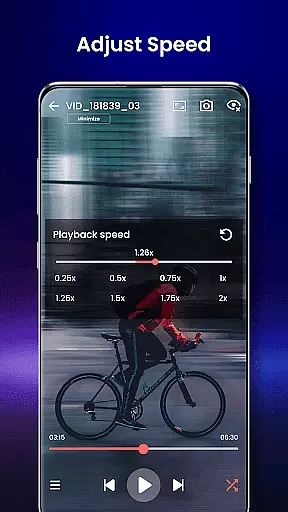
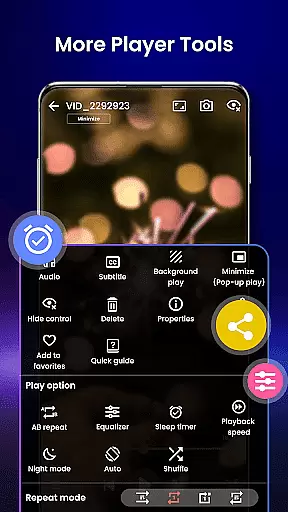
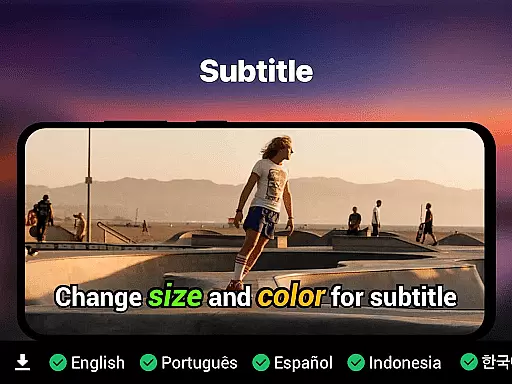
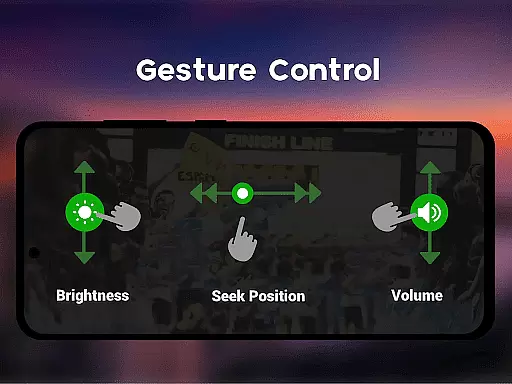
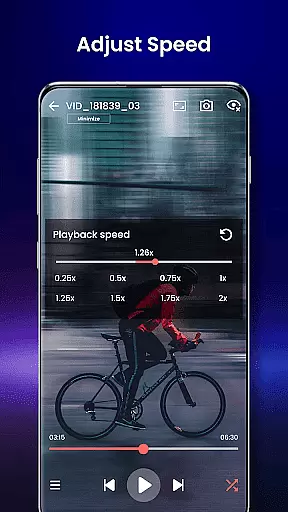
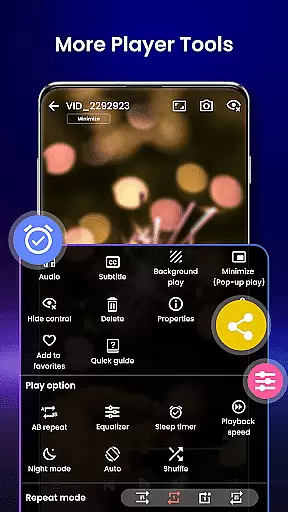
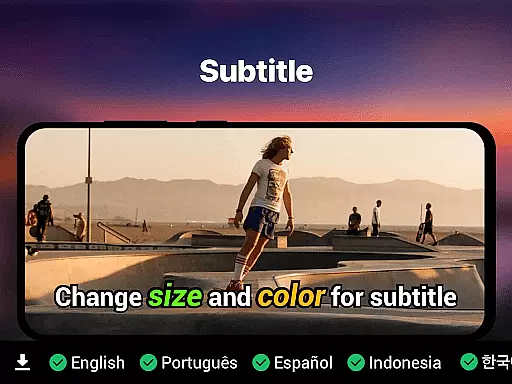
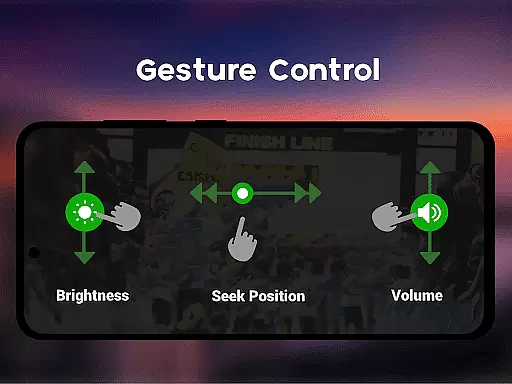
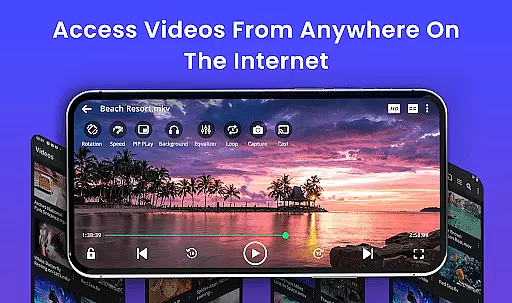
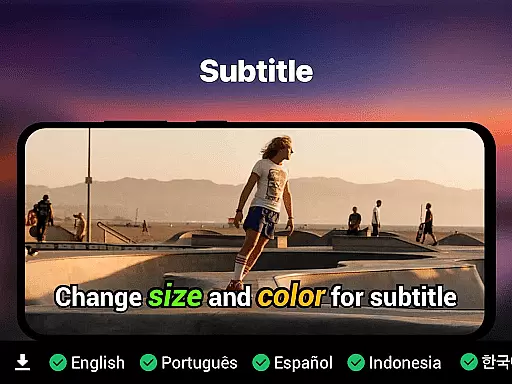
Usability enhancements include smart gesture controls that let users adjust volume, brightness, and playback position with simple swipes. Subtitle support covers multiple formats (SRT, SSA, ASS, VTT) with automatic track detection. The app also offers practical features like background play mode, pop-up window functionality, and variable speed control ranging from 0.25x to 4x.
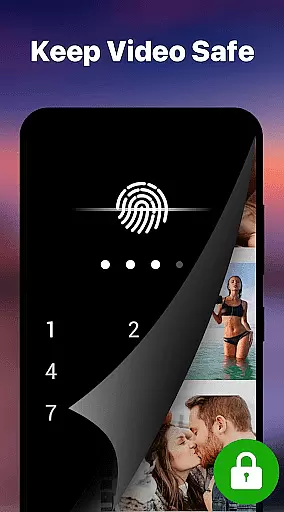
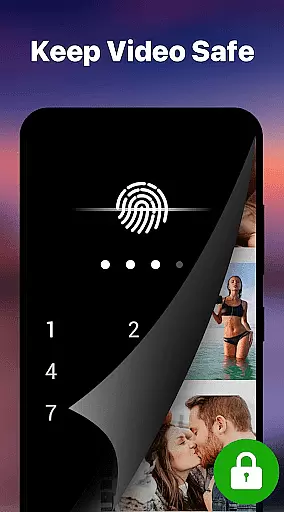
Additional professional-grade tools include a built-in file manager for automatic video organization, a secure private folder with PIN protection, and seamless Chromecast integration for TV streaming. These features, combined with night mode for comfortable viewing and resume playback functionality, create a comprehensive video viewing solution that caters to both entertainment and practical needs.
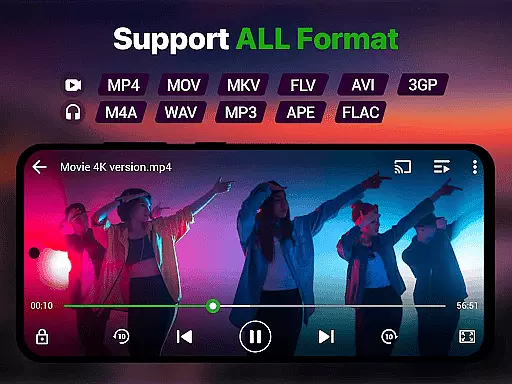
Video format compatibility is a crucial feature for any video player, ensuring that users can play videos in various formats without the need for conversion. The Video Player app supports an extensive range of video formats including MP4, MKV, AVI, MOV, FLV, 3GP, WMV, and more. This wide compatibility ensures that no matter what type of video file you have, the app will handle it with ease.
The app's advanced decoding technology guarantees smooth playback of high-resolution videos, from standard definition to stunning 4K quality. With AI-enhanced rendering, it optimizes each frame for clarity and seamless viewing. Whether you're watching movies, recorded clips, or downloaded files, you'll experience premium video quality with zero lag.
For users with diverse media collections, this means they can enjoy all their content in one place without worrying about format restrictions. The Video Player app becomes an all-in-one solution, simplifying how we interact with our video files and enhancing our overall entertainment experience on Android devices.
AI-powered editing features are revolutionizing how we interact with video content by providing smart tools that enhance and streamline the editing process. The Video Player app includes AI-enhanced rendering that boosts clarity and optimizes frames for a seamless viewing experience. These intelligent features ensure that even high-resolution videos play smoothly, adapting to different screen sizes and resolutions.
In addition to playback enhancements, the app offers smart gesture controls for volume, brightness, and seeking, making navigation intuitive and user-friendly. Subtitle support with automatic track detection and synchronization further enriches the viewer's experience, allowing for personalized and accessible content consumption.
By integrating AI into its core functionalities, the Video Player app not only simplifies video playback but also empowers users to manage and enjoy their media collections more effectively. This positions the app as a powerful companion for both casual viewers and those who require advanced capabilities for video tutorials or lectures.
Supports 4K resolution
All video formats compatible
Smart gesture controls
Subtitle synchronization
No ads included
Requires high storage
Drains battery faster
Complex for beginners
Lacks cloud backup
Heavy app size

Watch full episodes of your favorite Cartoon Network and Cartoonito shows!
 3.50
3.50
AirMirror is Receiver for Screen Mirroring and Casting from Apple Devices.
3.60
All in one HD video downloader & player for multiple formats with full privacy
4.70
All in one multi protocols stream receiver for AirPlay, Cast and DLNA.
3.60
Browser for Fire TV to stream webvideos, online movies, livestreams in HD
4.40
Livestream, news, & gaming content. Watch, chat, and upload. Join Rumble today!
3.80
Fast & Private HD Video Downloader with Built-in Proxy Browser and Video Player.
4.50
Photo editor & video maker with music and slideshows.
4.10
Make videos you’re proud to share with Edits, a video editor for creators.
4.70
A Simple app to download Video & Music from the Internet.
4.70
HD Video player all format, HD Videos, Cast & Subtitle. No annoying ads.
4.60
Watch a large amount of high-definition short drama content
4.60
Watch IPTV on your Android device
4.60
Fast, private downloading, video saving, social media
4.50
Video Downloader, Multiple Resolution Options, Video Player
4.50
LumaFusion: The Ultimate Storytelling Experience for Video Editing
4.10
Fast private browser with secure, seamless access & supported video downloads!
4.00
Live TV, anywhere in your home
3.80
Connect EasyCap or UVC devices for recording and broadcast video/audio stream
3.60


User Reviews