


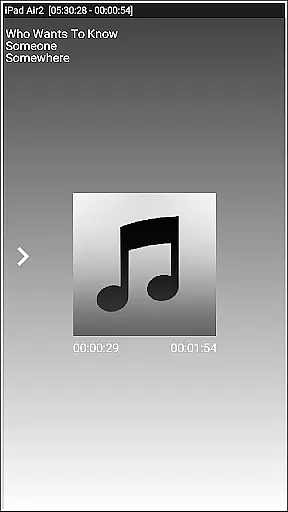
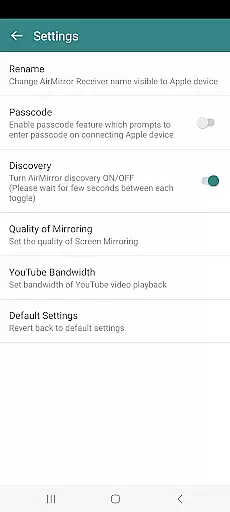
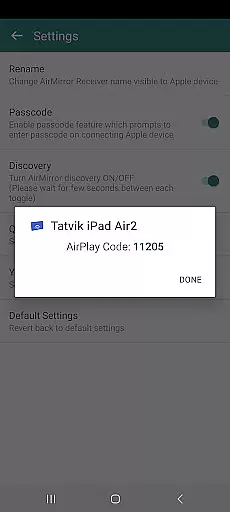
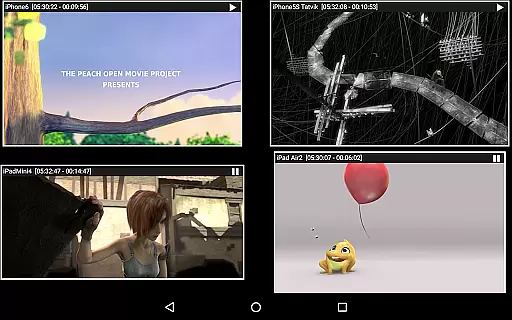


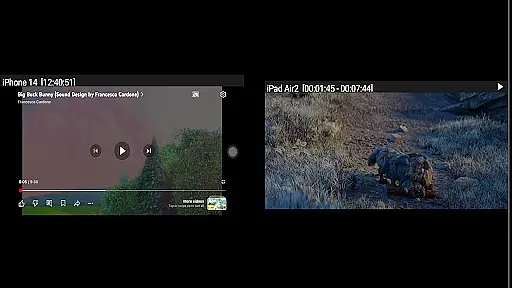
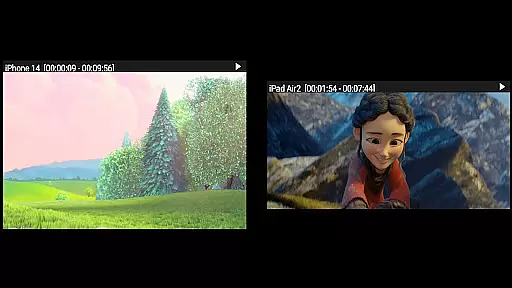

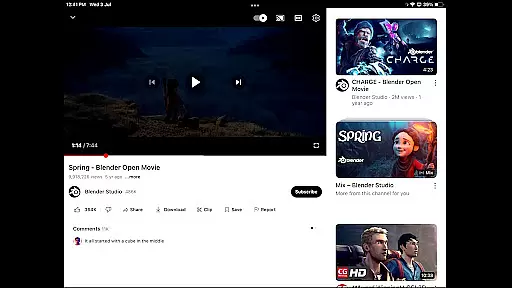
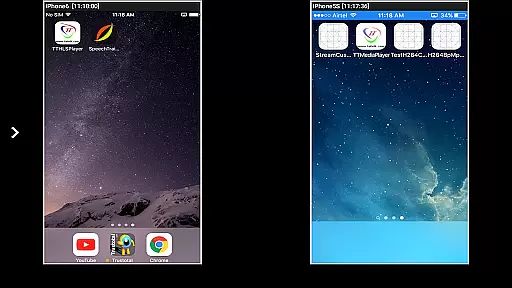

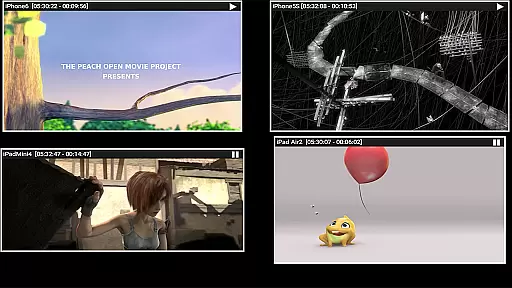
AirMirror is an innovative receiver application designed specifically for Android devices, enabling seamless screen mirroring and casting from Apple devices. Compatible with iPhones, iPads, MacBooks, and iMacs, this app allows users to mirror screens, play back media content, and share YouTube links over a local network. With support for iOS versions 9 to 15, AirMirror facilitates simultaneous connections from up to four Apple devices, making it ideal for presentations, entertainment, and collaborative sessions.
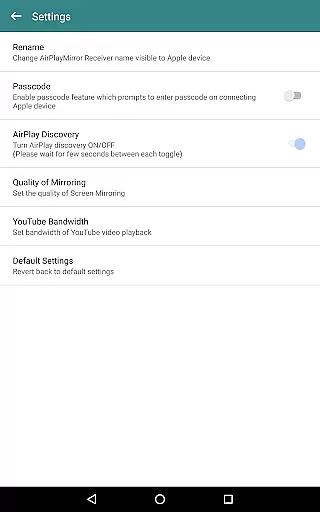
One of the standout features of AirMirror is its ability to display photos, images, and videos as a slideshow directly from an Apple device. The app also incorporates a passcode feature to prevent unauthorized sharing, ensuring that only approved users can connect. Additionally, users can resize and move the mirroring window within the app view, providing flexibility during screen sharing sessions. Whether you're conducting business meetings or enjoying multimedia content with friends and family, AirMirror offers a versatile solution for all your screen-sharing needs.
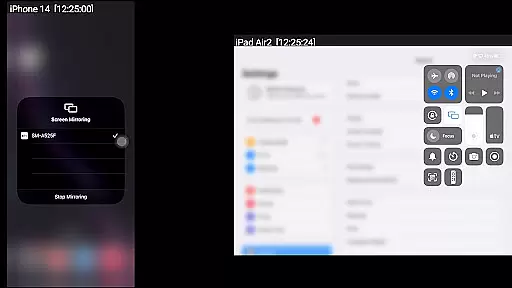
AirMirror stands out with its comprehensive set of features tailored for efficient screen mirroring and media sharing. One of its primary capabilities is the mirroring of screens from Apple devices, supporting iOS versions 9 through 15. This ensures compatibility with a wide range of devices, allowing users to share their screens effortlessly. Moreover, the app supports simultaneous connections from up to four Apple devices, which is particularly beneficial in environments where multiple users need to present or share content.
In addition to screen mirroring, AirMirror enables playback of media content stored on Apple devices. Users can enjoy slideshows of photos, images, and videos, enhancing shared viewing experiences. The app also includes a unique feature for playing YouTube content from an Apple device to the AirMirror receiver, broadening its utility for entertainment purposes. Furthermore, the ability to resize and move the mirroring window provides users with greater control over their viewing experience, while Bluetooth Low Energy advertising extends connectivity across different subnets, ensuring robust performance in various network configurations.
Video format compatibility is a crucial feature for any video player or editor, ensuring that users can access and work with a wide range of video files without hassle. AirMirror supports screen mirroring and casting from Apple devices to Android, accommodating various video formats available on iOS devices.
This application facilitates the playback of media content from Apple devices, including videos, photos, and YouTube links over the local network. By supporting multiple formats, AirMirror ensures that whether you're sharing family videos, presenting business content, or enjoying multimedia with friends, the transition from your Apple device to an Android screen is seamless.
Moreover, AirMirror allows simultaneous casting from up to four Apple devices, making it ideal for collaborative environments where multiple users may need to share their screens. This versatility in handling different video streams highlights its robust compatibility features.
The ability to resize and move the mirroring window within the app view adds another layer of flexibility, catering to diverse user preferences and needs. With such comprehensive video format support, AirMirror stands out as a powerful tool for both personal entertainment and professional presentations.
AI-powered editing features represent the cutting-edge advancement in video players and editors, providing users with intelligent tools to enhance their video content effortlessly. While AirMirror primarily focuses on screen mirroring and casting, its capabilities extend to optimizing the playback experience through smart adjustments.
One notable feature is the automatic resizing and movement of the mirroring window within the app view. This functionality not only enhances user convenience but also demonstrates a basic level of AI-driven adaptability, ensuring optimal viewing regardless of the source device's orientation or resolution.
AirMirror further enriches the user experience by enabling slideshow presentations of photos, images, and videos stored on Apple devices. Although these features are not traditional AI-based editing tools, they contribute significantly to creating engaging visual narratives without requiring manual intervention.
Additionally, the appu2019s ability to handle simultaneous connections from multiple Apple devices showcases its underlying intelligent management system. By efficiently managing resources and maintaining smooth performance, AirMirror exemplifies how AI principles can be integrated into practical applications, offering users a sophisticated yet user-friendly interface for sharing and enjoying multimedia content.
User-friendly interface
Multi-device support
Passcode security
YouTube playback
Flexible window management
No DRM content support
Limited live TV capability
Network dependency
iOS version restrictions
Occasional connectivity issues

HD Video player all format, HD Videos, Cast & Subtitle. No annoying ads.
 4.60
4.60
Your media, on your terms.
4.10
Download videos easily & play them all in one smart, powerful video manager.
3.40
Video Downloader, Multiple Resolution Options, Video Player
4.50
IPTV Loader, loads your own Playlist. DOES NOT CONTAIN ANY LIST OR CHANNELS
4.60
This app is an emulator of some specific IPTV boxes
3.50
Powerful video player with advanced hardware acceleration and subtitle supports
4.20
Create, Publish & Maximize
4.70
Capture the moment and Cut
3.40
Video Trimmer, Video to MP3 Converter. Extract music from video, Easy & Fast.
4.80
Download videos and play them offline
4.70
Find, download, and play torrents with the official BitTorrent® Pro app
4.70
Support 1000+ Video Format, Subtitle Download, mp3 & Background Play, Cast On TV
4.60
Seamlessly connect and control your smart devices, anytime, anywhere with ease.
4.60
Auto video maker with music & exclusive filters. Video editing made simple.
4.50
AirMirror Receiver - Screen mirroring/cast web videos to Android TV by AirPlay.
4.40
Viddo: Generate Action Figure, AI Anime, AI kiss, AI hug Video from image & text
4.40
Turn your phone into a wireless camera!
4.20
Livestream, news, & gaming content. Watch, chat, and upload. Join Rumble today!
3.80


User Reviews