
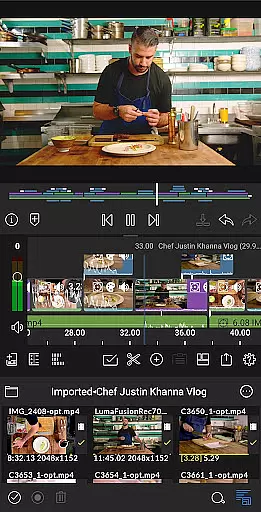
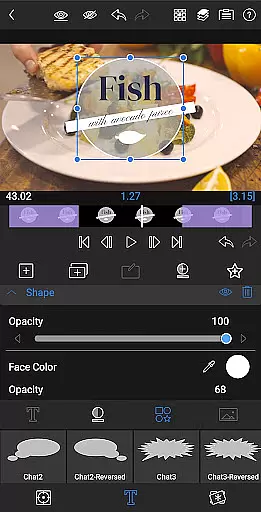
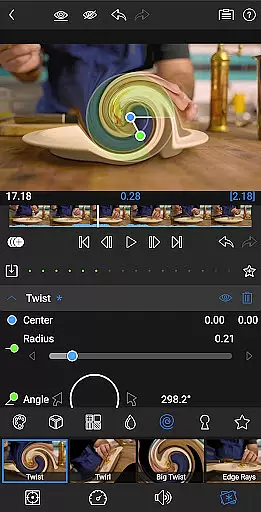
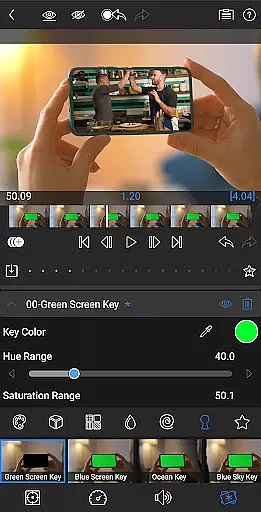
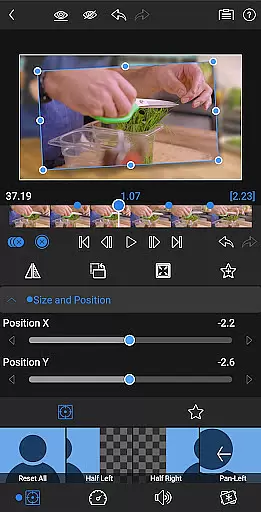
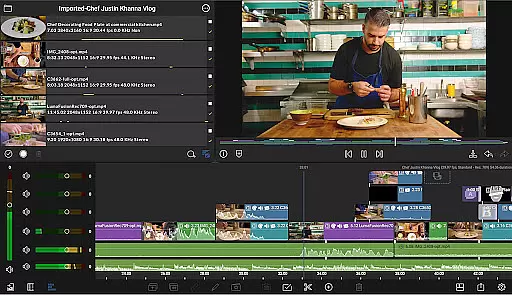
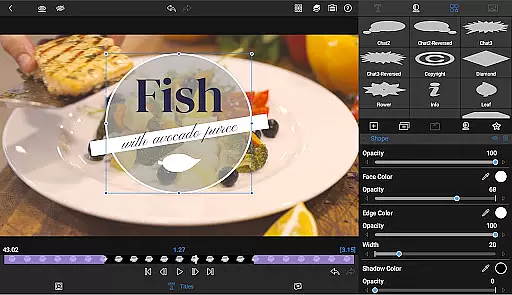
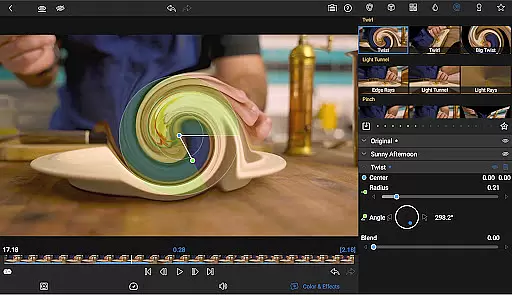
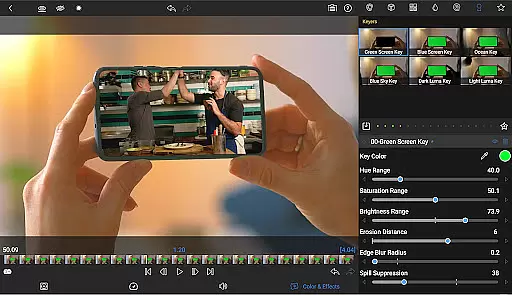
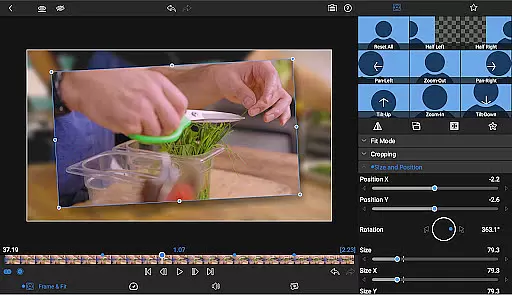
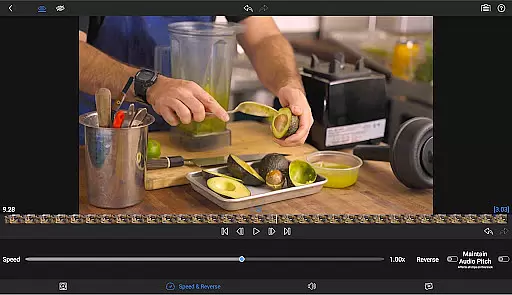
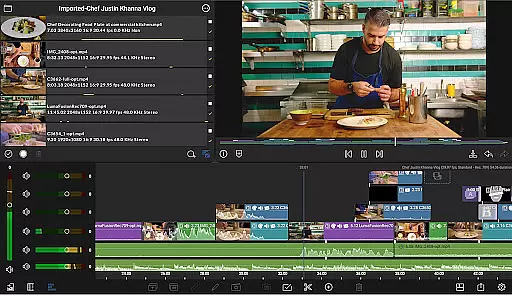
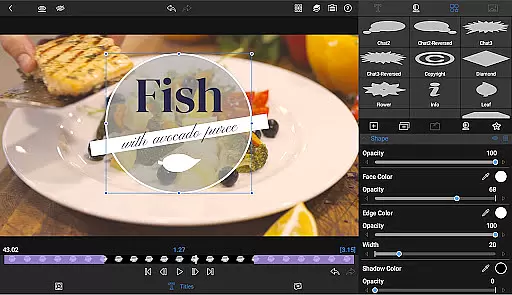
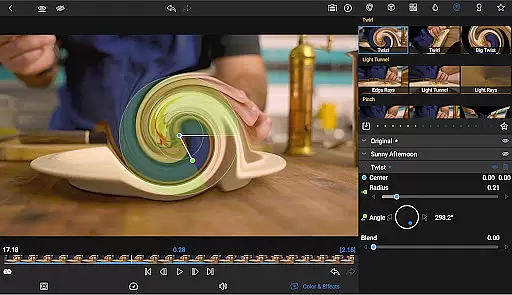
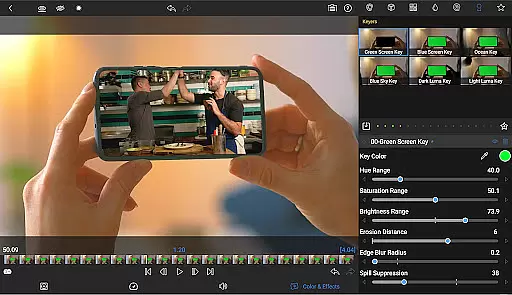
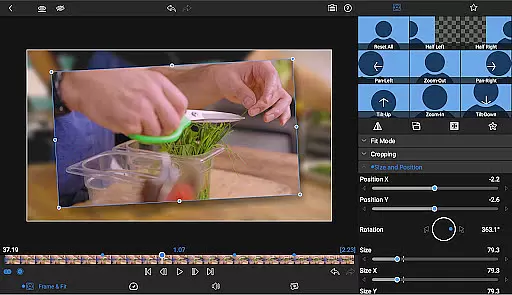
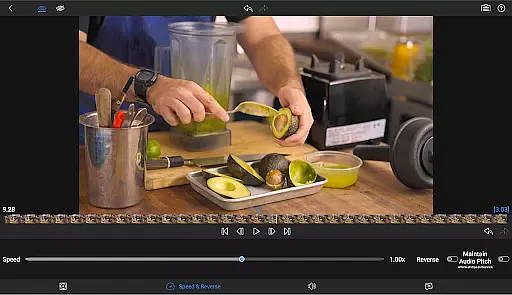
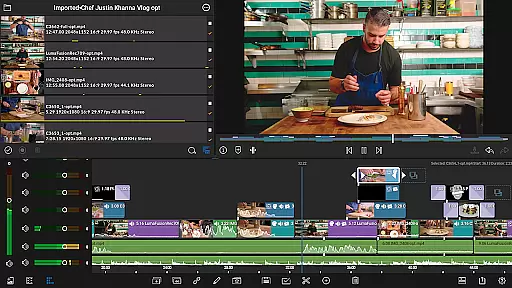
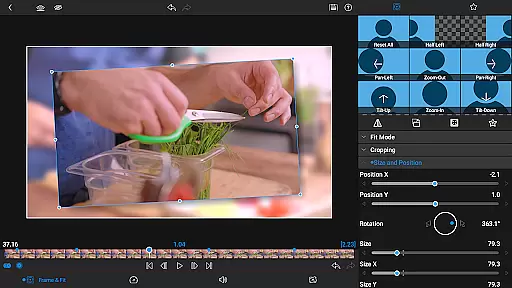

LumaFusion stands as the premier video editing application for storytellers, offering a seamless and intuitive touch-screen editing experience. With professional-grade features, it supports up to six video-with-audio or graphic tracks and six additional audio-only tracks, enabling complex edits with media up to 4K resolution. The app's flexible timeline, combined with advanced transitions, markers, tags, and voiceover capabilities, ensures an organized and efficient workflow.
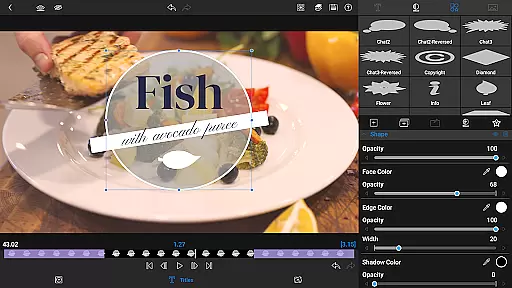
Enhance your projects with layered effects, color correction tools, and multilayer text options. LumaFusion provides powerful audio controls, customizable titles, and project flexibility across various aspect ratios and frame rates. Whether you're adjusting track heights for optimal viewing or exporting your masterpiece in diverse resolutions, LumaFusion caters to both creative and technical demands, making it indispensable for video editors on mobile platforms.
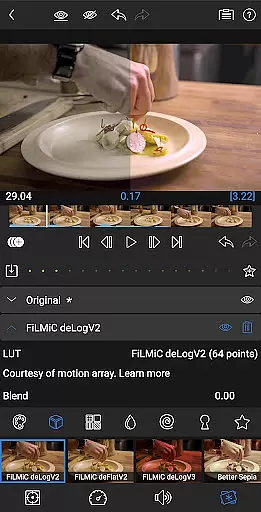
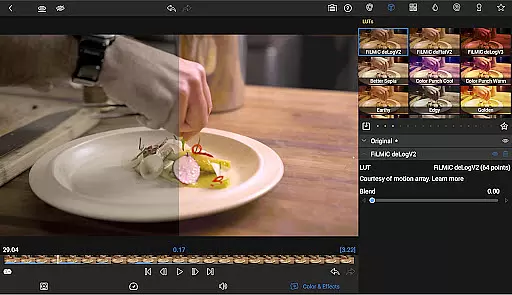
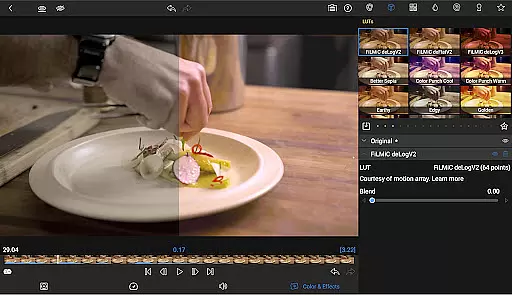
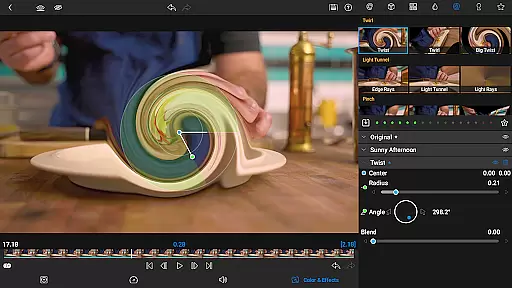
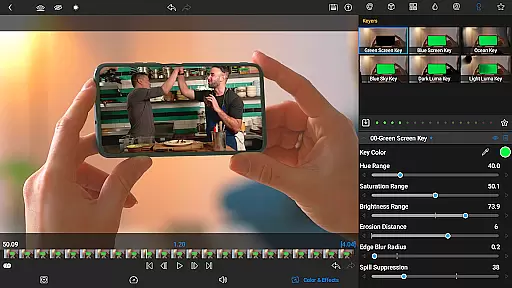
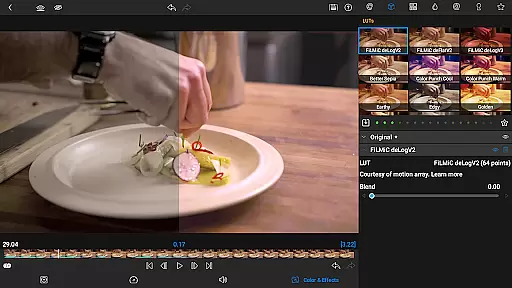
LumaFusion distinguishes itself through its comprehensive feature set tailored for professional video editing. It boasts a dual timeline system that combines track-based and magnetic timelines, facilitating fluid media manipulation. Editors can leverage green screen, luma, and chroma keys alongside robust color correction tools, including waveform, vector, and histogram scopes, along with support for LUT files.
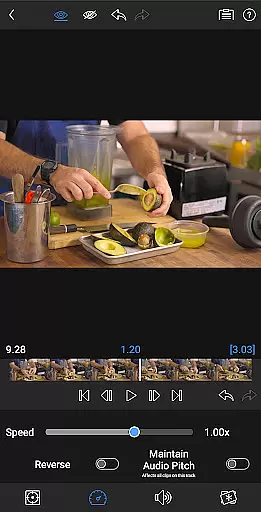
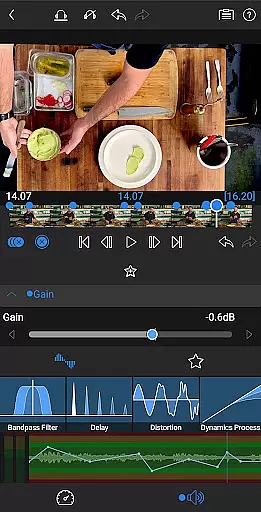
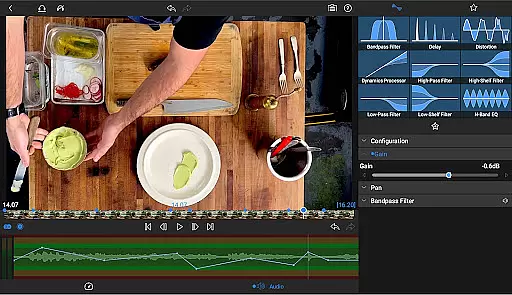
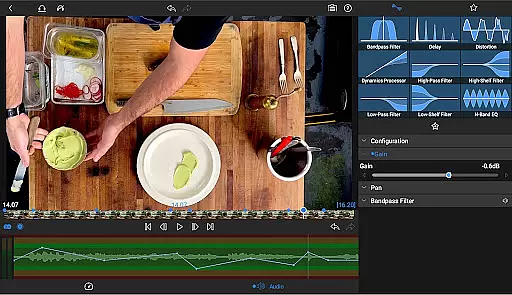
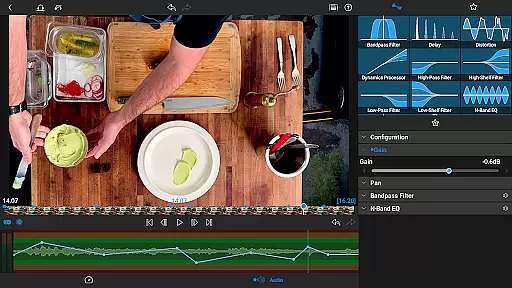
The app excels in audio management with graphic EQ, parametric EQ, and precise keyframing for levels and panning. Its multilayer text editor allows combining shapes, images, and customizable fonts, while the Media Library offers extensive import options from cloud storage and USB-C drives. Additional functionalities like speed ramping, Bézier curves, and enhanced keyframing are available via in-app purchase or subscription, further elevating the editing experience.
Video format compatibility is a crucial feature for any video editing application, ensuring that users can work with a wide range of video files without conversion hassles. LumaFusion excels in this area by supporting professional-grade formats up to 4K resolution across its six video tracks.
The app's robust media handling allows creators to import and edit videos directly from various sources, including USB-C drives and cloud storage. This versatility enables seamless integration into different workflows, whether you're editing cinema-quality footage or social media clips.
Users benefit from LumaFusion's comprehensive format support as it saves valuable production time and maintains original video quality throughout the editing process. The ability to handle multiple layers of high-resolution video ensures smooth performance even with complex projects.
This extensive compatibility empowers content creators to focus on their storytelling rather than technical limitations, making LumaFusion a reliable choice for professional video editors working across various platforms and devices.
While LumaFusion primarily focuses on traditional editing techniques, its advanced features incorporate intelligent tools that enhance the editing workflow. The application offers sophisticated automation through unlimited keyframes and customizable presets, streamlining the animation process for both beginners and professionals.
The software's powerful color correction tools include waveform, vector, and histogram scopes alongside LUT support, enabling precise color grading. These features, combined with AI-assisted functions like audio ducking and EQ keyframing, create a more intuitive editing experience.
Editors benefit from these smart features as they significantly reduce manual adjustments while maintaining creative control. The ability to save and share effect presets across projects enhances productivity and consistency in visual storytelling.
LumaFusion's intelligent editing capabilities represent a significant advancement in mobile video production, offering users sophisticated tools that adapt to their creative needs while maintaining the flexibility required for professional-grade video editing.
User-friendly interface
Professional editing tools
Advanced audio controls
Customizable text options
Flexible project settings
Subscription required for full access
Some features need in-app purchase
Complex for beginners
High device requirements
Limited free support resources

Connect 2 UVC devices for recording and broadcast video/audio stream
 3.90
3.90
Your media, on your terms.
4.10
Watch full episodes of your favorite Cartoon Network and Cartoonito shows!
3.50
AirMirror Receiver - Screen mirroring/cast web videos to Android TV by AirPlay.
4.40
Explore the largest library of free GIFs, Stickers & Memes - or create your own!
3.90
Cast to Smart TV, Fire TV. Cast video, photo - Fast & Stable!
3.90
Video Downloader, Multiple Resolution Options, Video Player
4.50
Download Hub, easy and private way to download and enjoy your videos offline
4.80
Video player with 4K & 1080P support, popup play, background play and subtitle.
4.20
GENRAL PRO - General Pro is the best video player that fully supports all formats.
4.70
Support 1000+ Video Format, Subtitle Download, mp3 & Background Play, Cast On TV
4.60
Browser + Remote for Roku to stream webvideos, online movies and livestreams
4.60
Fast, private downloading, video saving, social media
4.50
Fast & Private HD Video Downloader with Built-in Proxy Browser and Video Player.
4.50
Photo and Music Video Creator into Stunning Videos—Effortlessly
4.40
Video player, file manager for all formats, 4K/HD media player supports subtitle
4.30
IPTV-Smarters Player Pro M3U - Watch Live Stream TV Channels with Chromecast
4.00
All format media Player, no need video converter any more!
4.00
AI Video Editor:AI Music, Text to Video,Text to Speech,Auto Caption,Video Effect
4.00


User Reviews