
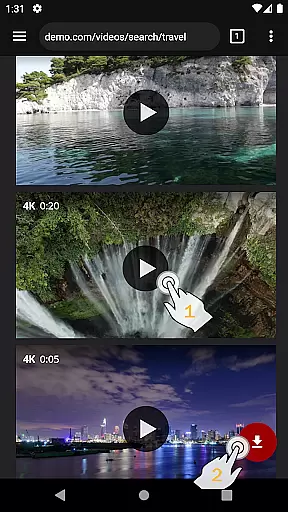
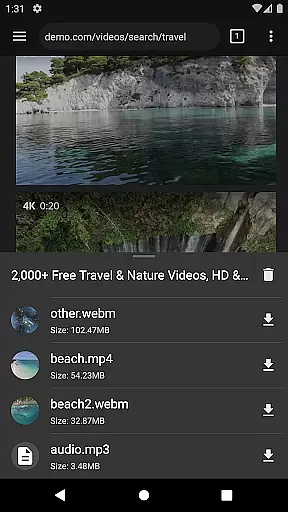
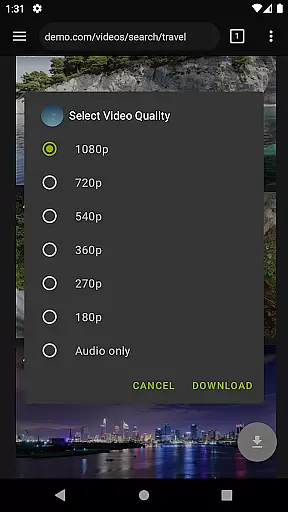
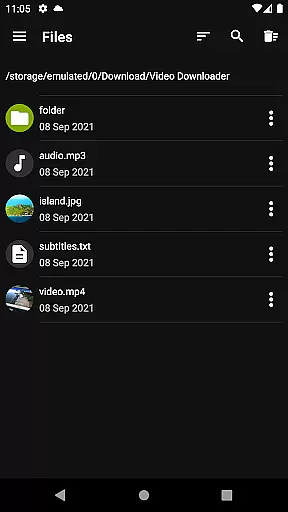
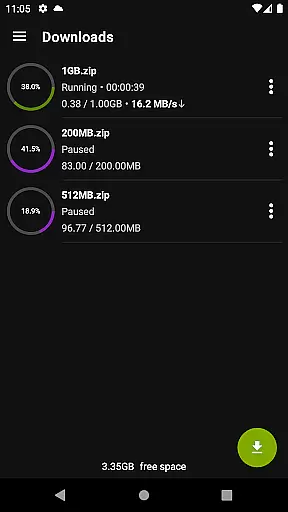

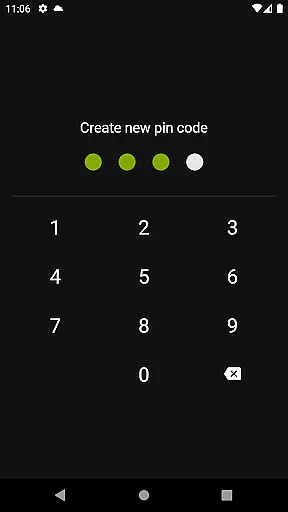
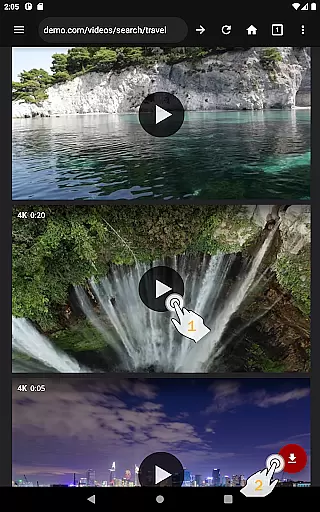
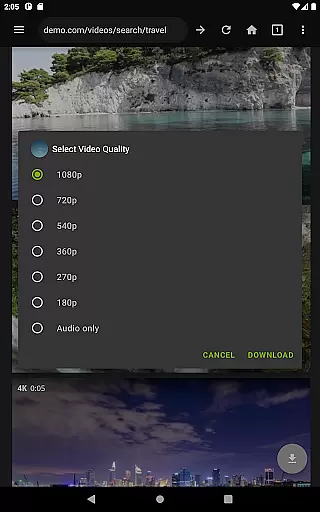
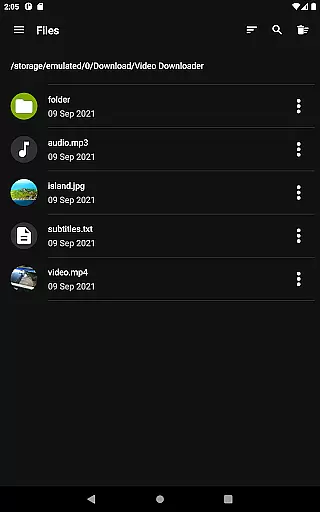
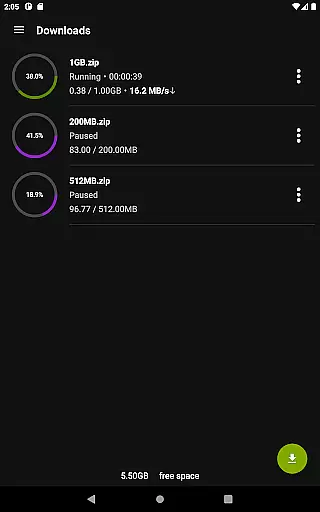
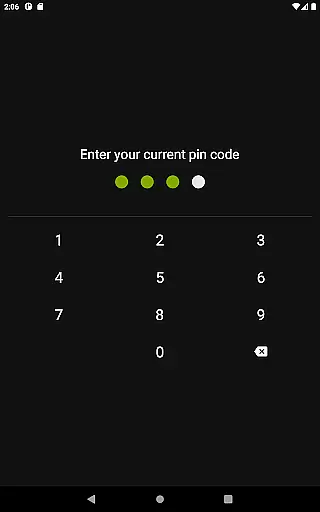
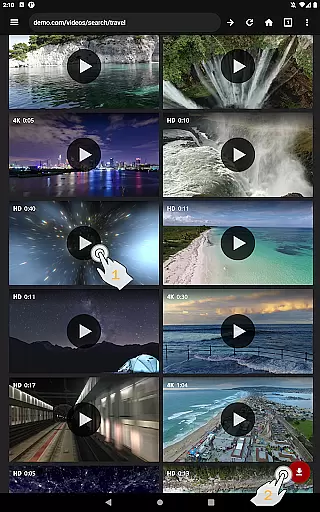
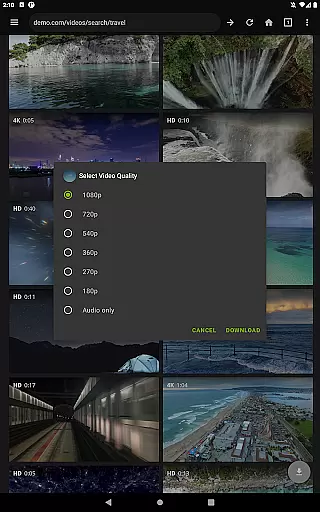
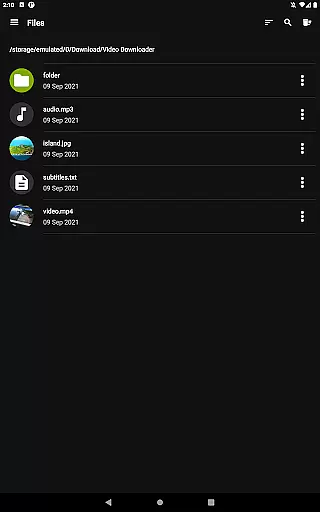
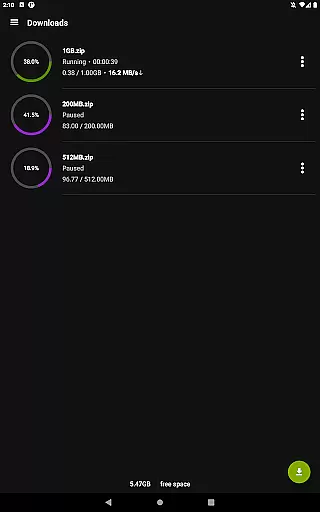
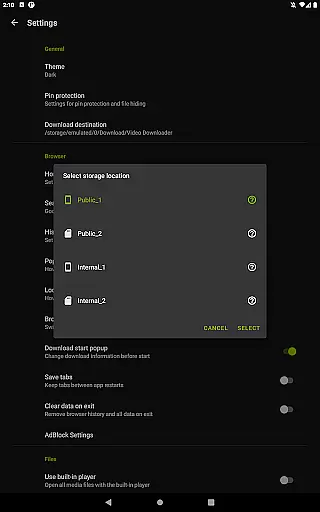
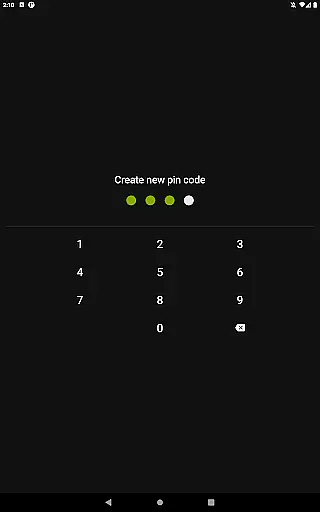
Video Downloader Pro is a premium application designed for users who need an efficient way to download and manage video content. This app allows you to download both static videos and live streams, making it convenient to watch your favorite content offline at any time. With its private web browser, you can browse incognito and protect your activity with PIN security.
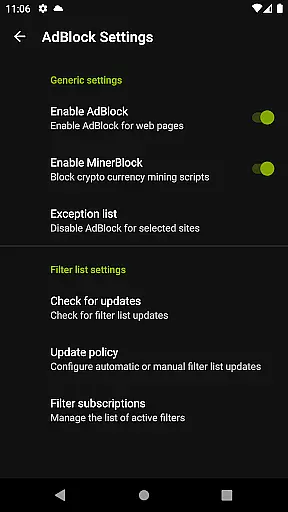
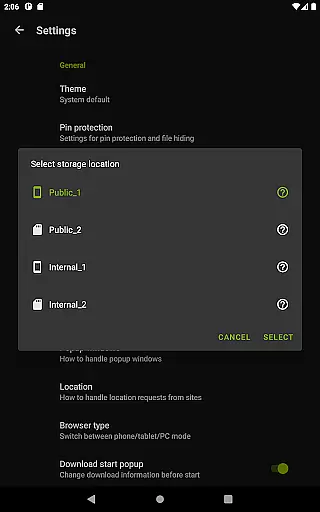
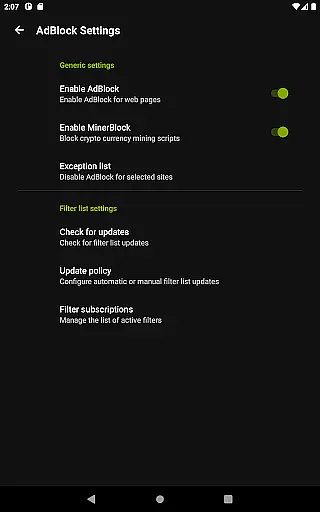
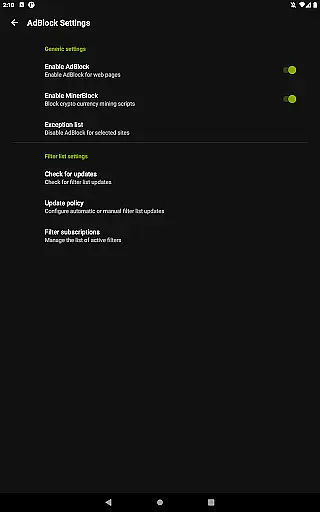
In addition to downloading capabilities, the app features a fully functional AdBlocker, ensuring an uninterrupted viewing experience. The multi-connection download manager significantly boosts download speeds, while multiple SD card support provides flexible storage options. Whether you're commuting or traveling, Video Downloader Pro ensures that your videos are always accessible without the need for an internet connection.
Video Downloader Pro stands out with its advanced features tailored for seamless video management. One of the key highlights is the ability to download live video streams, which is particularly useful for capturing real-time events or broadcasts. The app's private browsing mode offers an incognito experience with PIN protection, safeguarding your privacy while you browse and download content.
The built-in AdBlocker is highly customizable, allowing users to apply their own filter lists for a personalized ad-free experience. The multi-connection download manager accelerates downloads by splitting files into smaller parts, enabling faster completion times. Furthermore, the app supports multiple SD cards, giving users the flexibility to manage large video libraries efficiently. These robust features make Video Downloader Pro a comprehensive solution for all your video downloading needs.
Video Downloader Pro stands out with its extensive video format compatibility, ensuring users can download and play videos in various formats without hassle. This feature is crucial for a seamless user experience, as it eliminates the need for additional conversion software.
The application supports an array of popular video formats including MP4, AVI, and MKV, catering to diverse user preferences. Whether you're downloading high-definition movie files or simple tutorial clips, this app ensures that all content is accessible on your device.
Moreover, the inclusion of live video streams downloading in the premium version expands the usability of the app. Users can now capture live events, broadcasts, or webinars directly from streaming platforms, further enhancing the app's value proposition.
This comprehensive format support not only improves accessibility but also future-proofs your video library against changing format trends. With Video Downloader Pro, you'll never have to worry about format obsolescence or compatibility issues.
Beyond basic downloading capabilities, Video Downloader Pro incorporates AI-powered editing features that elevate the user experience to professional levels. These intelligent tools allow users to enhance their downloaded videos effortlessly, adding significant value to the content they acquire.
The AI-driven enhancements include automatic video stabilization, color correction, and audio optimization. These features work seamlessly in the background, ensuring that every downloaded video meets high-quality standards without requiring manual adjustments.
Additionally, the premium version offers advanced editing capabilities such as smart cropping, object removal, and background noise reduction. These sophisticated tools leverage machine learning algorithms to deliver precise editing results that were previously only possible with professional-grade software.
By integrating these AI-powered features, Video Downloader Pro not only saves users time but also enables them to create polished, professional-looking content directly on their mobile devices. This combination of convenience and quality makes the application an invaluable tool for both casual users and content creators.
Ads removed
Live stream downloads
Multi-connection manager
Private browsing mode
SD card support
Paid version only
Requires permissions
No automatic updates
Limited free features
Complex setup

Photo and Music Video Creator into Stunning Videos—Effortlessly
 4.40
4.40
AirMirror Receiver - Screen mirroring/cast web videos to Android TV by AirPlay.
4.40
Movie maker & video editing app with AI effects and green screen
4.30
Mix with Virtual DJ directly from your phone or tablet !
3.10
All in one multi protocols stream receiver for AirPlay, Cast and DLNA.
3.60
Livestream, news, & gaming content. Watch, chat, and upload. Join Rumble today!
3.80
Fast private browser with secure, seamless access & supported video downloads!
4.00
Video&Drama Player All Format is a HD video player, music player
3.00
Manage your YouTube channel on the go
4.40
Play ALL formats in 4K & HD. Video downloader, MP3 player, Chromecast & more.
4.80
AI Video Editor with Music, Filter, Slideshow, Effect, Merge & Trim Video.
4.80
A Simple app to download Video & Music from the Internet.
4.70
Watch a large amount of high-definition short drama content
4.60
Video player, file manager for all formats, 4K/HD media player supports subtitle
4.30
Turn your phone into a wireless camera!
4.20
AI Video Editor:AI Music, Text to Video,Text to Speech,Auto Caption,Video Effect
4.00
Live TV, anywhere in your home
3.80
Manage your IPTV live channels and VOD playlists (no playlist included)
3.80
Kodi media center, a free and open source cross-platform entertainment hub
3.60


User Reviews