
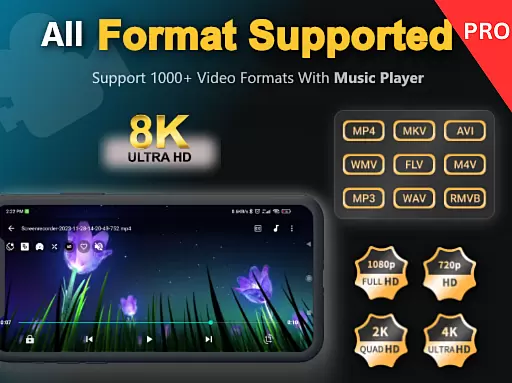
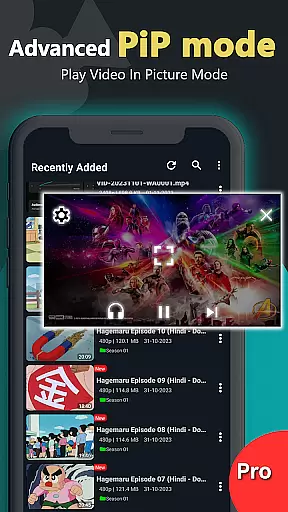
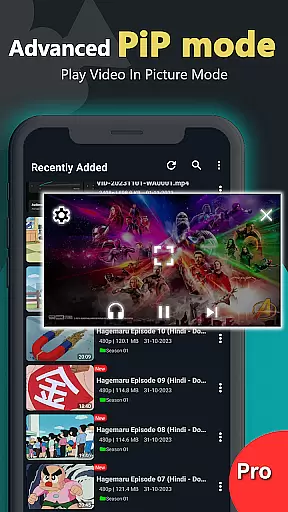
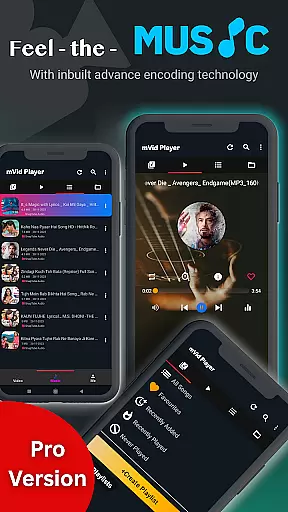
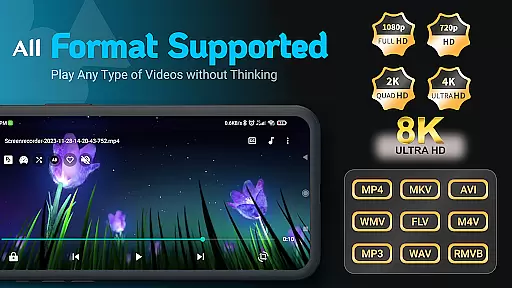
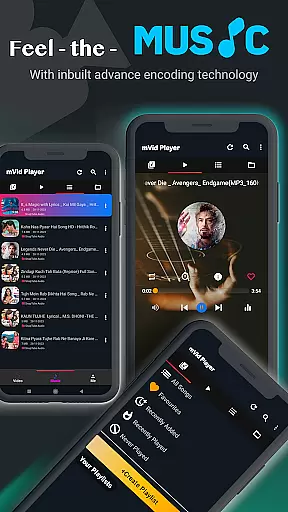
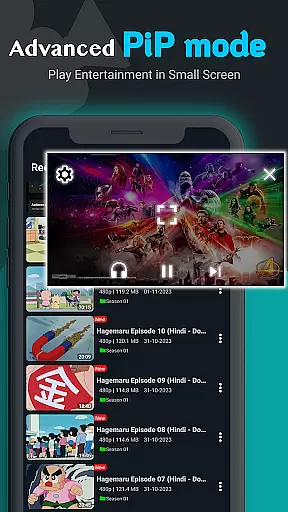
Zea Player Pro is a premium-grade video player designed for Android devices, offering an ad-free experience with support for all major video and audio formats. This includes high-resolution 4K and 8K videos, MKV, MP4, AVI, and more. The app stands out with its professional HD playback capabilities, making it the perfect tool for movie enthusiasts and audio lovers who demand quality.
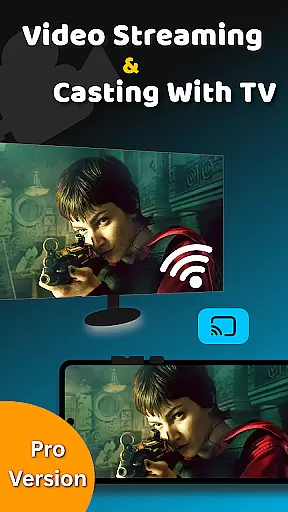
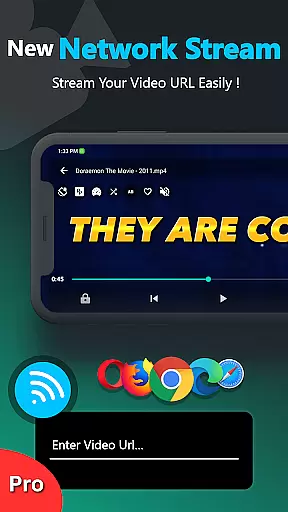
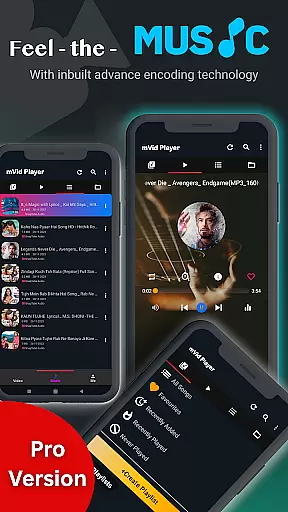
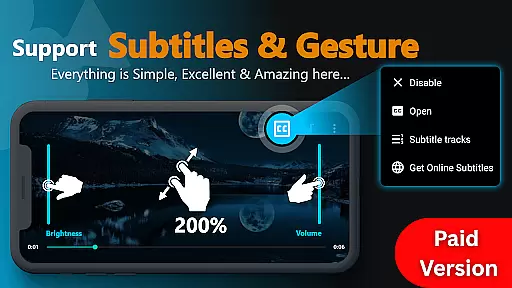
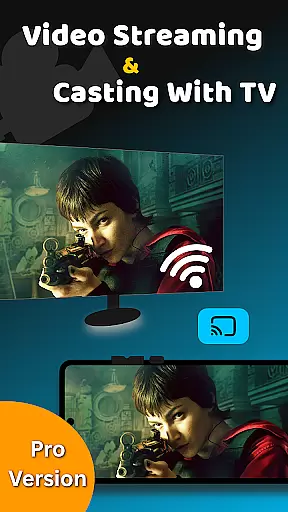
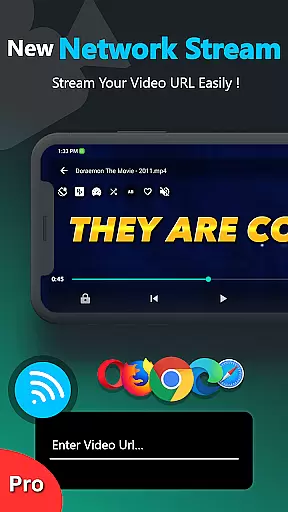
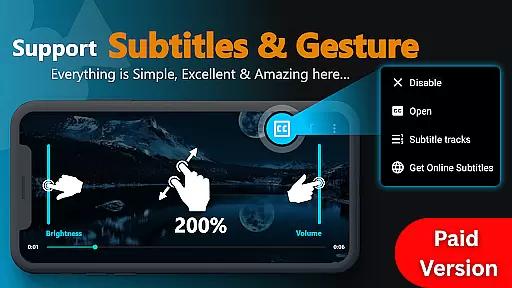
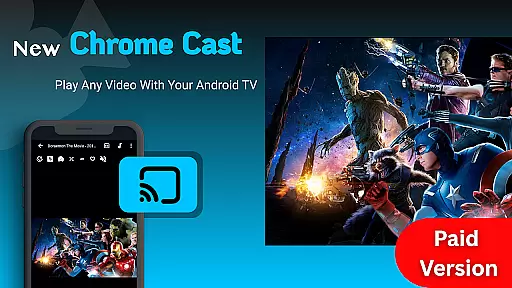
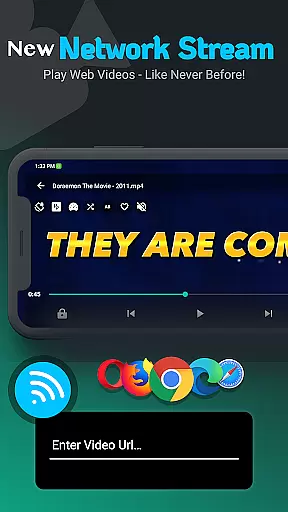
One of the key features of Zea Player Pro is its versatility. Users can stream videos via URL, play music in the background, and even cast videos to Android TV. With added functionalities such as dual audio tracks, online subtitle downloads, and easy controls for volume, brightness, and zoom, this app provides a complete media solution that caters to various user needs.
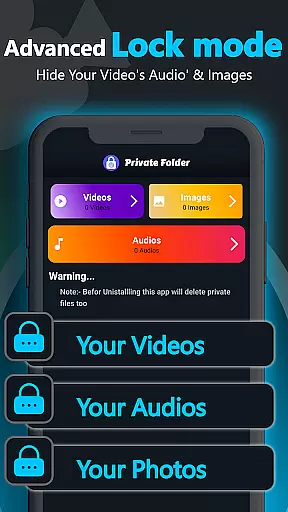
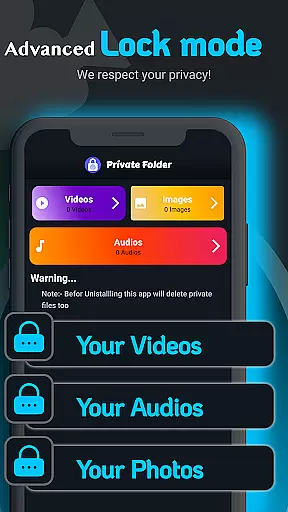
The application also offers a private folder feature, allowing users to hide and password-protect their personal media files. Whether you're managing a local library or streaming content, Zea Player Pro ensures a seamless and enjoyable viewing experience without interruptions, making it ideal for both casual viewers and professionals alike.
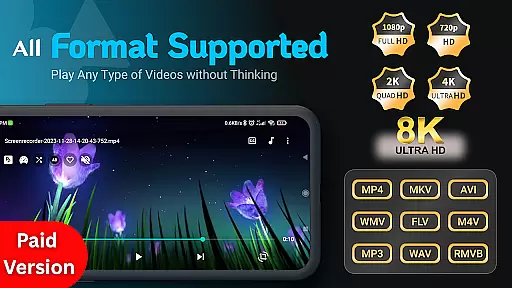
Zea Player Pro boasts an impressive array of features that cater to diverse media consumption needs. One standout aspect is its comprehensive format support, accommodating everything from standard MP4 files to high-resolution 4K and 8K videos. This ensures that no matter the source or quality of your media, Zea Player Pro delivers smooth and uninterrupted playback.
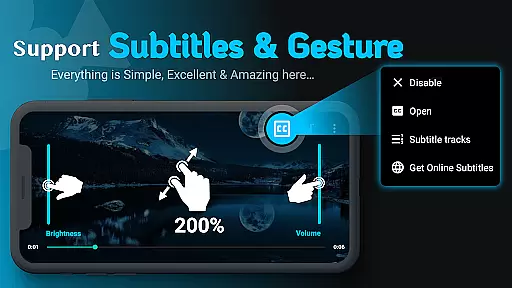
In addition to its robust format compatibility, the app offers advanced functionalities like URL streaming, background audio playback, and dual audio track support. These features provide users with flexibility and control over their viewing and listening experiences. For those who require subtitles, Zea Player Pro allows for easy integration and downloading of online subtitles, enhancing accessibility and convenience.
Another notable feature is the private folder option, which lets users protect their sensitive media files with passwords. Coupled with the ability to adjust volume, brightness, and zoom with simple gestures, Zea Player Pro combines security and usability to create a versatile and user-friendly media player suitable for any Android device.
Video Player Pro Version stands out with its exceptional video format compatibility, ensuring users can enjoy all types of video files without conversion hassles. The app supports an extensive range of formats including MKV, FLV, M4V, MP3, AVI, MOV, 3GP, and WMV, alongside ultra HD resolutions up to 8K.
This broad compatibility is crucial for users who engage with diverse media content, from high-definition movies to specialized video formats. By eliminating the need for separate conversion tools, Video Player Pro Version streamlines the playback process, making it more accessible and user-friendly.
The inclusion of advanced features such as dual audio tracks and online subtitle downloads further enhances the viewing experience. Users can easily adjust settings like volume, brightness, and zoom, allowing for a personalized and comfortable viewing session regardless of the video format.
With support for local storage playback and URL streaming, this app caters to both offline media consumption and online streaming needs, positioning itself as a versatile tool for all video playback requirements.
While Video Player Pro Version primarily focuses on playback, its AI-powered editing features offer users additional value by enhancing their interaction with media files. The app includes functionalities such as background music play and video streaming from URLs, which are powered by intelligent algorithms that ensure smooth performance and high-quality output.
One notable feature is the automatic subtitle downloading and synchronization, which utilizes AI to match subtitles with video content accurately. This not only improves accessibility but also enriches the viewer's understanding and enjoyment of foreign language films or videos with complex dialogues.
Moreover, the app provides intuitive controls for adjusting playback settings, which are enhanced by AI to learn user preferences over time. This results in a more customized and efficient user interface that adapts to individual viewing habits and preferences.
By integrating these smart features, Video Player Pro Version transcends traditional media players, offering a comprehensive solution that combines robust playback capabilities with innovative editing tools to elevate the overall media experience.
Ad-free playback
Supports 4K & 8K
Private folder feature
Subtitle downloads
Background audio
Paid application
No free version
Advanced settings
Occasional bugs
High system requirements

HD video maker with no watermark, no ads & vlog maker with music, PIP, text
 4.50
4.50
VLC Remote lets you control your VLC Media Player on Mac, PC or Linux.
4.60
This app was created to edit the metadata of music files.
4.20
Pro video editor app for Instagram, edit video with song, AI, effect & slowmo.
4.80
Download videos and play them offline
4.70
All in one multi protocols stream receiver for AirPlay, Cast and DLNA.
3.60
This app is an emulator of some specific IPTV boxes
3.50
A Simple app to download Video & Music from the Internet.
4.70
Viddo: Generate Action Figure, AI Anime, AI kiss, AI hug Video from image & text
4.40
Snaptubè Video Downloader app allows to download videos and music in Snaptube. .
4.60
Fast video downloader & private browser. Save HD clips to watch offline.
4.40
Download website videos fast&privacy
4.40
Fast & Private Video Downloader App. Save all videos easily from the Internet.
4.40
Video player, file manager for all formats, 4K/HD media player supports subtitle
4.30
Movie maker & video editing app with AI effects and green screen
4.30
Video player with 4K & 1080P support, popup play, background play and subtitle.
4.20
Kodi media center, a free and open source cross-platform entertainment hub
3.60
IPTV Player - Watch live TV from m3m & m3u8 playlist, stream IPTV on mobile
3.30
Stream high quality video from your camera over NDI protocol
4.0


User Reviews