
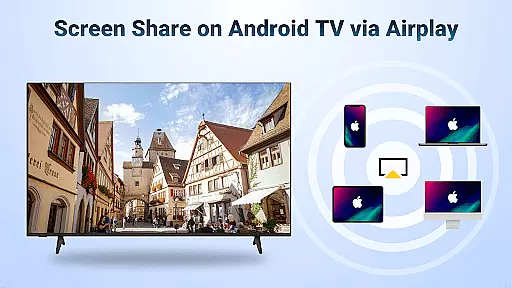
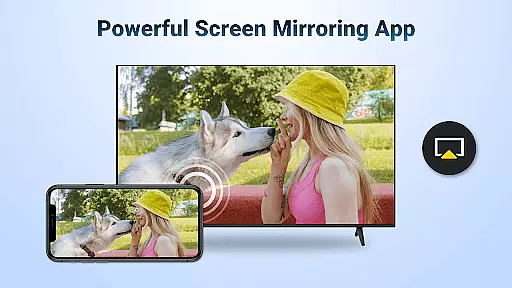
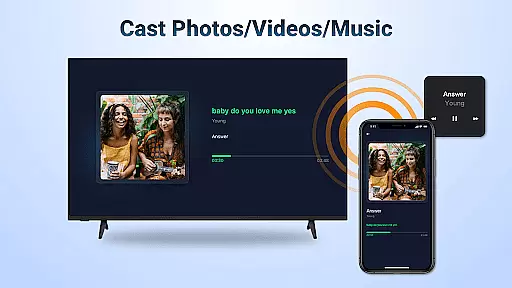
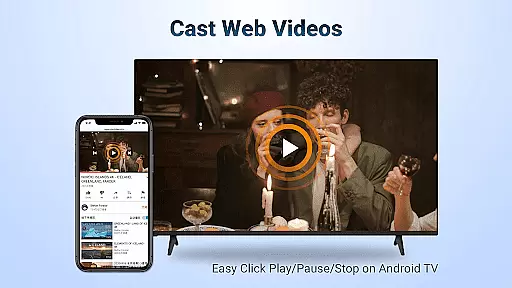
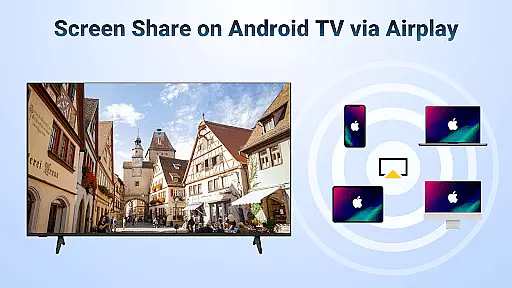

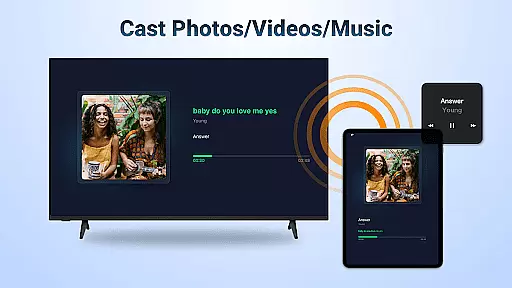
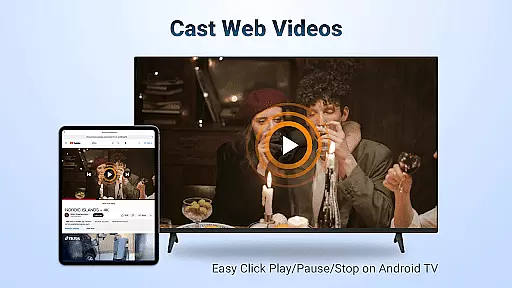

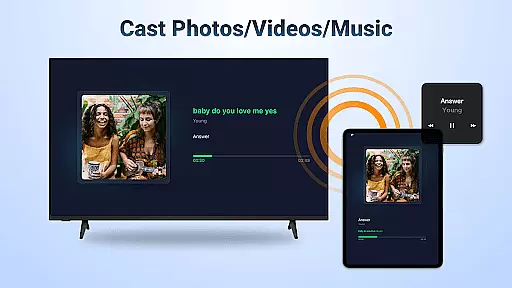
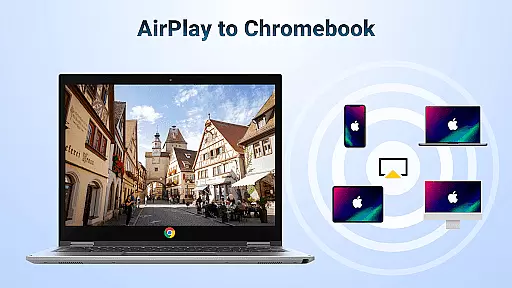
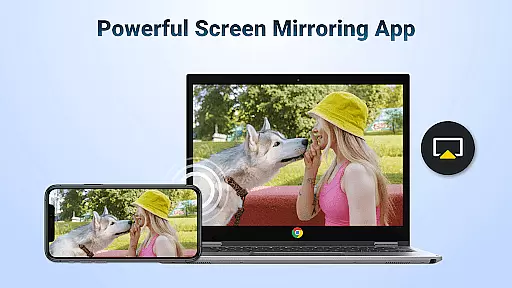
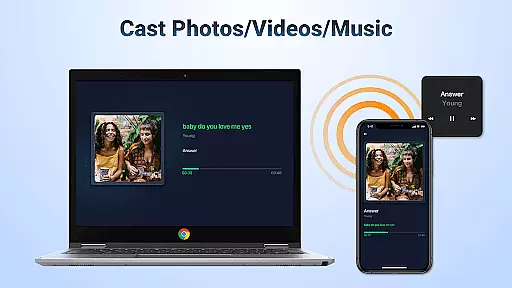
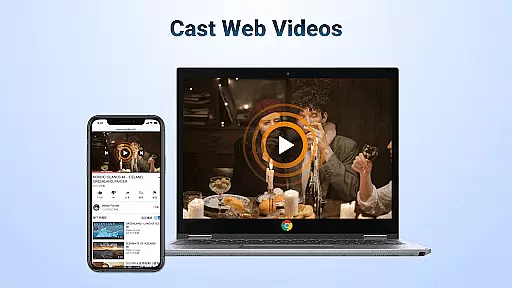
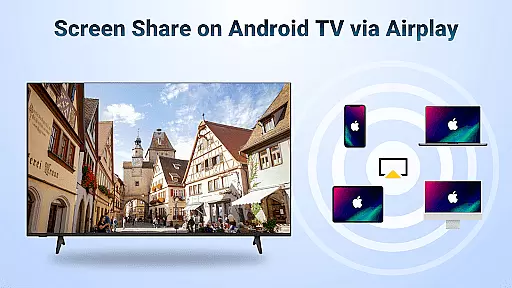
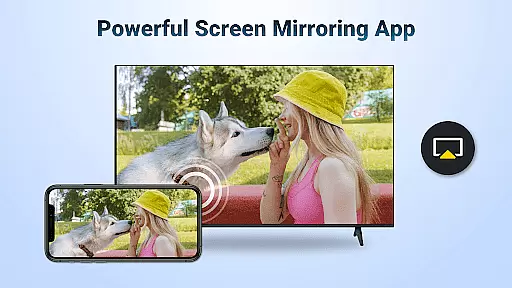
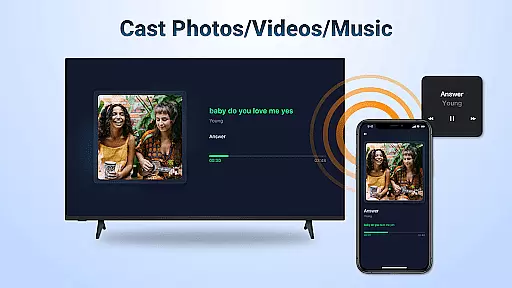
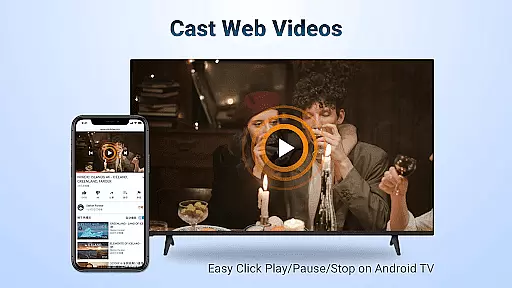
AirMirror is a powerful wireless streaming receiver application designed specifically for Android TV, enabling seamless screen mirroring and casting from Apple devices like iPhone, iPad, and Mac. With its advanced AirPlay compatibility, users can effortlessly share photos, videos, audio, and even live screen activity to their Android TV over WiFi without the need for additional converters or cables.
This app proves invaluable in various scenarios, whether it's for educational purposes, business presentations, gaming sessions, or simply enjoying multimedia content on a larger display. The intuitive interface ensures stable connectivity and smooth performance, making it an essential tool for both personal entertainment and professional use.
AirMirror stands out with its comprehensive feature set tailored for seamless cross-platform streaming. The app supports full AirPlay functionality, allowing users to stream content from iTunes, iOS devices, and other AirPlay-enabled sources directly to their Android TV. It handles various media types including web videos, music, and photos with impressive speed and stability.
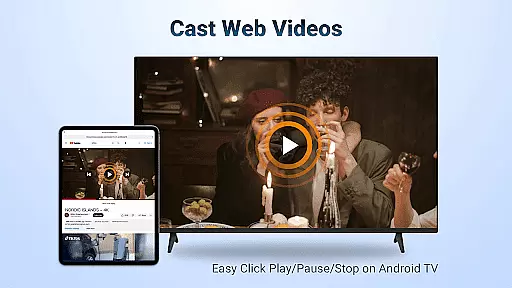
What makes AirMirror particularly remarkable is its ability to maintain control at the receiving end. Users can manage playback functions such as Play, Pause, and Stop directly on their Android TV. The app also offers flexible orientation options, enabling seamless switching between landscape and portrait modes according to user preference. Its reliable connection protocol ensures minimal latency while maintaining high-quality transmission.
Video format compatibility is a crucial feature for any video player and editor, ensuring that users can access and play their desired content without restrictions. AirMirror: TV Cast via AirPlay supports a wide range of audio and video formats, allowing seamless streaming from AirPlay-enabled devices like iPhones, iPads, and Macs to Android TVs.
This application facilitates the casting of web videos, music, and photos from various streaming media platforms where DRM allows. With its ability to cast content directly over WiFi, users can enjoy smooth and super-fast streaming without the need for additional converters or adapters.
Users benefit from the flexibility of switching between landscape and portrait modes according to their preferences. This ensures an optimal viewing experience regardless of the content type or source device orientation. The app's simple connectivity and stable mirroring make it a reliable choice for both personal entertainment and professional presentations.
AI-powered editing features are transforming the way users interact with multimedia content by providing intelligent tools that enhance productivity and creativity. While AirMirror: TV Cast via AirPlay focuses primarily on screen mirroring and casting, it incorporates smart functionalities that simplify the user experience.
The app enables users to control playback directly on the receiving end, offering options to Play, Pause, or Stop streamed content effortlessly. This intuitive control scheme enhances the overall usability, making it accessible even to those who may not be tech-savvy.
Although the app does not support DRM-protected content such as Netflix or paid iTunes videos, it compensates by delivering stable performance across supported formats. Most connection issues can be resolved through simple troubleshooting steps like restarting devices, ensuring uninterrupted streaming sessions.
User-friendly interface
Stable mirroring performance
Wide device compatibility
Excellent sound quality
Flexible orientation options
No DRM content support
WiFi dependency required
Occasional connectivity issues
Limited to AirPlay devices
Basic feature set

Watch full episodes of your favorite Cartoon Network and Cartoonito shows!
 3.50
3.50
KineMaster, Your Ultimate Video Editor!
4.40
Capture images & record videos for USB Camera, Webcam, Microscopes, Endoscopes
3.80
This app was created to edit the metadata of music files.
4.20
Download videos easily & play them all in one smart, powerful video manager.
3.40
Fast & easy HD video downloader for all formats, support 4K playback & download.
4.60
Find, download, and play torrents with the official BitTorrent® Pro app
4.70
Connect EasyCap or UVC devices for recording and broadcast video/audio stream
3.60
Livestream, news, & gaming content. Watch, chat, and upload. Join Rumble today!
3.80
Video Trimmer, Video to MP3 Converter. Extract music from video, Easy & Fast.
4.80
Watch a large amount of high-definition short drama content
4.60
Create photo video with music & template. AI video maker for stunning slideshow.
4.60
Fast video downloader & private browser. Save HD clips to watch offline.
4.40
Browser for Fire TV to stream webvideos, online movies, livestreams in HD
4.40
HD video & music player - All format support with floating & PIP mode!
3.80
All in one multi protocols stream receiver for AirPlay, Cast and DLNA.
3.60
A full editing room to accompany your Insta360 cameras and handheld gimbals.
3.30
You can play SWF format file!
2.50
The smartest M3U IPTV Player your playlists have ever seen.
4.5


User Reviews