
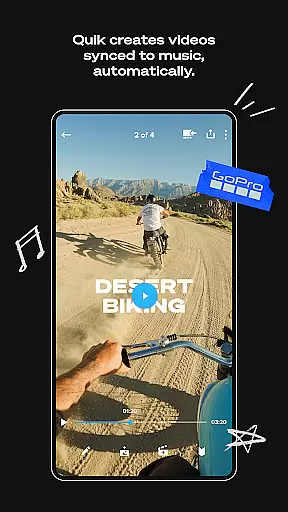
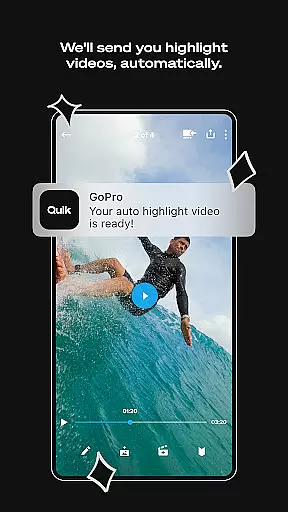
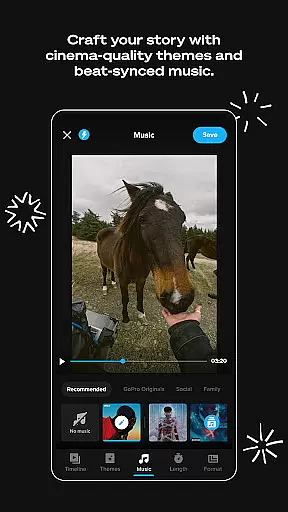
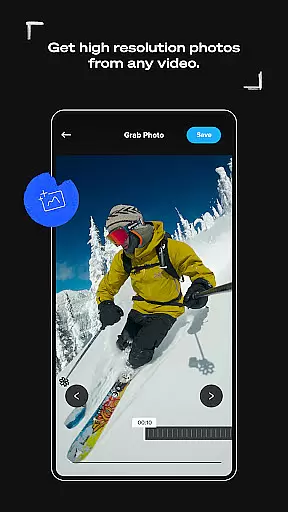
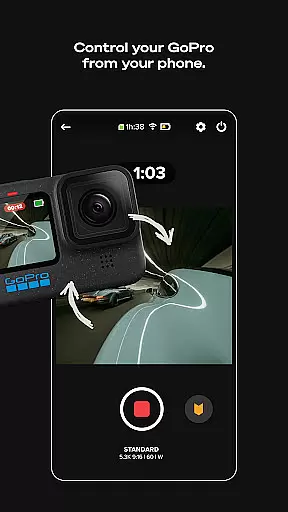
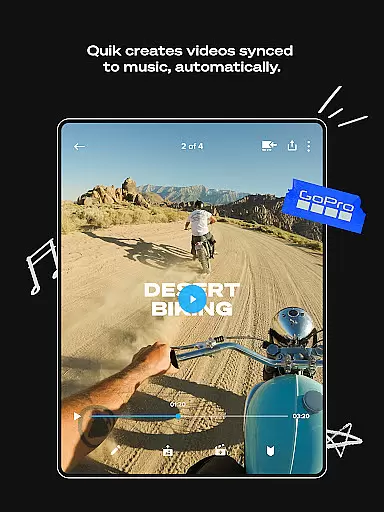
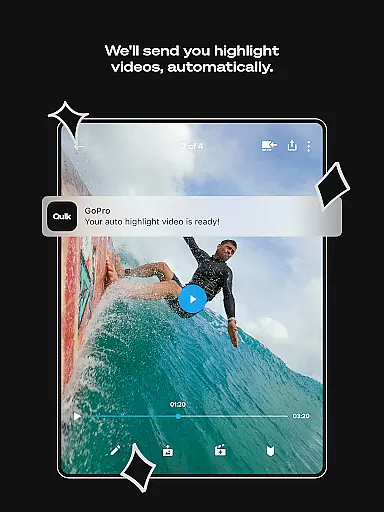
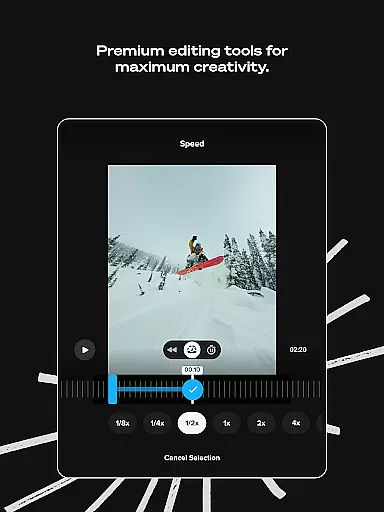
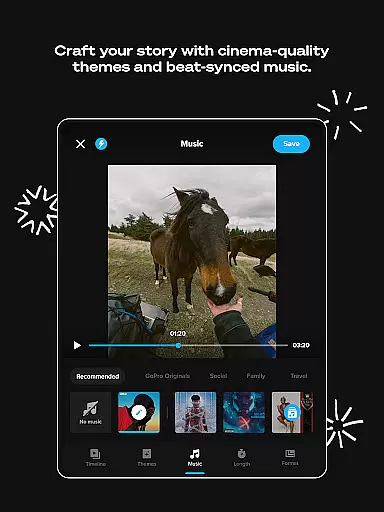
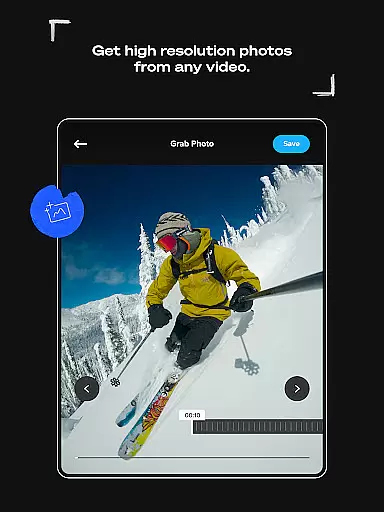
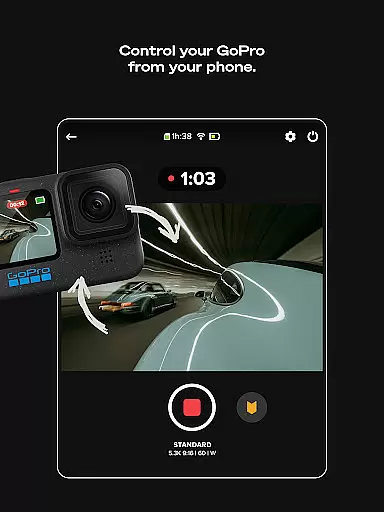
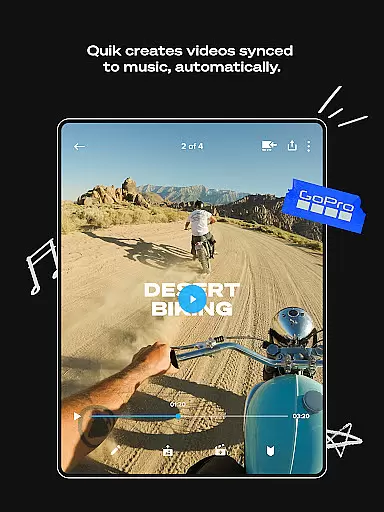
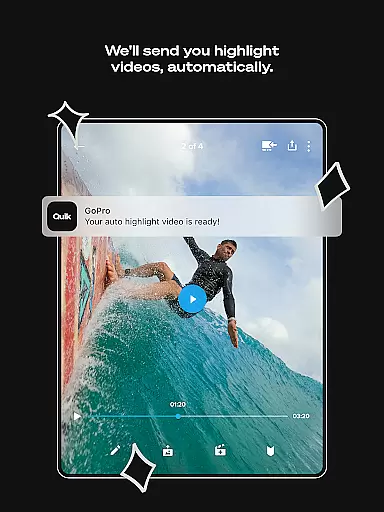
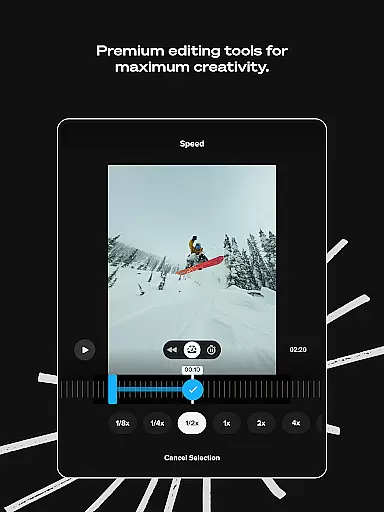
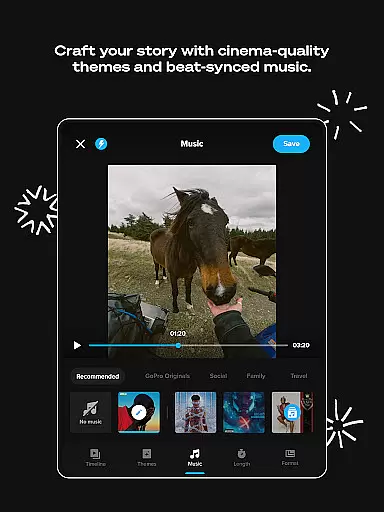
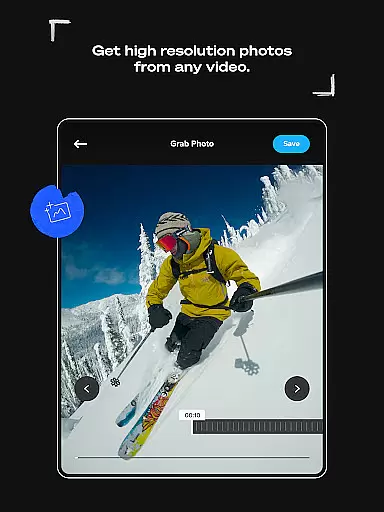
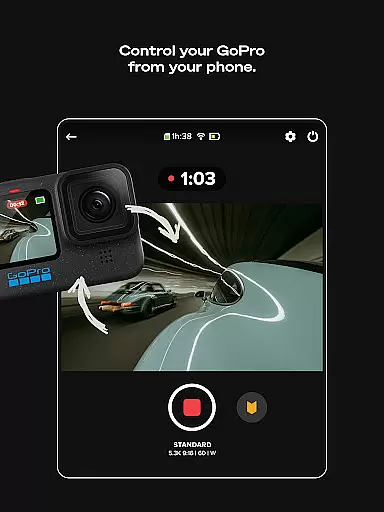
GoPro Quik is a powerful video editing application designed to simplify the process of creating professional-quality videos. The app automatically identifies your best shots, syncs them to music, and adds polished transitions to generate captivating highlight videos with minimal effort. With its suite of premium editing tools, users can fine-tune color settings, trim clips, apply custom filters, and add creative overlays to produce truly personalized content.
A standout feature of GoPro Quik is its seamless cloud integration. Offering unlimited storage at full quality for GoPro footage and up to 500GB for other devices, the app ensures all your media is securely backed up and accessible across multiple platforms. This cross-device synchronization allows for effortless editing on-the-go, making it an ideal tool for adventurers, vloggers, and content creators who need reliable access to their files anytime, anywhere.
Whether you're looking to transform raw footage into cinematic masterpieces or simply organize and back up your media library, GoPro Quik provides a comprehensive solution that combines ease of use with advanced functionality. Its intuitive interface and innovative features make it a top choice for both amateur enthusiasts and seasoned professionals seeking efficient ways to bring their stories to life.
GoPro Quik stands out with its robust set of features tailored for modern content creators. One of its most impressive capabilities is Automatic Highlight video creation. By analyzing your footage, the app intelligently selects key moments, synchronizes them with music beats, and applies smooth transitions to produce professional-looking videos in minutes. The Beat Sync technology further enhances this process by perfectly timing visual elements to audio rhythms, resulting in dynamic, engaging content that's ready to share.
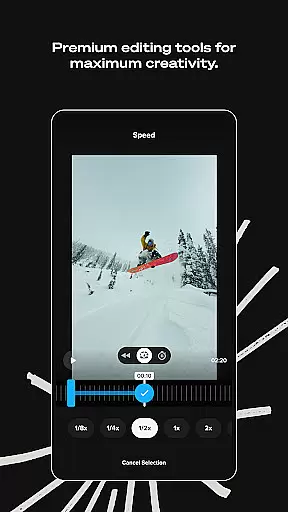
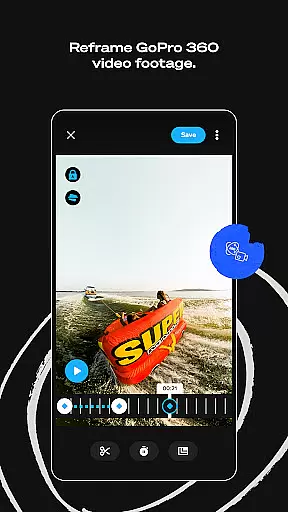
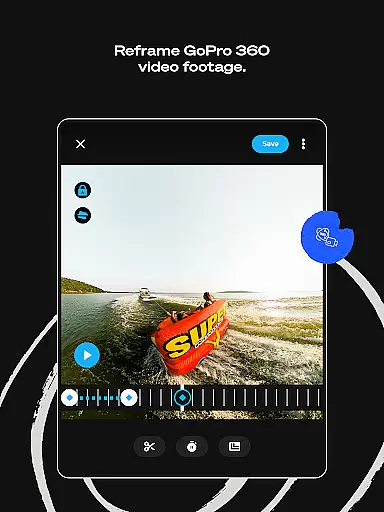
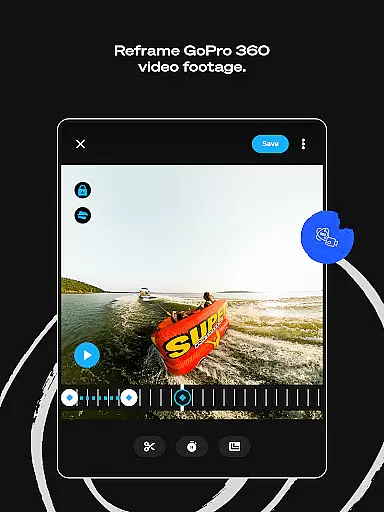
The app's Premium Editing Tools offer unprecedented control over your creative vision. Users can experiment with various color grading options, apply specialized filters optimized for different environments like snow and water, and utilize precise frame adjustments to achieve perfect composition. The Reframe feature revolutionizes 360-degree video editing by allowing users to extract traditional video formats from spherical footage while maintaining cinematic quality. Additionally, the app's text overlay and sticker functions provide versatile options for adding contextual information and visual interest to your projects.
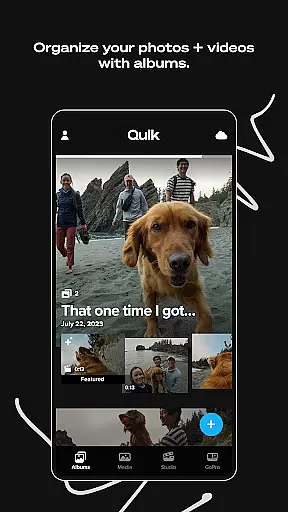
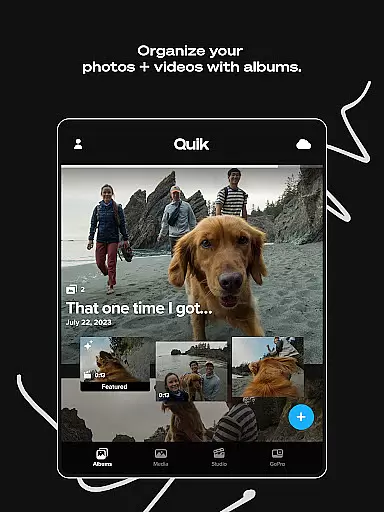
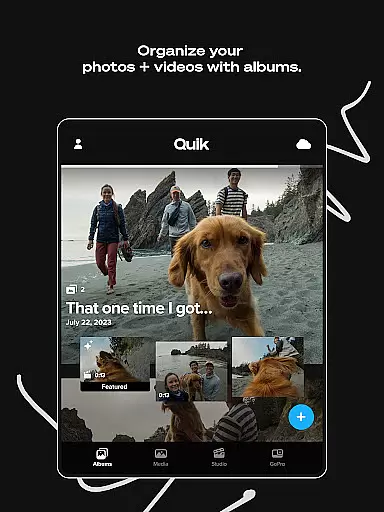
For GoPro camera owners, Quik delivers enhanced functionality through dedicated features like Auto Detection and Transfer, which streamlines media management between devices. The app's organizational tools present a unified view of both local and cloud-stored media, complete with search filters and icon overlays for efficient navigation. These comprehensive capabilities, combined with automatic backup and cross-device synchronization, establish GoPro Quik as a complete ecosystem for video creation, management, and sharing.
GoPro Quik supports a wide range of video formats, ensuring that users can import and edit footage from various devices seamlessly. The app is optimized to handle files captured by GoPro cameras as well as other popular camera models, providing flexibility for content creators.
With its advanced format processing capabilities, the app maintains 100% original quality during uploads and edits. This ensures professional-grade results without compromising video resolution or frame rate, regardless of the source device.
The application's cross-device sync functionality further enhances its versatility. Whether you're working on a smartphone, tablet, or computer, all your media stays updated across platforms. This makes it easy to switch between devices while maintaining consistent quality and format integrity.
For users who subscribe to Premium or Premium+ plans, additional storage benefits apply to both GoPro and non-GoPro footage. The app supports up to 500GB of non-GoPro content, accommodating most common file types used in modern videography.
GoPro Quik incorporates sophisticated AI-powered editing tools that revolutionize how users create professional-quality videos. The Automatic Highlight feature uses intelligent algorithms to identify and compile the most compelling moments from your footage, saving significant editing time.
Beat Sync technology demonstrates another impressive AI capability. This feature automatically synchronizes video clips, transitions, and effects to match the rhythm of selected music tracks. The result is dynamic, professionally-timed video sequences that enhance viewer engagement.
The app's AI extends to its cloud management system, where smart organization tools help categorize and retrieve media efficiently. Machine learning algorithms assist in tagging and sorting content, making it easier to locate specific shots or scenes when working on complex projects.
Additionally, the Reframe tool utilizes AI to transform 360-degree footage into traditional video formats. Users can experiment with multiple perspectives and instantly generate cinematic transitions through automated keyframe selection, streamlining the creation of conventional video content from immersive 360 captures.
User-friendly interface
Powerful editing tools
Unlimited cloud storage
Automatic video creation
Cross-device sync
Premium subscription required
Limited free storage
Advanced features locked
Occasional bugs
High system requirements

Kodi media center, a free and open source cross-platform entertainment hub
 3.60
3.60
Powerful, professional, versatile teleprompter. Developed by an active film crew
4.00
Cast to Chromecast, Xbox, Fire Stick, Roku, DLNA, Smart TV & No Feature Limited!
4.50
Fast video downloader & private browser. Save HD clips to watch offline.
4.40
Play ALL formats in 4K & HD. Video downloader, MP3 player, Chromecast & more.
4.80
Pro video editor app for Instagram, edit video with song, AI, effect & slowmo.
4.80
Find, download, and play torrents with the official BitTorrent® Pro app
4.70
Watch IPTV on your Android device
4.60
Create, Publish & Maximize
4.70
#1 Torrent App on Android ** No Ads Ever + Battery Saver **
4.80
AI Video Editor with Music, Filter, Slideshow, Effect, Merge & Trim Video.
4.80
Video Downloader, Multiple Resolution Options, Video Player
4.50
Download website videos fast&privacy
4.40
KMPlayer Plus (Divx Codec) officially support Divx codec.
4.30
Stream Web Videos to Chromecast, Samsung, LG, Sony, Roku, Fire TV, DLNA + more
4.00
Connect EasyCap or UVC devices for recording and broadcast video/audio stream
3.60
IPTV Player - Watch live TV from m3m & m3u8 playlist, stream IPTV on mobile
3.30
Client application for NextPVR software
3.00
The essential companion to your Blue Iris PC software
2.50


User Reviews