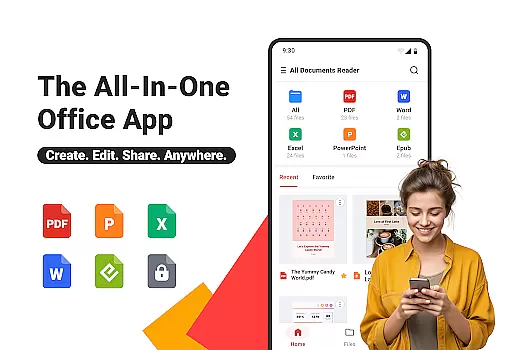
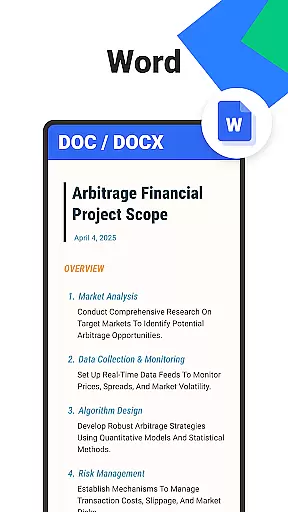
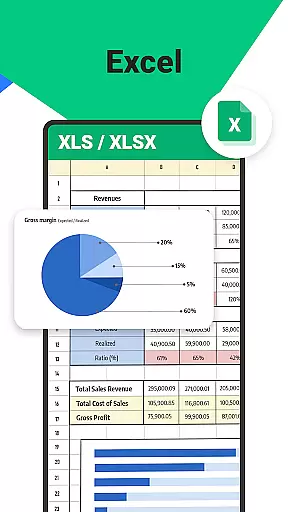
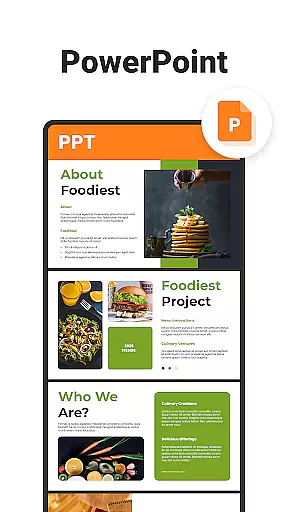
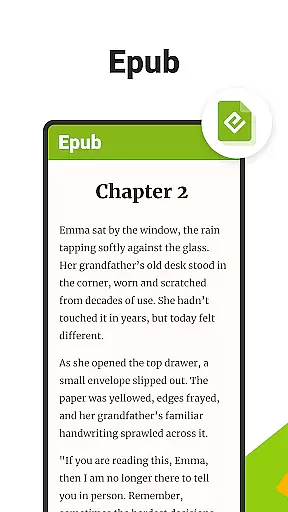
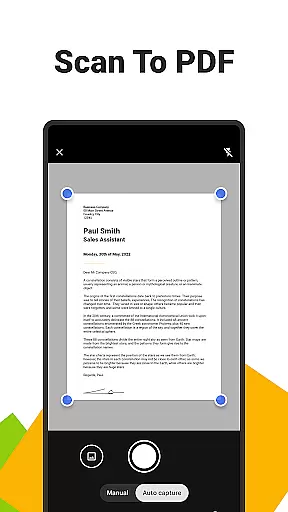
All Documents Reader is a versatile document management tool designed to streamline how you handle digital files. This app supports an extensive range of formats including PDF, Word, Excel, PowerPoint, and EPUB, making it your all-in-one solution for viewing, editing, and organizing documents.
With its centralized access feature, users can gather all their files in one place for quick browsing and instant previews. The smart search functionality allows for effortless location of any document, significantly boosting productivity. Whether you're managing business documents or enjoying leisure reading, All Documents Reader provides a seamless experience tailored for work, study, and everyday life.
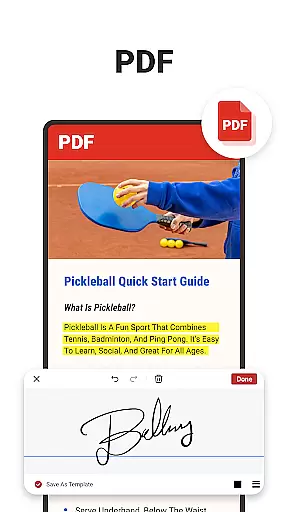
The app also offers comprehensive PDF tools such as reading, highlighting, annotating, merging, splitting, filling forms, and signing documents. Its AI summarization feature extracts key points from complex documents, while the built-in scanner converts photos into high-quality PDFs. Enjoy customizable viewing options and automatic categorization that enhance your document management experience.
All Documents Reader stands out with its rich array of features tailored to meet diverse user needs. One of the standout capabilities is the multi-format viewing support which includes PDFs, Word, Excel, PPT, and ePub files. This ensures that no matter the file type, users can open and view their documents instantly.
The app's comprehensive PDF tools are particularly noteworthy. Users can read, highlight, annotate, merge, split, fill forms, and sign documents easily. The scan to PDF feature allows for quick conversion of photos into high-quality PDFs, adding another layer of utility. Additionally, the AI summarization tool helps distill complex documents into key takeaways, saving time and effort.
Efficient document organization is another hallmark of All Documents Reader. With intuitive navigation and automatic categorization by format, finding and managing files becomes a breeze. The optimized reading experience offers customizable viewing options like horizontal and vertical modes, catering to both detailed reports and leisure reading alike.
In the realm of document management, Ora All Documents Reader stands out with its precision and efficiency in handling a multitude of file formats. This tool supports an extensive range of formats including PDF, Word, Excel, PowerPoint, and EPUB, ensuring that users can open and work with their files without compatibility concerns.
The app's capabilities extend beyond mere viewing; it offers comprehensive PDF tools such as reading, highlighting, annotating, merging, splitting, filling forms, and signing documents. With integrated AI summarization, key information extraction becomes effortless, enhancing productivity for both professional and personal use.
Moreover, Ora provides versatile file organization features like smart search functionality and automatic categorization by format, which streamline navigation and access to documents. These organizational tools are crucial for maintaining an efficient workflow, especially when dealing with large volumes of digital files.
Ultimately, the effectiveness of Ora All Documents Reader lies in its ability to combine powerful features with user-friendly operations, making it an indispensable asset for anyone looking to manage their digital documents accurately and efficiently.
Ora All Documents Reader excels not only in functionality but also in delivering a streamlined and intuitive user interface. The design philosophy behind this app emphasizes ease of use, ensuring that even those who may not be tech-savvy can navigate through their files effortlessly.
Centralized access is one of the cornerstones of Orau2019s interfaceu2014users benefit from having all their documents gathered in one place, allowing for quick browsing and instant previews without the need to switch between different apps or locations on their device.
Additionally, the app offers customizable viewing options, catering to individual preferences whether you're scrutinizing detailed reports or indulging in an EPUB novel. Options such as horizontal and vertical modes provide flexibility tailored to various types of content consumption.
By focusing on these aspects of interface simplicity and intuitiveness, Ora All Documents Reader ensures that users can focus on their tasks without being hindered by complex software operations, thus enhancing overall user satisfaction and engagement with the app.
User-friendly interface
Multi-format support
Comprehensive PDF tools
AI Summarization
Offline functionality
Limited cloud integration
No collaboration features
Occasional bugs
Heavy on storage
Ads in free version

 4.50
4.50 4.50
4.50
Just swipe the edge to do something!
4.40
PDF Reader - Document Viewer: Read, Manage & Organize Your Documents
3.10
Universal TV remote control all TVs, Roku, LG, Samsung, Fire, Vizio, Sony, TCL.
4.40
Canon PRINT is a companion app for your Canon printer.
4.60
Keep track of your Palia friendships, tasks, and inventory with Palia Notebook
4.60
Amateur Radio app for APRS: Track friends, exchange messages, get tactical info.
3.90
NFC Tools can read and write NFC tags.
4.70
Remote Play with FSR upscaling, low latency & full controller support
4.80
Learn the vast amount of system information about device and monitor it's state
4.70
HD Video player and downloader for all formats, fast & smooth 4K video playback.
4.60
Play your X-Box games remotely in 1080p with any controller and zero latency
4.60
Head tracking for PC sim games such as MSFS 2024 or Elite:Dangerous. No headset!
4.50
Use your phone as a webcam on your computer over WiFi or USB.
4.40
Screen Mirroring with sound for Samsung TV, LG TV, Sony TV, Smart TV and Browser
4.20
An open-source APK explorer for Android!
4.10
View detailed information about your Nissan Leaf the dealer never shows you.
4.10
Transfer Files, APK from Phone to Watch & Install.
4.0


User Reviews