
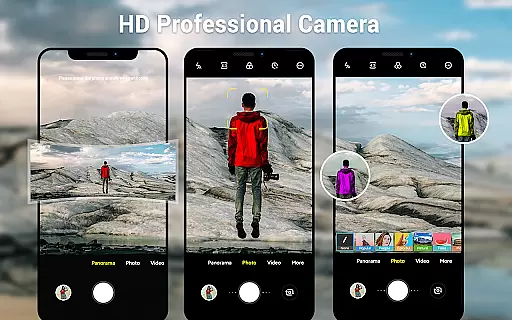
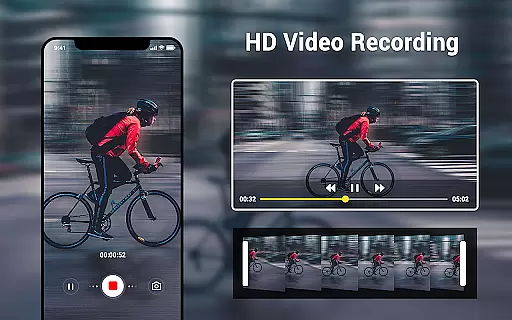
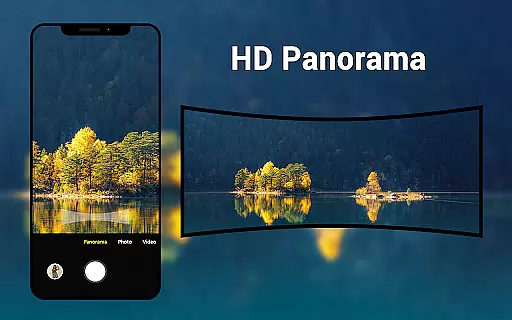
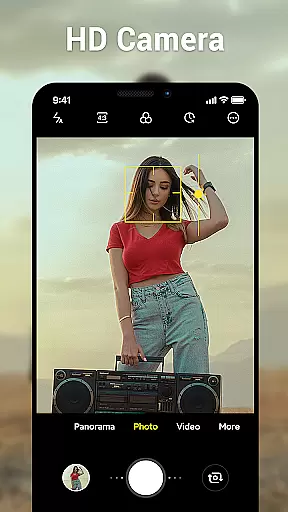
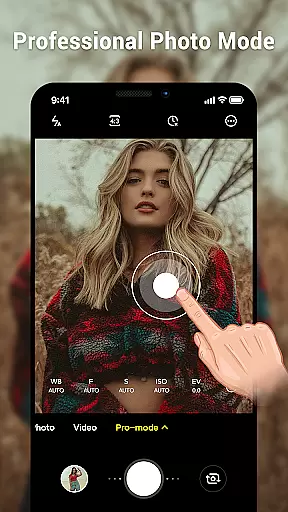
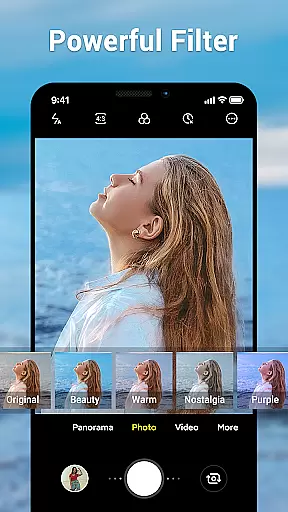
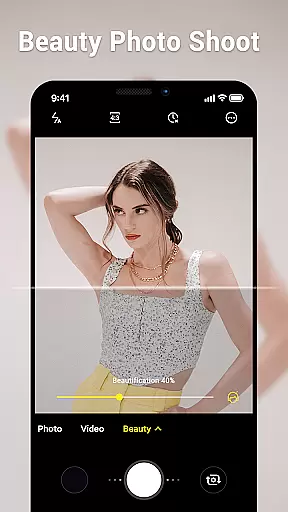
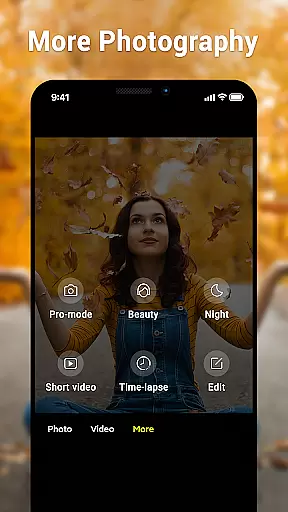
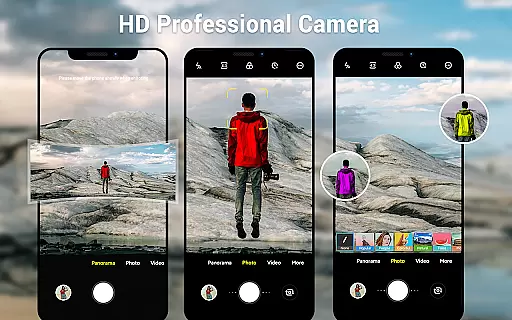
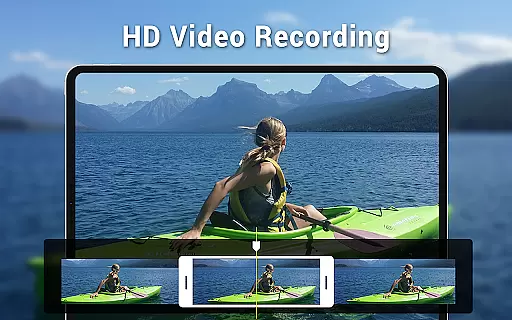
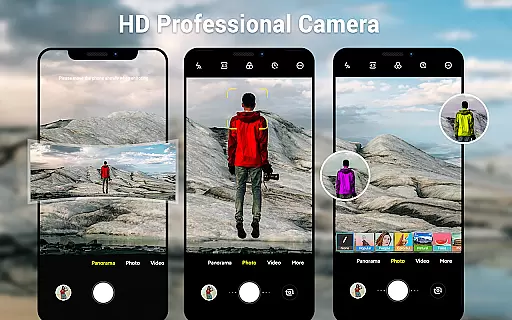
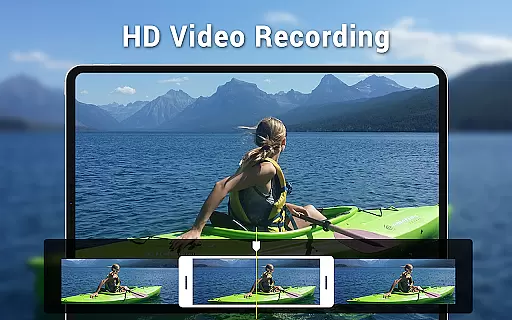
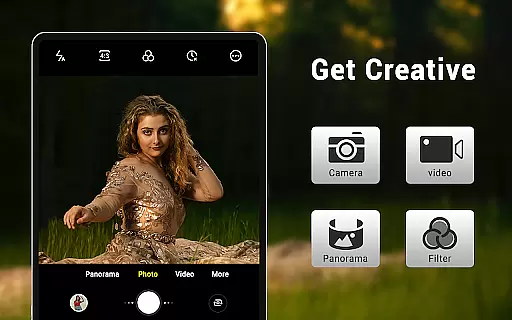
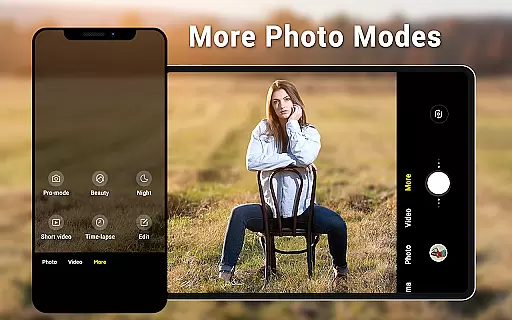
Camera for Android is a native system HD camera application designed to provide users with a simple and efficient way to capture high-quality photos and videos. The app supports multiple shooting modes including standard photo capture, video recording, and smart panorama features.
With intuitive controls such as pinch-to-zoom, countdown timer, and exposure settings, this photography app ensures users can maximize their device's camera capabilities. It also offers advanced settings like white balance adjustment, screen mode customization, and configurable volume keys, making it suitable for both casual snapshots and more professional photography needs.
Whether you're using a phone or tablet, the dynamic user interface adapts to your device, providing an optimal experience across different screen sizes. This makes Camera for Android a versatile tool for capturing moments in various scenarios, from everyday life to special occasions.
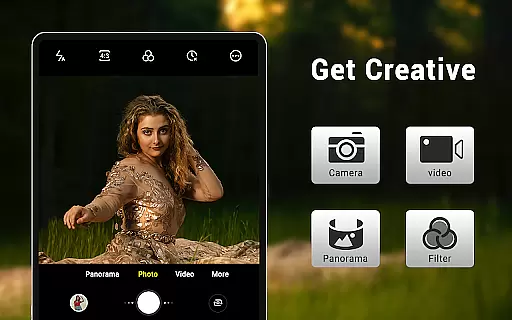
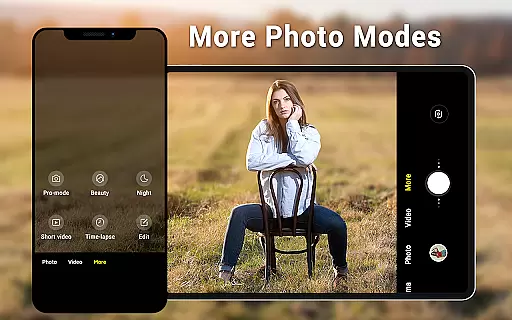
One of the standout features of Camera for Android is its comprehensive set of shooting modes and customization options. Users can choose between three primary modes: standard camera, video recorder, and panorama, each optimized for specific types of photography.
The app includes advanced functionalities such as pinch-to-zoom, allowing precise framing of shots, and smart panorama shooting for capturing wide landscapes seamlessly. Additional tools like countdown timers, exposure adjustments, and location targeting enhance the overall photography experience by giving users greater control over their shots.
Furthermore, Camera for Android provides several picture quality settings, including white balance presets (Incandescent, Fluorescent, Auto, Daylight, Cloudy) and screen mode options (Action, Night, Sunset, Play). These features ensure that users can adapt the app to different lighting conditions and shooting environments, delivering consistently excellent results.
Real-time capture and preview functionality is essential for ensuring that users can accurately frame and capture their desired shots without delay. The Camera for Android app excels in this area by leveraging the native system's HD camera capabilities, providing users with an instantaneous and high-quality preview of their subjects.
This application supports various modes including camera, video recorder, and panorama, each offering real-time previews. Users can seamlessly switch between these modes, adjusting settings like pinch to zoom, exposure, and white balance, all while observing the changes in real time on their screen. This immediate feedback allows for precise adjustments and optimal photo quality.
The dynamic user interface adapts to both phone and tablet screens, ensuring that the real-time preview is always clear and accessible, regardless of the device being used. With features such as countdown timer and configurable volume keys, users have full control over their photography experience, making it both intuitive and efficient.
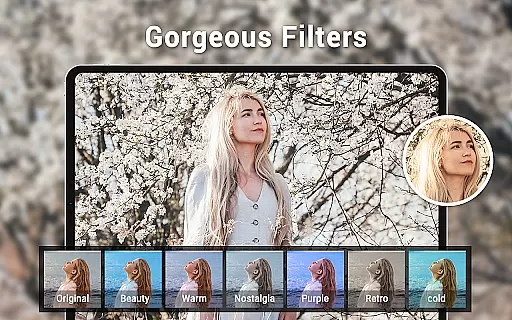
AI beauty and enhancement features are increasingly popular in photography apps, aiming to improve image quality while maintaining a natural look. Camera for Android incorporates advanced AI algorithms to enhance photos without compromising their authenticity, striking a balance between aesthetic improvement and realistic representation.
Among its key features, the app offers picture quality settings, white balance adjustments, and screen mode settings that utilize AI to optimize images based on the environment. Whether shooting in daylight or under artificial lighting, the app intelligently adjusts parameters to ensure that enhancements look natural and do not distort the original scene.
Additionally, smart panorama shooting and wide screen picture capabilities benefit from AI enhancements, allowing users to capture expansive landscapes with clarity and depth. These AI-driven enhancements provide users with professional-grade tools, empowering them to produce stunning yet authentic photographs using just their mobile devices.
User-friendly interface
High-definition photo capture
Versatile shooting modes
Advanced customization options
Optimized for all devices
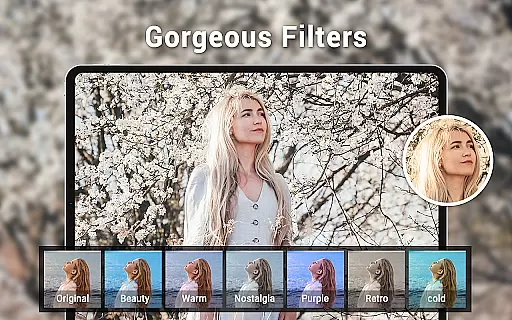
Limited creative filters
No built-in editing tools
Basic panorama stitching
Occasional performance lags
Interface not very modern

Professional video recording application with manual controls for filmmakers!
 2.80
2.80
Viewfinder, Light meter, Reciprocity failure time, DOF & Bellows Extension
4.60
Natural Beauty, Selfie Retouch
4.30
Movie camera, supports pro recording settings for filming. Try it and be amazed!
4.50
Future baby face generator: AI kids generator, kid face! What my baby look like?
4.40
Snap photos remotely using your Garmin watch as the camera trigger
4.5
Effortlessly make high-quality GIFs from images & videos without any watermarks.
4.70
Welcome to ProShot, the most powerful camera app on Android.
4.20
Photo & Video Gallery app to manage albums and save WA Status easily.
4.70
Gallery show photo, video, slideshow, is perfect 3D effect private photo albums.
4.80
Easily view, share, delete photos with Gallery.
4.70
Create collages easily! Nice pic collage maker & background eraser for Instagram
4.50
Virtual makeup, hair filters & body tuner—edit from face to full body!
4.20
Create AI Photos, Improve and restore quality of blurry, old or damaged pics.
4.20
Professional photography on your mobile phone
4.20
All-in-One Editor & AI Photo Enhancer, Collage, Cartoonify, Funny Stickers & BGS
4.10
Astrophotography with your smartphone, photo live stacking and much more!
3.90
USB Storage Access for Photos, Videos, Music and Documents
3.80
GCamera allows all GCam features on all phone models! Better photos with GCamera
3.30


User Reviews