
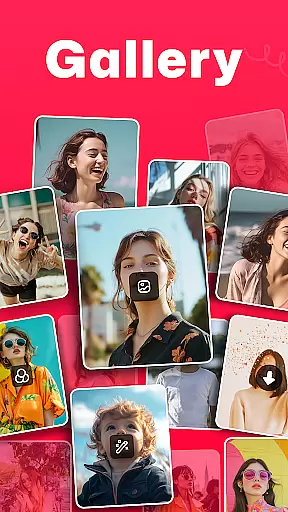
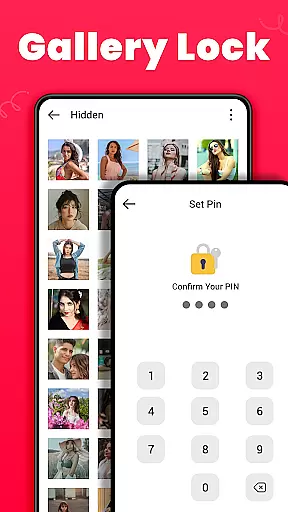
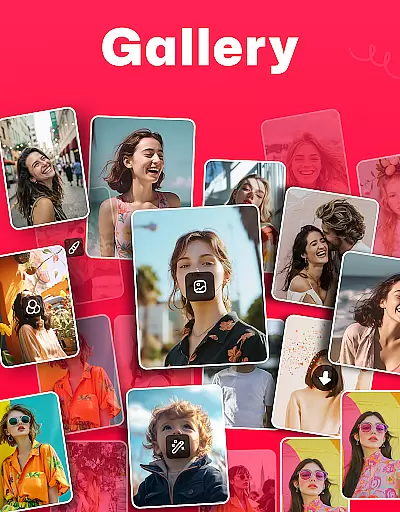
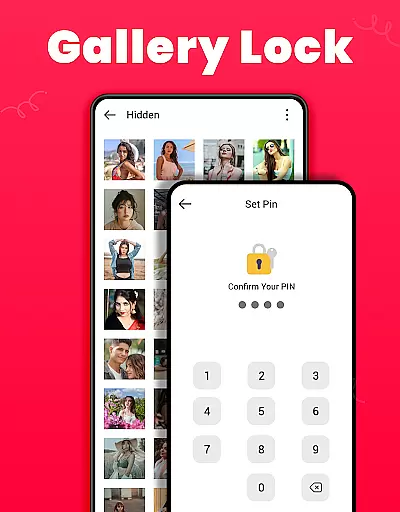
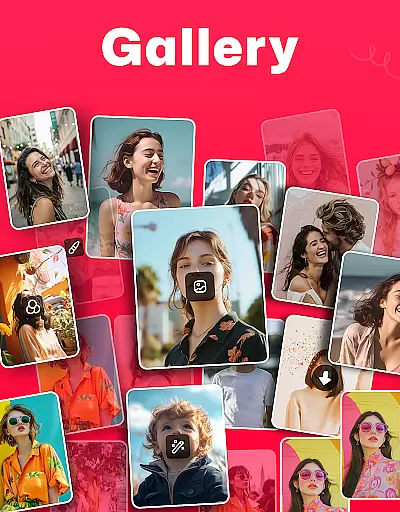
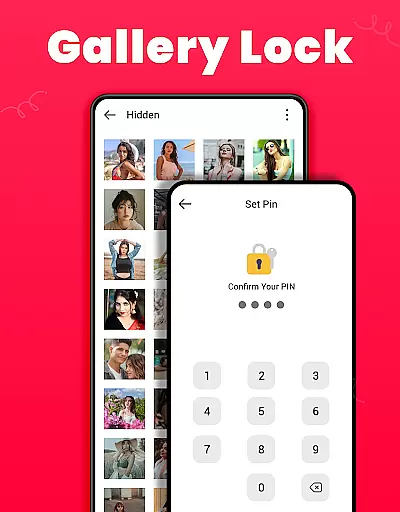
Gallery is a versatile offline photo and video management app designed for Android users. This application allows you to organize, edit, and share your media files effortlessly. One of its standout features is the Gallery Lock, which lets you secure sensitive photos and videos in a protected vault using a PIN or password. Additionally, the app supports organizing media automatically based on file paths, making it easy to locate and manage your files. Suitable for both casual and power users, Gallery ensures that your cherished memories are well-organized and securely stored.
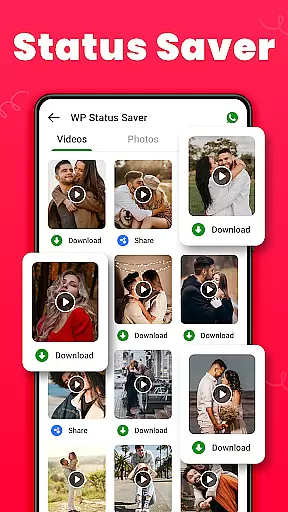
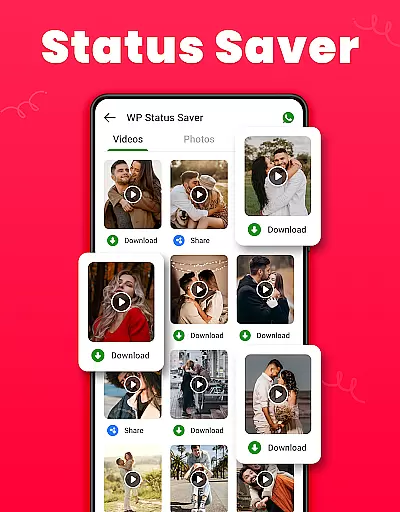
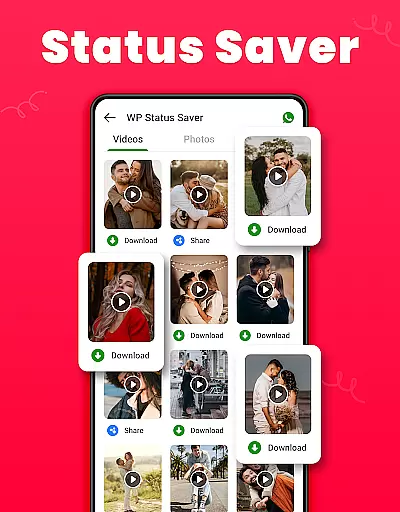
The app also offers advanced functionalities such as photo editing tools, media recovery from a Recycle Bin, and the ability to download WA statuses with a single click. These features make Gallery not just a storage solution but a comprehensive tool for enhancing and safeguarding your media experience.
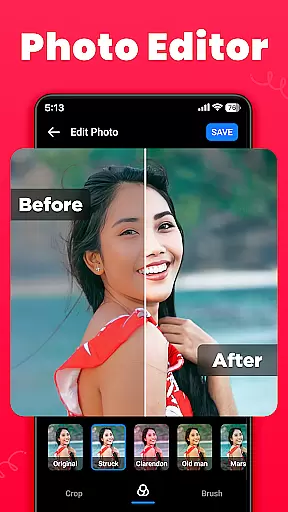
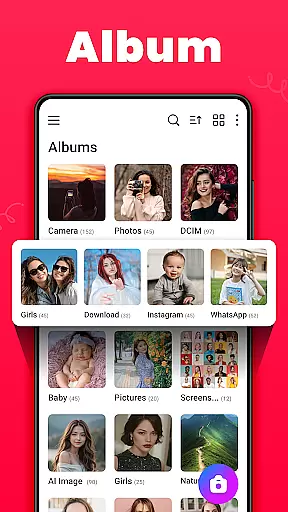
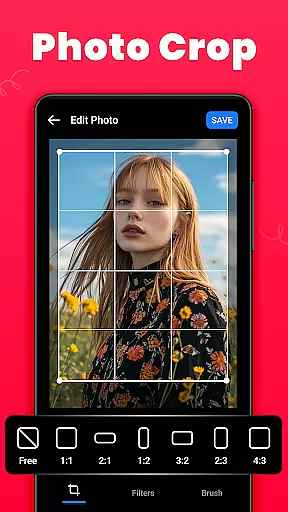
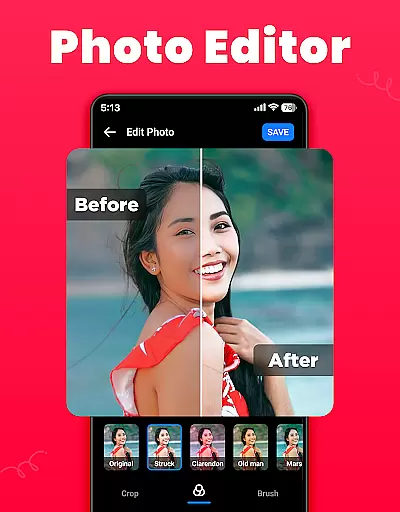
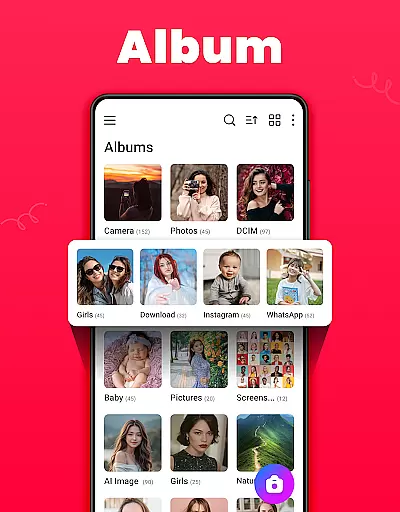
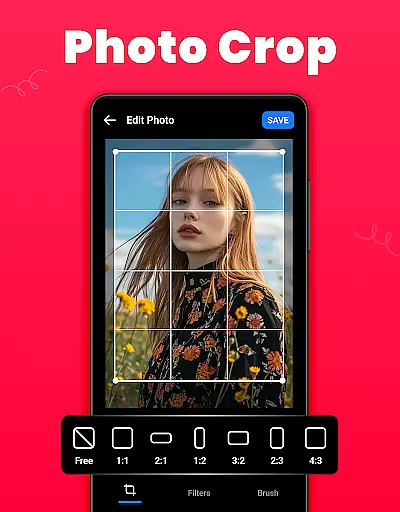
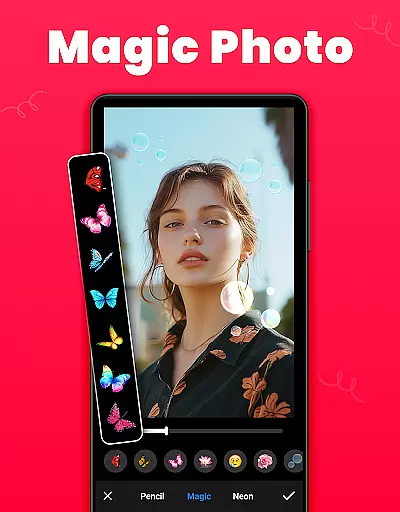
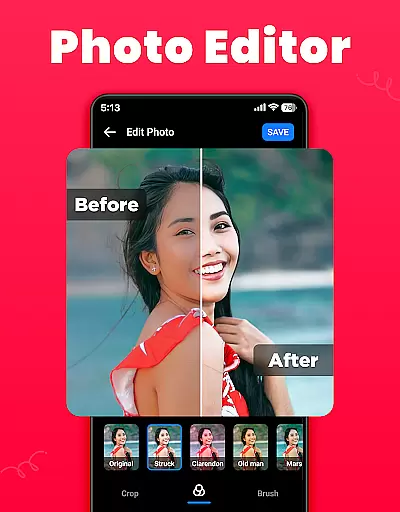
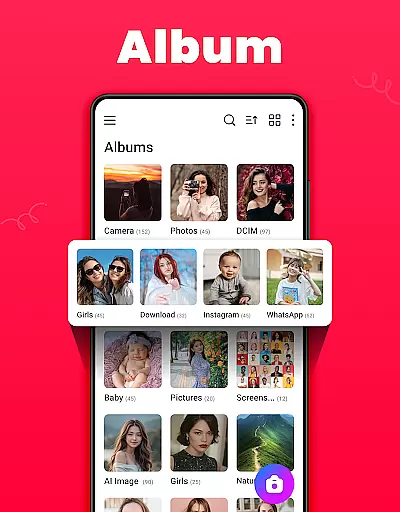
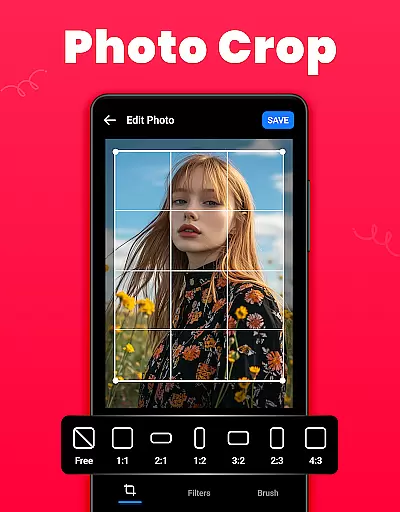
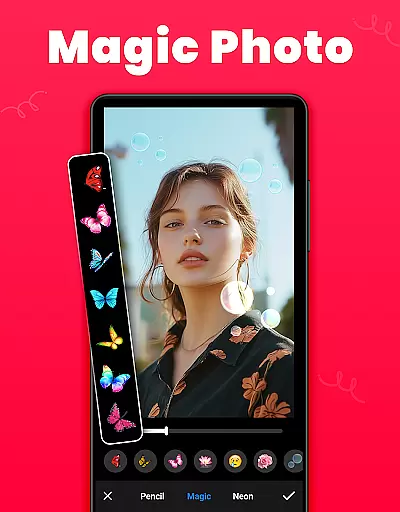
Gallery boasts an array of features that cater to diverse user needs. The app provides an intuitive interface for organizing albums, allowing users to sort media by name, date, path, and more. It includes powerful photo editing tools like crop, filter, and brush options, enabling users to enhance their images creatively. Furthermore, the app supports setting favorite pictures as wallpapers and creating personalized lists of photos and videos.
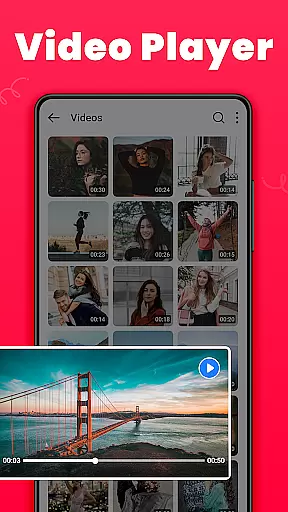
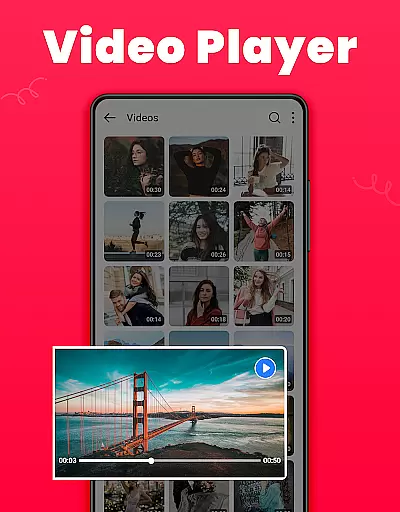
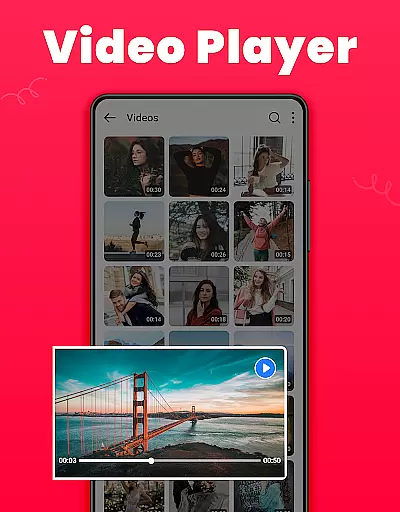
Another remarkable feature is the Recycle Bin, where deleted media files are temporarily stored. This functionality allows users to recover accidentally deleted items or permanently erase them. With support for light and dark modes, HD video playback, and social media sharing, Gallery ensures a seamless and enjoyable user experience. Its lightweight design and offline capabilities further enhance accessibility and convenience.
Real-time capture and preview functionality is essential for ensuring that users can take photos or videos with confidence. The Gallery app offers a seamless experience by providing an accurate representation of what the camera sees, allowing users to frame their shots perfectly.
This application ensures that the captured image closely matches the preview, maintaining color accuracy and exposure levels. With real-time filters and effects, users can apply creative adjustments before capturing the moment, thus eliminating guesswork and enhancing photo quality.
For those who value precision in photography, this feature provides immediate feedback on composition and lighting. Users can make necessary adjustments on-the-fly, which is particularly beneficial when shooting in challenging environments where conditions change rapidly.
The ability to instantly review captures without delay enhances user satisfaction. It allows photographers to focus on creativity rather than technicalities, making the entire process more enjoyable and efficient.
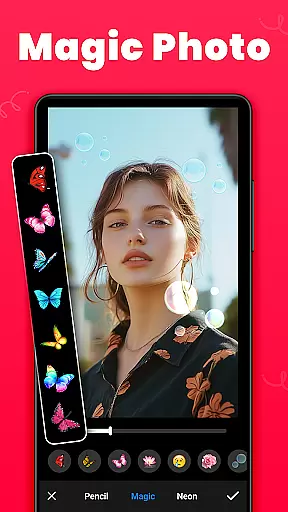
AI beauty and enhancement features are designed to improve the aesthetic appeal of photos while maintaining a natural look. The Gallery app employs advanced algorithms to automatically enhance facial features, skin tones, and overall image clarity without over-processing.
With customizable settings, users have control over the intensity of enhancements, ensuring that edits remain subtle and authentic. This approach respects individual characteristics, preserving unique traits while still delivering polished results.
These AI-driven tools help users achieve professional-grade edits with minimal effort. Whether it's smoothing out imperfections or brightening up dull images, the enhancements adapt to different skin types and lighting conditions, offering versatile solutions for various scenarios.
Ultimately, these features empower users to create visually appealing content that looks genuine. By balancing enhancement with authenticity, the Gallery app supports both casual snappers and serious photographers in producing high-quality images that reflect true beauty.
User-friendly interface
Secure media storage
Comprehensive editing tools
Efficient organization options
Offline functionality
Limited cloud integration
Occasional bugs reported
Ads in free version
Requires permissions
Some features need premium access

Virtual makeup, hair filters & body tuner—edit from face to full body!
 4.20
4.20
Android Native system HD camera app. Never been so simple and faster.
4.70
Turn your phone into a professional camera - full DSLR manual photography
4.30
Raw Image Viewer. Gallery with support of raw images (.cr3, .cr2, .nef, .raf).
2.00
Professional quality photo edits with the new Snapseed.
4.00
Easily create custom gifts, cards, photo books & more on the Shutterfly app!
4.60
Fit multiple photos on one post. Create carousels & scroll layouts for Instagram
4.50
Effortlessly make high-quality GIFs from images & videos without any watermarks.
4.70
Discover How to Plan any Sun, Moon and Milky Way Photo You Imagine in Seconds
4.70
See your baby AI baby face generator AI baby maker Face generator babymaker fun!
4.70
Your personal guide to the sun and moon. Plan ahead, visualize and predict!
4.70
Create Business Headshots, Polaroid Filter, Retake Photos,Profile Pics,AI Photos
4.50
Transform photos into videos! Create realistic or anime-style images easily!
4.50
AI photo enhancer with Sora 2! Enhance, descratch, and colorize your old photos.
4.50
Future baby face generator: AI kids generator, kid face! What my baby look like?
4.40
All-in-One Editor & AI Photo Enhancer, Beautify & Retouch, Collage, Cartoonify
4.20
Create AI Photos, Improve and restore quality of blurry, old or damaged pics.
4.20
Superimpose one photo on top of another using the original Superimpose app!
3.20
Long exposure camera with computational photography
2.60


User Reviews