
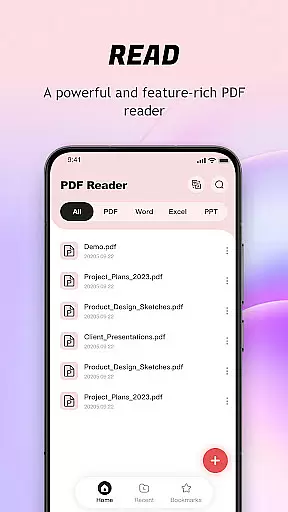
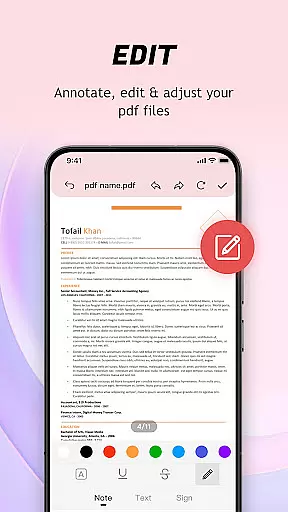
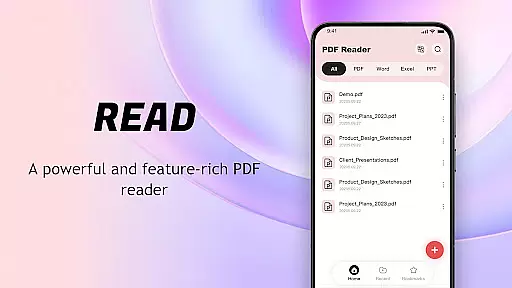
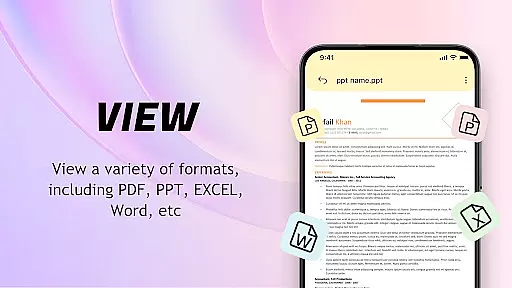
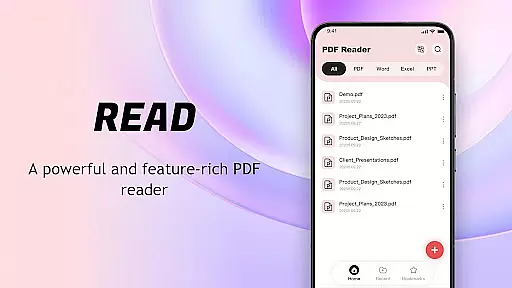
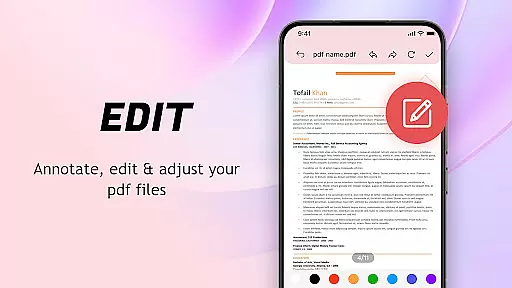
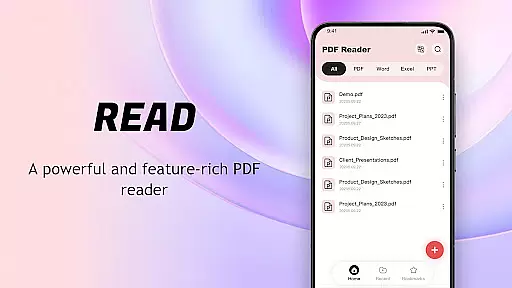
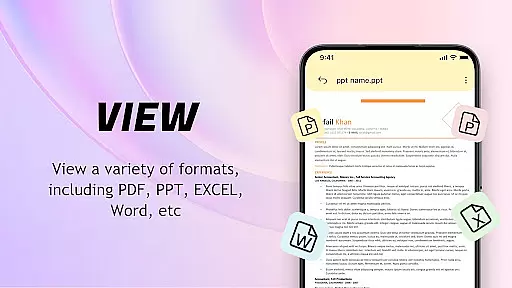
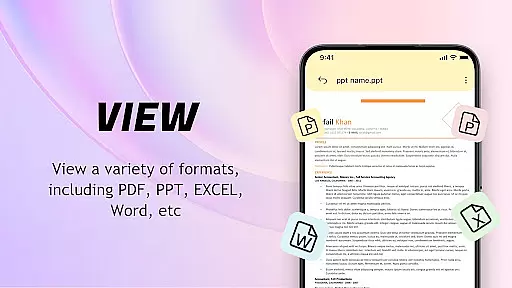
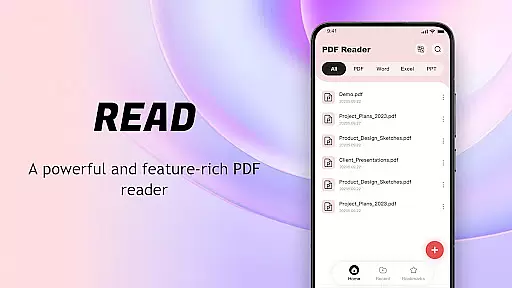
PDF Reader: Easy Fast Viewer is a versatile document management tool designed for efficient PDF handling. This application automatically scans and displays all PDF files stored on your mobile device, enabling seamless file organization and quick access to reading materials.
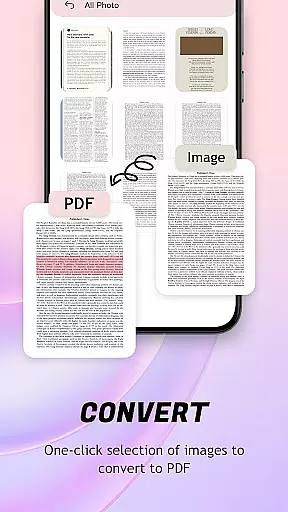
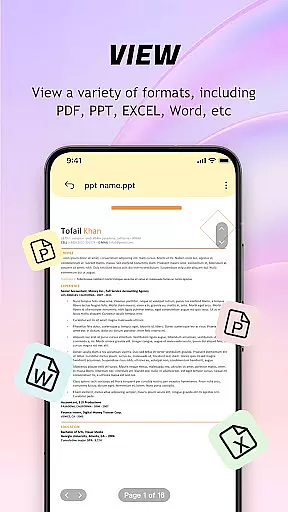
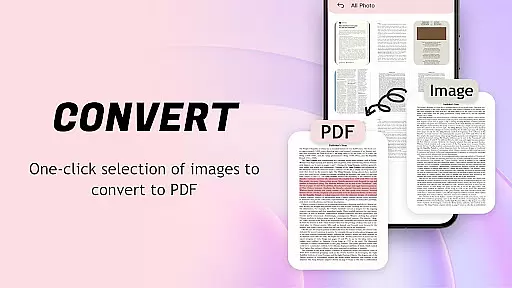
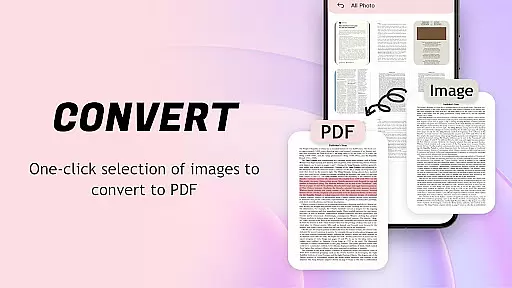
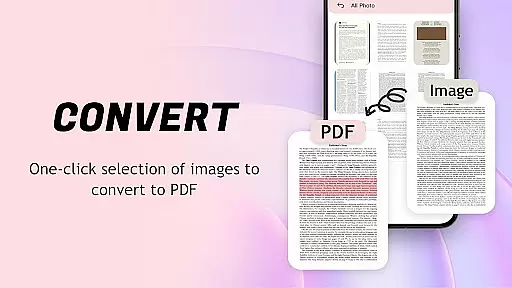
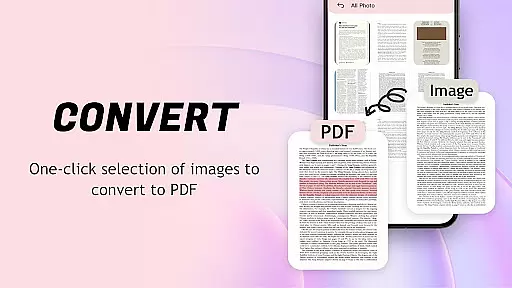
The app supports multiple viewing modes with smooth page transitions, ensuring optimal readability of text and images. Its powerful conversion feature allows users to transform images into well-optimized PDF documents with a single click. The intuitive interface makes document management effortless, while the recent files display ensures you can quickly retrieve your frequently accessed documents.
Ideal for professionals and students alike, this PDF reader provides a comprehensive solution for managing academic papers, work documents, and personal files on the go. The app's lightweight design ensures smooth performance without compromising your device's resources, making it perfect for both casual readers and power users.
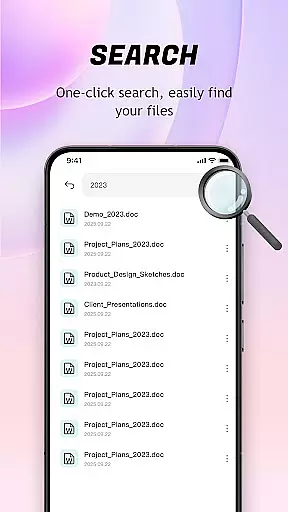
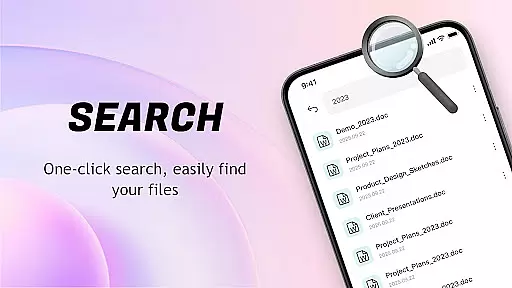
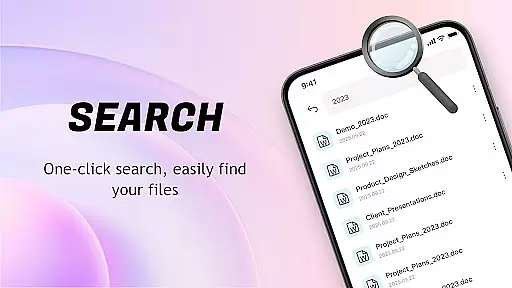
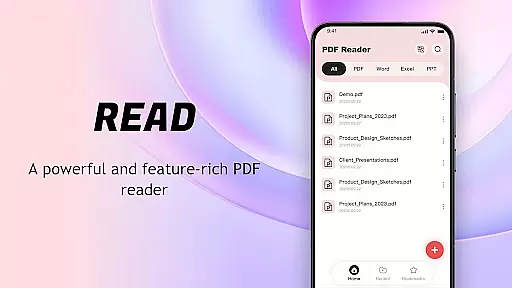
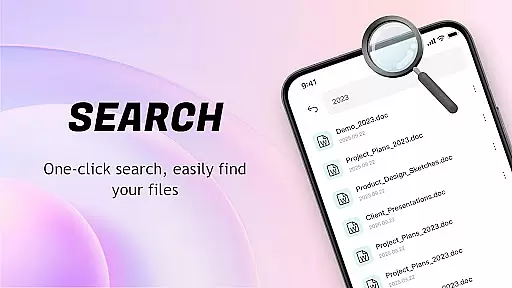
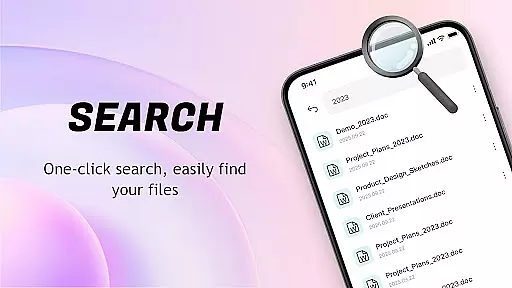
PDF Reader: Easy Fast Viewer stands out with its comprehensive feature set tailored for document management efficiency. The automatic file recognition system scans your device for all PDF documents, presenting them in an organized list view that facilitates easy searching and access.
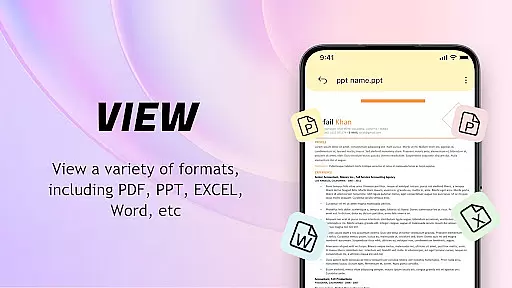
The application offers flexible viewing options through different scrolling modes, allowing users to customize their reading experience. Whether you prefer continuous scrolling or traditional page-by-page navigation, the app maintains exceptional clarity for both text and images. The built-in image-to-PDF converter streamlines document creation by optimizing layouts and generating professional-quality PDFs instantly.
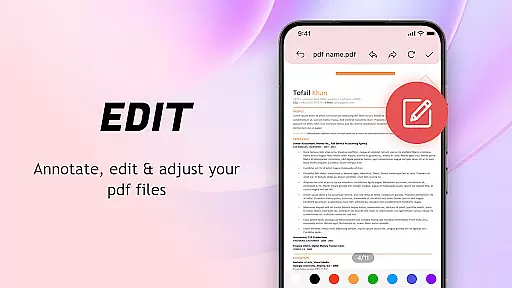
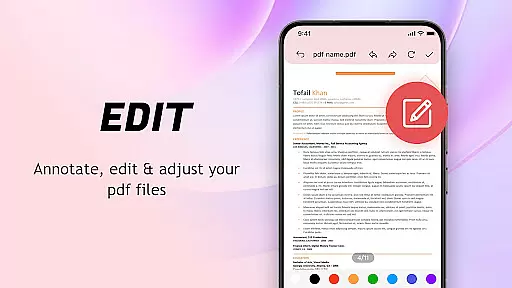
Advanced document management capabilities include recent file tracking, favorite marking, and convenient sharing options. Users can maintain organized collections through deletion functions and bookmarking features. The app's printing functionality enables direct mobile printing, while its permission-based system ensures controlled access to device storage, maintaining both security and functionality.
When it comes to PDF readers, the precision and efficiency of core functions are paramount. The PDF Reader: Easy Fast Viewer excels in this area by offering a suite of features that ensure accurate file previews and seamless navigation through documents.
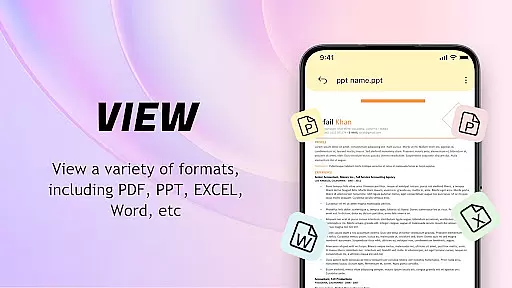
This application automatically identifies and displays all PDF documents stored on your device, presenting them in a smooth and readable format. It supports multiple scrolling modes, allowing users to choose their preferred method of document traversal while maintaining clear text and image rendering.
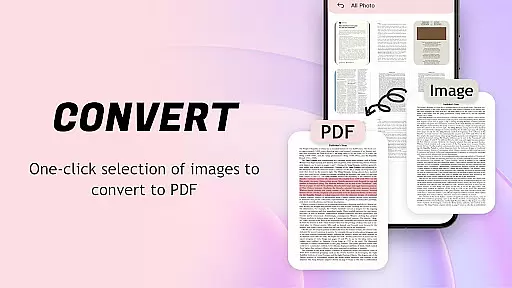
One standout feature is its ability to convert images into optimized PDFs with a single click, streamlining file management and sharing processes. This functionality not only enhances productivity but also ensures that files maintain their quality during conversion.
With an intuitive interface designed for ease-of-use, even complex tasks such as managing large volumes of documents become hassle-free. Users can quickly access recently opened files, delete unnecessary ones, or mark important documents as favoritesu2014all contributing to an efficient digital workspace.
A user-friendly interface is crucial for any tool, and the PDF Reader: Easy Fast Viewer stands out with its straightforward design tailored for effortless interaction. Upon launching the app, users are greeted by a clean layout where all essential functions are easily accessible.
The simplicity extends beyond aesthetics; it encompasses how users interact with their PDFs daily. With automatic document recognition, files are displayed promptly without cumbersome search processesu2014streamlining access to needed information.
Navigating through lengthy documents becomes intuitive thanks to customizable scrolling options that cater to individual preferences while preserving clarity in both text and visuals throughout each page turn.
Moreover, advanced features like converting images into PDFs do not complicate matters but rather integrate seamlessly within the app's environment, ensuring that despite having powerful capabilities at hand, maintaining control remains simple and enjoyable.
User-friendly interface
Fast document scanning
Multiple viewing modes
Efficient file conversion
Comprehensive document management
Limited format support
No cloud integration
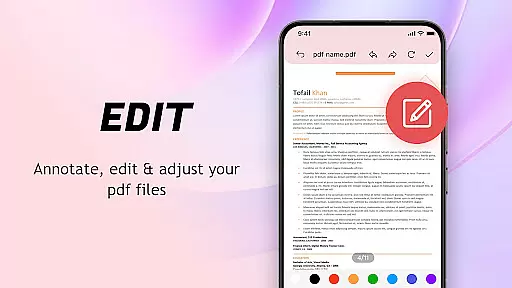
Basic editing tools
Occasional lag
Ads in free version

Easily install aab(Android App Bundle) files on your Android device with our app
 4.80
4.80
Quickly switch to an encrypted DNS server on Android TV
4.50
VESC Tool can monitor and configure VESC-compatible devices over BLE and Wifi
4.20
Smart and comfortable browsing experience.
3.80
Bedrock Together: Join any bedrock server on Xbox/PS
4.80
With videos, electrical calculators, and built-in ebook, Ugly’s has your answer.
4.50
Screen Mirroring with sound for Samsung TV, LG TV, Sony TV, Smart TV and Browser
4.20
A simple app to back up and restore SMS & MMS messages and call logs.
4.10
Enjoy a smooth mobile reading experience!
3.60
Navigate with Ease and Style
4.90
Remote Play with FSR upscaling, low latency & full controller support
4.80
NFC Tools can read and write NFC tags.
4.70
FV File Manager Pro, Fast and powerful file manager for Android
4.60
Canon PRINT is a companion app for your Canon printer.
4.60
Use your phone as a webcam on your computer over WiFi or USB.
4.40
An easy-to-use calculator designed to save time calculating and bending conduit
4.30
Create your own custom widget with endless possibilities
3.90
Fun lie-detection pranks for friends and parties.
3.80
Save any video in HD - paste the link, download fast and watch offline.
4.2


User Reviews