
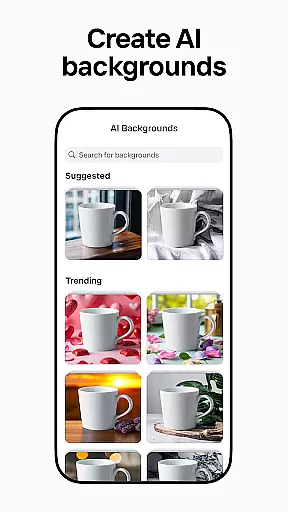
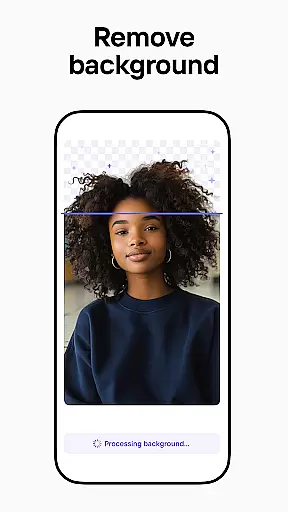

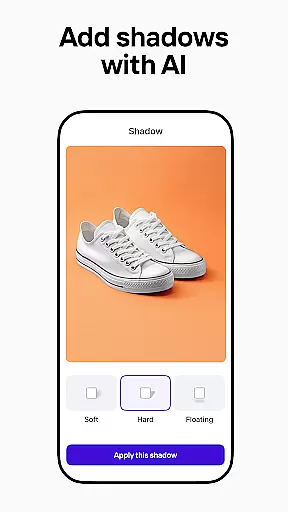
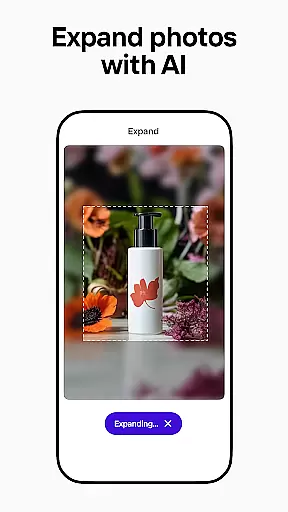
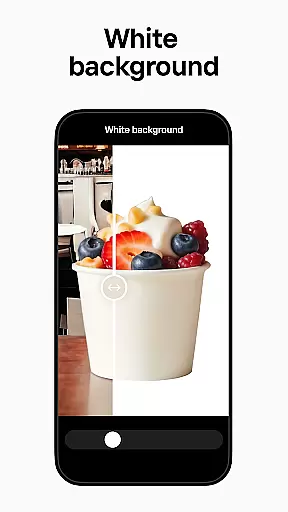
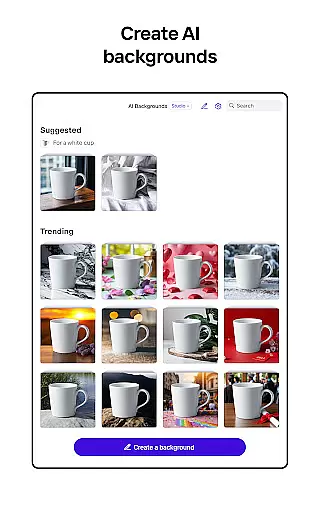
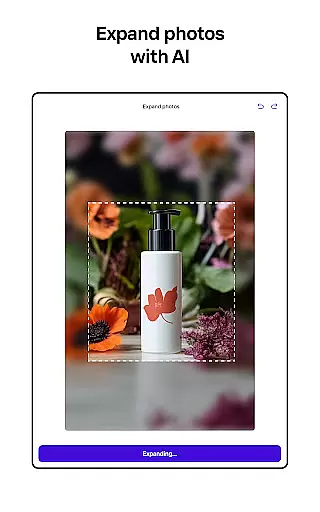
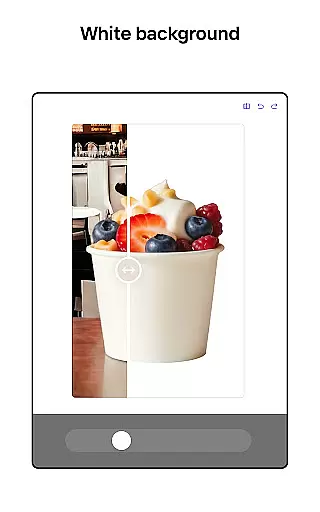
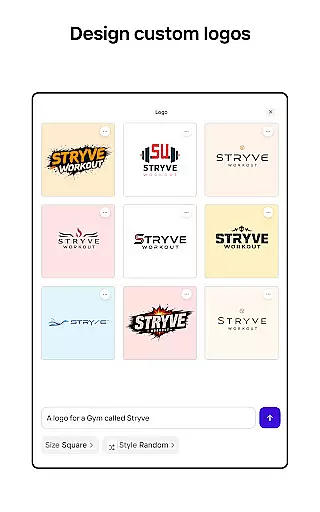
Photoroom AI Photo Editor is a powerful mobile application designed for creating professional-quality images with ease. The app utilizes advanced AI technology to help users design, edit, and enhance photos by removing or replacing backgrounds, erasing unwanted objects, and adjusting lighting and shadows. Whether you're an e-commerce seller, content creator, or social media manager, Photoroom provides the tools needed to elevate your brand and engage your audience.
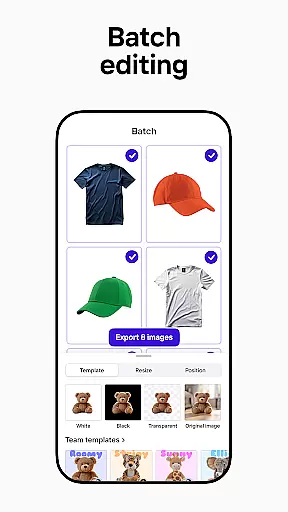
The app offers specialized features such as AI-powered design assistance, batch editing for multiple images, and customizable templates for various platforms like Instagram, Facebook, and Amazon. With its intuitive interface, Photoroom makes it simple for anyone to produce polished visuals without requiring extensive design experience. This functionality proves especially valuable for users looking to optimize their product listings, promotional materials, or personal projects.
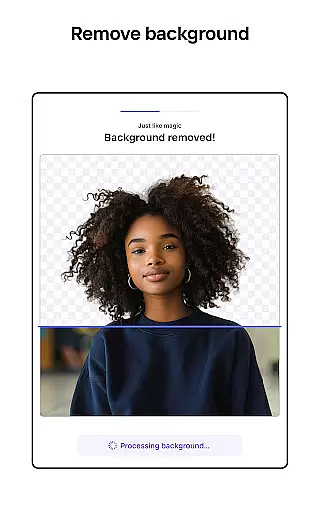
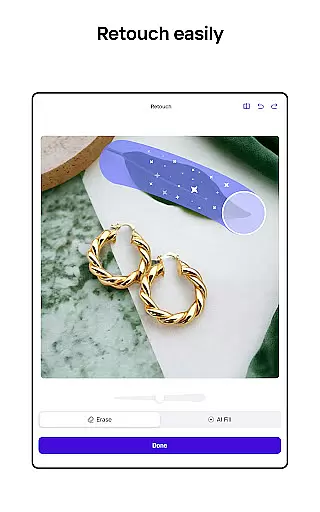
Photoroom stands out with its comprehensive suite of AI-driven photo editing tools. One of the key features is the ability to remove and replace backgrounds effortlessly, allowing users to create clean, professional images ideal for e-commerce or marketing purposes. The smart eraser tool helps eliminate distractions or imperfections, while the Product Beautifier enhances items in photos instantly, making them more appealing to potential customers.
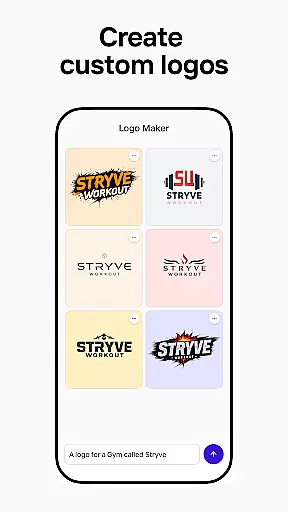
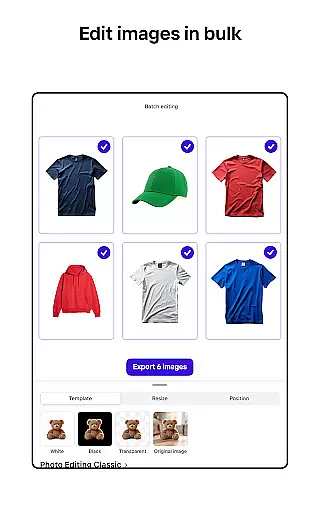
In addition to background editing, Photoroom offers robust customization options. Users can build their own Brand Kit to store logos, colors, and fonts, ensuring consistent branding across all designs. The app also supports batch editing, enabling users to apply changes to multiple images simultaneously—a crucial feature for those managing large inventories or frequent content updates. Furthermore, collaboration tools allow teams to work together seamlessly, sharing and refining designs in real time.
Real-time capture and preview functionality is essential for ensuring that every photo taken meets professional standards. With Photoroom AI Photo Editor, users can see immediate results of their edits, allowing for precise adjustments on the fly.
The app's advanced AI technology processes images instantly, providing a seamless experience when removing or replacing backgrounds. This real-time feedback empowers users to make informed decisions about their photo edits, ensuring high-quality outcomes.
For e-commerce sellers and content creators, this feature significantly enhances workflow efficiency. The ability to preview changes instantly means less time spent on trial and error, resulting in faster content production without compromising on quality.
Moreover, real-time capture and preview help maintain consistency across multiple images, which is crucial for brand identity. Users can apply the same editing style to all their photos, ensuring a cohesive look that strengthens their visual presence on platforms like Instagram, Facebook, and Amazon.
AI-powered beauty and enhancement features are revolutionizing how we edit photos by offering natural-looking improvements. Photoroom AI Photo Editor leverages sophisticated algorithms to enhance images while maintaining authenticity, avoiding the over-processed look common in many editing tools.
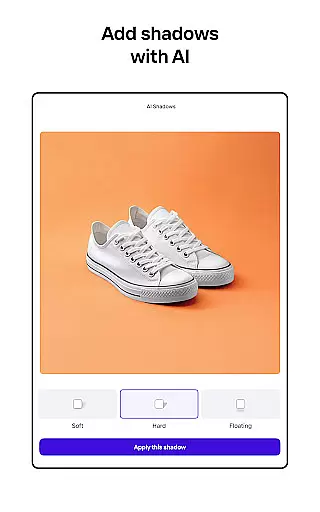
The app's AI technology intelligently adjusts lighting, shadows, and sharpness, creating polished yet realistic results. Whether it's smoothing skin tones or enhancing product details, the enhancements appear organic, preserving the original essence of the photograph.
This level of natural enhancement is particularly beneficial for social media managers and freelancers who need to deliver professional-grade visuals. By using Photoroomu2019s AI tools, they can produce engaging posts that captivate audiences without appearing artificial or overly edited.
Furthermore, the AI beauty features extend beyond simple retouching. They include options for background replacement and object removal, all while keeping the final image looking genuine. This comprehensive approach ensures that every edited photo not only meets aesthetic standards but also retains its unique character.
AI-powered design
Effortless background removal
Batch editing support
Customizable templates
Real-time collaboration
Premium features locked
Subscription required
Limited free exports
Advanced tools costly
Occasional glitches

A collection of tools and reference tables for DPs, ACs, DITs and Operators.
 4.70
4.70
AI portrait generator and polaroid AI selfie, fun AI generated AI photo creator!
4.30
Find time and duration of different sunlight phases at any location
4.90
Create Business Headshots, Polaroid Filter, Retake Photos,Profile Pics,AI Photos
4.50
Gallery Slideshow is slideshow maker app for slideshow from your gallery photos.
3.90
Movie camera, supports pro recording settings for filming. Try it and be amazed!
4.50
Pro version: AR sun/moon tracker for any date. Tool for photographers & planners
4.90
Professional camera app that brings DSLR manual photography controls to Android.
4.20
Remote control the phone camera shutter from your smartwatch and take a picture
1.60
Photo prints, cards, & gifts at Walgreens. Easy ordering & fast local pickup !
4.80
PhotoSync Bundle Add-On License. Enables all features and services in PhotoSync.
4.60
HD Camera Pro with HD Video shooting, Panorama, Photo editor , Beauty Camera.
4.50
Create AI photos & videos with Enhancer; restore, fix, beautify, enhance photos
4.50
AI photo enhancer with Sora 2! Enhance, descratch, and colorize your old photos.
4.50
Use AI Video Generator to turn your words to ai generated videos.
4.50
Luminar: Photo Editor - easy picture editing with AI
4.20
live datamoshing
4.00
Astrophotography with your smartphone, photo live stacking and much more!
3.90
Application for remote controlling DSLR
3.00


User Reviews