
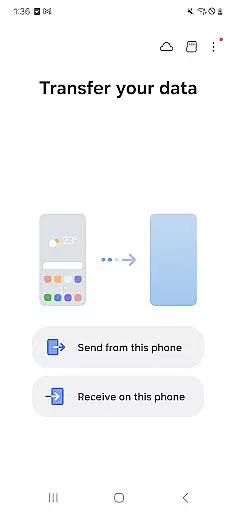
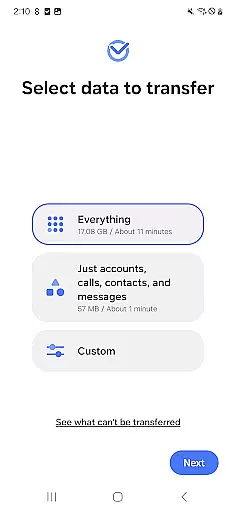
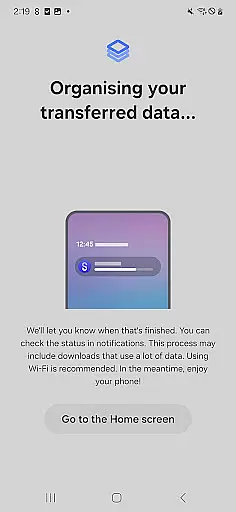
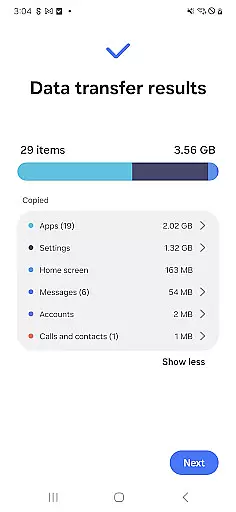
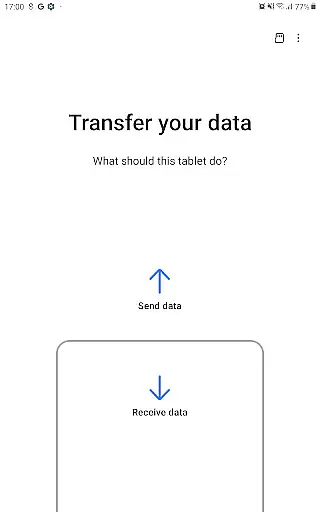

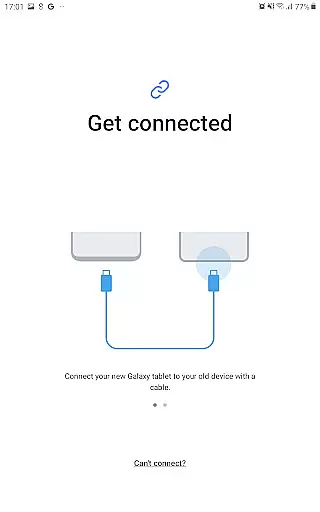
Samsung Smart Switch Mobile is a powerful migration tool designed to simplify the process of switching to a new Galaxy device. The app enables seamless transfer of contacts, music, photos, calendar entries, text messages, device settings, and more from your old Android or iOS device to your new Samsung Galaxy. It also helps users find their favorite apps on Google Play™ or suggests similar alternatives, ensuring a smooth transition to the new device.
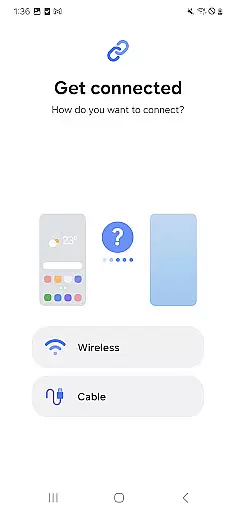
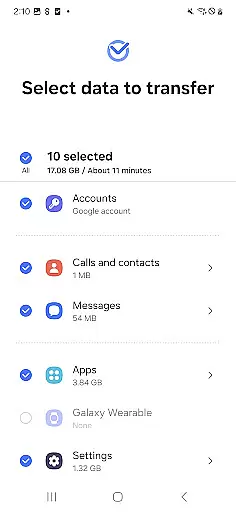
The application supports a wide range of devices, including Android devices running Android 5.0 or higher and iOS devices with iOS 5.0 or above. Depending on the source device, users can choose between wired or wireless transfer methods, including iCloud™ and iTunes™ integration. With support for transferring DRM-free content, call logs, memos, alarms, Wi-Fi settings, wallpapers, documents, and even app data (Galaxy to Galaxy only), this tool ensures that users can retain their essential data while upgrading their smartphones or tablets.
Smart Switch Mobile offers an impressive array of features tailored to make device migration hassle-free. One of its standout capabilities is the cross-platform support, allowing both Android and iOS users to transfer their data to a new Galaxy device. For Android users, the process is straightforward, requiring Android 5.0 or higher, while iOS users have multiple options, including wired transfers using a lightning or 30-pin cable, iCloud™ imports, or PC/Mac transfers via iTunes™.
In addition to basic data like contacts, photos, and music, the app can transfer more complex information such as call logs, memos, alarms, Wi-Fi settings, and even home screen layouts (Galaxy to Galaxy). It also provides advanced Wi-Fi management options to handle connectivity issues during data transfer. Furthermore, the app requests necessary permissions, such as access to contacts, calendar, SMS, and storage, ensuring all relevant data is moved securely and efficiently.
Another notable feature is the Nearby Devices functionality, which uses Wi-Fi or Bluetooth to locate and connect to other devices for data transfer. This makes it easy to switch between devices without needing physical cables. Overall, Smart Switch Mobile combines comprehensive data transfer capabilities with user-friendly features, making it an essential tool for anyone upgrading to a new Samsung Galaxy device.
Smart Switch Mobile exemplifies core function accuracy by ensuring seamless data migration across devices. The application supports a comprehensive range of content types including contacts, messages, media files, and even app data for Galaxy devices.
The effectiveness of Smart Switch is demonstrated through its compatibility with various device models and operating systems. Android users can transfer data from Android 5.0 or higher, while iOS users have multiple options such as wired transfer or iCloud import, making it versatile and widely accessible.
Users benefit from the app's ability to maintain data integrity during transfers. With support for recent Galaxy mobiles and tablets from Galaxy S2, along with other Android brands, the app ensures that your valuable information is moved accurately without loss or corruption.
This precision in transferring extends to specific requirements like DRM-free content and sufficient storage space on devices, providing a reliable solution for upgrading smartphones while retaining personal data and settings.
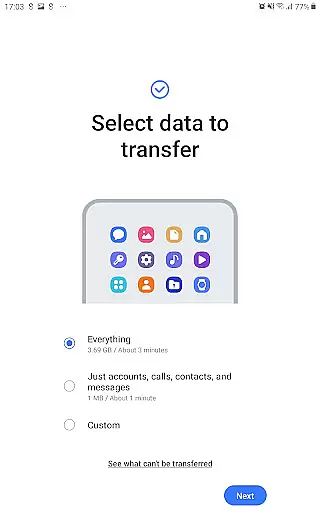
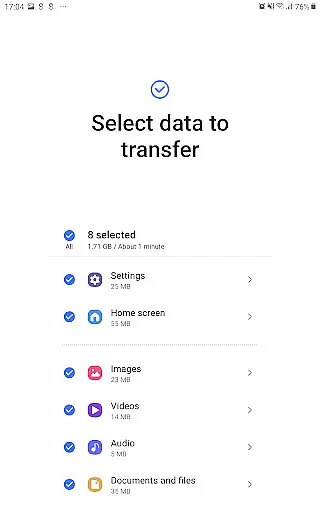
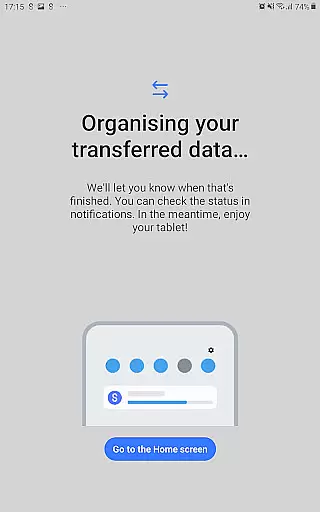
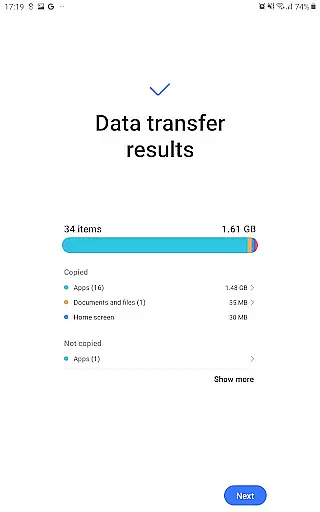
The interface of Smart Switch Mobile is designed for simplicity and ease of use, allowing users to execute complex data transfers without technical expertise. Its straightforward design guides users through each step of the migration process, whether they're moving from an old Galaxy device or switching from another platform.
Intuitiveness is at the core of its user experience; the app provides clear instructions for different transfer methods. For instance, iOS users can choose between wired transfers using cables or wireless options via iCloud, all within a few taps on their new Galaxy device.
Additionally, the app minimizes confusion by detailing prerequisites and permissions needed before initiating any transfer. This proactive approach helps prevent common issues related to connectivity or insufficient storage space, streamlining the overall process.
By focusing on these aspects, Smart Switch Mobile ensures that even novice users can navigate its features confidently, making cross-platform migrations less daunting while maintaining high standards of usability.
Easy data migration
Wide device compatibility
Comprehensive data transfer
User-friendly interface
Cross-platform support
DRM content not supported
Limited iOS functionality
Requires sufficient storage
Occasional connection issues
Permissions needed

 4.50
4.50
Quickly switch to an encrypted DNS server on Android TV
4.50
Extremely fast, secure, and protects your privacy
4.80
Enjoy smooth gameplay with Game Booster
4.90
Create your own live wallpaper or check out thousands already made presets
3.90
Effortlessly run ADB commands directly on your device without a PC.
4.20
Navigate with Ease and Style
4.90
Fun lie-detection pranks for friends and parties.
3.80
Screen recorder with audio to record high-quality videos and take screenshots.
4.40
Change your GPS location instantly. Simulate routes anywhere in the world.
4.90
Remote Play with FSR upscaling, low latency & full controller support
4.80
Use your phone as a webcam on your computer over WiFi or USB.
4.40
Just one-tap to easy translate in any language after calls within seconds.
4.20
Remote for Roku, Fire TV, Samsung TV, LG TV, Android TV, Chromecast and VIZIO TV
4.20
This app unlocks the Pro features of the Central for DayZ app
3.60
Clean the junk files on your device
3.40
Transfer Files, APK from Phone to Watch & Install.
4.2
Unlock your Essential Key. Create custom shortcuts to your favorite apps!
4.5
Save any video in HD - paste the link, download fast and watch offline.
4.1


User Reviews