
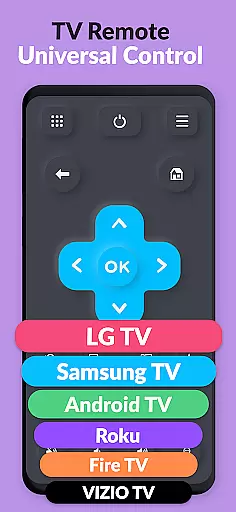
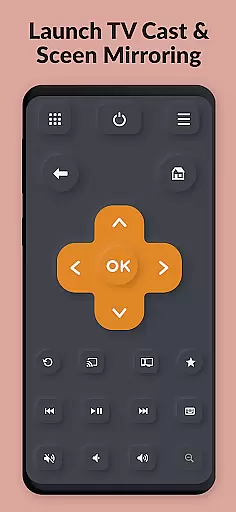
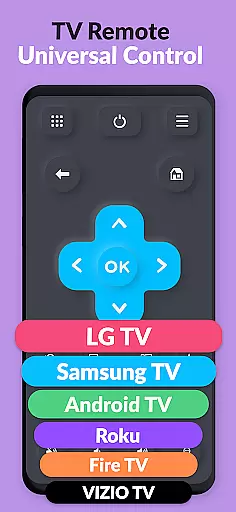
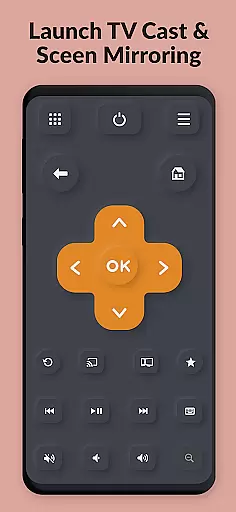
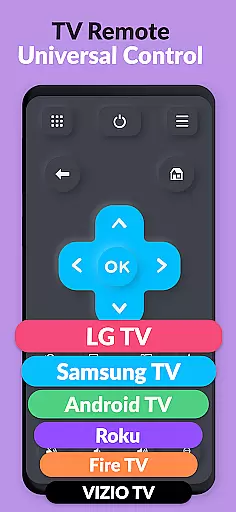
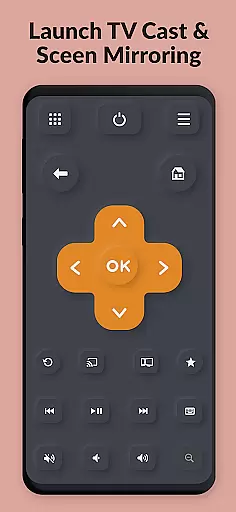
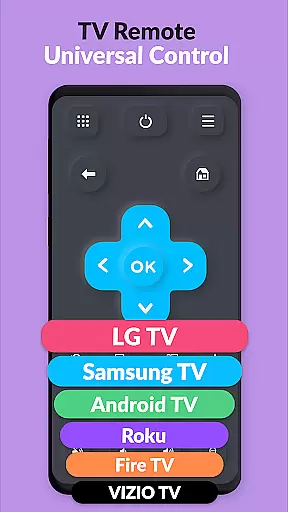
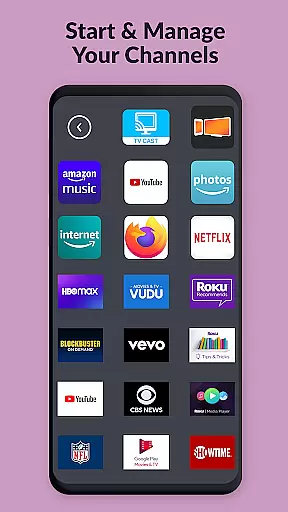
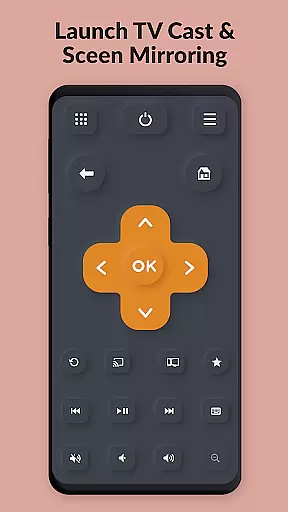
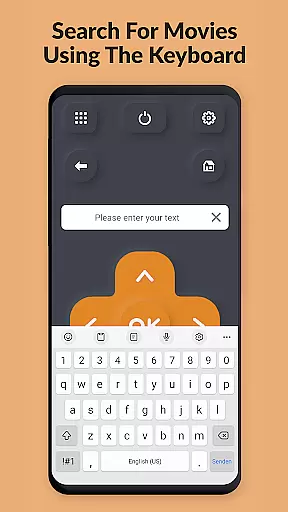
TV Remote Pro is a versatile remote control application designed for Roku, Fire TV, Samsung TV, LG TV, Android TV, Chromecast, and VIZIO TV. This app transforms your smartphone or tablet into a universal remote, offering an intuitive way to control your smart TV without the need for multiple physical remotes. With all remote control features unlocked in its PRO version, users can enjoy seamless navigation, channel browsing, and text input through a fast and easy keyboard.
The app supports a wide range of TV models including those with Tizen OS, webOS Hub, Fire TV, and Google TV built-in. Whether you have a Samsung, LG, Roku, Fire TV, Chromecast, or VIZIO TV, this app provides essential functions like volume control and power buttons specifically for TVs. Its compatibility extends to older models as well, ensuring that users with different TV setups can benefit from this convenient solution.
TV Remote Pro simplifies your entertainment experience by allowing you to search for movies and channels directly from the app. The developers behind Video & TV Cast bring their expertise to deliver a reliable tool that enhances how you interact with your television. By eliminating the frustration of lost remotes, TV Remote Pro offers a practical and efficient way to manage your viewing preferences effortlessly.
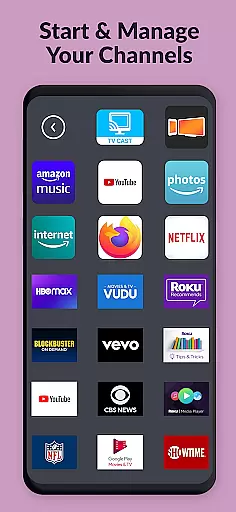
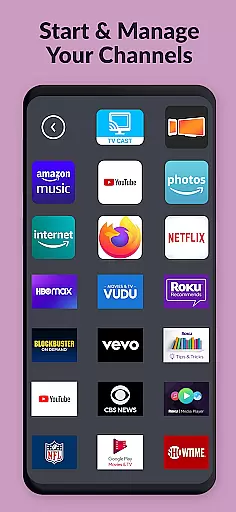
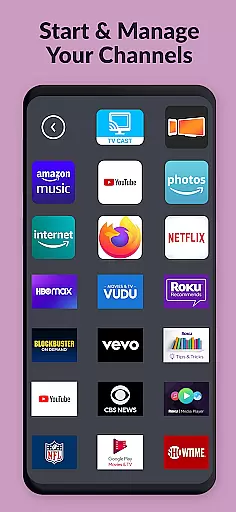
TV Remote Pro stands out with its comprehensive set of features tailored for smart TV users. One of the key highlights is the ability to remotely control various types of smart TVs using just your phone or tablet. This includes opening Roku, Fire TV, or Smart TV channels directly from within the app, providing quick access to your favorite content without needing to switch between different remotes.
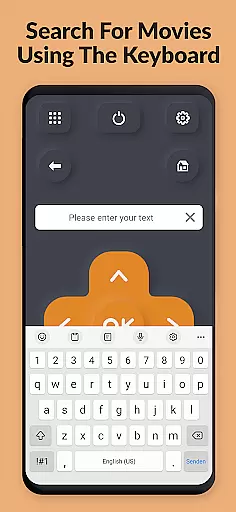
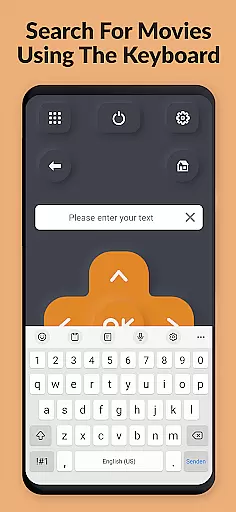
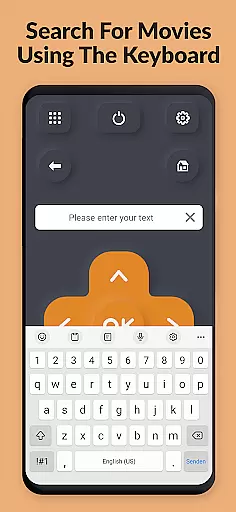
The app also includes a fast and easy keyboard feature, enabling users to enter text on their Roku, Fire TV, or Smart TV seamlessly. This functionality significantly enhances user convenience when searching for specific movies or channels. Additionally, the clean and simple interface ensures that even first-time users can navigate the app effortlessly, making it accessible to individuals of all tech-savviness levels.
Another notable feature is the compatibility with numerous TV brands and models, such as Samsung TVs with Tizen OS, LG TVs with webOS Hub, Roku devices, Fire TVs, Chromecasts, and VIZIO TVs. Volume control and power button options are available exclusively for TVs, adding another layer of utility. With no subscriptions required, TV Remote Pro delivers premium features at no ongoing cost, solidifying its position as a must-have tool for modern households.
TV Remote Pro exemplifies core function accuracy and effectiveness by providing a reliable solution for controlling various smart TVs through your mobile device. The app supports multiple brands including Roku, Fire TV, Samsung TV, LG TV, Android TV, Chromecast, and VIZIO TV.
The application's design ensures that users can easily navigate its interface to access essential remote control features. With functionalities such as volume control, power button options, and the ability to open channels directly from the app, it delivers an intuitive experience that simplifies interaction with your television.
Moreover, TV Remote Pro offers a fast and easy keyboard feature for searching movies and channels on supported devices. This practical tool eliminates the need for manual text entry on TV screens, significantly enhancing user convenience and saving time when selecting content or adjusting settings.
Interface simplicity and intuitiveness are at the heart of TV Remote Pro's design philosophy. By focusing on delivering a clean, fast, and straightforward user experience, this app transforms your smartphone or tablet into an efficient remote control for a wide range of smart TVs.
Users will appreciate the logical layout and ease of use offered by TV Remote Pro. Its minimalistic approach ensures that even those who may not be tech-savvy can quickly grasp how to operate their television with just a few taps on their mobile device. No subscriptions or complicated setups are requiredu2014just download and start using it immediately.
In addition to its streamlined interface, the app provides compatibility with numerous TV models and brands without overwhelming users with unnecessary complexity. Whether you're controlling a Samsung TV with Tizen OS or an LG TV with webOS Hub, TV Remote Pro maintains consistency in operation across different platforms, making it simple to switch between devices while retaining familiarity with the controls.
User-friendly interface
Wide device compatibility
No subscription fees
Fast and easy keyboard
All features unlocked
Limited to compatible devices
No voice command support
Requires initial setup
Occasional connectivity issues
Premium version only

HD Camera captures every special moment.
 4.60
4.60
1-Click close all background apps on Android TV
3.90
This app unlocks the Pro features of the Central for DayZ app
3.60
Quickly & easily calculate the spacing of handrail balusters
4.20
Effortlessly run ADB commands directly on your device without a PC.
4.20
The Ultimate Bluetooth Keyboard & Mouse. Securely control your PC, Mac, and more
4.50
Play your X-Box games remotely in 1080p with any controller and zero latency
4.60
fast and easy mp3 music downloader
4.80
The ideal app to be the digital eye of your family
3.40
Monitor car performance in real time and troubleshoot malfunctions.
4.80
ADB support Android 4.X-Android 13(Support wireless pair mode).No root required!
4.70
The one-and-only remote control for PC, Mac, and Linux
4.70
Fast Video Downloader, Movie Downloader, Torrent Downloader & Adblock Browser
4.70
eXtended Permission Manager - a small app to manage permissions and AppOps
4.50
Fluid navigation gestures for all of us!
4.30
PC precision for mobile gaming: dominate with keyboard and mouse!
4.30
Making emulation easy for everyone!
4.30
Create your own custom widget with endless possibilities
3.90
Clean the junk files on your device
3.40


User Reviews