
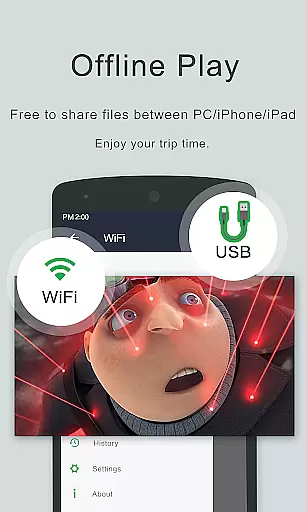
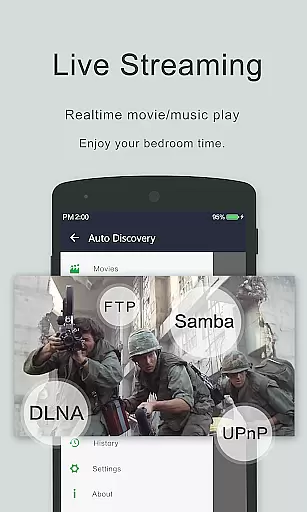

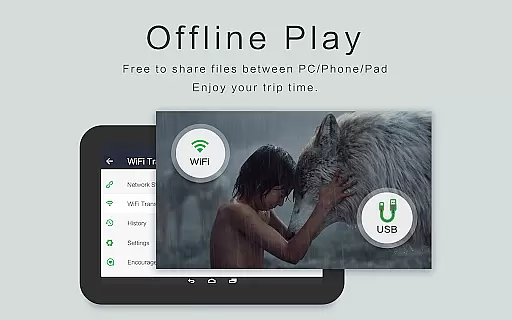
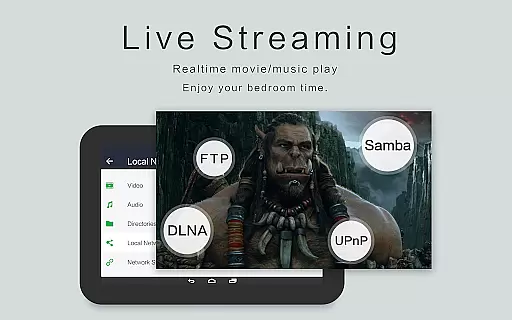
OPlayer is a professional media playback tool that has been under development for 12 years, offering support for DTS and DivX formats. As one of the best HD video players for Android devices, it supports almost all media formats including MKV, MP4, AVI, and more.
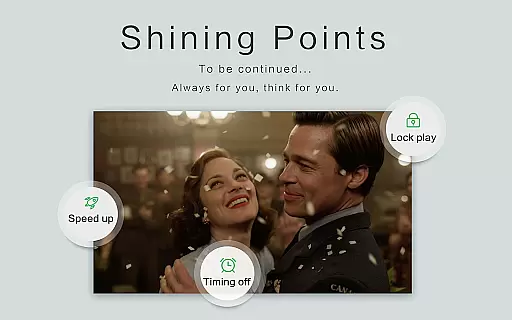
With features like Ultra HD video playback, hardware acceleration, gesture unlock for video safety, Chromecast support, subtitle downloader, pop-up window playback, and night mode, OPlayer provides a comprehensive and secure media experience. Its ability to identify all video files on your device and SD Card, along with a full-featured file manager, makes it an essential app for managing and enjoying multimedia content.
OPlayer stands out with its extensive format support, including MKV, MP4, M4V, AVI, MOV, and many others, making it versatile for any user's video playback needs. The app also supports 4K video resolution, ensuring high-quality viewing experiences.
Advanced functionalities such as casting videos to TV with Chromecast, playing video in a pop-up window or split-screen mode, and background video playback enhance multitasking capabilities. Additionally, features like night mode, quick mute, playback speed control, and multi-playback options provide users with a customizable and comfortable viewing environment.
The integrated file manager allows easy management of video files, enabling operations like move, cut, paste, and sharing. With intuitive controls for volume, brightness, and playing progress, OPlayer combines powerful performance with user-friendly design.
Video format compatibility is a crucial feature for any video player application, determining its ability to support a wide range of video file types. OPlayer excels in this area by supporting almost all popular and niche video formats including MKV, MP4, AVI, MOV, and many more.
The app's extensive format support ensures that users can play videos without the need for conversion or additional codecs. This includes high-definition formats up to 4K resolution, making it an ideal choice for both casual viewers and videophiles who demand quality.
OPlayer also incorporates hardware acceleration to ensure smooth playback even for ultra HD content. This not only enhances the viewing experience but also optimizes device performance by reducing processing load.
With its comprehensive format coverage, OPlayer provides users with a versatile tool for all their video playback needs, eliminating format-related playback issues and ensuring seamless media consumption across different devices.
While primarily a video player, OPlayer offers some AI-powered features that enhance the user experience beyond simple playback. Although it may not provide full editing capabilities like dedicated video editors, its intelligent features simplify video management and playback control.
The app automatically identifies all video files on the device and SD card, using smart algorithms to organize and categorize media content. This AI-driven approach saves users time and effort in manually managing their video libraries.
OPlayer's intelligent playback options include automatic aspect ratio adjustment, screen orientation detection, and optimized playback speed controls. These features work together to create a more intuitive and personalized viewing experience.
Additionally, the app's advanced subtitle downloader and gesture-based controls demonstrate how AI-powered functionality can improve accessibility and convenience, making video playback more enjoyable and user-friendly.
Wide format support
4K video playback
Chromecast integration
Pop-up video feature
Comprehensive file manager
No native iOS version
Limited editing tools
Occasional bugs reported
Interface not modern
Some features require pro version

Save photos and videos from social apps in one tap.
 3.60
3.60
This app was created to edit the metadata of music files.
4.20
AirMirror is Receiver for Screen Mirroring and Casting from Apple Devices.
3.60
High-Quality USB Camera Viewer & HDMI Display
4.70
Turn your phone into a wireless camera!
4.20
Download videos easily & play them all in one smart, powerful video manager.
3.40
Cast to Smart TV, Fire TV. Cast video, photo - Fast & Stable!
3.90
Manage your IPTV live channels and VOD playlists (no playlist included)
3.80
Photo editor & video maker with music and slideshows.
4.10
Pro video editor app for Instagram, edit video with song, AI, effect & slowmo.
4.80
Fast & easy HD video downloader for all formats, support 4K playback & download.
4.60
Browser + Remote for Roku to stream webvideos, online movies and livestreams
4.60
Fast, private downloading, video saving, social media
4.50
Powerful, professional, versatile teleprompter. Developed by an active film crew
4.00
IPTV-Smarters Player Pro M3U - Watch Live Stream TV Channels with Chromecast
4.00
AI Video Editor:AI Music, Text to Video,Text to Speech,Auto Caption,Video Effect
4.00
This app is an emulator of some specific IPTV boxes
3.50
Browser for Sony TV to stream web videos, online movies and live tv
3.20
The essential companion to your Blue Iris PC software
2.50


User Reviews