
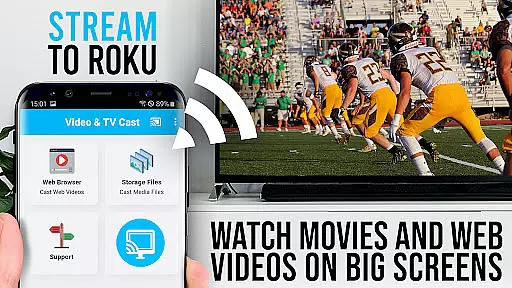
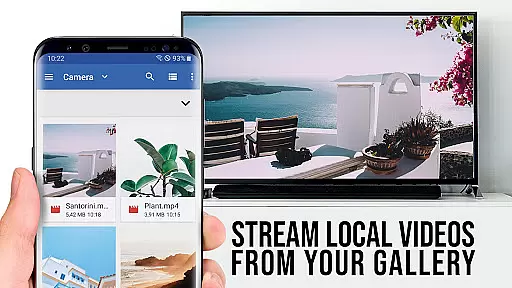
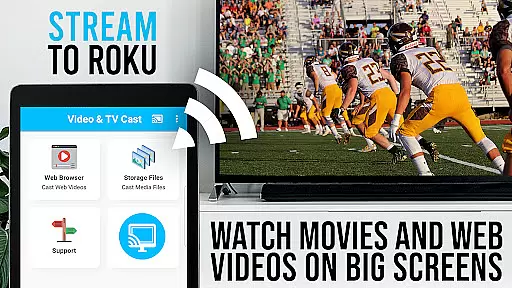
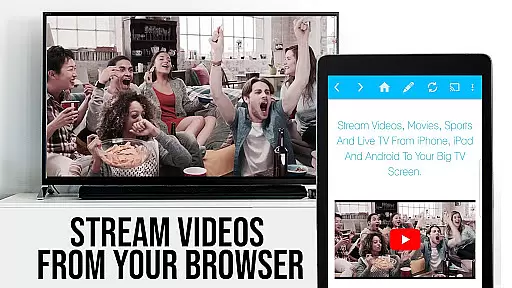
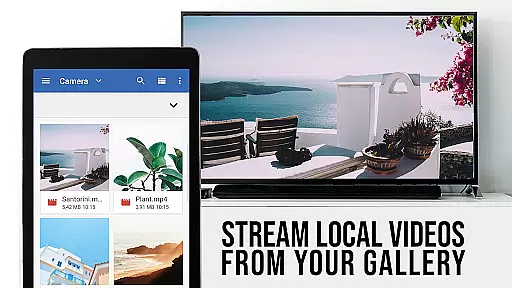
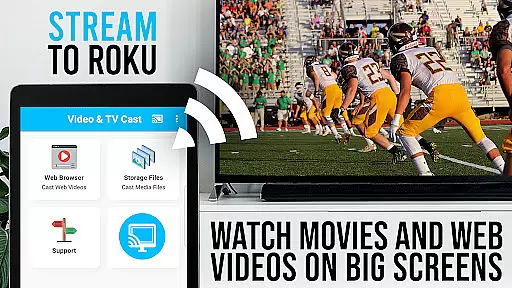
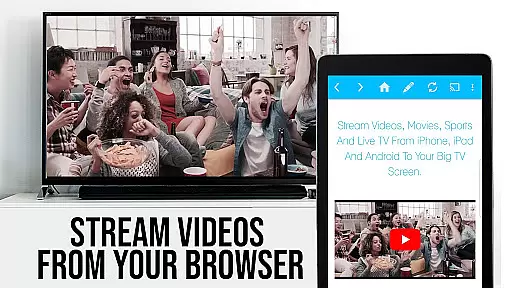
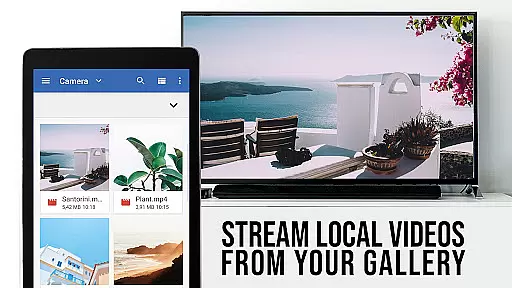
TV Cast Pro for Roku is a premier application designed to enhance your streaming experience by enabling you to cast web videos, online movies, livestreams, and live TV shows directly to your Roku devices. This includes Roku Stick, Roku Box, and Roku TV, offering support for formats like Mp4, m3u8, HLS livestreams, and Full HD content over https. The app also features an integrated Roku Remote, allowing users to control their Roku effortlessly.
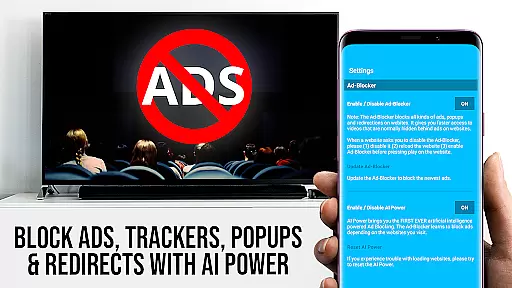
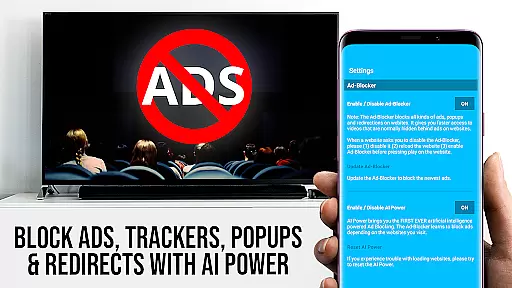
This PRO edition unlocks all premium features, providing an ad-free experience with advanced functionalities such as video playback control within the app, an Ad-Blocker that removes ads on most websites, bookmarks management, desktop mode for accessing desktop versions of websites, and customizable homepage settings. It's tailored for users seeking a seamless transition from mobile browsing to enjoying content on the big screen.
Whether you're looking to stream personal media or online content, TV Cast Pro for Roku offers a comprehensive solution for streaming enthusiasts who want high-quality, unrestricted access to their favorite videos on the largest display in their home.
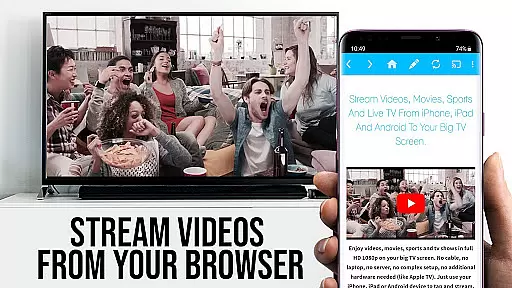
TV Cast Pro for Roku stands out with its ability to browse the web and cast any video to your Roku device with a single tap. Once a video is detected on a webpage, it appears below the browser, ready to be sent to your Roku instantly. This feature supports a wide range of video formats and ensures compatibility with various Roku models running firmware 5.1 or later.
The app includes exclusive PRO features such as remote control capabilities for managing video playback, including forwarding, rewinding, pausing, and switching between Roku channels. Its Ad-Blocker enhances user experience by eliminating ads and popups on most visited sites, while the bookmarking system allows for easy access to favorite websites. Additionally, the desktop mode enables loading desktop versions of websites, which can be crucial for accessing certain types of content.
Security is prioritized, with minimal Android permissions required, ensuring user data remains private. With options like setting a personal homepage and direct video URL entry, TV Cast Pro for Roku delivers a versatile and secure streaming tool that caters to both casual viewers and tech-savvy users.
TV Cast Pro for Roku stands out with its extensive video format compatibility, ensuring users can enjoy a wide range of content without limitations. The app supports popular formats such as Mp4, m3u8, and HLS livestreams, making it versatile for various streaming needs.
With the capability to handle videos over https and Full HD support, this application guarantees high-quality playback on your Roku devices. Whether you're streaming web videos, online movies, or live TV shows, the app ensures smooth transmission directly to your television screen.
The integrated browser allows users to navigate websites and cast embedded videos effortlessly. By simply tapping on the discovered video link below the browser, users can instantly send their desired content to the Roku, enhancing convenience and accessibility.
This comprehensive format support empowers users to explore diverse content sources, from personal media libraries to online platforms, all while enjoying seamless integration with their Roku streaming devices.
While TV Cast Pro for Roku focuses primarily on streaming capabilities, it incorporates AI-powered features that enhance user interaction and streamline the casting process. Although not a traditional video editor, the app leverages intelligent algorithms to optimize video detection and transmission.
The app automatically identifies video links on web pages, presenting them below the browser for easy access. This smart detection system simplifies the casting process, especially when dealing with complex websites or hidden video elements.
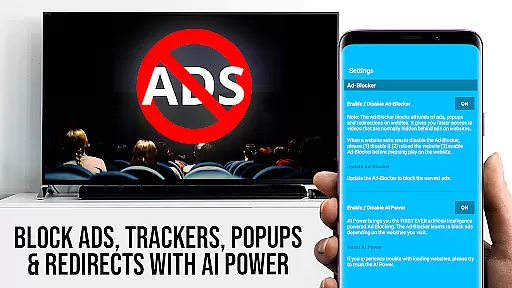
Additionally, the PRO version includes an Ad-Blocker feature that utilizes AI to filter out unwanted ads and popups on most visited websites. This not only improves browsing experience but also prevents interruptions during video playback.
These intelligent features, combined with desktop mode and remote control functionality, create a sophisticated streaming environment that adapts to various user preferences and technical requirements.
User-friendly interface
Wide format support
Integrated Roku remote
Ad-free experience
Advanced streaming options
No support for older Roku models
Limited DRM video casting
Requires compatible devices
Premium cost for full features
Occasional connectivity issues

Video player, file manager for all formats, 4K/HD media player supports subtitle
 4.30
4.30
Kodi media center, a free and open source cross-platform entertainment hub
3.60
Fast, private downloading, video saving, social media
4.50
Watch full episodes of your favorite Cartoon Network and Cartoonito shows!
3.50
Video Trimmer, Video to MP3 Converter. Extract music from video, Easy & Fast.
4.80
Explore the largest library of free GIFs, Stickers & Memes - or create your own!
3.90
Video Downloader, Multiple Resolution Options, Video Player
4.50
Add date and time watermark to photos and videos
4.50
Screen recorder with audio to take live videos & Screenshot in high quality!
4.70
Tik & Story Saver-Download ALL social media videos, photos & reels no watermark.
4.80
High-Quality USB Camera Viewer & HDMI Display
4.70
Fast & Private Video Downloader App. Save all videos easily from the Internet.
4.40
Turn your phone into a wireless camera!
4.20
Video player with 4K & 1080P support, popup play, background play and subtitle.
4.20
Browser for Samsung TV to stream webvideos, online movies and livestreams in HD
4.10
IPTV-Smarters Player Pro M3U - Watch Live Stream TV Channels with Chromecast
4.00
AI Video Editor:AI Music, Text to Video,Text to Speech,Auto Caption,Video Effect
4.00
Manage your IPTV live channels and VOD playlists (no playlist included)
3.80
Connect EasyCap or UVC devices for recording and broadcast video/audio stream
3.60


User Reviews