
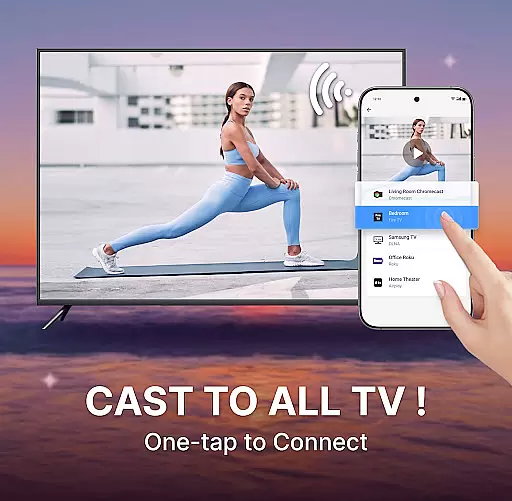
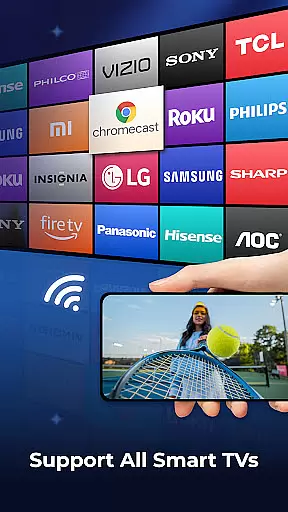
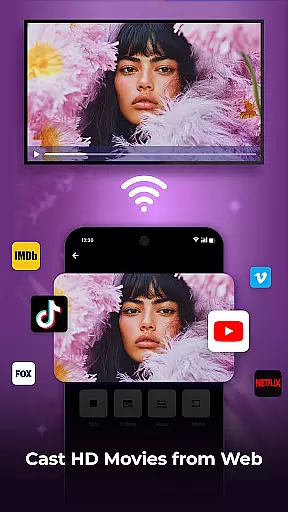
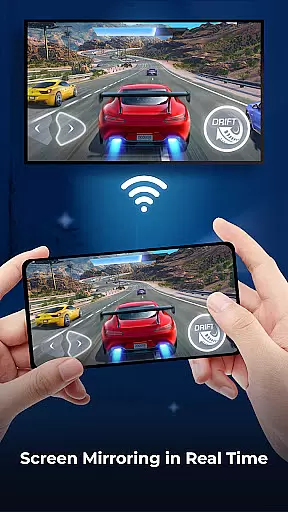
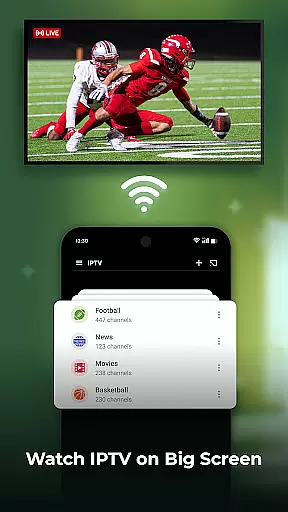
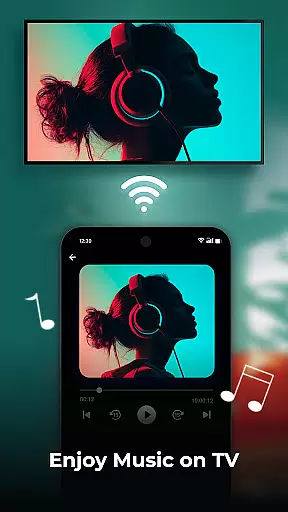
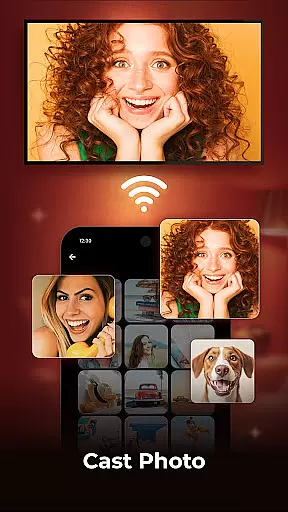
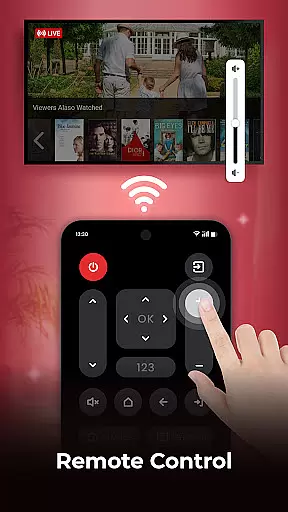
Cast to TV is a powerful screen casting application designed for seamless media sharing between mobile devices and smart TVs. The app's core functionality lies in its ability to mirror your phone screen to a larger display, enabling users to stream videos, display photos, and play music directly on their television with minimal effort.
Beyond basic casting capabilities, the app supports real-time screen mirroring, remote control functions, and includes a built-in web browser for casting online content. Whether you're looking to enjoy full HD movies or share memorable photos with family, this application provides an intuitive solution for enhancing your home entertainment experience.
The app particularly shines in social settings where users can showcase vacation photos or provide immersive gaming experiences by displaying mobile content on a big screen TV.
Cast to TV distinguishes itself through its comprehensive feature set tailored for diverse media casting needs. The application supports casting of various media formats including movies, photo slideshows, and web videos across most popular streaming devices.
One of its standout features is the real-time screen mirroring capability that allows users to duplicate their mobile screen on a television. This function proves especially valuable for presentations or gaming sessions. Additionally, the built-in HD video player ensures premium quality playback while the playlist management system offers flexible viewing options like shuffle, loop, and repeat modes.
The integrated web browser adds another layer of convenience by allowing direct casting of online videos while providing essential features such as ad blocking and playback history tracking. These combined features create a versatile tool for both entertainment and professional purposes.
Cast to TV offers extensive video format compatibility, ensuring that users can cast a wide variety of content without worrying about format support. The app supports popular formats such as MP4, AVI, and MKV, making it versatile for different user needs.
The application's built-in HD Video Player enhances the experience by providing high-quality playback. This feature is crucial for users who want to enjoy their media on a bigger screen without compromising on quality. Whether it's movies or personal recordings, the app ensures smooth streaming.
Additionally, Cast to TV includes a feature for adjusting video resolutions. Users can select from different quality settings to match their internet speed and TV capabilities. This flexibility allows for an optimal viewing experience tailored to individual preferences and technical constraints.
While primarily a casting app, Cast to TV incorporates AI-powered editing features that enhance user interaction with media content. These features include intelligent playlists that shuffle, loop, or repeat media based on user preferences, creating a personalized entertainment experience.
The app also provides advanced playback controls powered by AI algorithms. Users can easily manage functions like pause, fast forward, and volume adjustments through an intuitive interface. Such smart controls make navigating through long videos or music playlists more efficient and user-friendly.
Furthermore, the built-in web browser utilizes AI to optimize web video casting. It intelligently manages bandwidth usage while maintaining high-quality streaming. By blocking pop-ups and ads, it ensures uninterrupted viewing sessions, demonstrating how AI integration elevates both functionality and user satisfaction.
User-friendly interface
Wide device compatibility
High-quality streaming
Real-time screen mirroring
Comprehensive remote control
Limited free features
Occasional connection issues
Device compatibility constraints
Subscription required
Ads in free version

Tik & Story Saver-Download ALL social media videos, photos & reels no watermark.
 4.80
4.80
Powerful HD video player with support for all formats & subtitles.
4.2
Live TV, anywhere in your home
3.80
AirMirror is Receiver for Screen Mirroring and Casting from Apple Devices.
3.60
Make your own Animations, Video and Photo Edits, Visual Effects, and more!
4.00
Mix with Virtual DJ directly from your phone or tablet !
3.10
All in one multi protocols stream receiver for AirPlay, Cast and DLNA.
3.60
Web Browser for LG TV to stream webvideos, online movies and livestreams in HD
4.20
Cast movies, tv shows and live streams to Chromecast, Roku, DLNA, Fire TV & more
4.60
Download videos and play them offline
4.70
All in one HD video downloader & player for multiple formats with full privacy
4.70
Cast Videos from Web Browser, IPTV to Roku, Chromecast, DLNA, Smart TV +more
4.60
Create photo video with music & template. AI video maker for stunning slideshow.
4.60
VLC Remote lets you control your VLC Media Player on Mac, PC or Linux.
4.60
Video Downloader, Multiple Resolution Options, Video Player
4.50
KMPlayer Plus (Divx Codec) officially support Divx codec.
4.30
IPTV-Smarters Player Pro M3U - Watch Live Stream TV Channels with Chromecast
4.00
Fast private browser with secure, seamless access & supported video downloads!
4.00
Download videos easily & play them all in one smart, powerful video manager.
3.40


User Reviews