
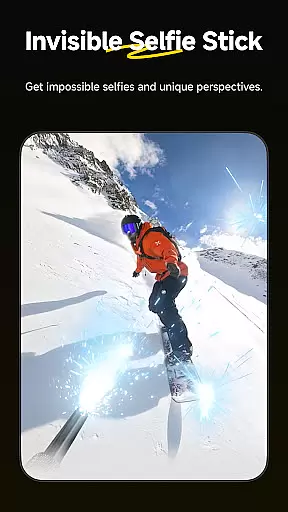
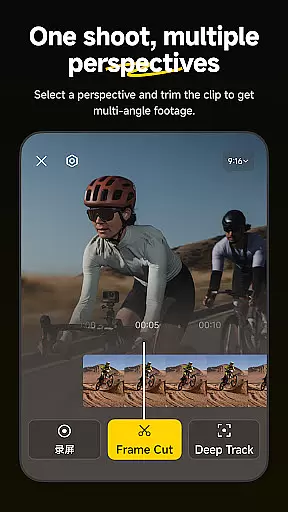
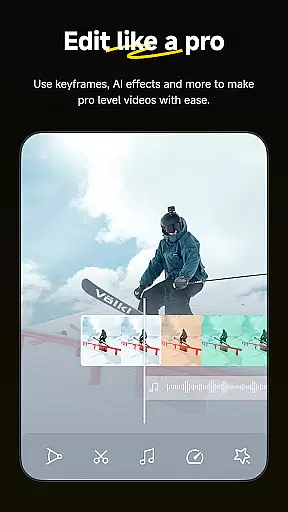
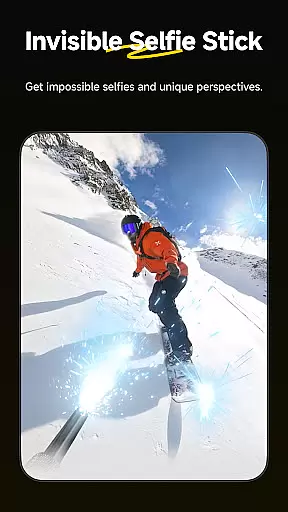
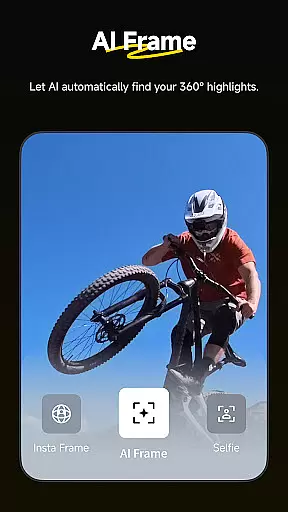
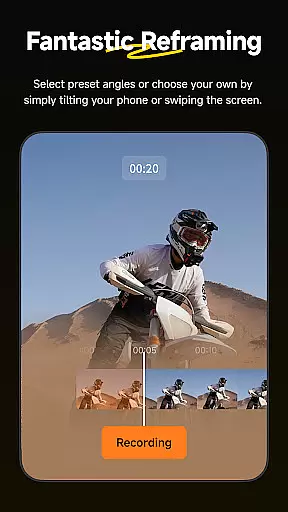
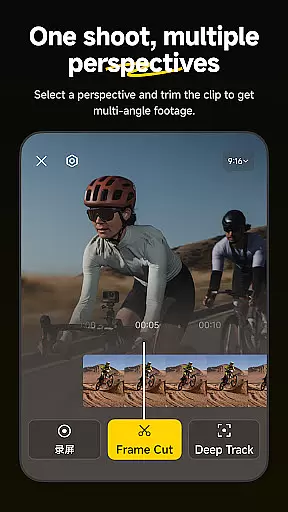
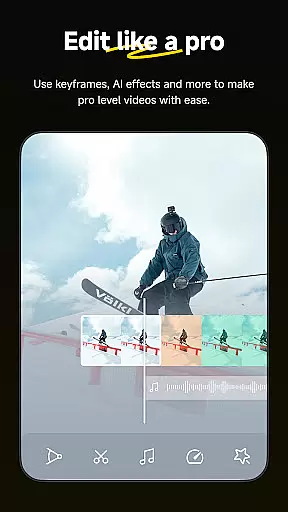
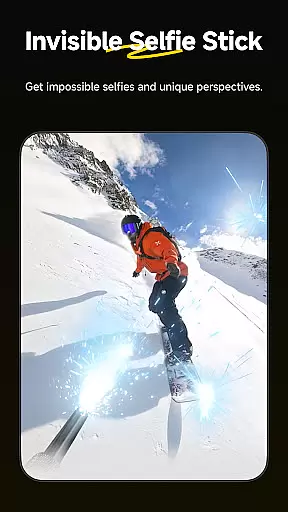
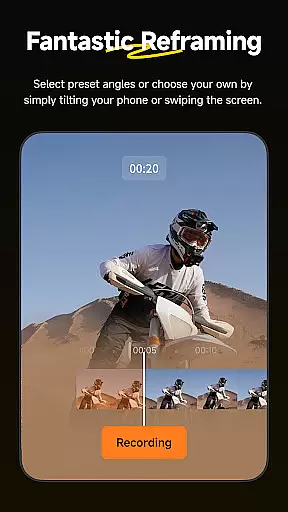
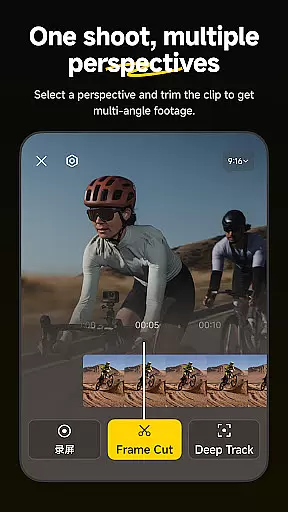
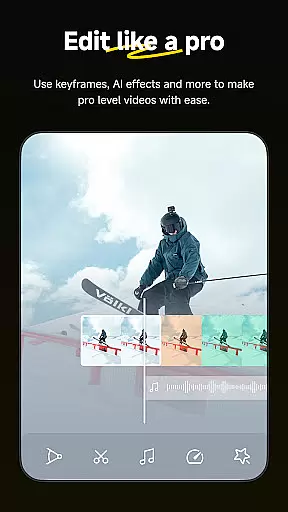
Insta360 is a powerful video editing and camera companion app designed for creators, athletes, and adventurers. It offers advanced AI-powered tools to enhance the video creation process. With features like auto-editing, reframing, and creative templates, users can effortlessly produce professional-quality content directly from their mobile devices.
The app supports seamless integration with Insta360 cameras and handheld gimbals, providing users with complete control over their footage. Whether you're editing 360-degree videos or creating hyperlapses, Insta360 ensures an intuitive and efficient workflow. Its innovative tools like Deep Track and Download-Free Editing make it a must-have for modern content creators.
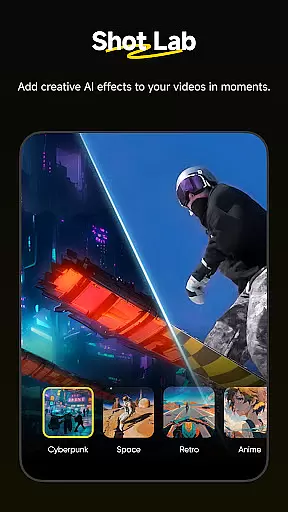
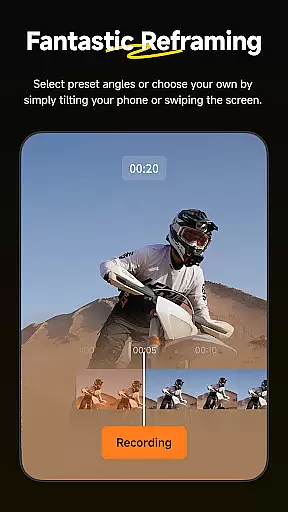
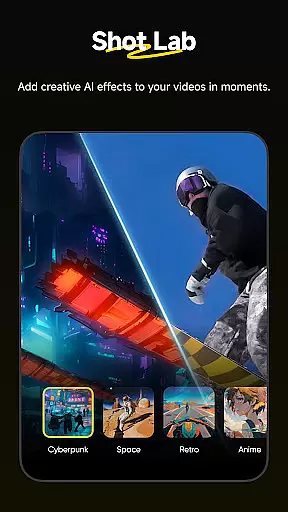
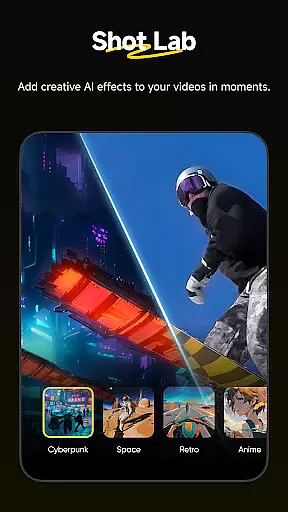
Insta360 stands out with its cutting-edge AI editing capabilities. The Shot Lab offers over 25 creative templates, including unique modes like Nose Mode and Clone Trail, enabling users to craft viral clips with minimal effort. Additionally, the AI Edit feature automates the reframing process, making it faster and easier to highlight key moments in your footage.
Other notable features include Deep Track for subject tracking, Hyperlapses for stabilized time-lapse videos, and Download-Free Editing, which allows users to edit and share videos without consuming phone storage. These tools collectively empower creators to push the boundaries of their creativity while maintaining full control over their edits.
Insta360 app stands out with its extensive video format compatibility, ensuring that creators can work with a wide array of file types without the need for prior conversion. This flexibility is crucial for content creators who utilize various cameras and devices for their projects.
The application supports formats ranging from standard MP4 to more specialized 360-degree video files, making it an indispensable tool for editing on-the-go. Whether you're shooting with an Insta360 camera or another brand, the app provides seamless integration and editing capabilities.
For users, this means less time worrying about technical limitations and more freedom to focus on the creative aspects of video production. The ability to handle diverse formats also future-proofs the app as new video standards emerge.
Ultimately, the comprehensive video format support in the Insta360 app empowers creators to produce high-quality content efficiently, enhancing both the creative process and final output.
At the heart of Insta360's appeal are its AI-powered editing features, which revolutionize how users interact with their video content. These tools leverage advanced algorithms to automate complex editing tasks, drastically reducing the time and effort required to produce professional-grade videos.
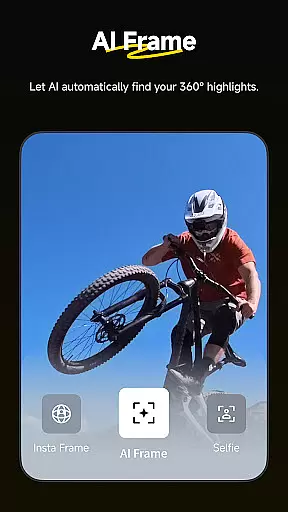
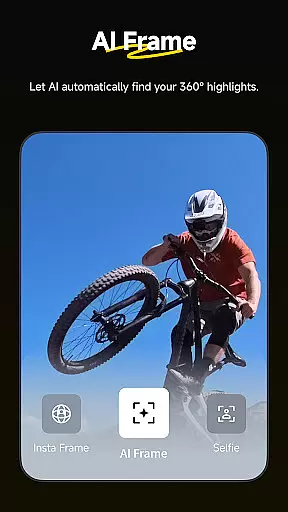
One standout feature is the AI Edit function, which uses improved subject detection to reframe and highlight the most exciting moments of your footage automatically. This allows creators to effortlessly craft engaging narratives from their raw clips.
Additionally, the Shot Lab offers over 25 AI-driven templates, including innovative effects like Nose Mode and Clone Trail, enabling users to generate viral content with just a few taps. Such capabilities democratize video editing, making sophisticated techniques accessible to novices and experts alike.
By integrating these intelligent features, Insta360 not only simplifies the editing process but also inspires creativity, allowing users to experiment with new styles and formats confidently.
User-friendly interface
Advanced AI tools
Wide range of templates
Efficient editing process
Seamless camera integration
Requires compatible hardware
Steep learning curve
Limited free features
Occasional bugs
Subscription costs

Auto video maker with music & exclusive filters. Video editing made simple.
 4.50
4.50
IPTV-Smarters Player Pro M3U - Watch Live Stream TV Channels with Chromecast
4.00
Video Trimmer, Video to MP3 Converter. Extract music from video, Easy & Fast.
4.80
IPTV Player - Watch live TV from m3m & m3u8 playlist, stream IPTV on mobile
3.30
Powerful Video Editor & Photo Editing App —— Quick Edits & Stunning Effects!
4.30
Make your own Animations, Video and Photo Edits, Visual Effects, and more!
4.00
The essential companion to your Blue Iris PC software
2.50
Fast & Private HD Video Downloader with Built-in Proxy Browser and Video Player.
4.50
Make videos you’re proud to share with Edits, a video editor for creators.
4.70
High-Quality USB Camera Viewer & HDMI Display
4.70
This app was created to edit the metadata of music files.
4.20
Web Browser for LG TV to stream webvideos, online movies and livestreams in HD
4.20
Stream Web Videos to Chromecast, Samsung, LG, Sony, Roku, Fire TV, DLNA + more
4.00
Connect 2 UVC devices for recording and broadcast video/audio stream
3.90
Explore the largest library of free GIFs, Stickers & Memes - or create your own!
3.90
Capture images & record videos for USB Camera, Webcam, Microscopes, Endoscopes
3.80
Live TV, anywhere in your home
3.80
Watch full episodes of your favorite Cartoon Network and Cartoonito shows!
3.50
This app is an emulator of some specific IPTV boxes
3.50


User Reviews