
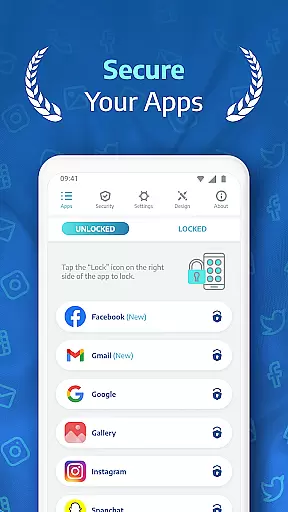
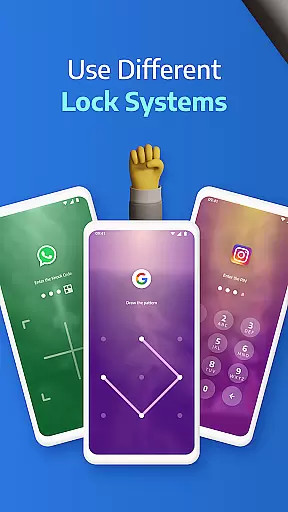
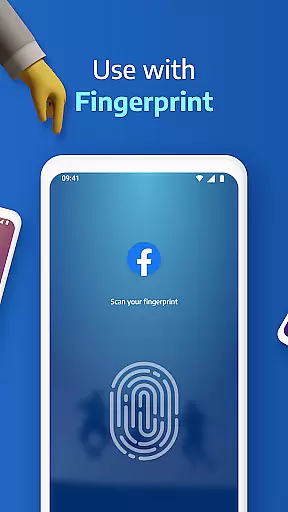
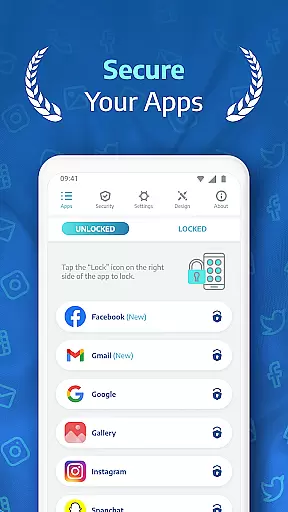
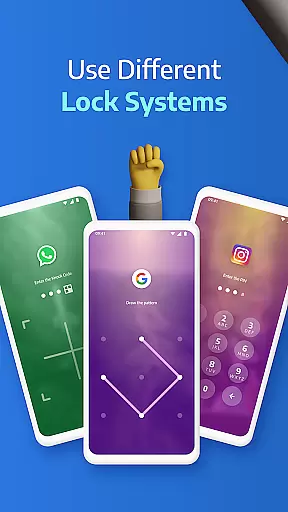
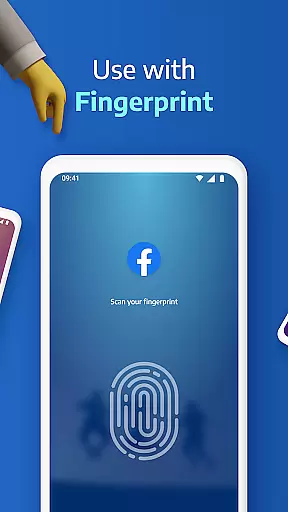
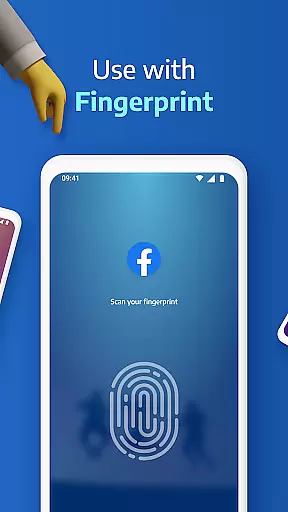
AppLock Pro is a powerful productivity tool designed to protect your privacy by locking sensitive apps and photos. This app provides multiple layers of security, including PIN, pattern, fingerprint authentication, and unique KnockCode functionality. Whether you need to secure social media accounts, private messages, or confidential photos, AppLock Pro ensures complete protection against unauthorized access.
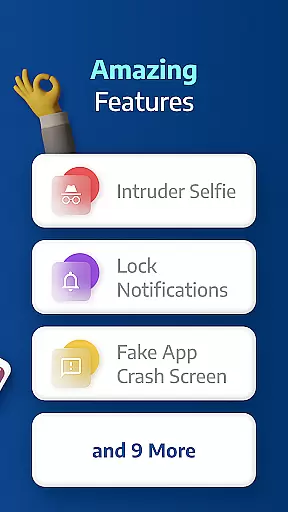
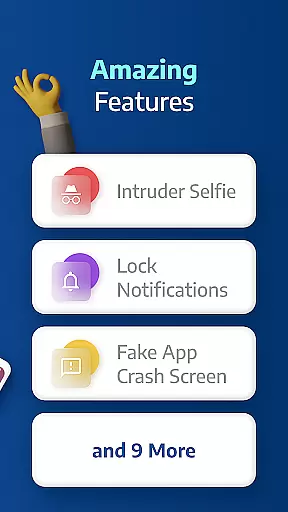
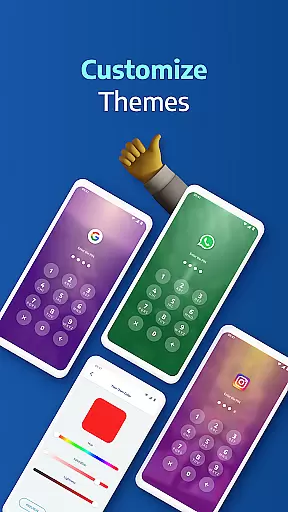
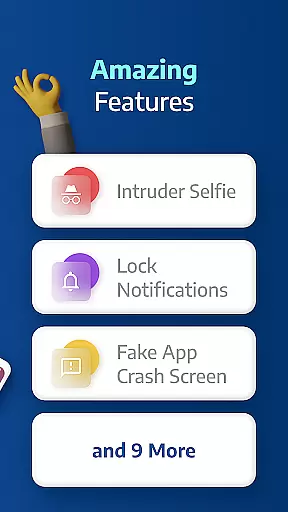
Beyond basic locking features, the app offers advanced functionalities like spy camera protection, fake error messages, and customizable lock styles. These features make it an ideal solution for users who prioritize both security and personalization. With millions of downloads, this trusted app helps you maintain control over your digital privacy while offering a user-friendly interface that's easy to navigate.
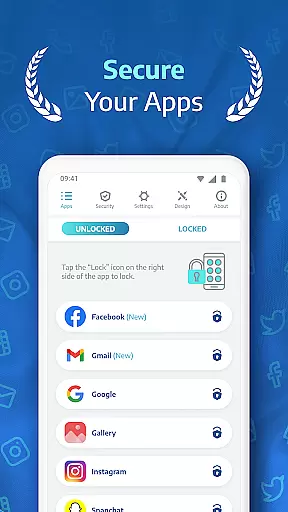
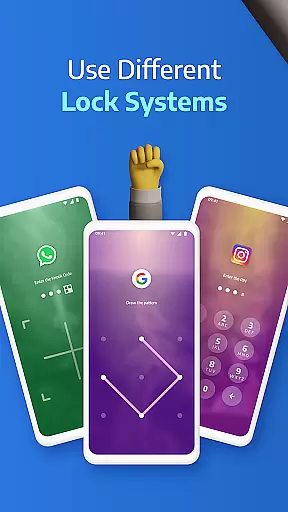
AppLock Pro stands out with its comprehensive feature set tailored for maximum security and customization. The app allows locking of any application, including popular platforms like WhatsApp, Instagram, and Messenger, using various methods such as PIN, pattern, fingerprint (if supported), or KnockCode. Its spy camera feature discreetly captures photos of anyone attempting unauthorized access, adding an extra layer of vigilance.
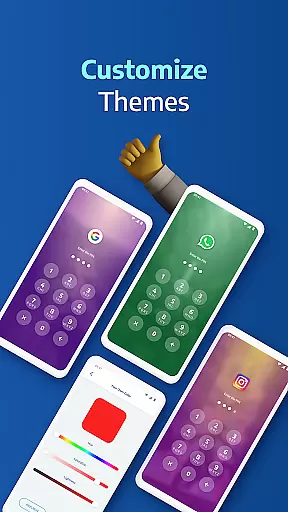
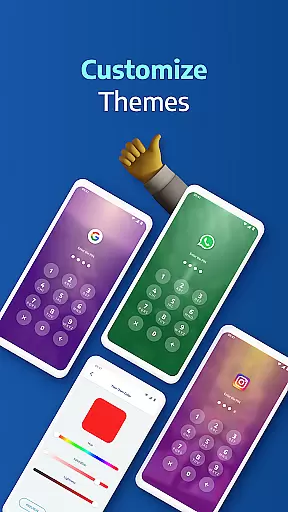
Additional notable features include a fake error message option to mislead intruders, auto-relock timers for temporary access, and spy alarms that trigger loud alerts after multiple failed attempts. Users can also personalize their experience with custom themes and backgrounds. Lightweight design ensures minimal impact on device performance, making it an optimal choice for those seeking robust security without compromising speed or battery life.
Task management is a critical aspect of productivity applications, and AppLock Pro excels in this area by offering users the ability to lock any app with various methods including PIN, pattern, fingerprint, or KnockCode. This ensures that only authorized individuals can access sensitive apps such as WhatsApp, Instagram, and Messenger.
The application goes beyond simple locking mechanisms by providing smart settings that allow for a personalized and adaptive user experience. Users can set a lock timer and auto re-lock feature, which automatically disables the lock during certain hours or re-locks after a short break, thus streamlining the workflow without compromising on security.
With these features, users gain peace of mind knowing their private messages and social media interactions remain confidential. The flexibility in setting up locks according to individual preferences makes daily digital routines both efficient and secure, allowing users to focus on their core tasks without distraction.
Cross-device synchronization is essential for users who operate multiple devices and need consistent access controls across them. While AppLock Pro primarily focuses on securing apps on a single device, its reliable locking mechanisms ensure that users' preferences and security settings are preserved, which is crucial when switching between devices.
Although direct cross-device sync isn't highlighted in its feature set, AppLock Pro's robust security options like fingerprint unlock and customizable lock styles mean that users can replicate their preferred security setup on any device manually. This consistency in security approach enhances the overall user experience.
By maintaining high standards of security and personalization, AppLock Pro indirectly supports productivity by allowing users to create a uniform security protocol across all their devices. This reliability ensures that whether at home or work, users' data remains protected, fostering an environment where productivity can thrive without security concerns.
Highly secure
User-friendly interface
Customizable lock styles
Advanced spy camera
Lightweight design
Limited free features
Requires permissions
Fingerprint support varies
Premium version costly
Occasional bugs

Experience Reading - Night Mode for Documents
 4.40
4.40
Auto-shutoff Alarm with Sunrise, Sunset & Fixed Options.
3.50
A simple, portable logger for POTA, SOTA, Field Day, and more
4.4
Make your handwriting beautiful, even more than pen on paper.
3.60
CalenGoo is a very flexible and feature-rich calendar app
4.40
The AI assistant that thinks with you - write, code, and solve complex tasks
4.60
Quickly and easily keep track of your work shifts
4.70
Lightweight PDF, Word, Excel reader.
4.60
Daily processing of PDF documents.
4.40
Native client for Forgejo and Gitea
5.00
Best Tool for the professionals Electrician, Electrical contractors, etc.
4.90
The long-awaited modern gallery app for your Nextcloud server
4.70
aCalendar+ makes your day, week and month
4.70
Send files, sync SMS, notifications & clipboard across devices via local network
4.40 4.20
4.20
Easily read and manage all your PDF files
4.10
Make apps & sites with natural language prompts
4.10
* block pre-roll ads, pop-up and forced redirect ads * Samsung certification app
4.00
IP Camera Viewer - Android TV : RTSP Surveillance camera viewer for Android TV
4.4


User Reviews