
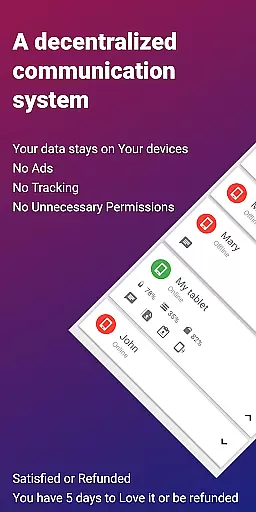
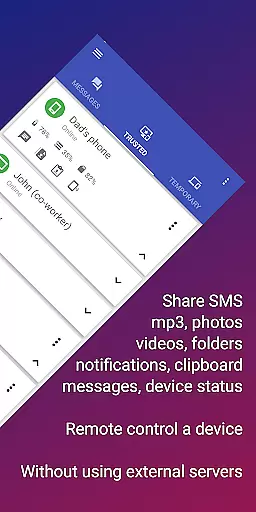
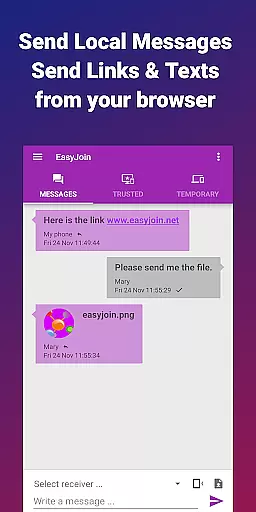

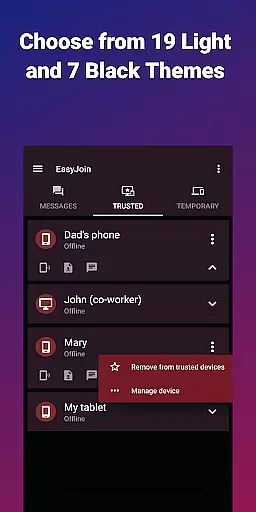
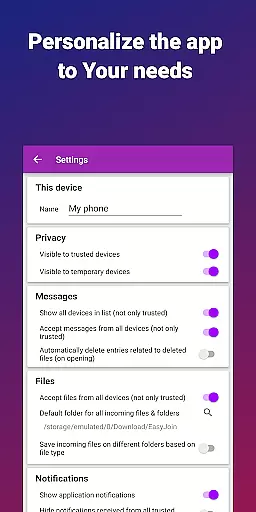

EasyJoin is a productivity-focused application designed to seamlessly connect your devices and transfer files instantly without relying on cloud services, advertisements, or tracking. The app enables users to send files, sync clipboards and SMS, read notifications, and control devices using only their local network, ensuring privacy and encryption of data.
With support for multiple platforms including Android, Windows, macOS, iPhone, iPad, and Linux, EasyJoin facilitates fast file transfers, clipboard synchronization, peer-to-peer encrypted sharing, remote notifications and SMS management, remote control functionalities, secure local network messaging, and cross-platform compatibility. It's an ideal solution for those looking to manage their digital life across devices efficiently while maintaining top-notch security.
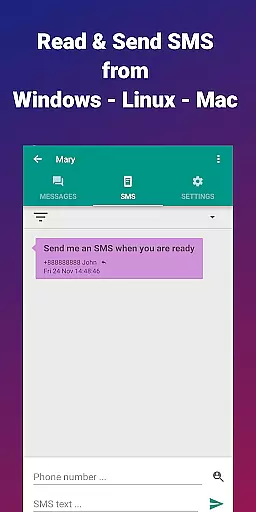
Perfect for reading and sending SMS from your computer, transferring files between phone and computer, copying-pasting text across devices, offline file sharing, and private LAN file sharing for teams, EasyJoin offers a secure, local alternative to cloud-based apps with end-to-end encryption and a one-time payment model.
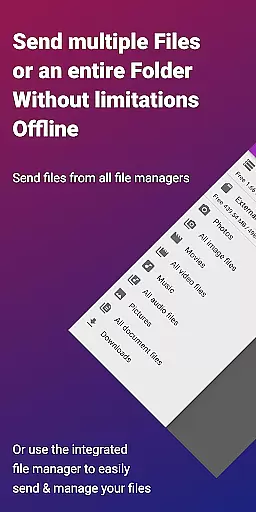
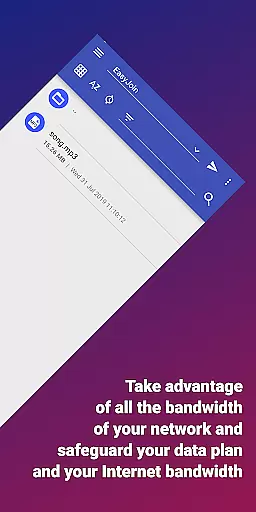
EasyJoin boasts a variety of features that enhance productivity and ensure user convenience. One of its standout capabilities is the fast file transfer functionality, which allows users to send photos, videos, documents, and folders instantly between devices without requiring an internet connection, cloud storage, or external servers.
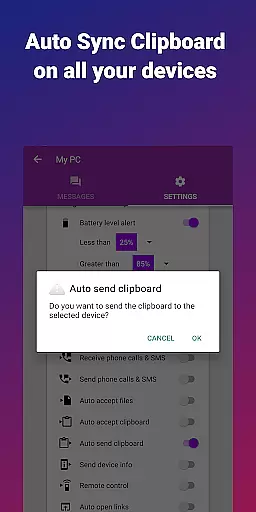
The clipboard sync feature enables copying on one device and pasting on another, working seamlessly across different operating systems such as Android, Windows, macOS, iPhone, iPad, and Linux. Peer-to-peer encrypted sharing ensures all data remains within the local network with end-to-end encryption, providing peace of mind regarding privacy.
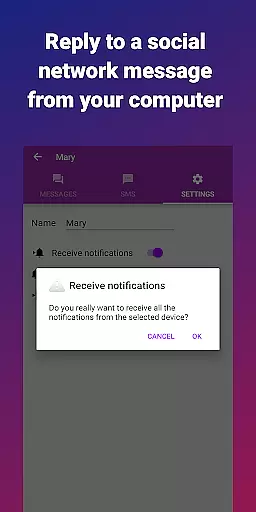
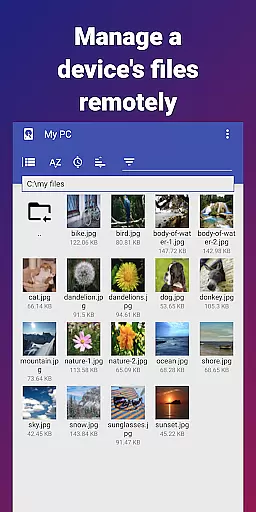
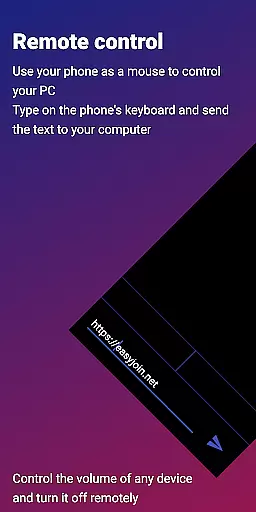
Remote notifications and SMS functionalities allow users to read and respond to phone messages or notifications directly from their computers. Additionally, remote control features let users employ their phones as keyboards or mice for PCs or control their phones from computers. With local network messaging, users can chat securely between linked devices without external services, making it a versatile tool for personal and professional use.
Efficient task management is essential for productivity applications, and EasyJoin excels in this area by offering a suite of features that streamline device connectivity and file sharing.
This app allows users to transfer files, sync clipboards, manage SMS, and control devices directly through their local network, ensuring privacy and speed. The intuitive interface enables seamless interaction between multiple devices such as phones, tablets, and PCs without the need for cloud services or external servers.
With functionalities like clipboard sync, remote notifications, and local network messaging, users can copy content on one device and paste it on another effortlessly. This boosts workflow efficiency and reduces the time spent on managing tasks across different platforms.
The application's dedication to privacy-first principles means that all data shared or transferred via EasyJoin remains encrypted and private, providing peace of mind while enhancing productivity.
Cross-device synchronization is a pivotal feature for modern productivity tools, and EasyJoin ensures reliable performance with its peer-to-peer encrypted sharing capabilities.
By leveraging the local network, EasyJoin facilitates instant file transfers and clipboard syncing among various devices including Android, Windows, macOS, iPhone, iPad, and Linux. This guarantees that your work environment remains consistent and up-to-date across all your gadgets.
Moreover, EasyJoin supports reading and responding to phone notifications and SMS directly from a computer, further bridging the gap between mobile and desktop experiences. Such integration enhances real-time communication and responsiveness.
EasyJoinu2019s commitment to security is evident through its end-to-end encryption protocols, which ensure that all synchronized data stays private and secure within your local network, reinforcing trust in cross-device operations.
Fast file transfer
Clipboard sync
P2P encryption
Cross-platform
No subscriptions
Limited to LAN
One-time cost
No cloud backup
Complex setup
Fewer integrations

QuickBooks Workforce lets teams view pay info and track time in one place.
 4.70
4.70
Android Wallet Password Manager
4.80
Todo reminder
4.10
Font maker keyboard with your own handwriting
4.10
* block pre-roll ads, pop-up and forced redirect ads * Samsung certification app
4.00
Intelligent AI Assistant
4.10
Scan paperwork into PDF/JPG, generate your own e-signature and send fax or email
4.70
Seamlessly read, manage, and organize all your PDF files solution in one place
4.40
Browse and view your photos and videos from the phone with photo & video hide.
4.10
To do list widget with a notebook organizer, checklist, simple shopping list
4.60
A Pixel Art watchface inspired by other iconic 90s designs for Wear OS devices!
4.40
This small app MUST BE INSTALLED after purchase, else license won't work
4.40
All in One PDF Reader: Manage, Read and Edit your Documents
4.20
Secure, open-source, SPICE and SSH Remote Desktop for QEMU KVM virtual machines
4.00
Ultimate Virtual AI Character for immersive Roleplay Chat. Perfect Companion
3.90
All in one sketching tool. Technical and General drawing. Online Maps support.
3.70
Smart PDF reader & editor to view, organize and manage PDF documents easily.
3.70
ID.me Authenticator is a simple and free Two Factor Authentication solution
3.50
A simple, portable logger for POTA, SOTA, Field Day, and more
4.1


User Reviews