
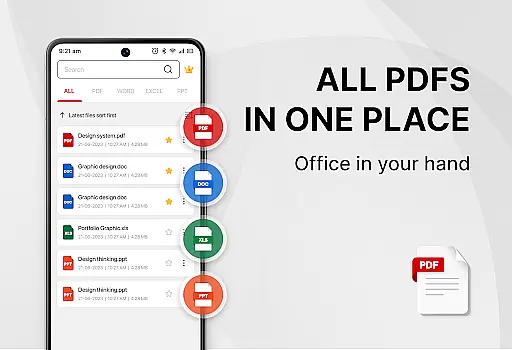
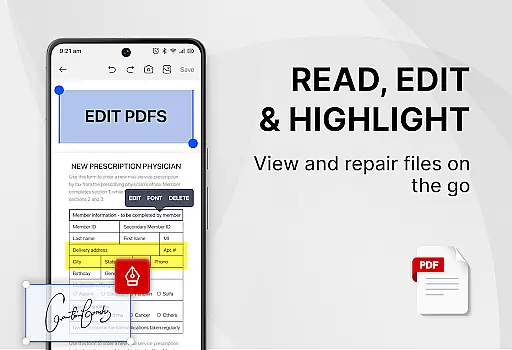
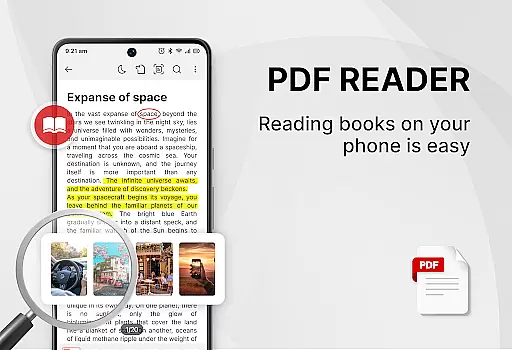
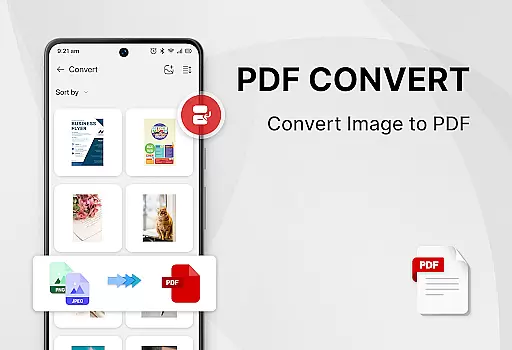
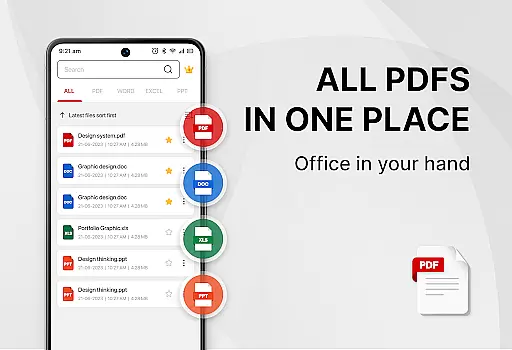
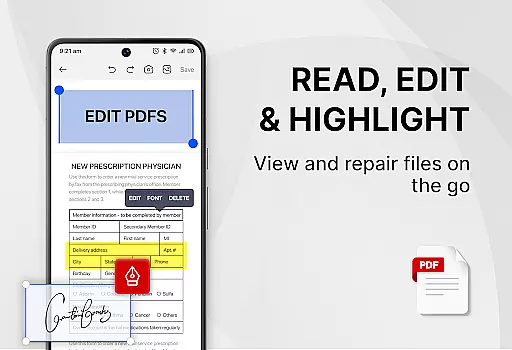
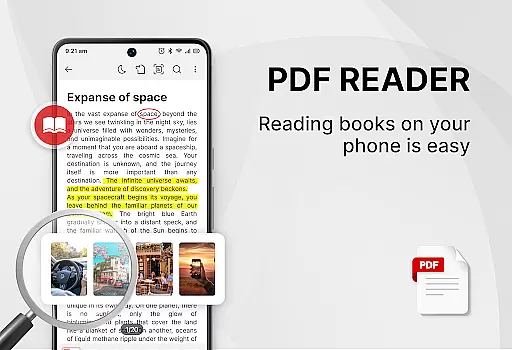
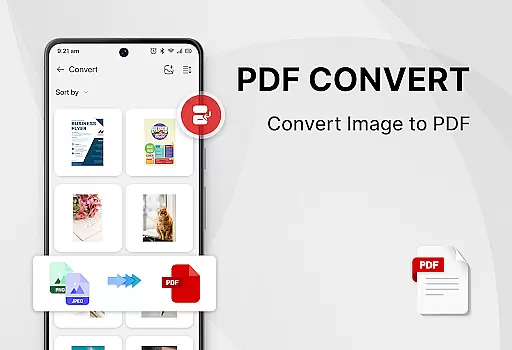
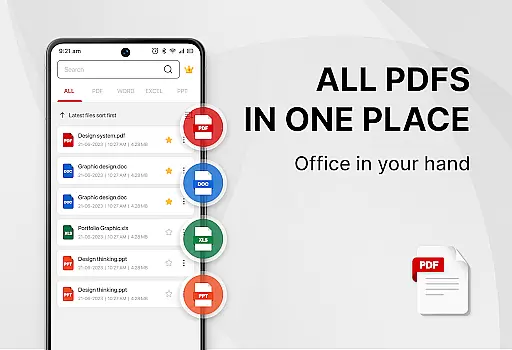
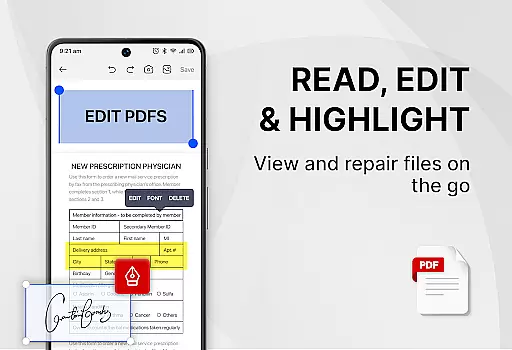
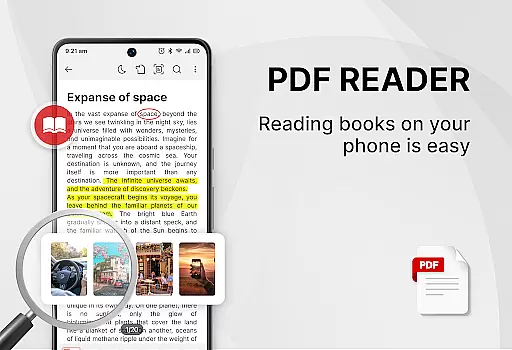
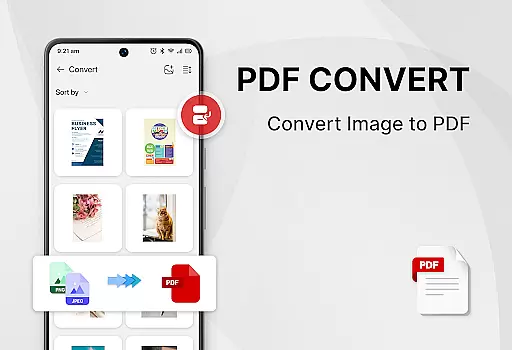
PDF Reader - Smart PDF Viewer is a comprehensive document management app designed for Android users. This productivity tool allows you to read and manage all your PDF files effortlessly, while also supporting various document formats including Word, Excel, and PPT. The app stands out with its powerful features such as adding e-signatures, converting PDFs to images, merging and splitting PDFs, and sharing documents with others.
In addition to being a PDF reader, it functions as an ebook viewer and PDF editor, providing users with the ability to convert images or scanned files into PDF format. With options like one-click switching between light and dark modes, recent file listings, and password protection for documents, this app ensures both convenience and security. Whether you're a student or a professional, PDF Reader - Smart PDF Viewer can significantly enhance your work or study efficiency.
One of the standout features of PDF Reader - Smart PDF Viewer is its smart search functionality that displays all document files including PDFs, Word, Excel, and PPT formats. It offers easy navigation and management of PDF files, making it a versatile office reader. The app provides a free PDF viewer that can open, view, and share documents, along with the option to switch between light and dark modes for comfortable reading.
The app also includes powerful PDF tools such as the ability to add e-signatures, convert images to PDFs, scan paper documents, and convert Word files to PDFs. Users can search and copy any text within PDF files easily. Additional capabilities include merging and splitting PDF files and setting passwords to protect sensitive documents. These robust features ensure that users have a comprehensive set of tools at their disposal for efficient document handling.
In the realm of productivity, managing tasks efficiently is paramount. PDF Reader - Smart PDF Viewer excels in organizing and handling document-related tasks with precision. This app provides an all-in-one solution for reading, editing, and managing PDFs alongside other document formats, streamlining your workflow.
The app's functionality extends beyond just viewing PDFs; it encompasses a comprehensive suite of tools. With capabilities such as smart search, recent file listings, and easy navigation between light and dark modes, users can effortlessly manage their documents. These features ensure that you spend less time searching and more time being productive.
PDF Reader - Smart PDF Viewer also supports advanced operations like merging, splitting, and protecting PDFs with passwords. Such functions are crucial for users who require both simplicity and powerful document control. By integrating these tools, the app empowers users to handle complex tasks without switching between multiple applications.
For professionals and students alike, having reliable access to documents across various devices is essential. PDF Reader - Smart PDF Viewer addresses this need by ensuring seamless cross-device synchronization. Although specific sync features aren't detailed in the description, the app requests MANAGE_EXTERNAL_STORAGE permission, indicating robust local file management.
The ability to access and edit documents from different locations enhances productivity significantly. Users can count on consistent performance whether they're using their phone or tablet. While cloud integration isn't explicitly mentioned, the app's comprehensive feature set suggests reliable document handling across sessions.
Moreover, the app's capability to convert files between formatsu2014such as Word to PDF or images to PDFu2014ensures that users maintain document integrity regardless of device. This flexibility, combined with essential security measures like password protection, makes PDF Reader - Smart PDF Viewer a dependable choice for managing important files across multiple platforms.
User-friendly interface
Multi-format support
Free to use
Powerful editing tools
Secure document management
Requires storage permission
Limited offline help
Ads in free version
Occasional bugs
Heavy on resources

 4.20
4.20
Take control of your clipboard with Clipper!
3.90
App lock - lock apps with fingerprint, password, pin or pattern, protect privacy
4.70
PDF scanner & converter for files, photos, lottery, QR codes. One swipe away!
4.50
Translate text/voice/photos in 150+ languages. Offline & fast translator app.
4.50
Create and edit presentations with Google Slides, part of Google Workspace.
4.00
Great calculator for Android named one of USA TODAY's "25 Essential Apps".
4.90
A Pixel Art watchface inspired by other iconic 90s designs for Wear OS devices!
4.40
Simple notepad & memo. Take notes, to-do list, shopping list with reminders.
4.80
App Lock with fingerprint, password: Lock apps & hide photos with lock screens
4.60
Docker, Kubernetes management over Portainer Mobile
4.40
Enjoy classic gameplay with customizable features and retro-style graphics.
4.30
Total remote control for your Android device, PC and cloud services (IFTTT)!
4.20
Customizable calendar widget for seamless event sync, planning & scheduling.
4.00
The ultimate file manager for rooted devices. The original and still the best.
4.00
Smart PDF reader & editor to view, organize and manage PDF documents easily.
3.70
Remotely view listen control and record cameras.
3.70
Auto-shutoff Alarm with Sunrise, Sunset & Fixed Options.
3.50
Code on-the-go with VScode for Android. Edit,debug and collaborate from mobile!!
3.10


User Reviews