
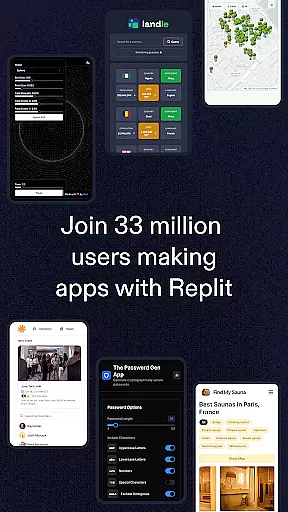
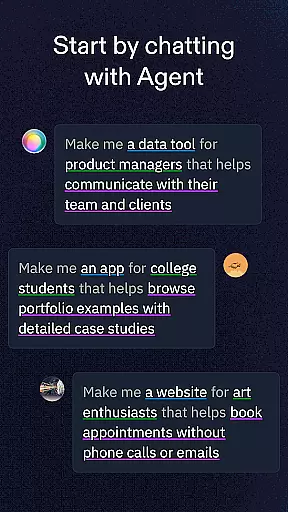
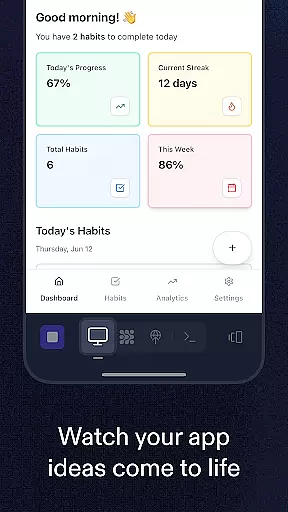
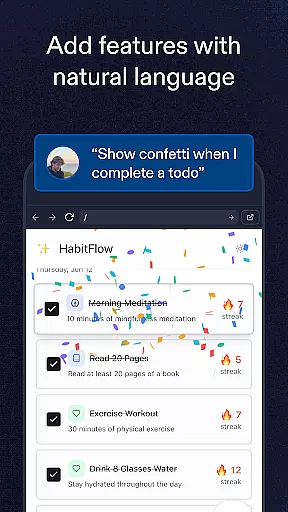
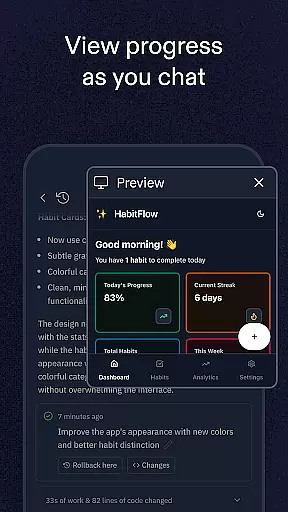
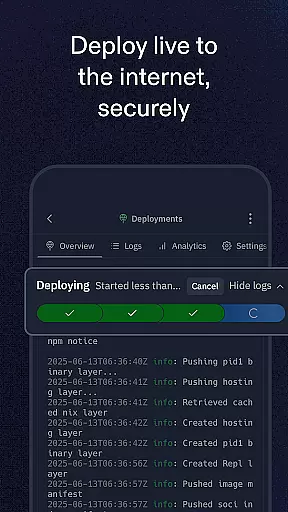
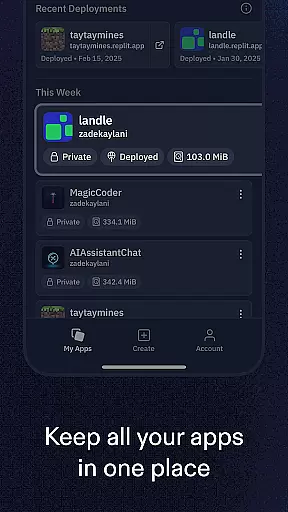
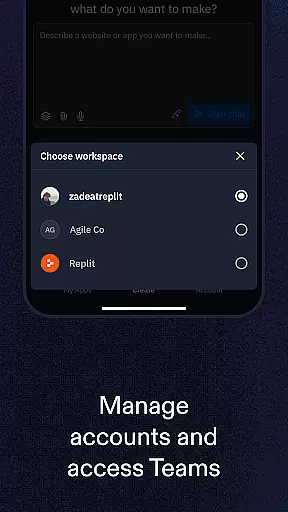
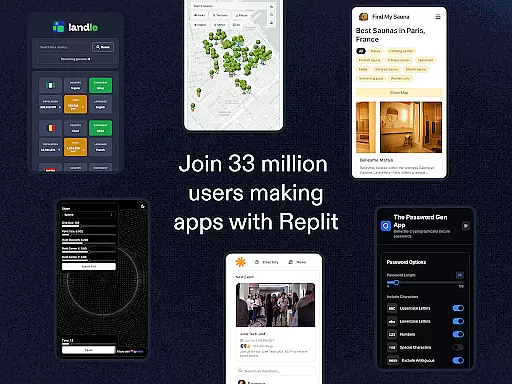
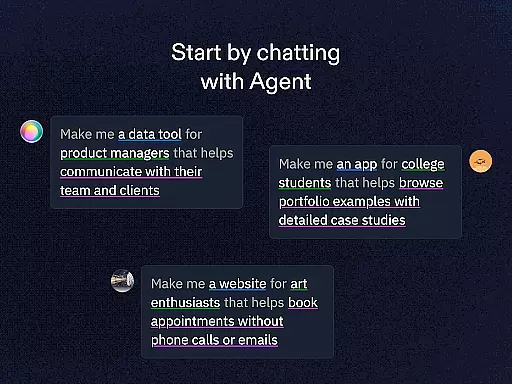
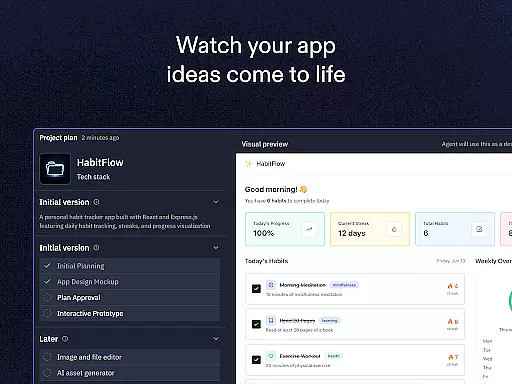
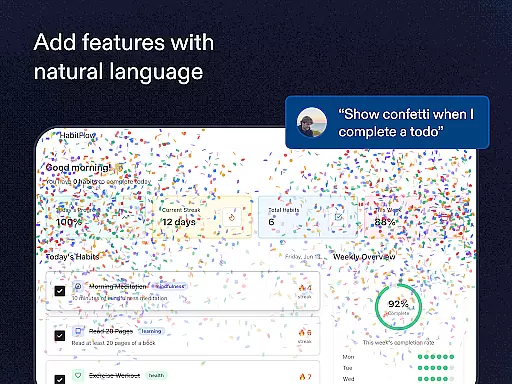
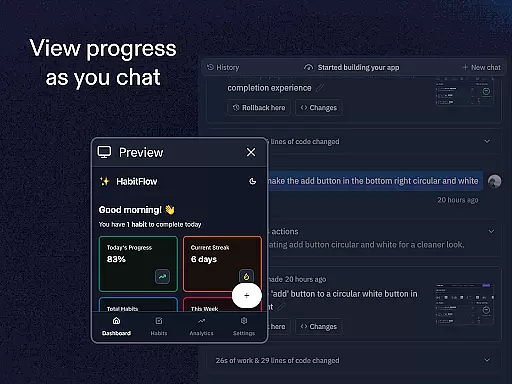
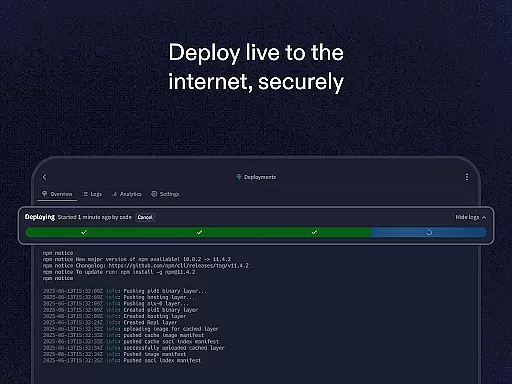
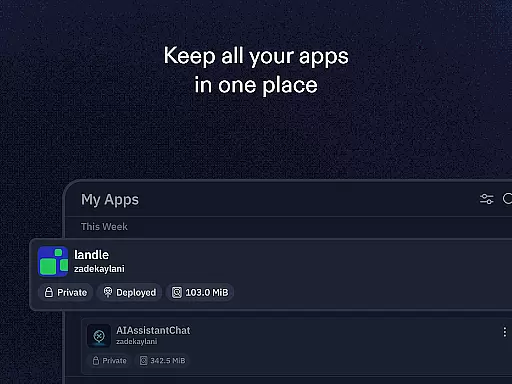
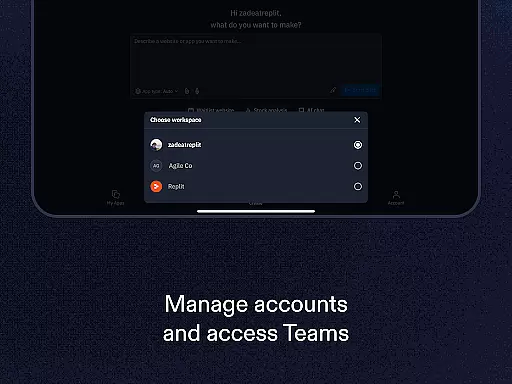
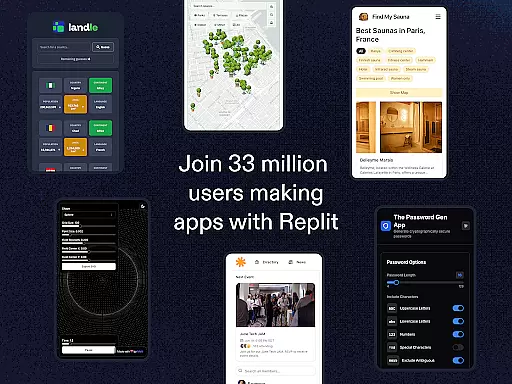
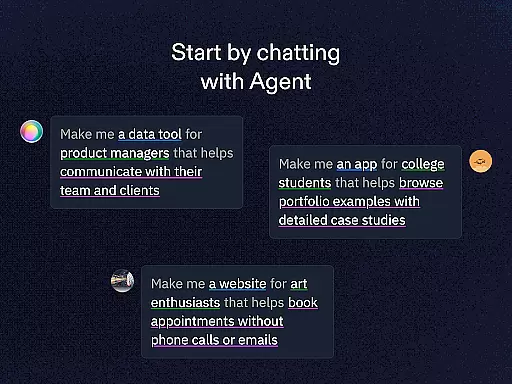
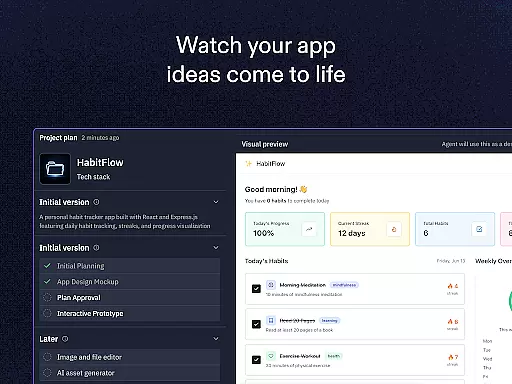
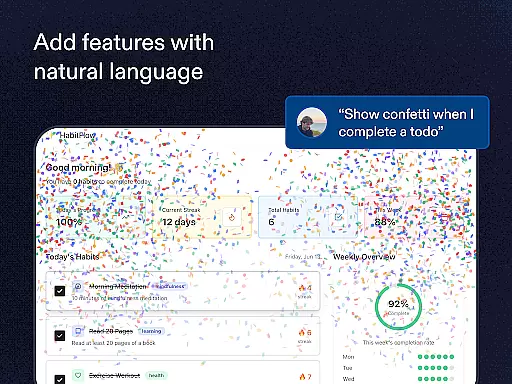
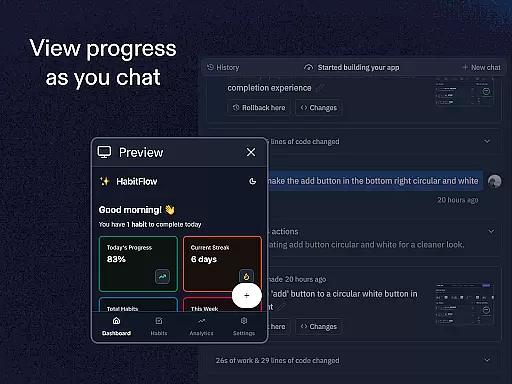
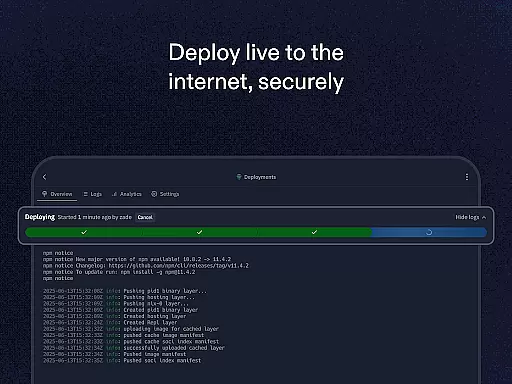
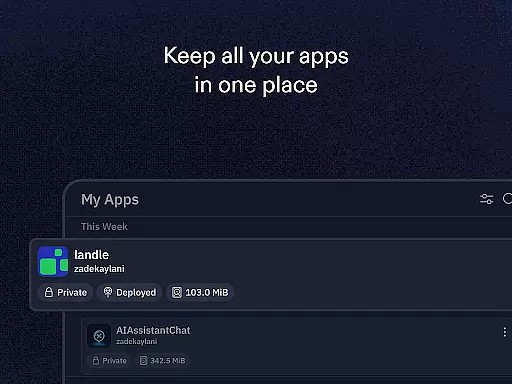
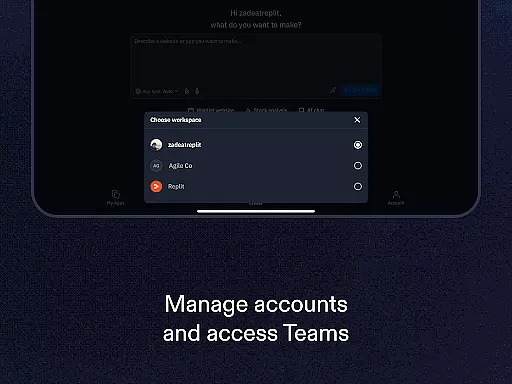
Replit is a powerful productivity app that revolutionizes the way users create and deploy projects directly from their mobile devices. This innovative platform allows anyone to build real applications, websites, and games without needing extensive coding knowledge. With its AI-driven Replit Agent, users can describe their project ideas in natural language, and the system will automatically generate the corresponding codebase.
The app offers an impressive suite of features including instant zero-configuration hosting, real-time multiplayer collaboration, and support for all programming languages and frameworks. Whether you're a beginner learning to code or an experienced developer, Replit provides the tools needed to bring your ideas to life. The built-in hosting service with custom domain support makes it easy to share projects with others, while advanced features like replAuth and ReplDB cater to professional developers' needs.
This mobile development environment is particularly valuable for remote teams and individuals who need to work on projects from anywhere. The ability to clone and remix projects from millions of creators creates endless possibilities for learning and innovation. Replit's seamless integration of development tools and hosting services makes it an essential app for anyone interested in software development.
Replit stands out among productivity apps with its comprehensive feature set designed to streamline the development process. The app's most remarkable feature is the Replit Agent, which uses artificial intelligence to translate natural language descriptions into functional code. This capability significantly lowers the barrier to entry for non-technical users while accelerating development for professionals.
The platform supports real-time collaboration, allowing multiple users to work on the same project simultaneously. This feature is complemented by instant deployment capabilities, enabling users to make changes and see results immediately. The app maintains compatibility with all major programming languages and frameworks, ensuring flexibility for various project requirements. Advanced users will appreciate the built-in database management through ReplDB and authentication setup via replAuth.
Additional notable features include the extensive project library containing millions of examples to learn from, customizable templates for beginners, and robust hosting options with custom domain support. The app's ability to handle both simple and complex projects makes it suitable for educational purposes as well as professional development. These features collectively create a versatile development environment accessible from any mobile device.
At the heart of Replit lies its robust core task management system, designed to streamline project creation and execution. This feature allows users to efficiently organize their coding tasks, set priorities, and track progress in real-time.
The app's intuitive interface enables seamless navigation through various projects, ensuring that users can easily switch between tasks without losing focus. With built-in templates for beginners and advanced options for seasoned developers, Replit adapts to each user's skill level.
Replit enhances productivity by offering collaborative workspaces where multiple users can contribute simultaneously. This fosters teamwork and accelerates project completion, making it an ideal choice for both individual creators and development teams.
Replit excels in providing reliable cross-device synchronization, ensuring that your work is consistently up-to-date across all platforms. Whether you're switching from your mobile device to a desktop computer, your projects remain accessible and current.
The application employs advanced cloud technology to maintain data integrity and availability. This means that every change made on one device is instantly reflected on others, allowing for uninterrupted workflow regardless of location or device preference.
This synchronization feature not only saves time but also enhances collaboration opportunities. Team members can work together on projects from different locations, confident that they are always viewing the most recent version of their shared work.
User-friendly interface
Powerful AI assistance
Real-time collaboration
Instant deployment
Cross-platform support
Limited offline functionality
Advanced features require subscription
Occasional performance issues
Steep learning curve for beginners
Resource-intensive on older devices

 4.20
4.20
Android Wallet Password Manager
4.80
Fill, sign & send docs, forms, agreements & contracts via electronic signature.
4.50
Stay on top of your to-dos with Google Tasks, part of Google Workspace.
4.60
Multilingual translator for text, voice, and image translation!
4.90
Enjoy classic gameplay with customizable features and retro-style graphics.
4.30
* block pre-roll ads, pop-up and forced redirect ads * Samsung certification app
4.00
Great calculator for Android named one of USA TODAY's "25 Essential Apps".
4.90
Lightweight PDF, Word, Excel reader.
4.60
Send files, sync SMS, notifications & clipboard across devices via local network
4.40
A lightweight JSON & XML files creator, editor and viewer (Premium Version)
4.40
Docker, Kubernetes management over Portainer Mobile
4.40
A Pixel Art watchface inspired by other iconic 90s designs for Wear OS devices!
4.40
When you Focus, so will your Bean in this cozy focus timer
4.30
A customizable calendar for your Wear OS watch
4.20
All in One PDF Reader: Manage, Read and Edit your Documents
4.20
Easily read and manage all your PDF files
4.10
Create study competitions, track your hours, and stay consistent with friends
4.2
A simple, portable logger for POTA, SOTA, Field Day, and more
4.1


User Reviews