
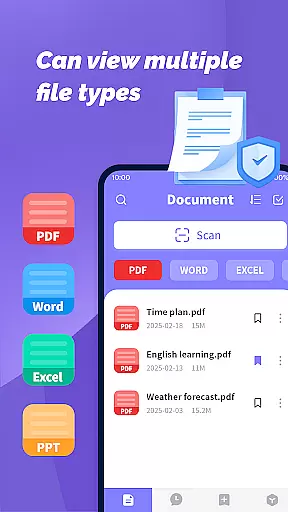
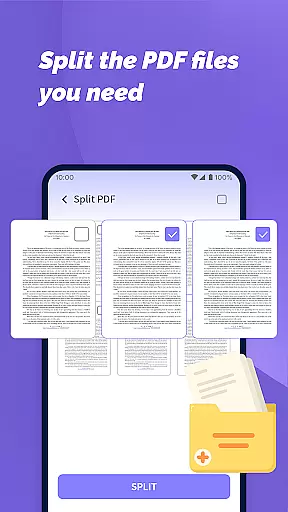
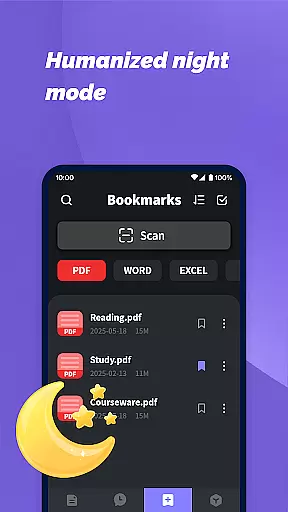
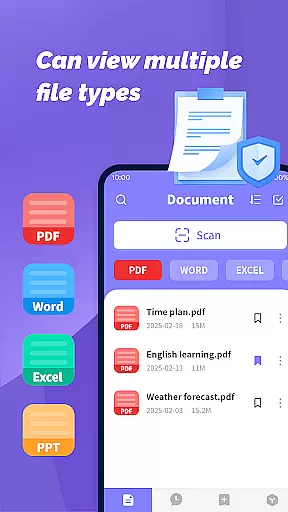
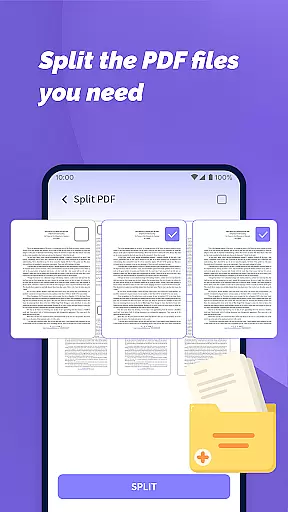
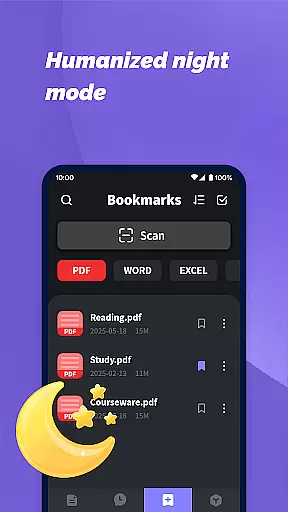
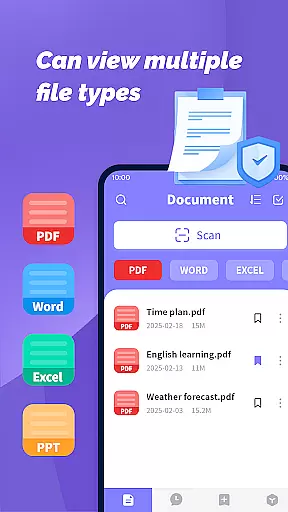
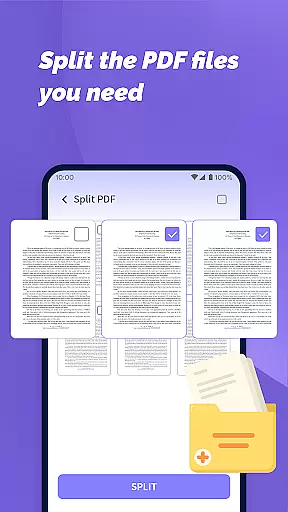
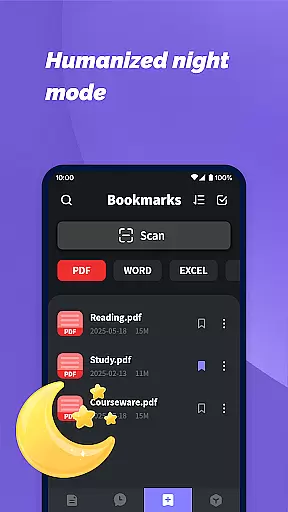
PDF File Plus is a comprehensive productivity tool designed specifically for managing and reading PDF documents on Android devices. The app allows users to not only view PDF files but also annotate them with features like underlining and strikethroughs, making document review more efficient. Additionally, it supports multiple file formats including Word, PPT, and Excel, enabling seamless sharing and collection of various document types directly from your phone.
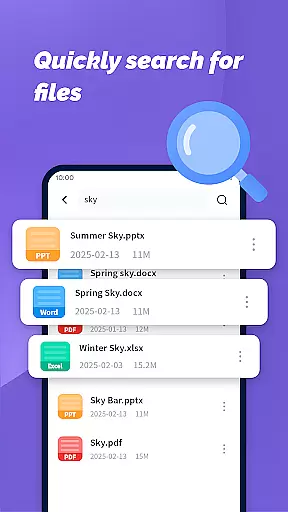
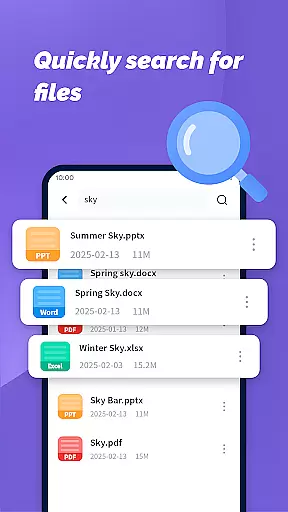
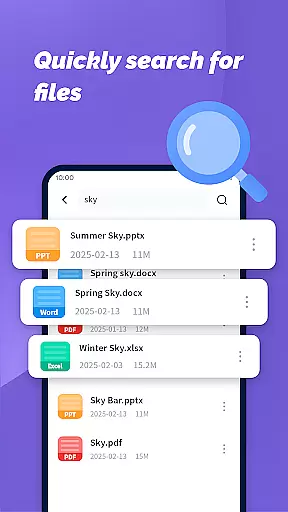
One of the standout features of PDF File Plus is its powerful search functionality, which helps users quickly locate specific documents based on their daily needs. Whether you're at home or on the go, this app ensures that you can manage and access your files without needing a computer. This makes it an invaluable tool for professionals and students who require flexible document management solutions.
The true value of PDF File Plus lies in its ability to streamline document handling, allowing users to maintain productivity regardless of their location. With its intuitive interface and robust feature set, the app empowers users to take control of their digital documents anytime, anywhere.
PDF File Plus offers a rich set of features tailored for efficient document management. First and foremost, the app provides full-featured PDF reading capabilities, complete with annotation tools such as underlining and strikethrough options. These features are particularly useful for users who need to review and edit documents on the fly, ensuring they can make notes and highlight important information directly within the app.
In addition to PDF handling, the app supports multiple file formats including Word, PPT, and Excel. This versatility allows users to manage various types of documents from a single platform, simplifying their workflow. Sharing and collecting files is also made easy, thanks to the app's integrated sharing functions, which facilitate collaboration and document exchange.
Another key feature is the app's powerful search functionality, which enables users to quickly find specific documents based on their needs. This is complemented by the app's mobile optimization, allowing users to manage their files and maintain productivity even when away from their computers. Overall, PDF File Plus stands out for its comprehensive feature set and user-friendly design, making document management both efficient and accessible.
PDF File Plus offers a comprehensive solution for managing PDF documents efficiently on Android devices. This functionality is crucial for users who need to organize, edit, and share files on the go.
The app allows you to underline, strikethrough, and annotate PDFs directly, making document processing seamless. It also supports multiple file formats including Word, PPT, and Excel, which enhances its utility as a versatile document management tool.
With this app, users can easily search for documents based on their daily needs, ensuring quick access to important files. The ability to manage files without being tied to a computer significantly boosts productivity.
Overall, PDF File Plus empowers users by providing robust tools that streamline document handling, thus saving time and effort in managing essential files.
Cross-device synchronization is a vital feature for users who work across multiple devices. PDF File Plus ensures reliable synchronization, allowing users to access their documents seamlessly from any device.
This app enables easy sharing and collection of PDF, Word, PPT, and Excel files, facilitating collaboration and file management. Users can sync their files and access them on the move, ensuring they have the latest versions at all times.
By offering consistent updates and maintaining data integrity across devices, PDF File Plus guarantees that users can rely on having accurate and up-to-date information wherever they are.
In summary, the dependable cross-device synchronization provided by PDF File Plus enhances user experience by ensuring that all necessary documents are synchronized and accessible, regardless of the device being used.
User-friendly interface
Multi-format support
Powerful search function
Easy file sharing
Mobile optimized
Limited advanced editing
No cloud integration
Few customization options
Occasional bugs
Ads in free version

Native client for Forgejo and Gitea
 5.00
5.00
All in one sketching tool. Technical and General drawing. Online Maps support.
3.70
⏰ Finally a timer app which can run multiple timers simultaneously on your watch
3.90
All in One PDF Reader: Manage, Read and Edit your Documents
4.20
Make apps & sites with natural language prompts
4.10
Activate Two Factor Authentication (2FA or Multi OTP), Password manager and more
4.10
Create and edit presentations with Google Slides, part of Google Workspace.
4.00
Secure your apps with lock screens, use custom themes and different features.
4.40
Understand anything with a personalized AI research assistant
4.80
Seamlessly integrate data and reports to build your presentation to impress
4.80
We're working to become the best machining app on the market! www.cncdirt.com
4.80
Quickly and easily keep track of your work shifts
4.70
Stay on top of your to-dos with Google Tasks, part of Google Workspace.
4.60
Planet Free VPN - The best Fast Unlimited and Secure VPN Without Logs
4.50
Subscribe to Webcal & .ics calendars and keep them up-to-date!
4.50
Professional calendar app for Google Calendar, MS Outlook & Exchange
4.20
Take control of your clipboard with Clipper!
3.90
Access your phone's notifications, calls, apps, photos & texts on your PC
3.90
Smart PDF reader & editor to view, organize and manage PDF documents easily.
3.70


User Reviews