
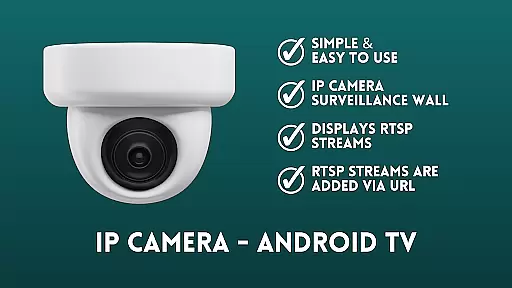
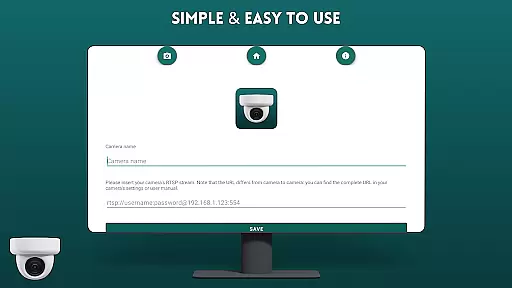
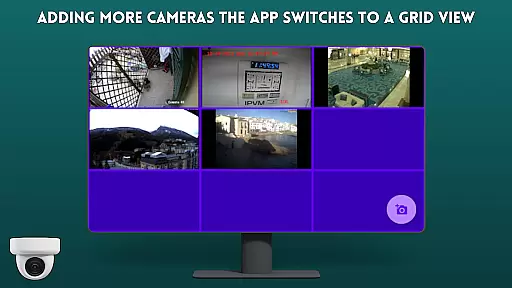
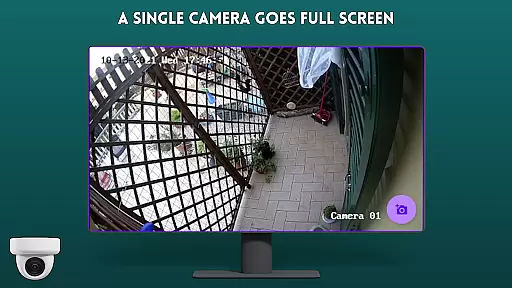
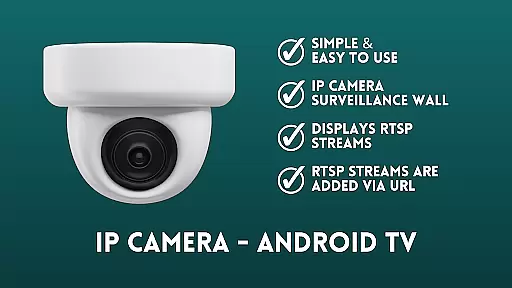
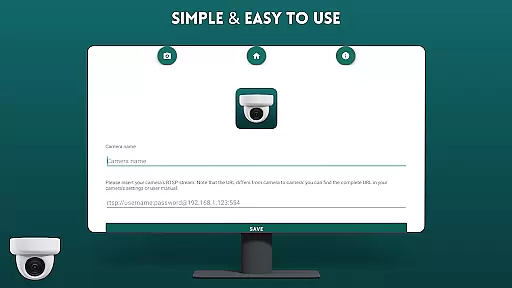
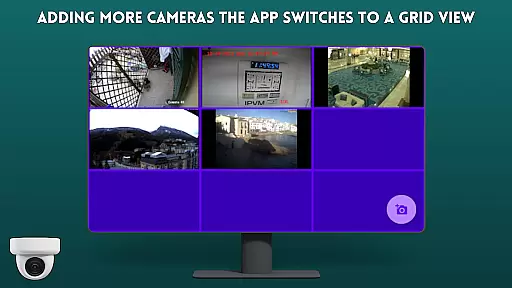
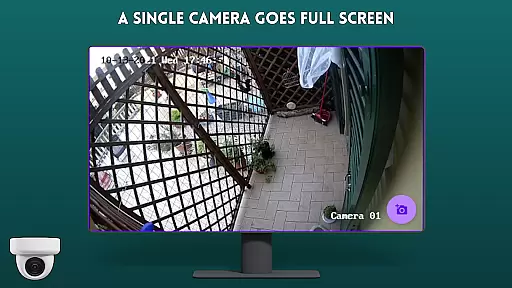
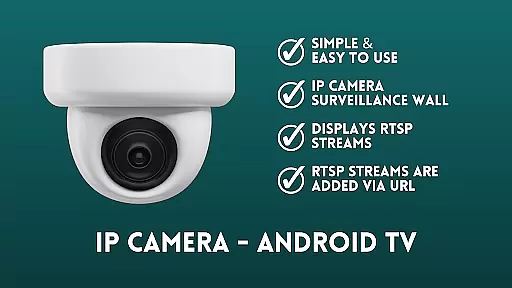
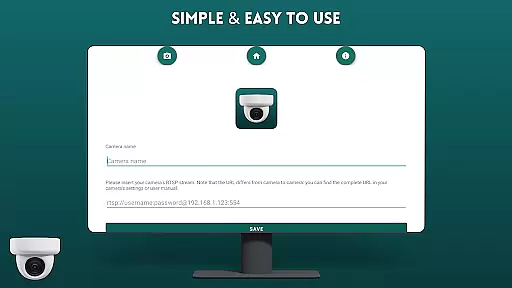
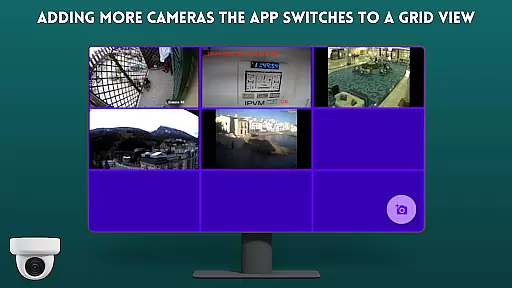
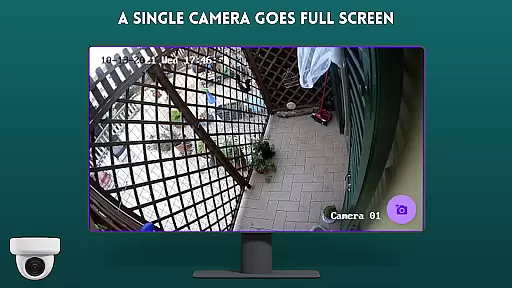
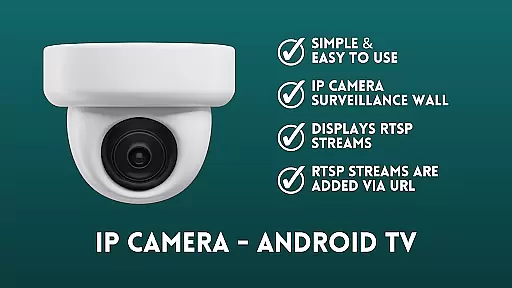
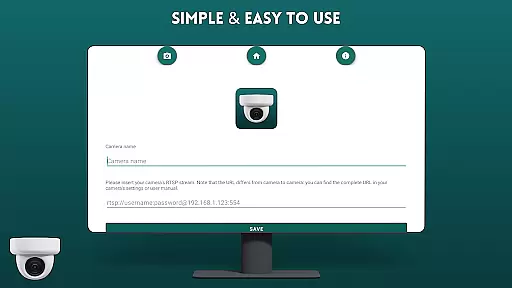
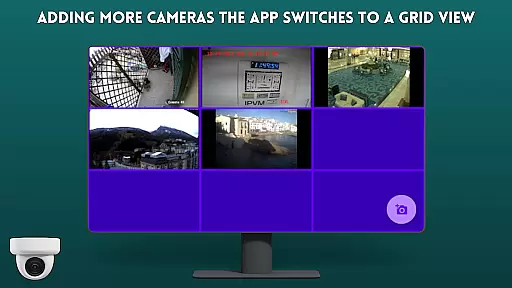
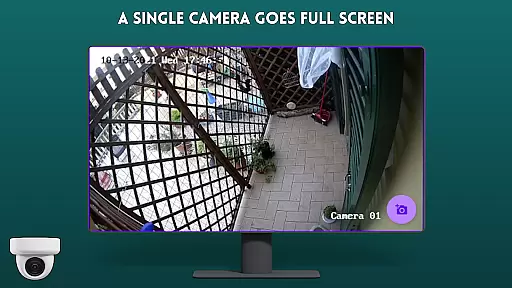
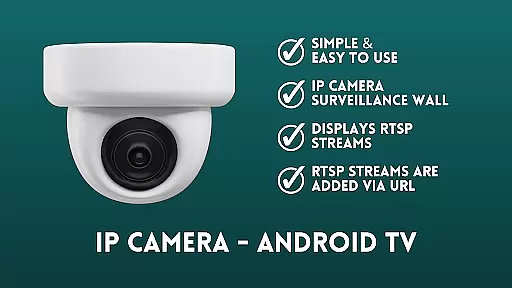
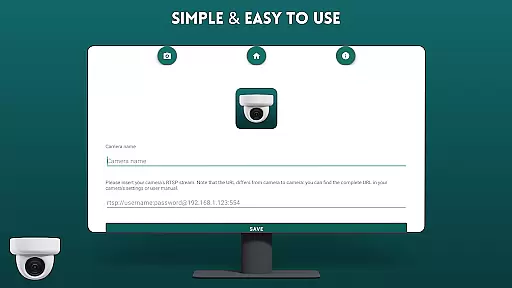
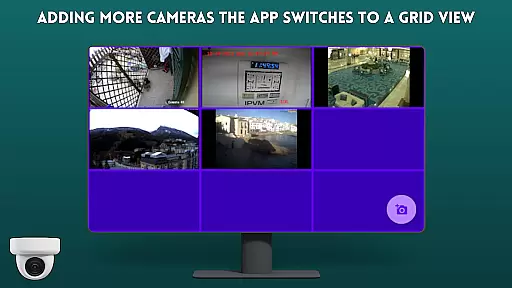
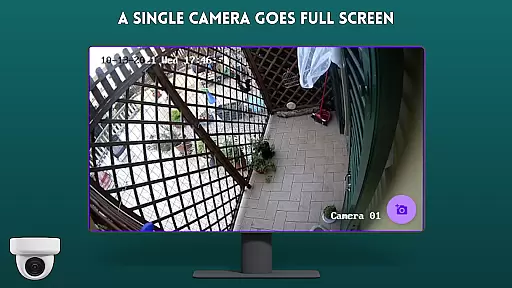
IP Camera Viewer - Android TV is a specialized productivity app that allows users to efficiently monitor IP cameras on Android TV and Google TV platforms. The app's core functionality revolves around its RTSP support, enabling seamless streaming of IP camera feeds directly to the TV screen.
The application features an intuitive surveillance wall interface where users can add multiple RTSP streams through URL inputs, displayed in a classic tile configuration. This makes it easier for users to view and manage multiple camera feeds simultaneously, creating an efficient monitoring solution for home or business security needs.
This app particularly benefits users who require constant surveillance monitoring on larger screens, providing better visibility and easier navigation compared to smaller mobile devices. Its user-friendly interface and fast performance make it a valuable tool for maintaining security systems without technical complications.
IP Camera Viewer - Android TV distinguishes itself through several notable features that enhance the camera viewing experience. The app's primary advantage is its specialized RTSP stream support, which ensures smooth and reliable video feed transmission from IP cameras to Android TV devices.
A key characteristic is its simple yet effective surveillance wall functionality. Users can add multiple camera streams through direct URL input, with each feed displayed in a clear tile layout. This organized presentation allows for easy monitoring of different camera locations simultaneously. The app's optimized performance for Google TV and Android TV platforms ensures fast loading times and responsive controls.
Additional features include easy navigation specifically designed for TV interfaces, making it accessible even for non-technical users. The app's open-source nature under GPL-3.0 license also allows for potential customization and improvements by developers, contributing to its overall value as a productivity tool for security monitoring.
IP Camera Viewer - Android TV excels in core task management by providing a streamlined interface for viewing IP cameras on large screens. The app focuses on simplifying the process of adding and managing multiple camera feeds through RTSP URLs.
With its intuitive design, users can efficiently organize their surveillance wall by adding camera streams via URL. This functionality allows for quick setup and easy access to various camera views, making it an ideal solution for monitoring multiple locations simultaneously.
The application's tile configuration system enables users to view multiple camera feeds at once, enhancing productivity by providing a comprehensive overview of all monitored areas. This feature is particularly valuable for security personnel who need to maintain constant vigilance across different zones.
By focusing on essential features such as RTSP stream display and simple navigation, the app ensures that users can effectively manage their surveillance tasks without unnecessary complexity or cluttered interfaces.
While primarily designed for Android TV and Google TV, IP Camera Viewer demonstrates reliable cross-device synchronization capabilities. The application maintains consistent performance across different devices, ensuring that users can access their camera feeds regardless of which supported device they are using.
The app's robust architecture guarantees that changes made to camera configurations or settings on one device are accurately reflected across all other devices. This synchronization feature provides peace of mind to users who need to monitor their surveillance system from multiple locations or devices.
Furthermore, the application's compatibility with both Android TV and Google TV platforms ensures seamless integration within various smart home ecosystems. Users can expect consistent performance and user experience across different television operating systems.
This reliability in cross-device functionality makes IP Camera Viewer a dependable choice for those seeking a stable and consistent surveillance solution across their smart home devices.
User-friendly interface
Fast RTSP streaming
Multiple camera support
Easy setup process
Open-source flexibility
Limited advanced features
No cloud recording
Basic UI design
Requires technical knowledge
Platform specific

The long-awaited modern gallery app for your Nextcloud server
 4.70
4.70
Planet Free VPN - The best Fast Unlimited and Secure VPN Without Logs
4.50
Create and edit presentations with Google Slides, part of Google Workspace.
4.00
Access, manage and transfer files on Android, PC, Mac, NAS and cloud storages.
4.30
Docker, Kubernetes management over Portainer Mobile
4.40
Best Tool for the professionals Electrician, Electrical contractors, etc.
4.90
To do list widget with a notebook organizer, checklist, simple shopping list
4.60
Daily processing of PDF documents.
4.40
Put a lock on your cloud: Take the security of your data into your own hands
3.70
Android Wallet Password Manager
4.80
Calendar 2023 widget for Android. Appointment scheduler, planner, and reminder
4.60
Lightweight PDF, Word, Excel reader.
4.60
Tally and goal counter for Wear OS & mobile
4.50
A lightweight JSON & XML files creator, editor and viewer (Premium Version)
4.40
When you Focus, so will your Bean in this cozy focus timer
4.30
Font maker keyboard with your own handwriting
4.10
* block pre-roll ads, pop-up and forced redirect ads * Samsung certification app
4.00
Access your phone's notifications, calls, apps, photos & texts on your PC
3.90
Find and delete junk files & block unwanted notifications & manage files
3.70


User Reviews