

Calculator Plus is a top-rated productivity app designed to replace your traditional handheld calculator with a smarter, more efficient solution. As one of USA TODAY's "25 Essential Apps," this Android calculator app offers an intuitive and visually appealing design that enhances everyday calculations. Whether you're managing finances, completing homework, or balancing checkbooks, Calculator Plus provides the tools you need for accuracy and convenience.
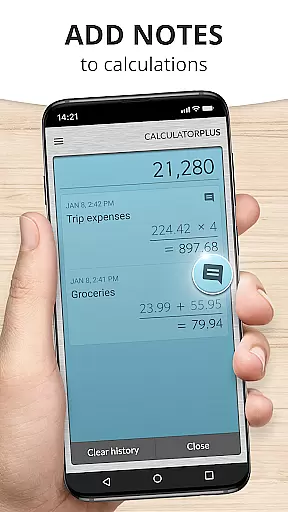
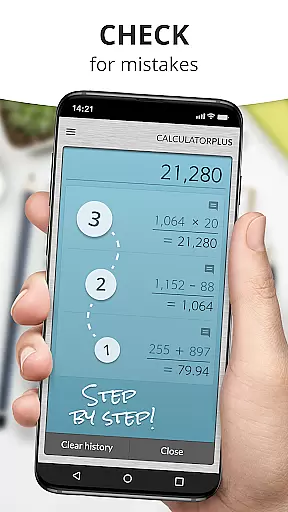
This app stands out with its ability to save time and effort by storing every calculation you make. You can easily review past entries, correct mistakes using the backspace feature, and even pause your work to return later without losing progress. Its advanced functionality includes memory keys, percentage calculations, and swipe gestures for accessing complex math functions. With its elegant typography, clear display, and user-friendly interface, Calculator Plus ensures precision and ease of use in all your computational tasks.
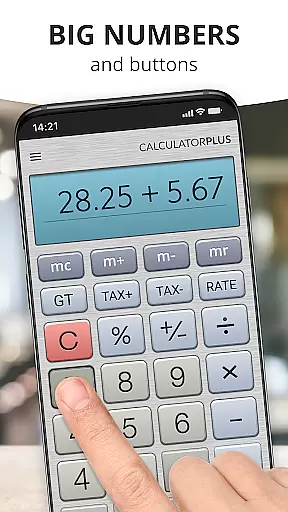
Calculator Plus boasts a variety of features that cater to both casual users and those requiring more advanced mathematical operations. The app displays calculations in large, easy-to-read text with proper formatting, including commas for clarity. It also tracks your current calculation process in real-time, ensuring you always know where you stand.
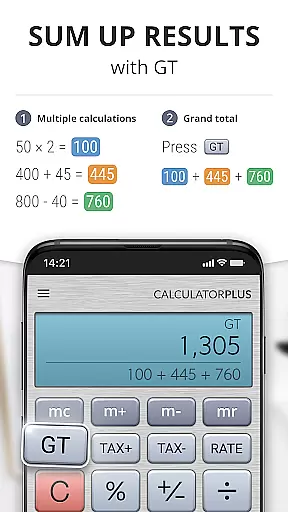
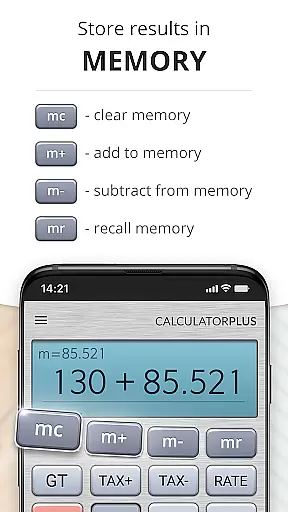
One standout feature is its memory functionality, which allows users to maintain a running total while viewing their previous inputs. For added flexibility, the app supports swipe gestures to reveal additional math functions when needed. Additionally, the percentage key provides transparent results, eliminating confusion during financial computations. Designed with simplicity in mind, Calculator Plus combines powerful performance with an attractive layout optimized for modern devices.
The app's thoughtful design extends to usability enhancements such as backspace correction, automatic saving of calculations, and compatibility across phones and tablets. These innovations make it ideal for shopping, budgeting, tax preparation, and educational purposes. By blending practicality with aesthetic appeal, Calculator Plus redefines how we interact with digital calculators on mobile platforms.
Calculator Plus excels in core task management by offering a seamless calculation experience tailored for productivity. Its ability to save and review past calculations ensures users can efficiently manage their computational tasks without the need to re-enter data.
The app's memory functions allow for running totals and intermediate results, which is crucial for complex calculations. This feature effectively acts as a task manager for calculations, letting users focus on the problem at hand rather than the mechanics of computation.
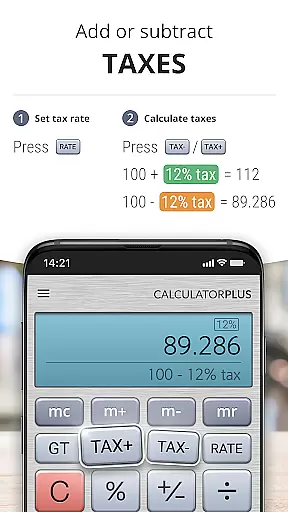
With intuitive backspace and percentage functions, Calculator Plus simplifies error correction and financial computations. These capabilities ensure that users can maintain accuracy and clarity in their work, enhancing overall productivity.
While Calculator Plus does not explicitly advertise cross-device synchronization, its reliable memory function offers users a consistent experience across sessions on the same device. This ensures that users can take breaks and return to their work with all previous data intact.
The app's ability to store calculations locally means users can close the app or turn off their device without losing progress. Although it lacks cloud sync, the robust local saving feature provides a reliable experience for users who primarily use a single device.
For those seeking a calculator app that maintains their computational history without the need for internet connectivity, Calculator Plus delivers a dependable solution. It focuses on providing a stable and efficient environment for managing calculations over multiple sessions.
User-friendly interface
Automatic calculation saving
Advanced math functions
Transparent percentage key
Cross-device compatibility
Limited customization options
No scientific mode
Occasional ads in free version
Requires internet for updates
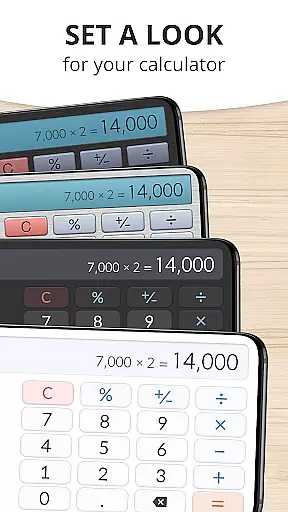
Basic theme design

Easily read and manage all your PDF files
 4.10
4.10
Android Wallet Password Manager
4.80
⏰ Finally a timer app which can run multiple timers simultaneously on your watch
3.90
The AI assistant that thinks with you - write, code, and solve complex tasks
4.60
Tally and goal counter for Wear OS & mobile
4.50
* block pre-roll ads, pop-up and forced redirect ads * Samsung certification app
4.00
The ultimate file manager for rooted devices. The original and still the best.
4.00
This small app MUST BE INSTALLED after purchase, else license won't work
4.40
Daily processing of PDF documents.
4.40
Native client for Forgejo and Gitea
5.00
Scientific calculator for Android - looks and operates like the real thing!
4.90
Use powerful, industry-leading AI tools to generate visual charts from any data
4.80
Direct Chat without saving contacts & Dual WA Account on Single Device
4.70
A simple Whisper AI keyboard for reliable speech transcription and rewording
4.60
Enjoy classic gameplay with customizable features and retro-style graphics.
4.30
Total remote control for your Android device, PC and cloud services (IFTTT)!
4.20
Activate Two Factor Authentication (2FA or Multi OTP), Password manager and more
4.10
Easiest event planning, volunteer signups & parent teacher conference scheduling
2.20
The upgraded version of Name Wheel with AI and the power to add your own wheels.
4.0


User Reviews