
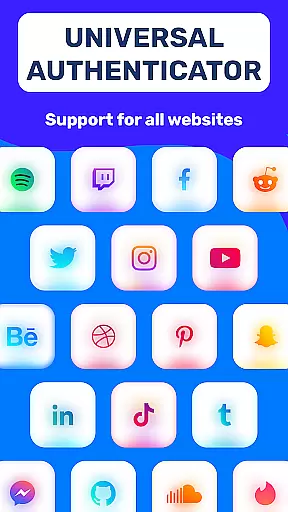
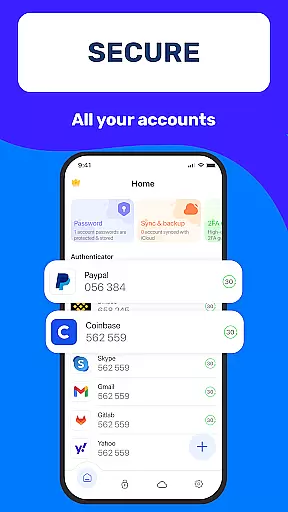
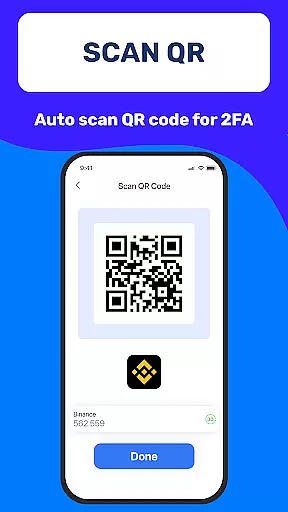
Authenticator App 2FA - Password Manager is a comprehensive productivity tool designed to enhance both security and convenience in managing digital accounts. The app's core functionality revolves around two-factor authentication (2FA), password management, and secure data storage. Users can enjoy seamless account access through features like QR code scanning for 2FA and automatic login information filling.
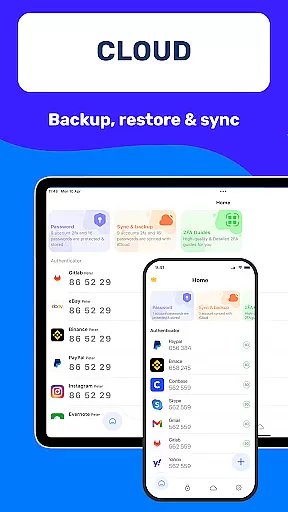
What sets this app apart is its robust synchronization capabilities. The Backup & Sync feature ensures users can easily transfer their data across devices without loss or hassle. Additionally, the app supports multiple authentication methods including Master Password and biometric Touch ID, making it adaptable to various security preferences. Whether you're looking to manage passwords efficiently or protect sensitive information like credit card details, this app provides a reliable solution.
This application is particularly useful for professionals and individuals who handle multiple online accounts and require top-level security. By combining essential productivity tools with advanced encryption technologies, Authenticator App 2FA - Password Manager helps users maintain control over their digital identities while optimizing their daily workflows.
The Authenticator App 2FA - Password Manager stands out with its diverse range of innovative features. One of the most notable capabilities is the Scan QR 2FA function, which simplifies the login process while enhancing security through two-factor authentication. This feature alone significantly reduces the risk of unauthorized account access.
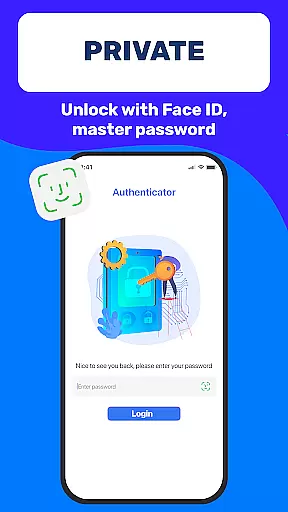
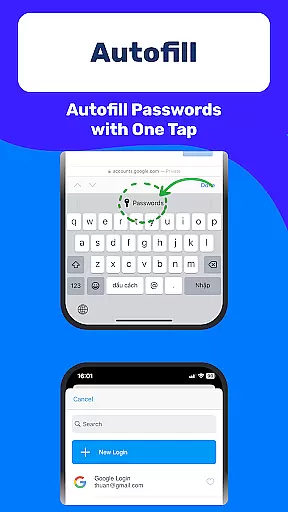
Password management is taken to the next level with the app's Autofill functionality. This intelligent system not only securely stores your credentials but also automatically populates login forms across websites, saving valuable time and minimizing human error during the login process. The app's security measures are further strengthened by its multiple protection layers, including Master Password requirements and biometric authentication through Touch ID.
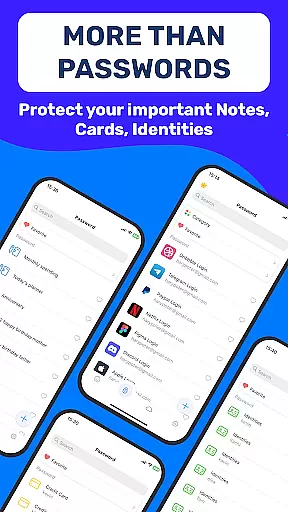
For users concerned about data portability and backup, the app offers exceptional flexibility. The Import and Export Data feature enables smooth transitions between devices, while the Cloud Storage option provides peace of mind against data loss due to device damage or loss. Additional features like Dark Mode and Credit Card Note storage demonstrate the app's attention to user comfort and diverse security needs.
Task management is a cornerstone of productivity applications, and Authenticator App 2FA - Password Manager excels in this area by offering a comprehensive suite of features designed to streamline your digital life. At its core, the app provides robust account management through functionalities like Scan QR 2FA, which simplifies the login process while enhancing security.
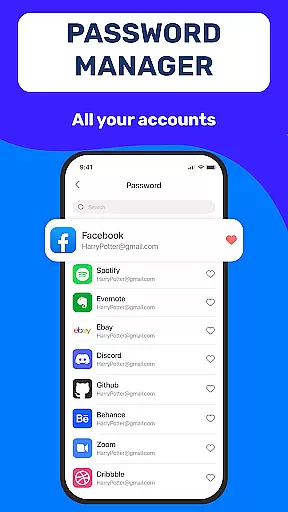
The application ensures that users can maintain control over their data with reliable Backup & Sync capabilities. This feature not only prevents data loss when switching devices but also supports efficient task continuity and management across different platforms. Additionally, the Password Manager and Autofill functions are integral to managing online identities, automatically inputting credentials and saving time.
Security is further bolstered by the ability to unlock the app using a Master Password or Touch ID, ensuring that only authorized users can access sensitive information. With these task management features, Authenticator App 2FA - Password Manager delivers an experience that protects user data while facilitating seamless account oversight and daily operations.
Cross-device synchronization is essential for maintaining productivity in today's multi-device world. Authenticator App 2FA - Password Manager addresses this need with its reliable Backup & Sync feature, which ensures that all your vital information is consistently updated across your devices. Whether you're upgrading your phone or reinstalling the app, you can rest assured that your data remains intact and accessible.
The app goes beyond simple synchronization by integrating Cloud Data Storage, safeguarding against data loss even if your device is lost or damaged. This means that every piece of information managed within the app, from passwords to credit card notes, is securely stored and retrievable from any authenticated device.
Moreover, the Import and Export Data functionality adds another layer of flexibility, allowing users to transfer their data between devices effortlessly. This comprehensive approach to cross-device synchronization ensures that Authenticator App 2FA - Password Manager remains a dependable tool for anyone looking to maintain productivity without compromising on security or convenience.
Enhanced Security
Easy Data Migration
Intuitive Interface
Reliable Backup System
Multi-Platform Support
Premium Feature Costs
Occasional Sync Delays
Limited Free Storage
Complex Setup Process
Device Compatibility Issues

Experience real multitasking on your Android!
 4.00
4.00
Send files, sync SMS, notifications & clipboard across devices via local network
4.40
Simple and reliable communication between inmates, friends and family
3.20
Subscribe to Webcal & .ics calendars and keep them up-to-date!
4.50
Docker, Kubernetes management over Portainer Mobile
4.40
Experience and share your SolidWorks designs on your Android® phone and tablet.
2.50
Scientific calculator for Android - looks and operates like the real thing!
4.90
Access your phone's notifications, calls, apps, photos & texts on your PC
3.90
Use powerful, industry-leading AI tools to generate visual charts from any data
4.80
Simple notepad & memo. Take notes, to-do list, shopping list with reminders.
4.80
QuickBooks Workforce lets teams view pay info and track time in one place.
4.70
App lock - lock apps with fingerprint, password, pin or pattern, protect privacy
4.70
All document reader, all in one file viewer read PDF, DOCX, XLS, PPT, TXT files.
4.60
A lightweight JSON & XML files creator, editor and viewer (Premium Version)
4.40
Device's storage information in a simple and clear graphical form (infographics)
4.10
Todo reminder
4.10
Ultimate Virtual AI Character for immersive Roleplay Chat. Perfect Companion
3.90
Smart PDF reader & editor to view, organize and manage PDF documents easily.
3.70
Find and delete junk files & block unwanted notifications & manage files
3.70


User Reviews