
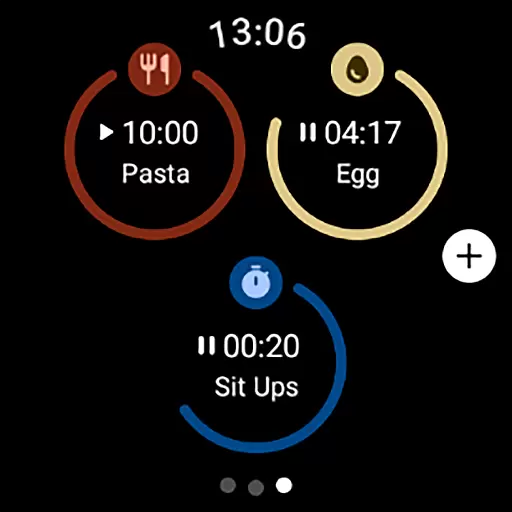
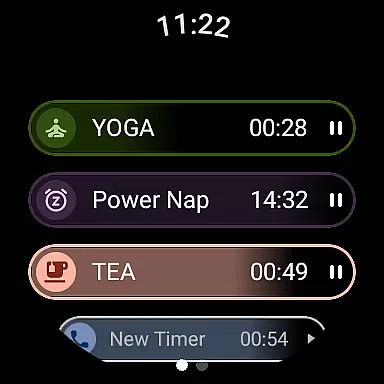
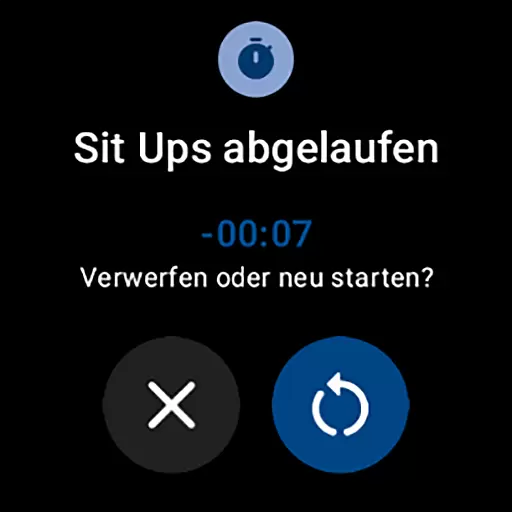
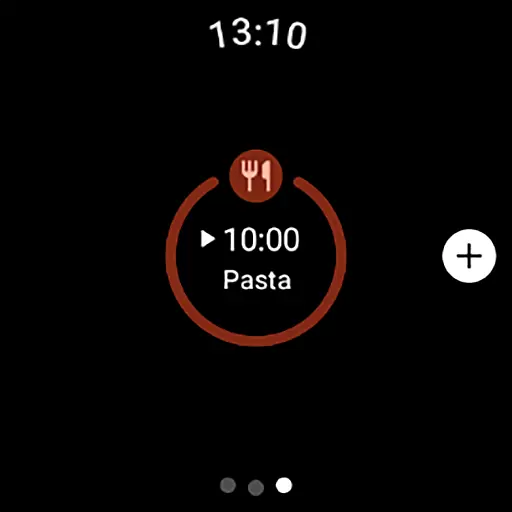
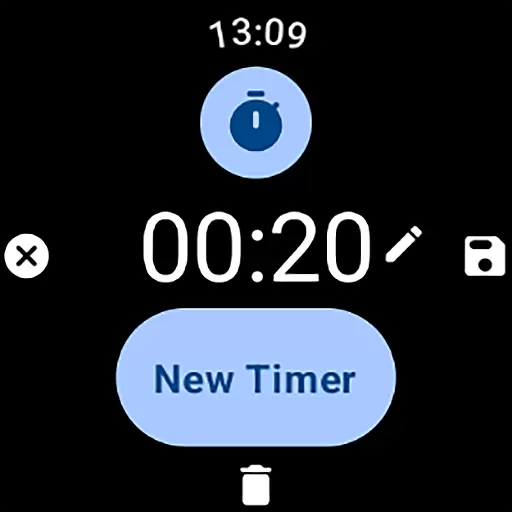
MultiTimerPro for Wear OS is a powerful productivity tool designed to help users manage their time more effectively. This app allows you to run multiple timers simultaneously, making it perfect for multitasking scenarios like cooking, exercising, or work sprints.
The app features an intuitive interface that simplifies the process of creating and managing timers. With customizable options such as names, durations, icons, and colors, MultiTimerPro ensures each timer fits your specific needs. Additionally, sound notifications enhance user experience by ensuring you never miss an alert.
Whether you're a busy professional or a home cook juggling multiple dishes, MultiTimerPro helps streamline your tasks and improve efficiency. Its innovative multi-timer functionality sets it apart from standard timer apps, offering a versatile solution for smartwatch users.
MultiTimerPro stands out with its unique multi-timer functionality, allowing users to operate several timers at once. This feature is particularly beneficial for those who need to monitor different activities simultaneously, providing unparalleled convenience and precision.
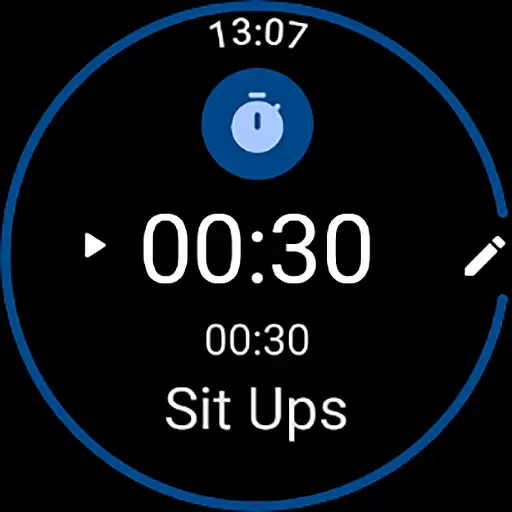
The app's intuitive interface makes it easy to create, edit, and manage timers. Users can customize each timer with specific names, durations, icons, and colors, tailing the experience to their preferences. The addition of sound notifications further enhances usability, ensuring timely alerts that keep users on track.
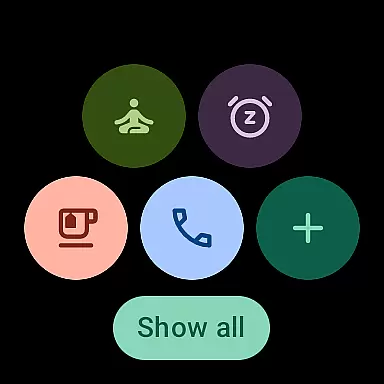
Another notable feature is the newly added Tile support, which allows direct access to favorite timers. This integration improves accessibility and speeds up the process of launching frequently used timers, thus boosting overall productivity. These robust features collectively make MultiTimerPro an indispensable tool for efficient time management.
Efficient task management is at the heart of MultiTimerPro, designed to revolutionize how you handle time-related tasks on your Wear OS devices. This app allows users to transcend the limitations of traditional single-timer applications by managing multiple timers simultaneously.
With MultiTimerPro, setting up various timers for different activities becomes a breeze. Whether it's timing your cooking sessions, workout intervals, or work sprints, the app provides an intuitive platform that lets you create, edit, and oversee several timers at once without any hassle.
The true value of this functionality lies in its ability to enhance productivity and multitasking. Users can allocate specific durations and custom labels to each timer, ensuring that they never lose track of their timed activities. This feature proves invaluable in both personal and professional settings where precise time management is crucial.
Cross-device synchronization is a pivotal feature of MultiTimerPro, ensuring that your timers are consistently updated across all linked devices. This seamless integration means that whether you're viewing your timers on a Wear OS smartwatch or another connected device, you'll experience real-time updates and reliability.
This synchronization capability ensures that any changes made to your timers, such as adjustments to duration or settings, are immediately reflected everywhere. It eliminates the risk of discrepancies between devices, providing a unified and dependable timing solution no matter where you are.
For users, this translates into peace of mind knowing that their timing data is always current and accessible. Whether you're transitioning from your smartwatch to a paired smartphone or tablet, MultiTimerPro guarantees that your timing information remains accurate and synchronized, empowering you to manage your day with confidence and precision.
User-friendly interface
Multiple timers
Customizable options
Sound notifications
Tile support
Premium version only
Limited free features
Wear OS specific
No iOS support
Small learning curve

Professional calendar app for Google Calendar, MS Outlook & Exchange
 4.20
4.20
CalenGoo is a very flexible and feature-rich calendar app
4.40
Stay on top of your to-dos with Google Tasks, part of Google Workspace.
4.60
Find and delete junk files & block unwanted notifications & manage files
3.70
All document reader, all in one file viewer read PDF, DOCX, XLS, PPT, TXT files.
4.60
Tally and goal counter for Wear OS & mobile
4.50
The ultimate file manager for rooted devices. The original and still the best.
4.00
Quickly and easily keep track of your work shifts
4.70
Scan paperwork into PDF/JPG, generate your own e-signature and send fax or email
4.70
A beautiful digital clock with autostart and many other functions
4.70
Secure, fast, open-source, Remote Desktop Client for Windows and Linux with SSH
4.60
To do list widget with a notebook organizer, checklist, simple shopping list
4.60
Experience Reading - Night Mode for Documents
4.40
All in One PDF Reader: Manage, Read and Edit your Documents
4.20
Secure, open-source, SPICE and SSH Remote Desktop for QEMU KVM virtual machines
4.00
Take control of your clipboard with Clipper!
3.90
Access your phone's notifications, calls, apps, photos & texts on your PC
3.90
Mega cloud explorer plugin for Solid Explorer
3.80
The upgraded version of Name Wheel with AI and the power to add your own wheels.
4.4


User Reviews