
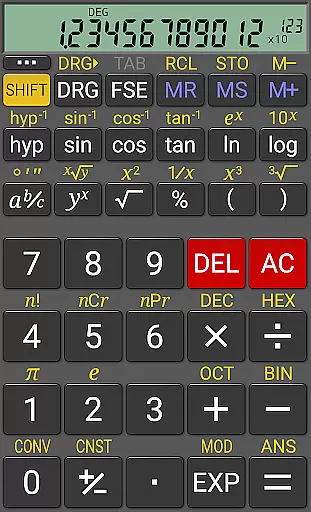
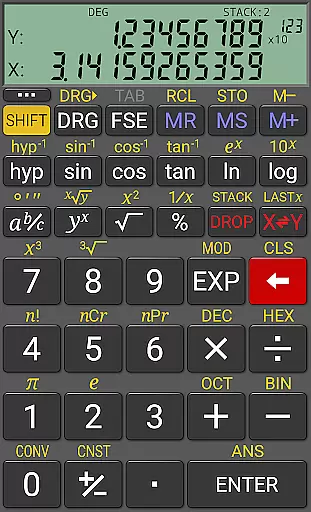
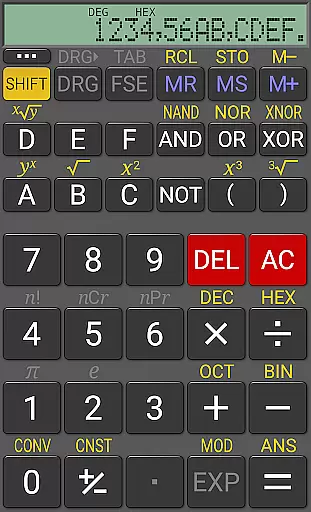
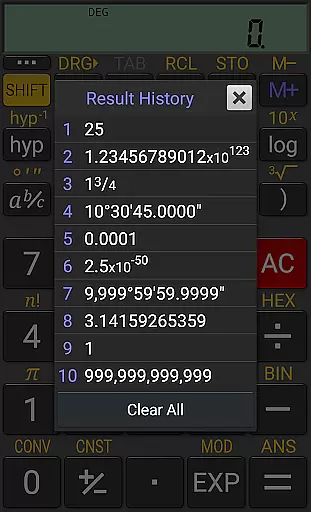
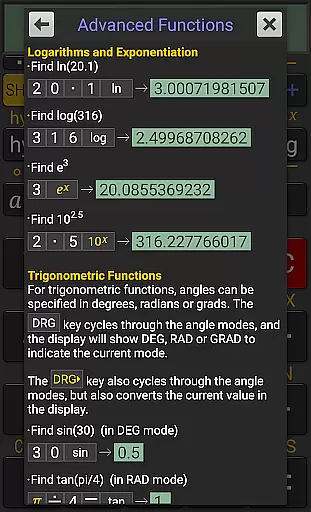
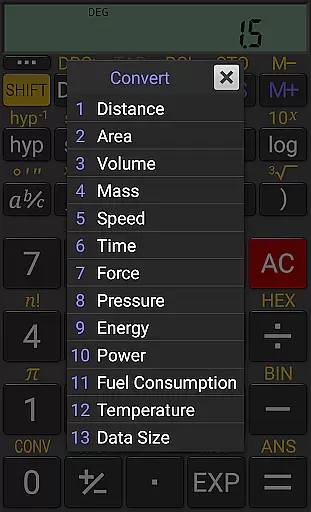
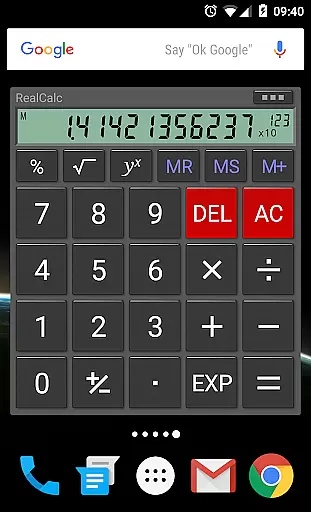
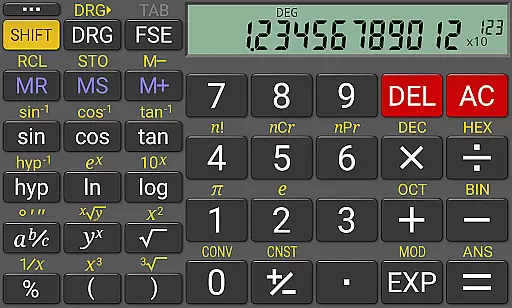
RealCalc Plus is the advanced version of RealCalc, a leading scientific calculator on Android. It mirrors the functionality of a real hand-held calculator and includes all standard scientific functions along with additional capabilities such as fraction calculations, degrees/minutes/seconds conversions, and history tracking. The app also offers customizable unit conversions, constants, and supports binary, octal, and hexadecimal calculations. With an optional RPN mode and multiple display styles, it caters to both novice and advanced users.
The calculator provides a 12-digit display with extended internal precision up to 32 digits. Users can choose from various display modes including scientific, engineering, and fixed-point formats. RealCalc Plus enhances productivity by allowing users to perform complex calculations efficiently, making it ideal for students, engineers, and professionals who require precise computations in their work or study.
RealCalc Plus stands out with its comprehensive feature set tailored for productivity. The calculator supports both traditional algebraic and RPN operations, catering to different user preferences. Fraction calculations and conversions to/from decimal are seamlessly integrated, alongside degrees/minutes/seconds calculations for versatile mathematical operations.
With 10 memories and result history, users can easily track previous calculations and retrieve stored values. The app's support for binary, octal, and hexadecimal calculations makes it indispensable for computer science and engineering tasks. Additionally, the customizable unit conversions and constants allow users to tailor the app to their specific needs, while external keyboard support and multi-window functionality enhance usability across different devices and scenarios.
For a productivity app like RealCalc Plus, core task management refers to how effectively it handles essential calculator operations and scientific functions. This app excels by offering both traditional algebraic and RPN operational modes, catering to different user preferences.
RealCalc Plus supports fraction calculations, degrees/minutes/seconds conversions, trigonometric functions in various units, and much more. These features ensure that users can perform complex mathematical tasks with ease and precision.
The app's 12-digit display and extended internal precision of up to 32 digits provide accuracy and reliability for intricate computations. Additionally, the inclusion of customizable unit conversions and constants allows users to tailor the app to their specific needs.
Users benefit from an efficient and intuitive interface that mimics a real hand-held calculator, making it easy to adapt to. The result history and ten memory slots further enhance task management by allowing users to track previous calculations and store important values.
Cross-device synchronization is crucial for users who rely on consistent access to their data across multiple devices. While RealCalc Plus does not explicitly advertise cloud-based syncing, its multi-window support and external keyboard compatibility offer reliable performance on Android devices.
The app includes a homescreen widget with RPN support, ensuring quick access to its functionalities without needing to open the full application. This feature enhances productivity by providing instant access to frequently used calculations.
RealCalc Plus offers landscape mode and configurable digit grouping, which means users can customize their experience based on device orientation or regional settings. Such flexibility ensures a seamless transition between devices with different screen sizes or configurations.
Although RealCalc Plus focuses primarily on single-device functionality, its robust feature setu2014including binary, octal, and hexadecimal calculationsu2014ensures that all necessary tools are readily available. Users can trust that their calculations will be consistent and reliable, regardless of the device they use within the Android ecosystem.
User-friendly interface
Highly customizable
Extended precision
RPN mode available
Multi-window support
Paid version only
No graphing functions
Limited design options
Advanced features may overwhelm beginners
Occasional compatibility issues

QuickBooks Workforce lets teams view pay info and track time in one place.
 4.70
4.70
Easily read and manage all your PDF files
4.10
⏰ Finally a timer app which can run multiple timers simultaneously on your watch
3.90
App Lock with fingerprint, password: Lock apps & hide photos with lock screens
4.60
Font maker keyboard with your own handwriting
4.10
The AI assistant that thinks with you - write, code, and solve complex tasks
4.60
Secure your apps with lock screens, use custom themes and different features.
4.40
Understand anything with a personalized AI research assistant
4.80
QuickEdit is a fast, stable and full featured text and code editor.
4.20
8 custom complications. Custom Time Fonts. Beautiful color schemes. A++ Design.
5.00
Mind Map and brainstorm, note taking and idea collection
4.80
The long-awaited modern gallery app for your Nextcloud server
4.70
Quickly and easily keep track of your work shifts
4.70
Stay on top of your to-dos with Google Tasks, part of Google Workspace.
4.60
Calendar 2023 widget for Android. Appointment scheduler, planner, and reminder
4.60
Fill, sign & send docs, forms, agreements & contracts via electronic signature.
4.50
Unlock AutoNotification
4.00
Mega cloud explorer plugin for Solid Explorer
3.80
Remotely view listen control and record cameras.
3.70


User Reviews