
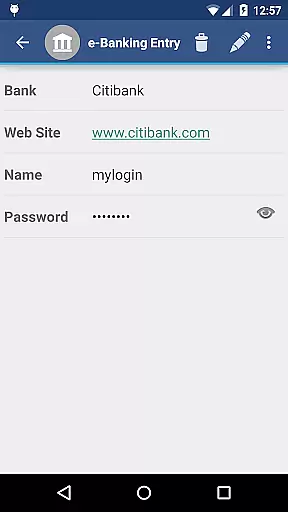
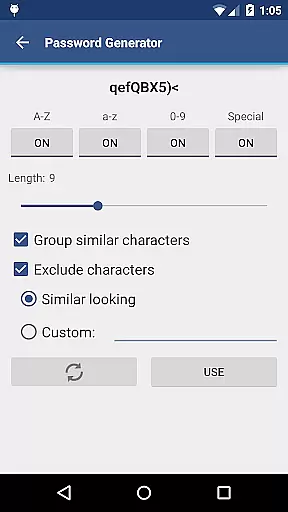
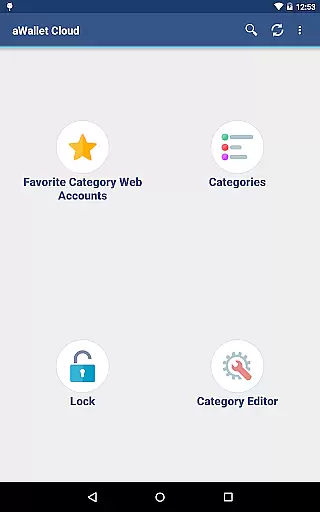
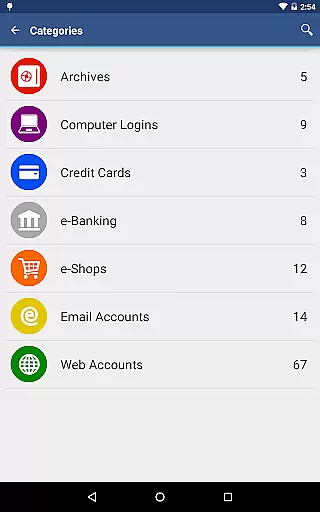
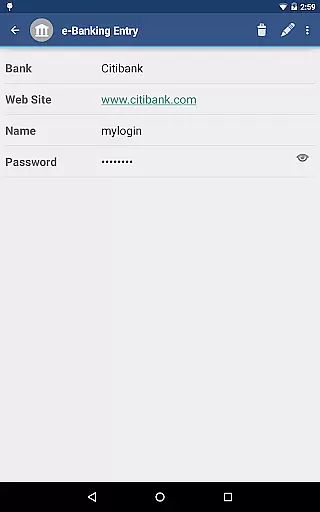
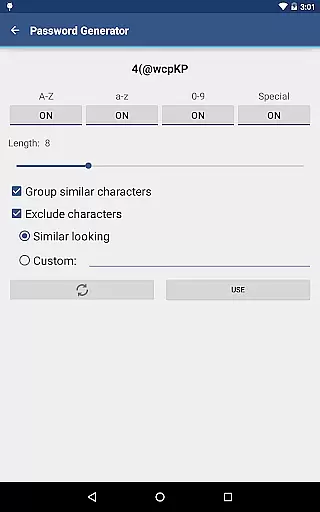
aWallet Cloud Password Manager is a robust productivity application designed to securely store sensitive information such as passwords, credit card details, and e-banking credentials. The app synchronizes encrypted data with your personal cloud storage accounts like Dropbox or Google Drive, ensuring that your information is accessible yet secure across all devices.
One of the standout features of this app is its ability to provide users with peace of mind through advanced security measures. It employs strong encryption algorithms including AES and Blowfish, protecting your data with key sizes up to 256 bits. Additionally, it offers pro features such as fingerprint and facial recognition unlock options for compatible devices, enhancing both security and convenience.
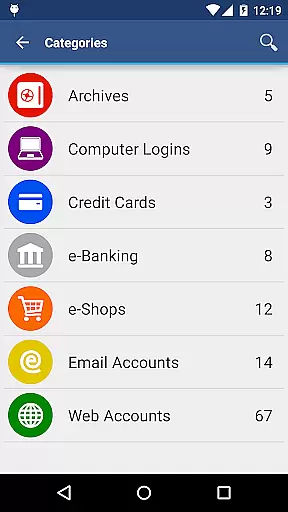
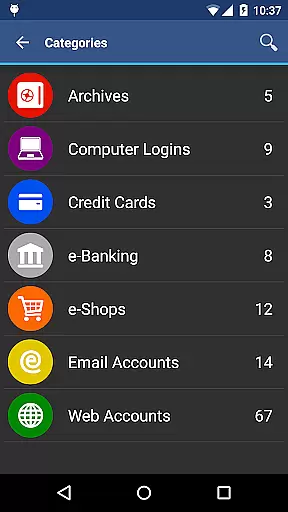
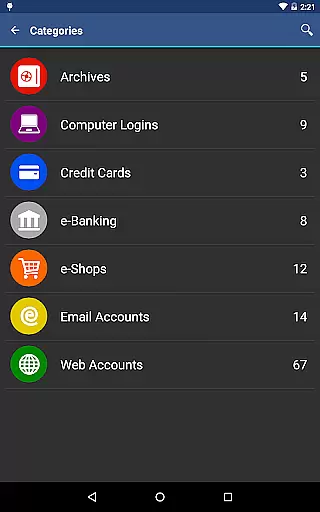
This password manager is particularly useful for individuals who need to manage multiple accounts and require quick access to their credentials while maintaining top-notch security. Its user-friendly interface and customizable categories make organizing and retrieving information effortless, thus boosting productivity without compromising on safety.
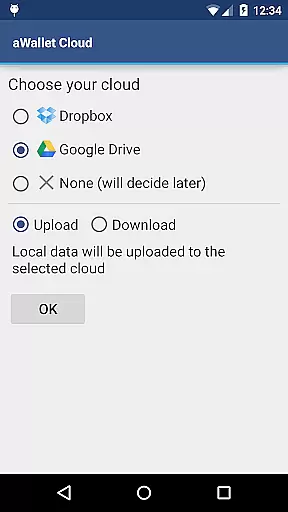
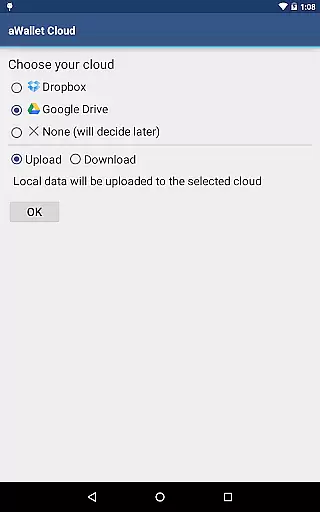
aWallet Cloud Password Manager stands out due to its comprehensive feature set tailored for optimal security and ease of use. One notable aspect is its synchronization capability with popular cloud services like Dropbox and Google Drive, allowing users to access their encrypted data from any device seamlessly.
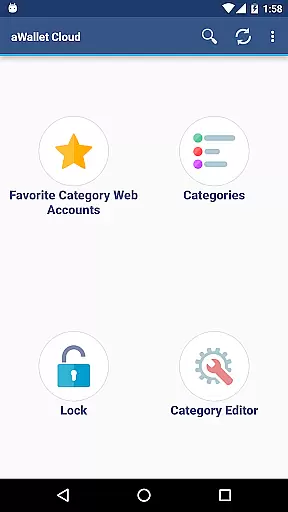
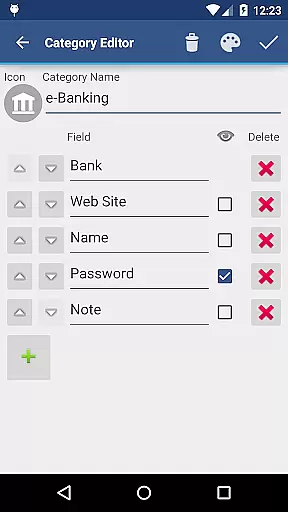
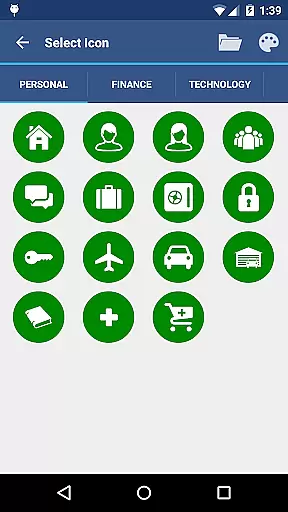
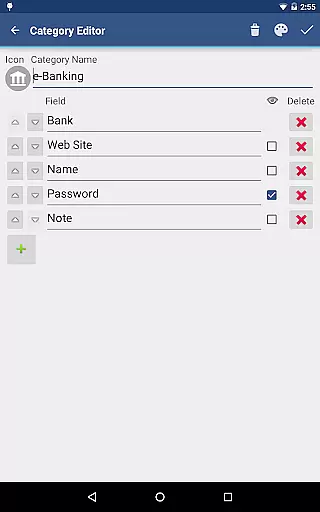
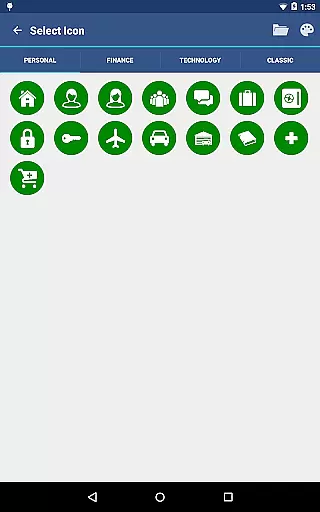
The app also includes an integrated editor that enables users to modify existing categories or create new ones with custom icons, offering a personalized touch. Advanced search functionality allows for quick retrieval of specific entries, while the auto-lock feature ensures that your data remains protected even if you forget to manually lock the app.
For those seeking additional convenience, the app provides biometric authentication methods such as fingerprint and facial recognition on supported devices. These features not only enhance security but also streamline the unlocking process, making it faster and more intuitive for users to access their stored information.
aWallet Cloud Password Manager excels in core task management by offering a comprehensive suite of features designed to securely handle sensitive information. The app allows users to store various types of data, including passwords, credit card details, and e-banking credentials, all within a secure environment.
One of the standout features is its synchronization capability with cloud services like Dropbox or Google Drive, ensuring that your encrypted data is always up-to-date across all devices. This seamless integration provides an efficient way to manage and access your data from anywhere, without compromising on security.
In addition to storing and syncing data, the app includes a built-in editor for customizing data categories with unique icons, enhancing the user experience by allowing personalized organization of information. The search functionality further simplifies task management by enabling quick retrieval of specific data entries, making daily operations more streamlined and efficient.
Cross-device synchronization is a critical feature of aWallet Cloud Password Manager, ensuring that all your important data is reliably accessible no matter which device you are using. By leveraging trusted cloud services such as Dropbox and Google Drive, the app guarantees that your encrypted data remains consistent and up-to-date across all your devices.
The reliability of this synchronization process is bolstered by the app's robust encryption protocols. All data, including entry names and category definitions, is encrypted using advanced algorithms like AES or Blowfish, with key sizes up to 256 bits. This ensures that even while your data is being synced across devices, it remains protected against unauthorized access.
Furthermore, the app supports backup and restore functions to external USB devices, providing an additional layer of data security and convenience. With these features, users can rest assured that their information is not only synchronized efficiently but also safeguarded against loss or corruption, delivering peace of mind alongside productivity.
Advanced encryption
Cloud sync
Biometric login
Custom categories
No ads
Complex setup
Limited free features
Requires cloud account
Occasional sync issues
Old UI design

Take control of your clipboard with Clipper!
 3.90
3.90
Direct Chat without saving contacts & Dual WA Account on Single Device
4.70
⏰ Finally a timer app which can run multiple timers simultaneously on your watch
3.90
Easiest event planning, volunteer signups & parent teacher conference scheduling
2.20
Subscribe to Webcal & .ics calendars and keep them up-to-date!
4.50
Docker, Kubernetes management over Portainer Mobile
4.40
Great calculator for Android named one of USA TODAY's "25 Essential Apps".
4.90
Best Tool for the professionals Electrician, Electrical contractors, etc.
4.90
Set up, print, and get support—in one place
4.20
Seamlessly integrate data and reports to build your presentation to impress
4.80
Mind Map and brainstorm, note taking and idea collection
4.80
Secure, fast, open-source, VNC and SSH Remote Desktop for Windows, Linux and Mac
4.70
aCalendar+ makes your day, week and month
4.70
App lock - lock apps with fingerprint, password, pin or pattern, protect privacy
4.70
Share files & memories safely. Keep your photos and videos secure.
4.40
Total remote control for your Android device, PC and cloud services (IFTTT)!
4.20
Device's storage information in a simple and clear graphical form (infographics)
4.10
Make your handwriting beautiful, even more than pen on paper.
3.60
Ads Free App! Editor, Hide File, Copy, Move, Delete and Rename.. all facility av
1.70


User Reviews