
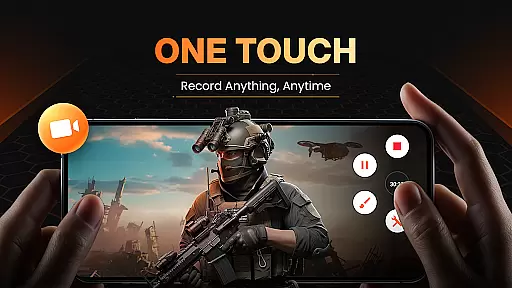
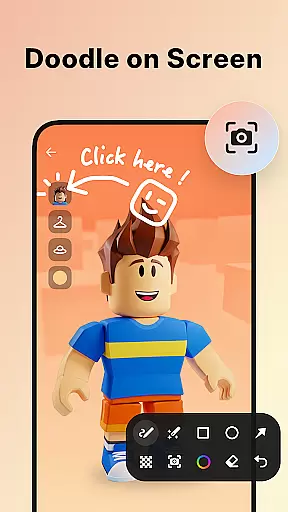
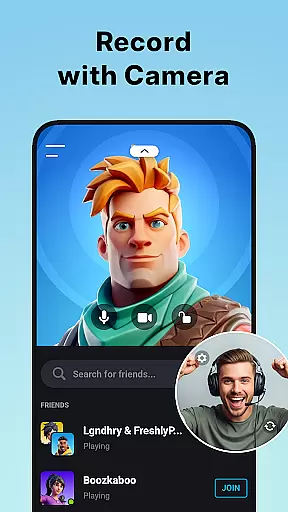
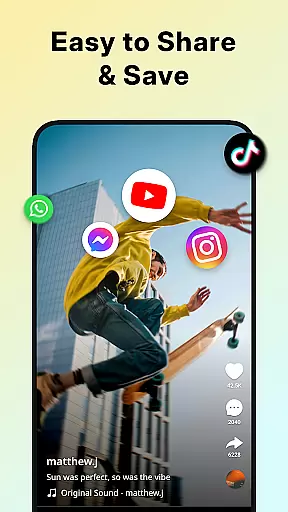
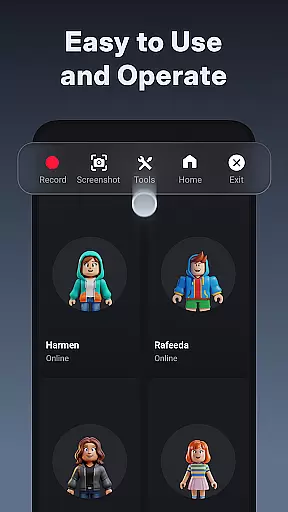
XRecorder is a versatile screen recording tool designed for capturing high-quality video content on Android devices. It offers advanced features like internal audio recording, facecam functionality, and customizable floating controls.
The app supports Full HD recording at up to 120 FPS, making it ideal for creating professional-looking gameplay videos and tutorials. Its built-in editing tools allow users to trim, crop, and enhance their recordings with music and effects.
Perfect for content creators who need to record and edit videos on the go without watermarks or time restrictions.
XRecorder stands out with its comprehensive feature set tailored for both casual and professional users. The app's floating ball interface provides quick access to recording functions while allowing customization of its appearance and behavior.
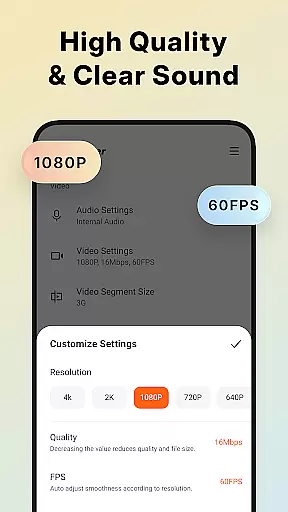
Advanced recording capabilities include support for Android 10's internal audio capture, YouTube live streaming, and multiple camera options through facecam functionality. Users can adjust resolution from 240p to 1080p and frame rates up to 60FPS.
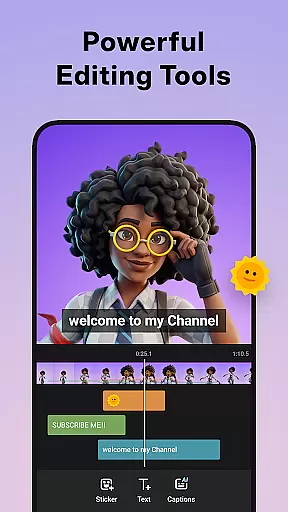
The integrated video editor offers essential tools for trimming, splitting, and enhancing recordings with music, filters, and speed adjustments. Additional features like trash bin recovery and alternative storage locations add extra convenience.
Video format compatibility is a crucial feature for any video player and editor, ensuring that users can work with a wide range of video files without the need for conversion. Screen Recorder - XRecorder supports an impressive array of formats, from 240p to 1080p, allowing creators to record and edit videos in Full HD quality.
The application's versatility extends to its capability to adjust the video quality up to 60FPS and 12Mbps, providing smooth playback and high-resolution output. This flexibility ensures that whether you're recording gameplay or capturing live streams, your content maintains its intended visual impact.
Moreover, XRecorder offers users the ability to customize their recording settings according to their specific needs, including resolution, frame rate, and bit rate. Such customization empowers content creators to optimize their videos for different platforms and devices, enhancing accessibility and viewer engagement.
By supporting such a comprehensive selection of video formats and offering customizable export options, Screen Recorder - XRecorder positions itself as an indispensable tool for anyone looking to produce professional-quality videos on their mobile device.
AI-powered editing features are revolutionizing the way we create and edit videos, making sophisticated tools accessible to everyone. Screen Recorder - XRecorder incorporates advanced AI technology to streamline the editing process, enabling users to trim, cut, and split videos effortlessly. These intelligent tools help maintain the artistic integrity of your projects while saving time.
In addition to basic editing functions, XRecorder provides creative options like adding music, applying stylish filters, and adjusting playback speed. The app's AI-driven capabilities allow for seamless integration of these elements, elevating the production value of your videos. Whether you're crafting a tutorial or a vlog, these features ensure your content stands out.
Furthermore, the inclusion of facecam functionality powered by AI lets users overlay their reactions onto gameplay footage or tutorials. This interactive layer adds a personal touch to your creations, fostering a deeper connection with your audience. With drag-and-drop simplicity, positioning and resizing the facecam window becomes an intuitive part of your workflow.
By harnessing the power of AI, Screen Recorder - XRecorder not only simplifies complex editing tasks but also inspires creativity, empowering users to produce engaging and visually appealing content with ease.
High-quality recording
No watermark
Built-in editor
Facecam support
Customizable UI
Android 10 required
Feature overload
Storage intensive
Learning curve
Ads present

HD Video player all format, HD Videos, Cast & Subtitle. No annoying ads.
 4.60
4.60
Photo and Music Video Creator into Stunning Videos—Effortlessly
4.40
Watch full episodes of your favorite Cartoon Network and Cartoonito shows!
3.50
Video Trimmer, Video to MP3 Converter. Extract music from video, Easy & Fast.
4.80
Stream Web Videos to Chromecast, Samsung, LG, Sony, Roku, Fire TV, DLNA + more
4.00
Movie maker & video editing app with AI effects and green screen
4.30
Make your own Animations, Video and Photo Edits, Visual Effects, and more!
4.00
Fast private browser with secure, seamless access & supported video downloads!
4.00
convenient, safe and fast at Video Downloader & Player
4.60
A Simple app to download Video & Music from the Internet.
4.70
IPTV Loader, loads your own Playlist. DOES NOT CONTAIN ANY LIST OR CHANNELS
4.60
Support 1000+ Video Format, Subtitle Download, mp3 & Background Play, Cast On TV
4.60
Fast & Private HD Video Downloader with Built-in Proxy Browser and Video Player.
4.50
Full HD Video mp3 Player, MP4 player play 1080p, File manager, Video Downloader
4.40
1)AirPlay/DLNA Mirroring/Streaming, up to 4 connections; 2)Samba/NAS/DMS Player.
4.00
HD video & music player - All format support with floating & PIP mode!
3.80
AirMirror is Receiver for Screen Mirroring and Casting from Apple Devices.
3.60
IPTV Player - Watch live TV from m3m & m3u8 playlist, stream IPTV on mobile
3.30
Browser for Sony TV to stream web videos, online movies and live tv
3.20


User Reviews