
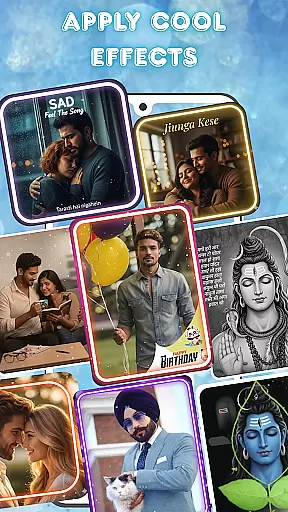

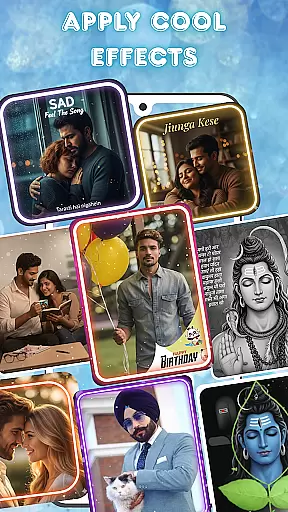

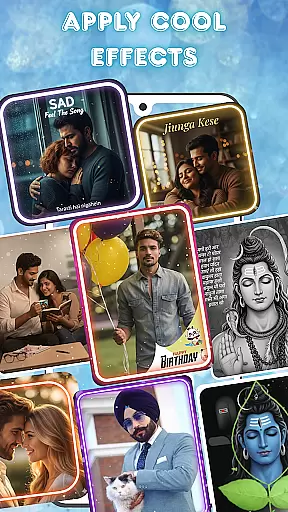

Photo and Music Video Creator is a versatile video editing tool designed to transform your photos into engaging video stories. With its user-friendly interface, the app allows users to create professional-quality slideshows and social media-ready videos effortlessly.
The app offers powerful features such as easy photo-to-video conversion, built-in photo enhancement tools, and an intuitive video editing suite. Whether you're crafting a heartfelt family slideshow or a trendy social reel, this app provides all the necessary tools to bring your memories to life in a visually captivating way.
Ideal for content creators and casual users alike, Photo and Music Video Creator helps you organize projects efficiently while delivering polished results. Start creating stunning videos today and share your cherished moments with ease.
One of the standout features of Photo and Music Video Creator is its seamless photo-to-video conversion capability. Users can turn their favorite snapshots into dynamic videos within minutes, thanks to the app's streamlined design and efficient processing.
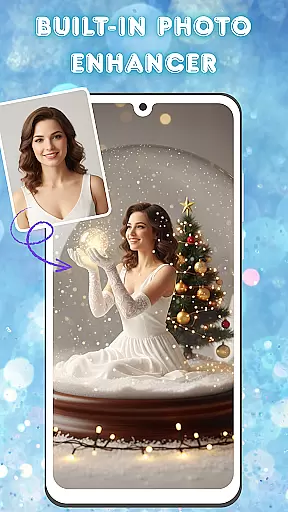
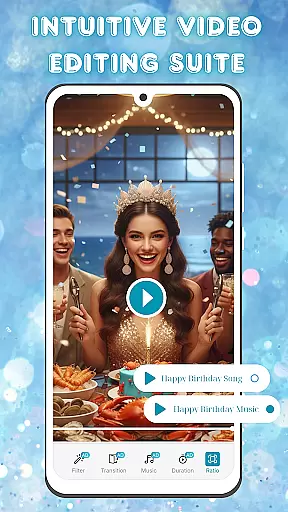
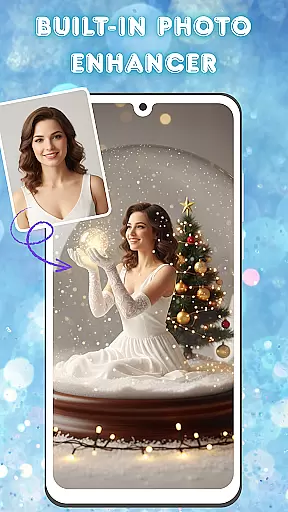
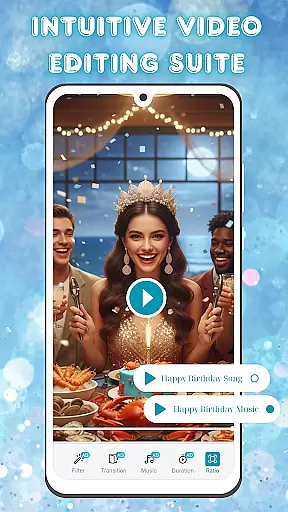
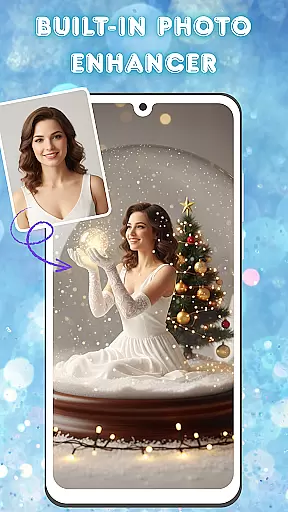
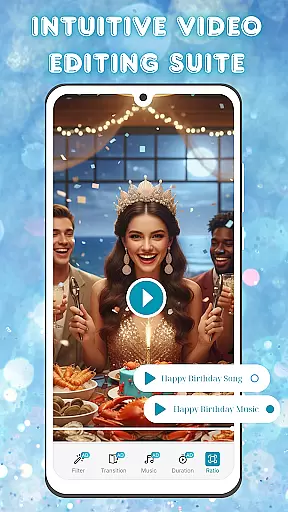
In addition to its core functionality, the app includes advanced photo editing tools. These allow users to enhance images by adjusting brightness, contrast, and saturation before incorporating them into videos. The intuitive video editing suite further elevates the experience, offering smooth transitions, stylish filters, and customizable background music options.
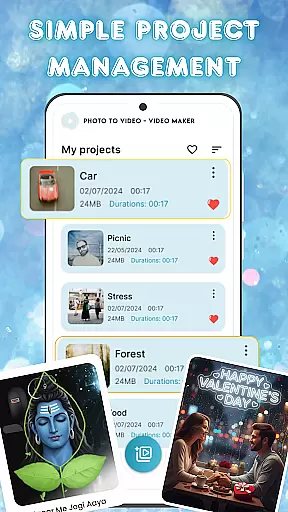
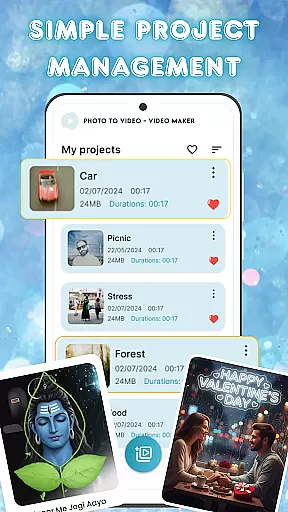
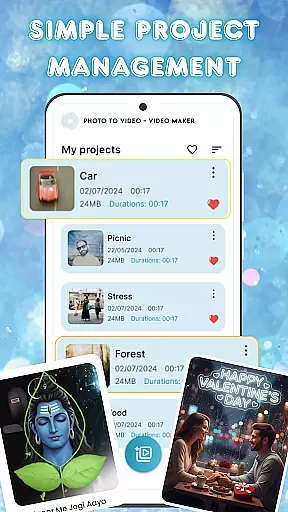
For those managing multiple projects, the app provides simple yet effective project management features. This ensures that users can organize, access, and edit their video projects without hassle, making it easier than ever to maintain creative workflows.
Video format compatibility is a crucial feature for any video editing tool, ensuring that users can work with a wide range of file types without conversion hassles. Photo and Music Video Creator supports an extensive array of video formats, allowing creators to import and export projects in their desired resolutions and codecs.
This app ensures seamless integration with various devices and platforms by supporting popular formats such as MP4, AVI, and MOV. Whether you're looking to create content for social media or personal archives, the flexibility in format options guarantees that your videos will be accessible and shareable across multiple channels.
Moreover, the application's adaptive encoding technology optimizes video output for different platforms, enhancing playback performance while maintaining high-quality visuals. This means that whether you're uploading to YouTube or sharing on Instagram, your creations will always look their best.
AI-powered editing features revolutionize the way users interact with video editing software by automating complex tasks and offering intelligent suggestions. Photo and Music Video Creator leverages artificial intelligence to streamline the editing process, providing tools like automatic color correction, scene detection, and smart cropping.
These AI-driven capabilities enable even novice editors to produce professional-grade videos with minimal effort. For instance, the app can analyze footage to suggest optimal cuts and transitions based on the rhythm of the background music, creating a more engaging final product.
Additionally, the built-in photo enhancer uses AI algorithms to adjust image settings dynamically, ensuring every frame looks its best before itu2019s turned into a video. With these advanced features, users can focus more on their creative vision rather than technical details, making video creation faster and more enjoyable.
User-friendly interface
Advanced photo editing
Smooth video transitions
Customizable music options
Efficient project management
Limited free features
Occasional ads
Premium subscription required
Basic tutorial support
Device compatibility issues

Video player, file manager for all formats, 4K/HD media player supports subtitle
 4.30
4.30
Online Videos Player
3.90
Client application for NextPVR software
3.00
?100% FREE! Download & save videos? safely in this app. All formats supported.
4.60
Watch a large amount of high-definition short drama content
4.60
Video player with powerful streaming playback and various convenient features.
2.10
IPTV Player - Watch live TV from m3m & m3u8 playlist, stream IPTV on mobile
3.30
This app is an emulator of some specific IPTV boxes
3.50
Create, Publish & Maximize
4.70
Cast movies, tv shows and live streams to Chromecast, Roku, DLNA, Fire TV & more
4.60
Support 1000+ Video Format, Subtitle Download, mp3 & Background Play, Cast On TV
4.60
Viddo: Generate Action Figure, AI Anime, AI kiss, AI hug Video from image & text
4.40
Movie maker & video editing app with AI effects and green screen
4.30
This app was created to edit the metadata of music files.
4.20
IPTV-Smarters Player Pro M3U - Watch Live Stream TV Channels with Chromecast
4.00
Kodi media center, a free and open source cross-platform entertainment hub
3.60
You can play SWF format file!
2.50
The essential companion to your Blue Iris PC software
2.50
Stream high quality video from your camera over NDI protocol
4.1


User Reviews