
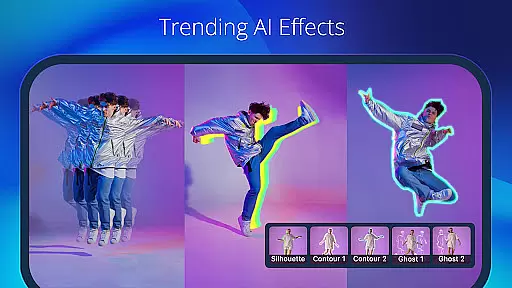
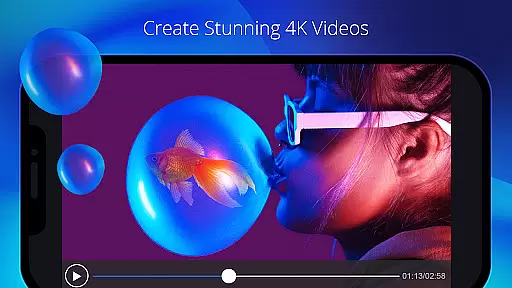
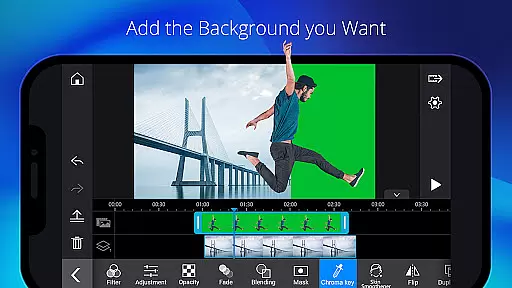
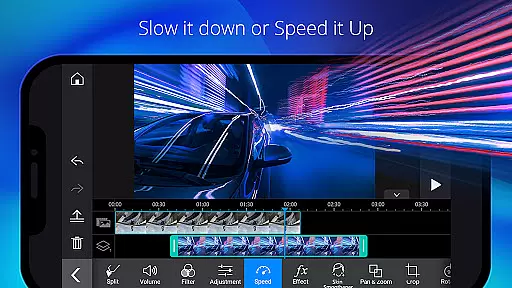
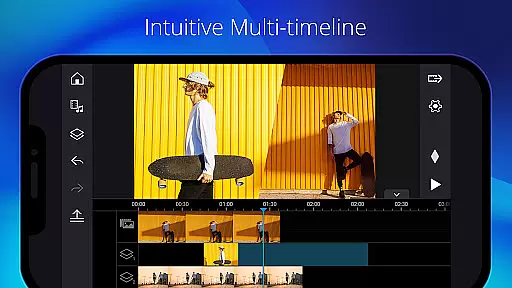
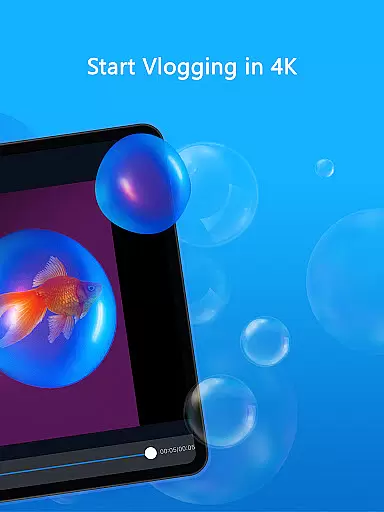
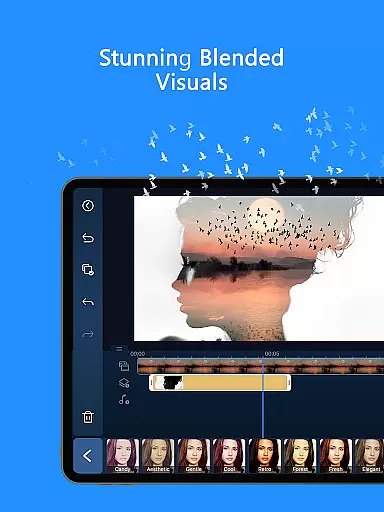
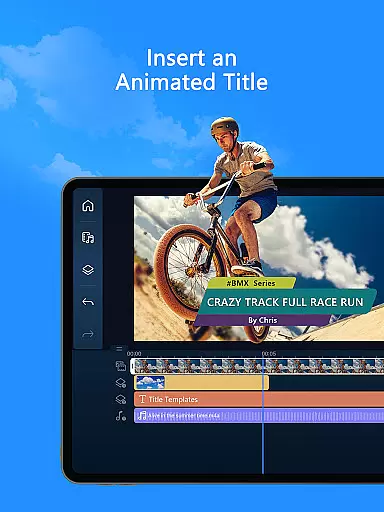
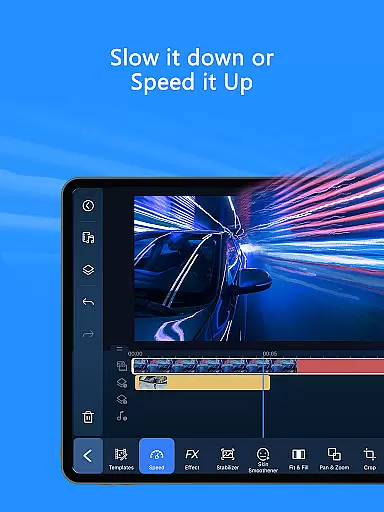
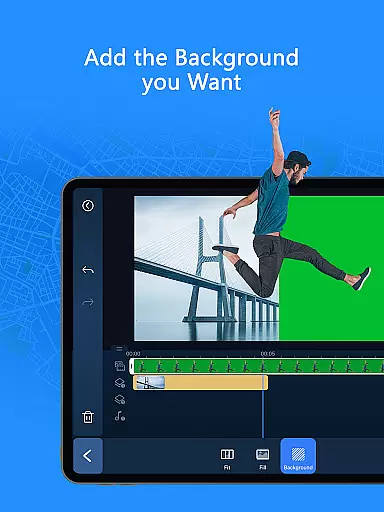
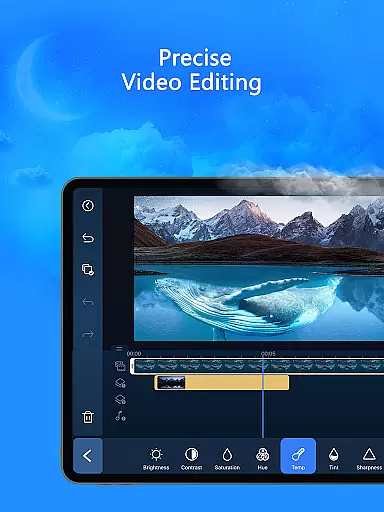
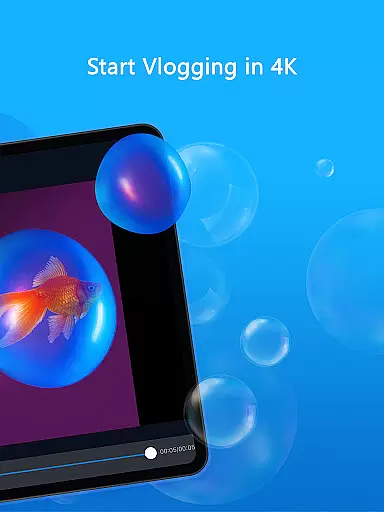
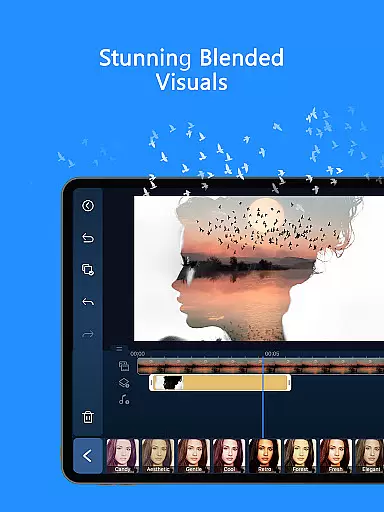
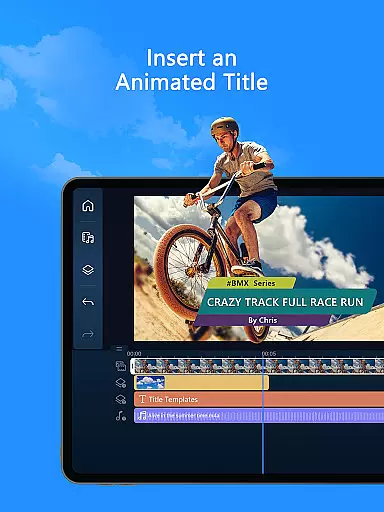
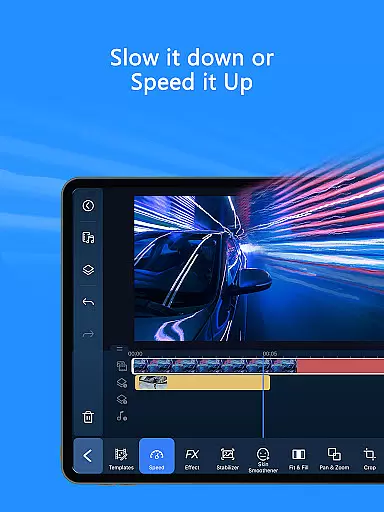
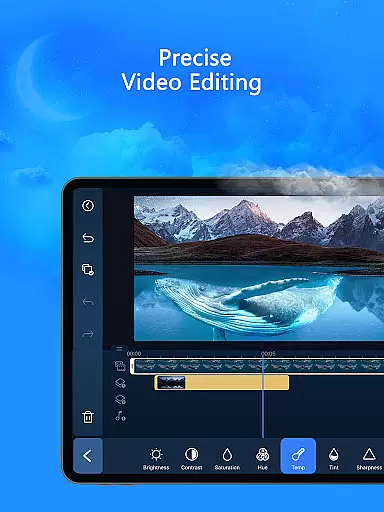
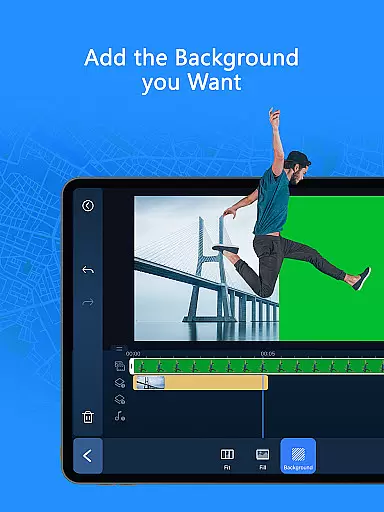
PowerDirector is a comprehensive AI-powered video editor that enables users to create professional-quality videos with ease. The app offers an extensive suite of editing tools, including AI Auto Edit for automated video polishing and a variety of animation filters. It caters to both beginners and advanced users by providing features like trimming, cutting, and rotating, alongside more sophisticated options such as green screen editing and keyframe controls.
This versatile application allows content creators to fine-tune every aspect of their videos, from brightness and color adjustments to adding voiceovers and double exposure effects. With support for body tracking, slow motion, and background removal, PowerDirector stands out as a powerful tool for transforming simple clips into engaging social media content or viral TikTok videos.
Whether you're looking to enhance your personal projects or produce commercial-grade material, PowerDirector's premium features offer exclusive content and an ad-free experience, making it the ultimate choice for video editing on mobile devices.
PowerDirector distinguishes itself through its robust feature set tailored for all levels of expertise. One standout characteristic is its AI Editing Features, which encompass tools like AI Image-to-Video, AI Portrait filters, and AI Speech-to-Text. These innovations allow users to automatically detect the best moments in their footage and apply templates that elevate raw clips into refined productions.
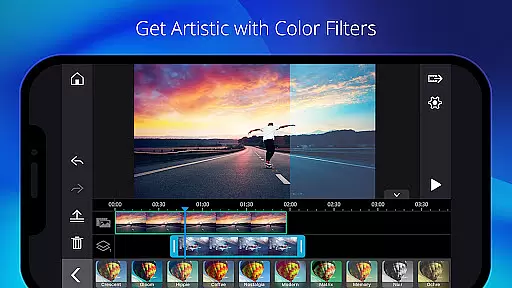
In addition to AI capabilities, the app provides Easy Editing Tools suitable for novices and professionals alike. Users can trim, cut, splice, and rotate clips effortlessly while choosing from thousands of free templates, effects, and filters. Advanced functionalities include green screen editing, video stabilization, and keyframe controls, enabling precise adjustments to transparency, rotation, position, and scale.
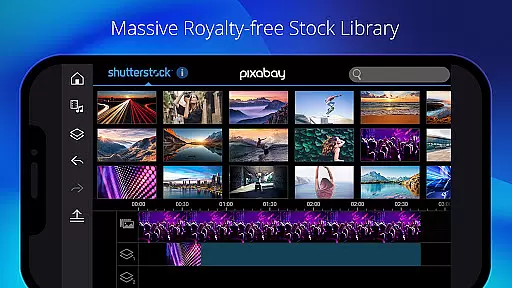
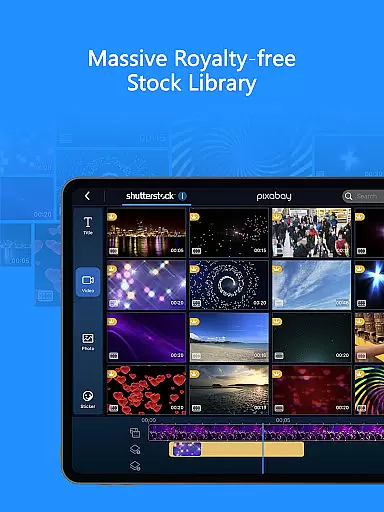
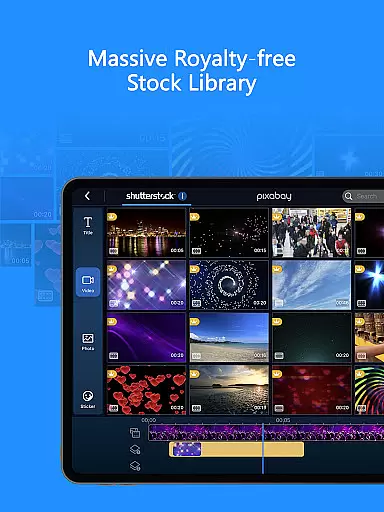
The Professional Video Editor mode further empowers creators with fine-tuning options for brightness, color, and saturation. A built-in stock library enhances creativity by offering customizable templates and royalty-free media. Premium subscribers enjoy additional benefits such as exclusive filters, transitions, and unlimited access to a massive stock library powered by Getty Images.
Video format compatibility is a crucial feature for any video editor, ensuring that users can work with a wide range of file types without conversion hassles. PowerDirector excels in this area by supporting an extensive array of video formats, from common ones like MP4 and AVI to more specialized codecs such as ProRes and HEVC.
The application's broad format support allows creators to import footage from various devices, including smartphones, DSLRs, and professional cinema cameras, streamlining the editing process. This versatility means you can start editing right away, regardless of your source material.
Moreover, PowerDirector enables exporting in multiple resolutions and formats, catering to different platforms' requirements. Whether you're creating content for YouTube, Instagram, or professional presentations, the app ensures your videos maintain high quality across all mediums.
AI-powered editing features represent the cutting edge of video production technology, automating complex tasks and enhancing creativity. PowerDirector incorporates several AI tools that revolutionize how users approach video editing, making it accessible even to beginners while still offering advanced options for professionals.
Among these innovations are AI Auto Edit, which intelligently selects the best moments from your clips to create polished videos using templates. Additionally, AI Image-to-Video transforms static images into dynamic animations, while AI Portrait applies artistic filters mimicking famous styles. These features not only save time but also open new creative possibilities.
Furthermore, the inclusion of AI Voice Changer, AI Speech-to-Text, and AI Background Removal demonstrates PowerDirector's commitment to providing a comprehensive suite of smart editing tools. Such capabilities empower users to produce engaging content efficiently, setting a new standard in the realm of mobile video editors.
User-friendly interface
Extensive AI tools
Versatile editing options
Premium content library
Professional features
Some features are premium-only
May be overwhelming for beginners
Occasional performance issues
Limited device compatibility
Subscription costs

Powerful HD video player with support for all formats & subtitles.
 4.3
4.3
AirMirror Receiver - Screen mirroring/cast web videos to Android TV by AirPlay.
4.40
Video Downloader, Multiple Resolution Options, Video Player
4.50
Download videos and play them offline
4.70
Browser for Sony TV to stream web videos, online movies and live tv
3.20
Cast movies, tv shows and live streams to Chromecast, Roku, DLNA, Fire TV & more
4.60
A Simple app to download Video & Music from the Internet.
4.70
Enjoy your favorite videos and channels with the official YouTube app.
3.90
Manage your YouTube channel on the go
4.40
?100% FREE! Download & save videos? safely in this app. All formats supported.
4.60
VLC Remote lets you control your VLC Media Player on Mac, PC or Linux.
4.60
Support 1000+ Video Format, Subtitle Download, mp3 & Background Play, Cast On TV
4.60
Watch IPTV on your Android device
4.60
All format media Player, no need video converter any more!
4.00
1)AirPlay/DLNA Mirroring/Streaming, up to 4 connections; 2)Samba/NAS/DMS Player.
4.00
Make your own Animations, Video and Photo Edits, Visual Effects, and more!
4.00
Kodi media center, a free and open source cross-platform entertainment hub
3.60
Mix with Virtual DJ directly from your phone or tablet !
3.10
Play and download HD videos from all sources — fast, simple, and all-in-one.
4.3


User Reviews