
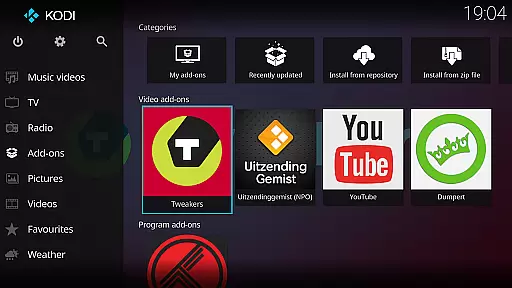
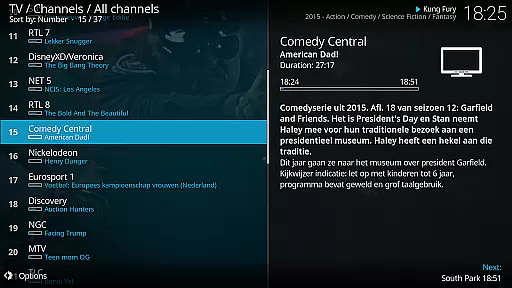
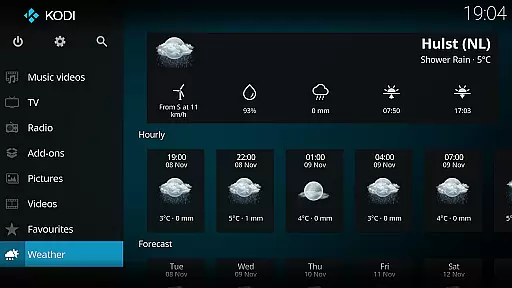
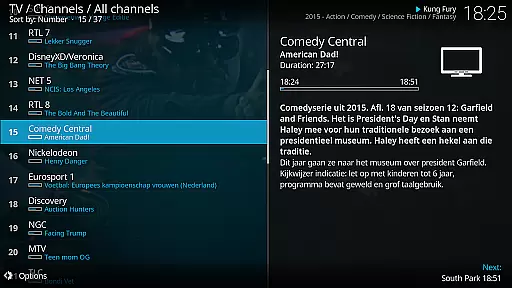
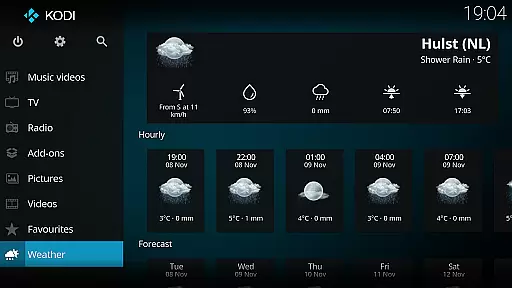
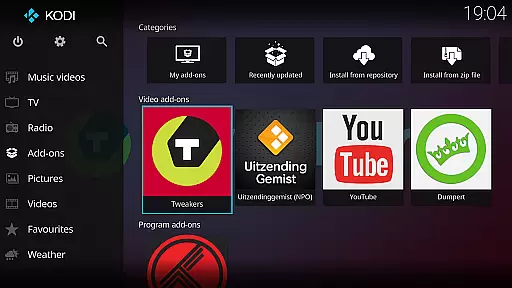
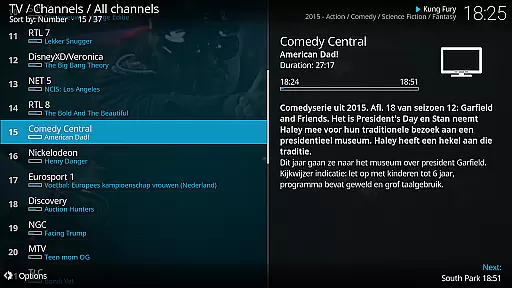
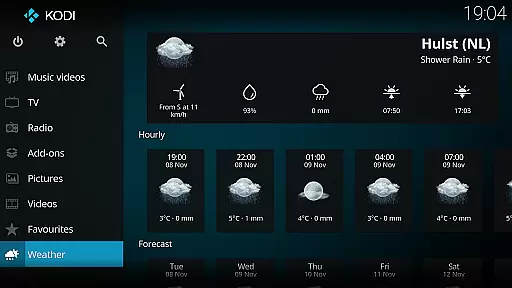
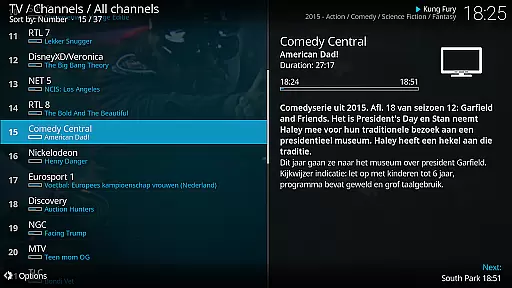
Kodi is an award-winning media player designed for home theater setups. It offers a 10-foot user interface, making it perfect for living-room entertainment. Users can easily browse and play videos, music, podcasts, and view photos from various sources including hard drives, optical discs, local networks, and the internet.
With its open-source nature, Kodi supports third-party plugins that provide access to freely available content online. The software comes with two main skins: Estuary, optimized for speed and ease of use, and Estouchy, enhanced for larger mobile devices like tablets. Kodi does not supply any media but serves as a powerful hub for your personal digital media collection.
Kodi stands out with its cross-platform compatibility and customizable user interface. The application supports a wide range of file formats and codecs, eliminating the need for additional software. Its library management system allows users to organize their media collections efficiently, complete with metadata scraping for detailed information.
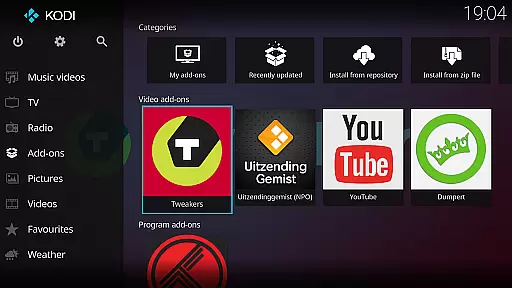
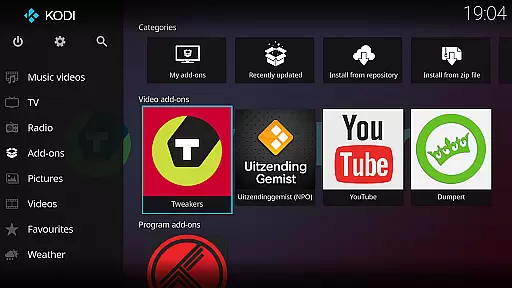
The platform also supports add-ons, enabling users to extend functionality by installing plugins that provide access to streaming services or enhance playback capabilities. Kodi's remote control support and network streaming features make it versatile for different types of media setups. Additionally, the active community ensures regular updates and improvements, keeping Kodi at the forefront of media center technologies.
One of Kodi's standout features is its extensive video format compatibility, ensuring users can enjoy a wide range of digital media without the hassle of codec installations or format conversions. This capability is crucial for a seamless home theater experience.
The application supports virtually all popular video formats including MP4, AVI, MKV, and MOV, among others. This comprehensive support allows users to play videos from various sources such as hard drives, optical discs, and network locations without any compatibility issues.
For users, this means unparalleled flexibility in managing and enjoying their media libraries. Whether streaming content from the internet or playing locally stored files, Kodi ensures smooth playback with minimal user intervention required.
This broad format compatibility not only enhances user convenience but also positions Kodi as an essential tool for anyone looking to create a versatile home entertainment system.
While primarily known as a media player, Kodi also incorporates AI-powered editing features that enhance the user experience when managing large media libraries. These intelligent tools help streamline content organization and improve accessibility.
The software uses advanced algorithms to automatically tag and categorize media files based on content analysis. This includes identifying video genres, actors, and even scene compositions, making it easier for users to search and filter their collections.
Users benefit from these smart features through significantly reduced setup times and more accurate media library organization. The AI capabilities ensure that even extensive media collections remain easily navigable and well-structured.
Kodi's implementation of AI-powered editing demonstrates the application's commitment to providing a comprehensive entertainment solution that goes beyond basic media playback functionality.
User-friendly interface
Highly customizable
Wide format support
Active community support
Regular updates
No built-in content
Requires technical knowledge
Third-party plugins vary in quality
Not ideal for small screens
Legal concerns with some plugins

Client application for NextPVR software
 3.00
3.00
VLC Remote lets you control your VLC Media Player on Mac, PC or Linux.
4.60
Seamlessly connect and control your smart devices, anytime, anywhere with ease.
4.60
Find, download, and play torrents with the official BitTorrent® Pro app
4.70
All in one multi protocols stream receiver for AirPlay, Cast and DLNA.
3.60
Flud is a simple and beautiful BitTorrent client for Android.
4.80
Web Browser for LG TV to stream webvideos, online movies and livestreams in HD
4.20
Fast & Private HD Video Downloader with Built-in Proxy Browser and Video Player.
4.50
Make videos you’re proud to share with Edits, a video editor for creators.
4.70
All in one HD video downloader & player for multiple formats with full privacy
4.70
Download videos and play them offline
4.70
KineMaster, Your Ultimate Video Editor!
4.40
Fast video downloader & private browser. Save HD clips to watch offline.
4.40
Full HD Video mp3 Player, MP4 player play 1080p, File manager, Video Downloader
4.40
Viddo: Generate Action Figure, AI Anime, AI kiss, AI hug Video from image & text
4.40
VLC for Android is the best open source video and music player, fast and easy!
4.10
Connect 2 UVC devices for recording and broadcast video/audio stream
3.90
A full editing room to accompany your Insta360 cameras and handheld gimbals.
3.30
Powerful HD video player with support for all formats & subtitles.
4.3


User Reviews