
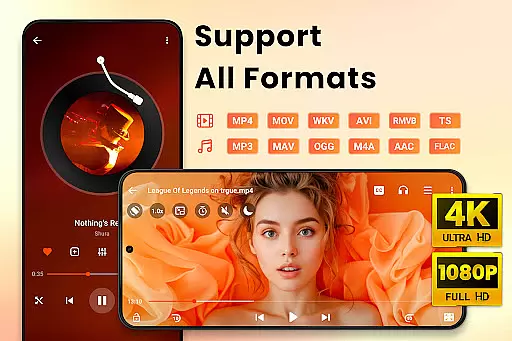
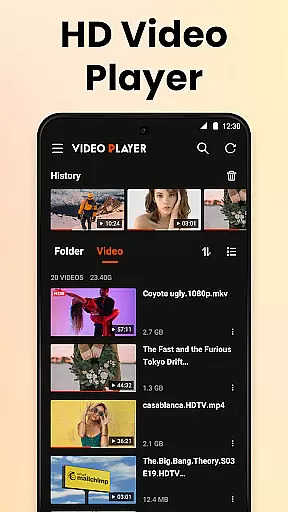
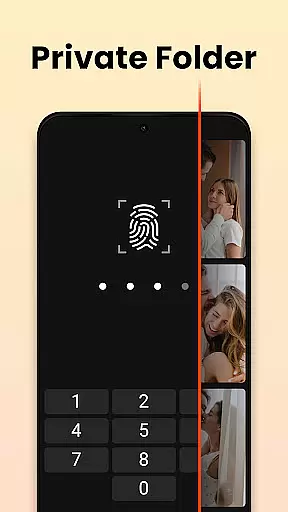

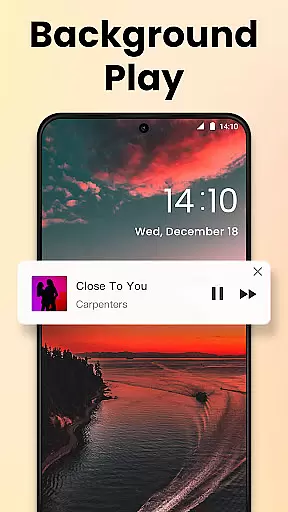
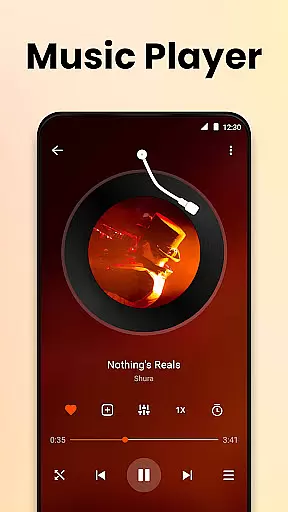
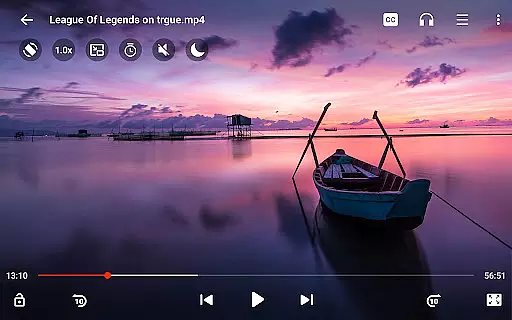
Video Player All Format HD is a versatile video player for Android devices, offering support for all major video formats including MKV, MP4, AVI, and more. With its compact size and rich feature set, this app provides an exceptional video playback experience in resolutions up to 4K and 1080p. The player's intuitive interface allows users to easily manage their video files, while advanced functionalities like popup play and background playback enhance the overall viewing experience.
This application stands out with its practical features such as speed control, gesture controls, and a five-band equalizer with bass boost. Whether you're watching educational content or enjoying entertainment, Video Player All Format HD ensures smooth playback and superior audio quality. Its lightweight design and quick installation make it an ideal choice for users seeking a powerful yet user-friendly video player.
Video Player All Format HD boasts an impressive array of features designed to elevate your media consumption. One standout functionality is the popup play option, which allows users to watch videos in a floating window while multitasking. This feature is particularly useful when chatting or browsing, ensuring uninterrupted video playback. Additionally, the background play mode lets users listen to videos like audiobooks, even with the screen off.
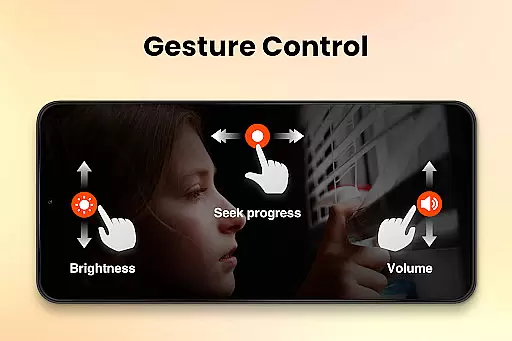
The app also includes a robust media player with adjustable playback speeds ranging from 0.5x to 2.0x, making it suitable for various types of content. Users can take advantage of gesture controls for effortless navigation, such as skipping 10 seconds forward or backward. With automatic detection of video files on both internal storage and SD cards, managing and organizing your media library has never been easier. The inclusion of night mode, quick mute, and subtitle support further enhances the app's usability.
Video Player All Format HD stands out for its exceptional video format compatibility, supporting an extensive range of formats including MKV, MP4, M4V, AVI, MOV, 3GP, FLV, WMV, RMVB, and TS. This ensures that users can play virtually any video file without the need for conversion or additional software.
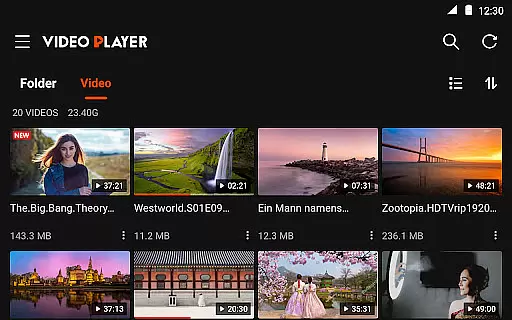
The application automatically detects video files and folders on both the phone's internal storage and SD card, making media access seamless and straightforward. With this feature, users can manage their videos more efficiently, with options to delete or rename files directly within the app.
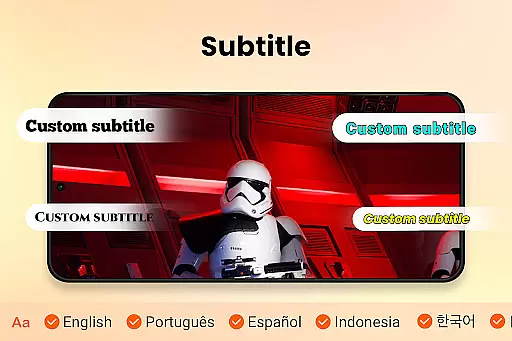
For those who require specific playback features, the app offers grid and list views alongside a quick search function, allowing instant access to desired content. The inclusion of subtitle support and easy audio track switching further enhances the user experience, catering to diverse viewing preferences.
While primarily a video player, Video Player All Format HD incorporates AI-powered editing features that elevate its functionality beyond basic playback. One notable feature is the speed control option, enabling users to adjust playback from 0.5x to 2x, which is particularly beneficial for educational content or tutorials where pacing is crucial.
The app also includes a five-band equalizer with bass boost, utilizing AI to optimize audio quality based on the video content. This ensures an immersive auditory experience tailored to individual preferences. Additionally, gesture controls such as 10-second forward and backward skips enhance navigation efficiency, providing a modern touch to traditional media players.
Night Mode and Quick Mute are other intelligent features designed to improve usability. Night Mode reduces screen brightness for comfortable late-night viewing, while Quick Mute allows instant audio adjustments. These thoughtful additions demonstrate how AI-driven functionalities can significantly enrich the overall user experience in video playback applications.
User-friendly interface
Supports all video formats
Lightweight and fast
Advanced playback options
Excellent audio controls
Limited editing tools
No cloud integration
Few customization options
Occasional bugs reported
Ads in free version

Video Player - Unlimited features, 30 days money back guarantee.
 4.60
4.60
IPTV-Smarters Player Pro M3U - Watch Live Stream TV Channels with Chromecast
4.00
A Quick and Pro Video Editor
4.70
Create & edit videos with AI
4.30
Create photo video with music & template. AI video maker for stunning slideshow.
4.60
Full HD Video mp3 Player, MP4 player play 1080p, File manager, Video Downloader
4.40
Powerful HD video player with support for all formats & subtitles.
4.5
Turn your phone into a wireless camera!
4.20
Capture the moment and Cut
3.40
AI Video Editor with Music, Filter, Slideshow, Effect, Merge & Trim Video.
4.80
Screen recorder with audio to take live videos & Screenshot in high quality!
4.70
Cast Videos from Web Browser, IPTV to Roku, Chromecast, DLNA, Smart TV +more
4.60
?100% FREE! Download & save videos? safely in this app. All formats supported.
4.60
KineMaster, Your Ultimate Video Editor!
4.40
Fast & Private Video Downloader App. Save all videos easily from the Internet.
4.40
Video Downloader is an utility that can save videos and music from web sites
4.20
Powerful video player with advanced hardware acceleration and subtitle supports
4.20
Browser for Samsung TV to stream webvideos, online movies and livestreams in HD
4.10
Fast private browser with secure, seamless access & supported video downloads!
4.00


User Reviews