
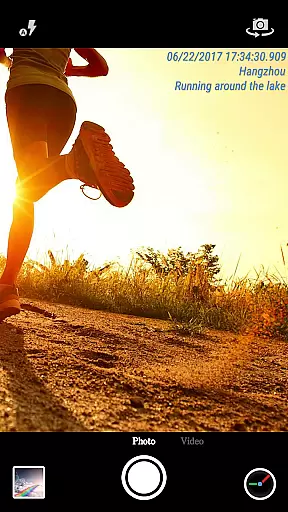
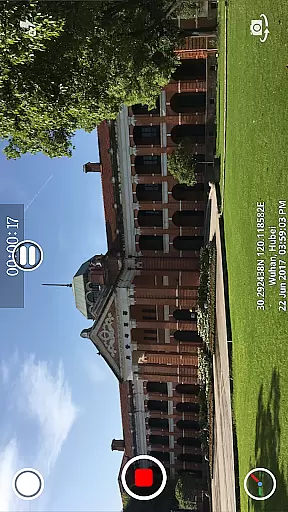
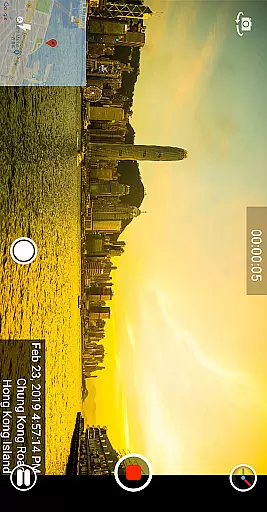
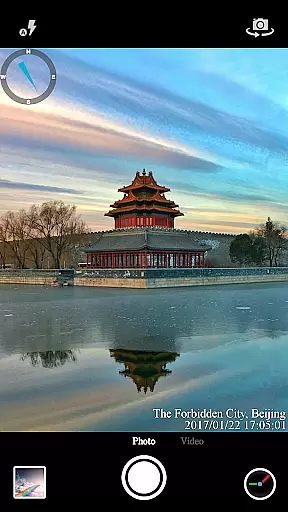
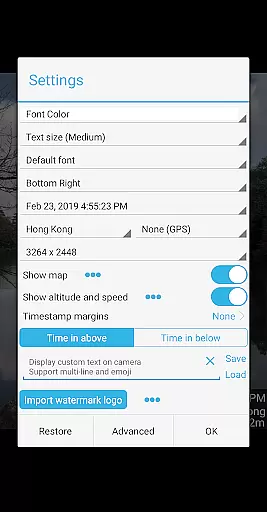

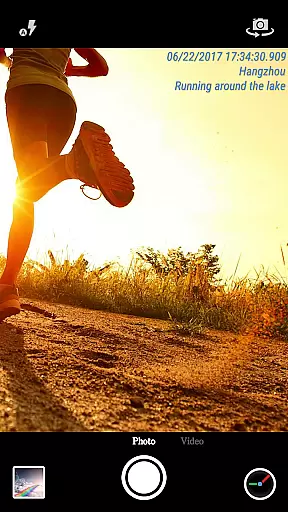
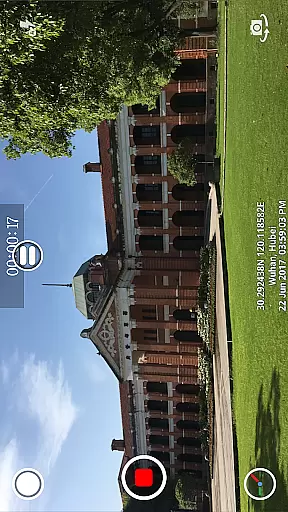
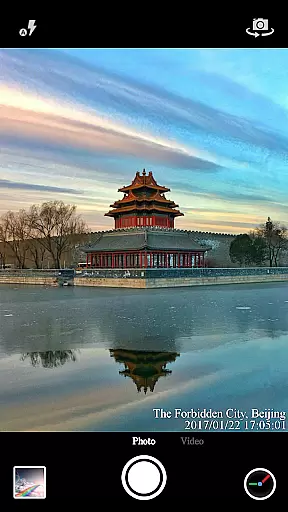
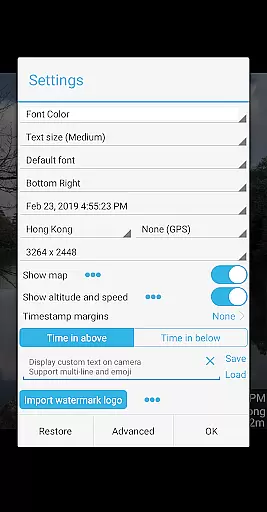

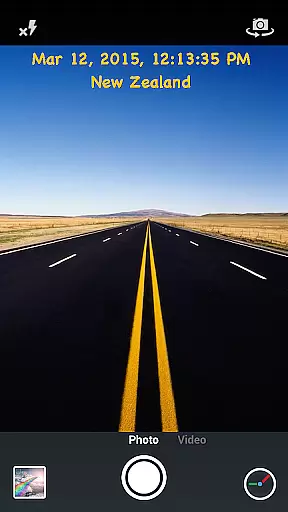
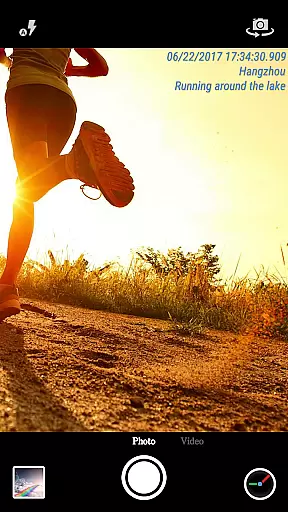
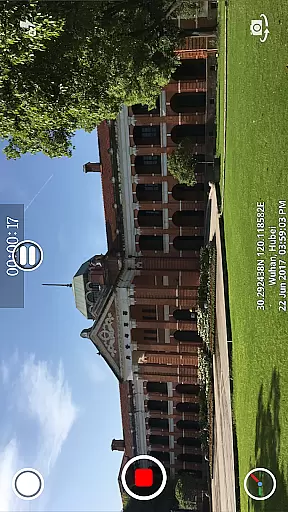
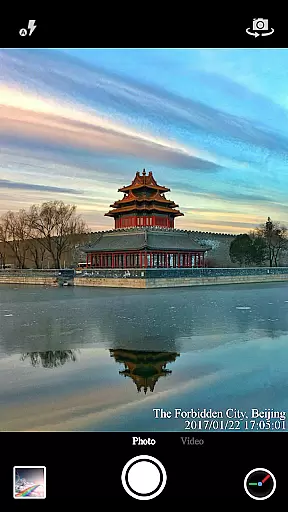
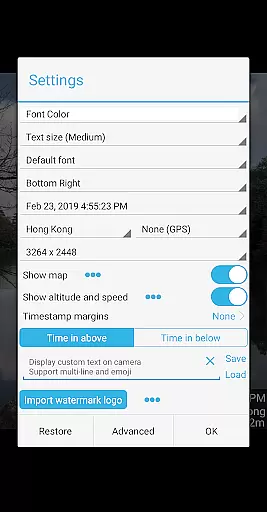

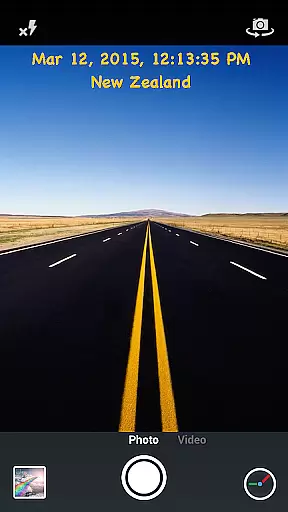
Timestamp Camera Pro is a powerful video and photo editing application that allows users to add real-time timestamp watermarks while capturing media. The app supports 61 different timestamp formats, customizable font styles, sizes, colors, and positioning options, making it highly versatile for various use cases. Users can also include location data, altitude, and speed information with millisecond accuracy directly on their photos and videos.
In addition to timestamps, the app offers creative features like custom text overlays, emoji integration, map displays with adjustable scale and transparency, and logo image embedding. With support for both portrait and landscape modes, video resolution adjustment, and battery-saving options, Timestamp Camera Pro caters to professional photographers and casual users alike who need precise documentation of time and location in their visual content.
Timestamp Camera Pro stands out with its advanced customization capabilities. It provides users with seven different positions to place timestamps on the screen, including top left, center, and bottom right. The app's ability to display time down to milliseconds ensures unparalleled precision, which is crucial for professional applications such as legal documentation or scientific research.
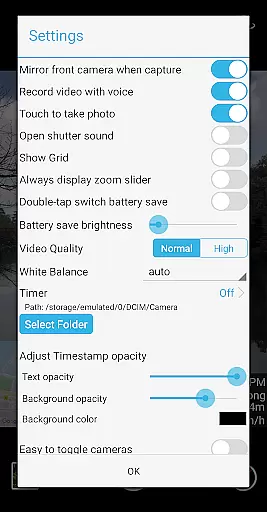
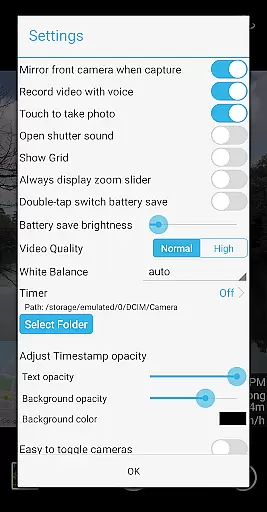
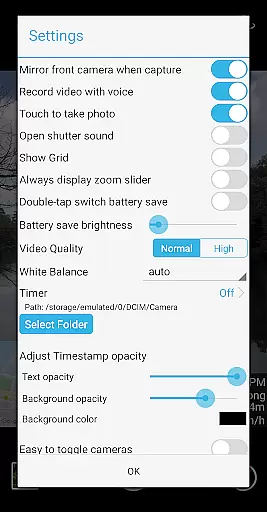
Beyond timestamps, the app includes practical tools such as "Battery saver mode," which reduces screen brightness during prolonged use, and an option to disable shutter sounds for discreet photography. Additional functionalities include recording videos with or without audio, capturing photos while recording, and saving files directly to an SD card. These features collectively enhance user convenience and flexibility when creating time-stamped media.
Timestamp Camera Pro stands out with its extensive video format compatibility, ensuring that users can work with a wide array of file types without any hitches. The app supports popular formats such as MP4, AVI, and MOV, making it versatile for various devices and platforms.
Beyond just basic playback, the app allows real-time effects to be applied to videos regardless of their format. This includes the unique feature of adding timestamp watermarks accurate to the millisecond, a functionality that is preserved across all supported formats.
Users benefit from the ability to change video resolution and capture photos during recording, all while maintaining top-notch format support. This ensures that content creators can focus on their work without worrying about format-related limitations.
The AI-powered editing features in Timestamp Camera Pro revolutionize how users interact with their media. By leveraging advanced algorithms, the app can automatically adjust settings like brightness and opacity, optimizing video quality based on environmental conditions.
One standout feature is the automatic addition of location data and GPS coordinates onto videos and photos. Users can easily customize these elements, along with font styles and sizes, thanks to the intuitive AI-driven interface that simplifies complex editing tasks.
Additionally, the app offers a battery saver mode which intelligently adjusts screen brightness to conserve energy during prolonged use. These smart functionalities ensure that even novice users can achieve professional-grade results effortlessly.
User-friendly interface
Highly customizable settings
Real-time functionality
Millisecond accuracy
Versatile overlay options
No built-in cloud backup
Limited free features
Occasional bugs reported
Heavy on battery
Interface may feel cluttered

Auto video maker with music & exclusive filters. Video editing made simple.
 4.50
4.50
A full editing room to accompany your Insta360 cameras and handheld gimbals.
3.30
Watch a large amount of high-definition short drama content
4.60
HD video maker with no watermark, no ads & vlog maker with music, PIP, text
4.50
VLC Remote lets you control your VLC Media Player on Mac, PC or Linux.
4.60
Support 1000+ Video Format, Subtitle Download, mp3 & Background Play, Cast On TV
4.60
Video player with powerful streaming playback and various convenient features.
2.10
Explore the largest library of free GIFs, Stickers & Memes - or create your own!
3.90
Find, download, and play torrents with the official BitTorrent® Pro app
4.70
A Simple app to download Video & Music from the Internet.
4.70
Screen recorder with audio to take live videos & Screenshot in high quality!
4.70
Cast Videos from Web Browser, IPTV to Roku, Chromecast, DLNA, Smart TV +more
4.60
Fast & Private HD Video Downloader with Built-in Proxy Browser and Video Player.
4.50
Fast video downloader & private browser. Save HD clips to watch offline.
4.40
Movie maker & video editing app with AI effects and green screen
4.30
Powerful, professional, versatile teleprompter. Developed by an active film crew
4.00
AI Video Editor:AI Music, Text to Video,Text to Speech,Auto Caption,Video Effect
4.00
HD video & music player - All format support with floating & PIP mode!
3.80
This app is an emulator of some specific IPTV boxes
3.50


User Reviews