
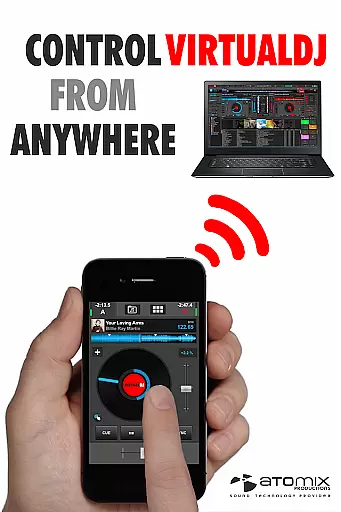
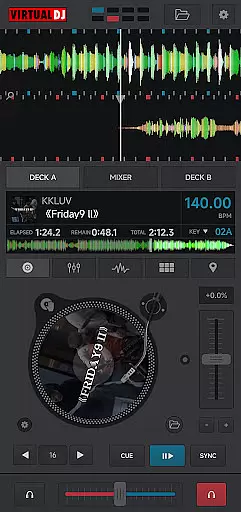
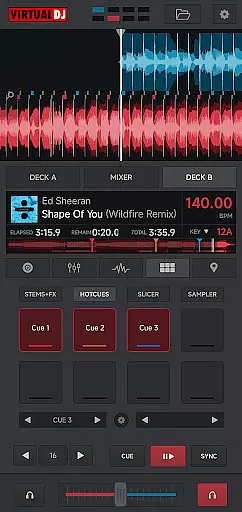
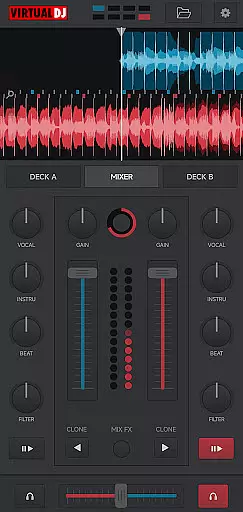
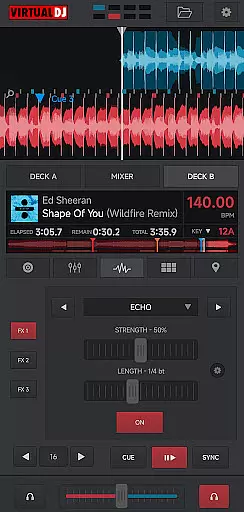
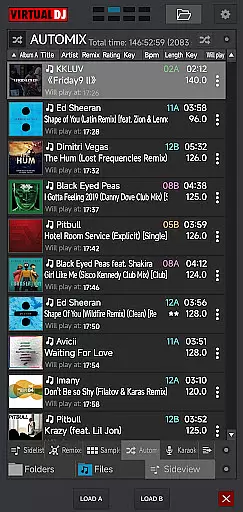
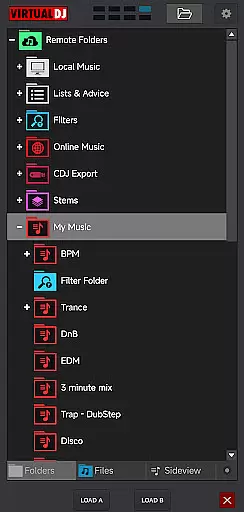
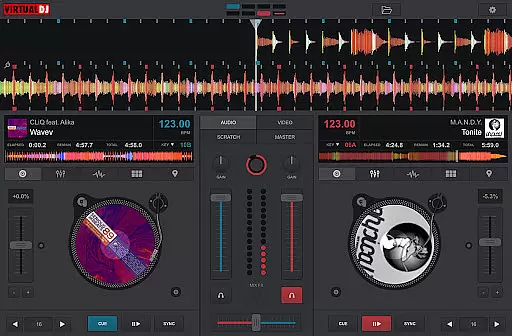
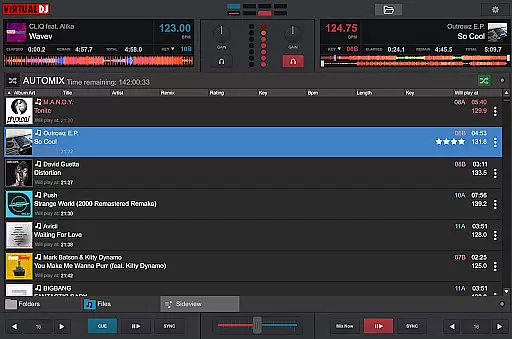
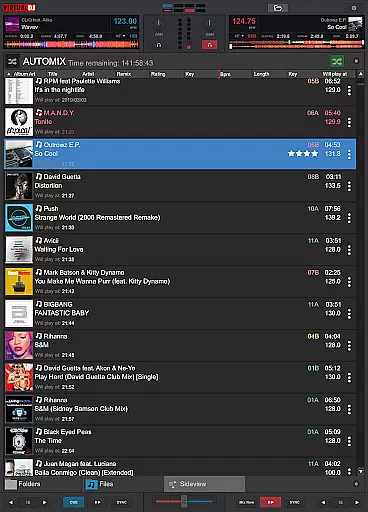
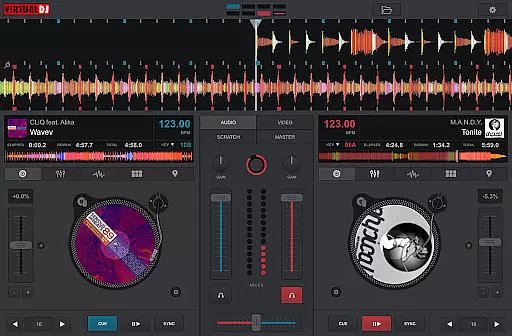
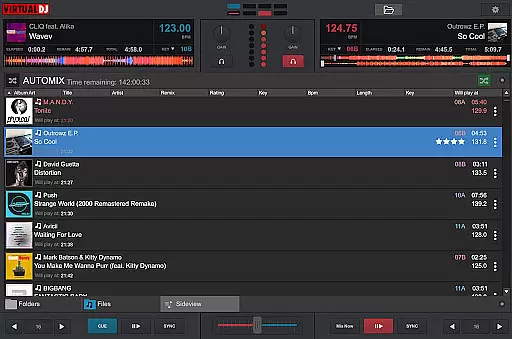
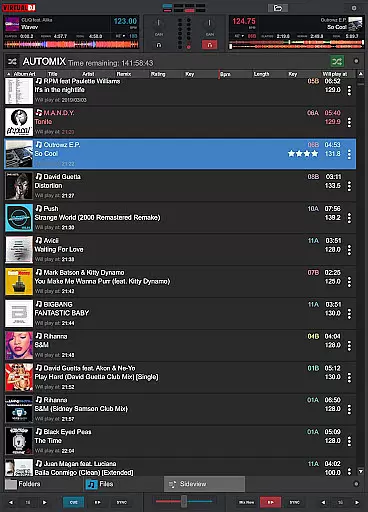
VirtualDJ Remote is a powerful application that allows DJs to control VirtualDJ software directly from their mobile devices. Designed for both professional and amateur DJs, this app transforms your phone or tablet into an advanced DJ controller. The app connects seamlessly over Wi-Fi, enabling users to operate VirtualDJ on their computer remotely. Whether you want to use your tablet as a virtual scratch turntable or manage the mix wirelessly while the computer handles audio output, VirtualDJ Remote provides complete freedom and flexibility.
The app supports all essential DJ functionalities including beat mixing, effects, song suggestions, samplers, and video mixing. It also features customizable skins, allowing users to tailor the interface to their specific needs. With compatibility for up to 99 decks, VirtualDJ Remote caters to complex setups and creative mixing styles. This makes it an ideal tool for live performances, studio sessions, and even casual music enthusiasts who want to explore DJing.
VirtualDJ Remote offers an impressive array of features designed to enhance the DJing experience. One standout feature is its wireless connectivity, which allows seamless integration with VirtualDJ software running on a PC or Mac. Users can connect via an existing Wi-Fi network or create an ad-hoc connection, ensuring maximum versatility in different environments. The app's ability to support multiple decks (up to 99) enables complex mixing scenarios that were previously impossible on mobile platforms.
Customization is another key aspect of VirtualDJ Remote. Using the popular VirtualDJ skin SDK, users can modify the interface to suit their preferences or specific performance requirements. Thousands of community-created skins are available, offering layouts ranging from simple controllers to sophisticated sampler pads and effect tables. Additionally, the app supports advanced features like video mixing, live broadcasting, session recording, and personalized song suggestions through LiveFeedback technology. These capabilities make VirtualDJ Remote a comprehensive solution for modern DJs.
VirtualDJ Remote supports a wide range of video formats, ensuring that DJs can mix and play virtually any video file they encounter. This flexibility is crucial in professional environments where video content may come from various sources.
The application leverages the processing power of the connected computer to decode and playback high-quality video files without interruptions. This allows users to focus on their performance rather than technical limitations.
Whether it's standard MP4 files or more specialized codecs, VirtualDJ Remote handles them all with ease. The software automatically detects and configures the necessary settings for optimal video playback.
This comprehensive format support enables DJs to incorporate diverse visual elements into their sets, from music videos to custom visuals, enhancing the overall audience experience while maintaining professional-grade performance standards.
While primarily a DJ performance tool, VirtualDJ Remote incorporates AI-powered features that enhance the video editing and mixing process. These intelligent tools help DJs create seamless transitions and effects between video clips.
The software's AI algorithms analyze video content in real-time, suggesting optimal cut points and transitions based on beat detection and visual rhythm. This feature particularly benefits users who may not have extensive video editing experience but want professional-quality results.
VirtualDJ Remote also includes automated color correction and image enhancement tools powered by AI. These features ensure consistent visual quality across different video sources, maintaining a professional appearance throughout performances.
Additionally, the AI-driven scene detection helps DJs synchronize video changes with musical beats more effectively, creating a more engaging audio-visual experience for audiences without requiring advanced manual editing skills.
User-friendly interface
Wireless control
Multi-deck support
Customizable skins
Advanced DJ features
Requires VirtualDJ software
Wi-Fi dependent
No standalone functionality
Limited offline use
Complex for beginners

Watch full episodes of your favorite Cartoon Network and Cartoonito shows!
 3.50
3.50
Search & download videos from net with all video downloader, auto-detect & safe.
4.60
KineMaster, Your Ultimate Video Editor!
4.40
Fast video downloader & private browser. Save HD clips to watch offline.
4.40
All format media Player, no need video converter any more!
4.00
Fast & easy HD video downloader for all formats, support 4K playback & download.
4.60
Video player with 4K & 1080P support, popup play, background play and subtitle.
4.20
Enjoy your favorite videos and channels with the official YouTube app.
3.90
Create, Publish & Maximize
4.70
AI Video Editor with Music, Filter, Slideshow, Effect, Merge & Trim Video.
4.80
A Quick and Pro Video Editor
4.70
Find, download, and play torrents with the official BitTorrent® Pro app
4.70
Support 1000+ Video Format, Subtitle Download, mp3 & Background Play, Cast On TV
4.60
Add date and time watermark to photos and videos
4.50
Fast & Private Video Downloader App. Save all videos easily from the Internet.
4.40
Video Downloader is an utility that can save videos and music from web sites
4.20
This app was created to edit the metadata of music files.
4.20
1)AirPlay/DLNA Mirroring/Streaming, up to 4 connections; 2)Samba/NAS/DMS Player.
4.00
Manage your IPTV live channels and VOD playlists (no playlist included)
3.80


User Reviews