
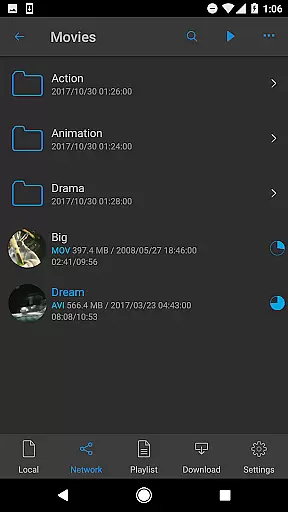
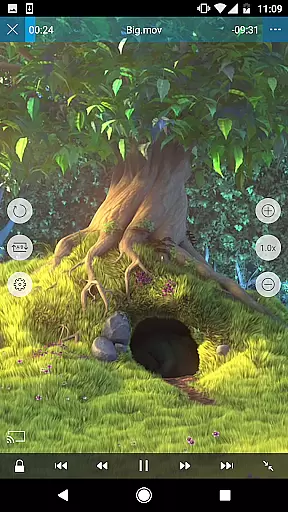
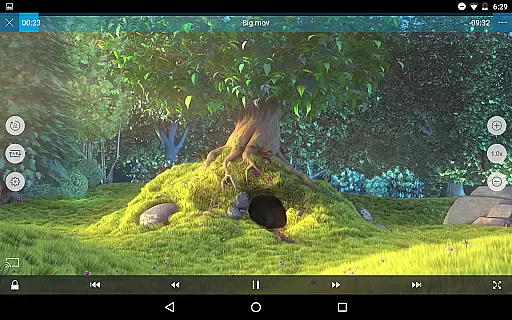
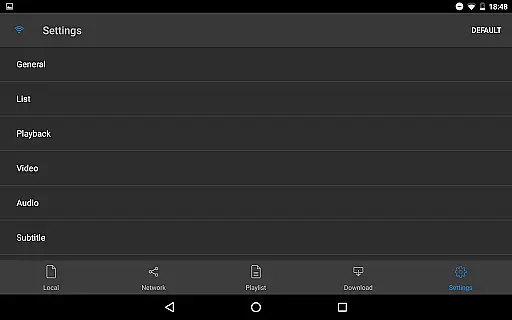
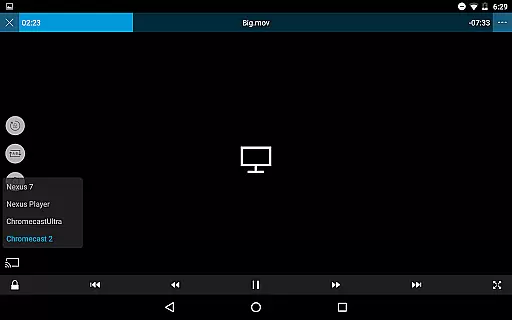
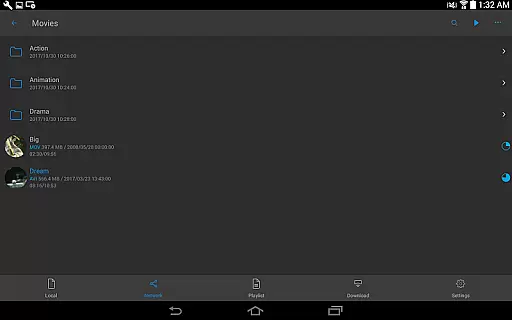
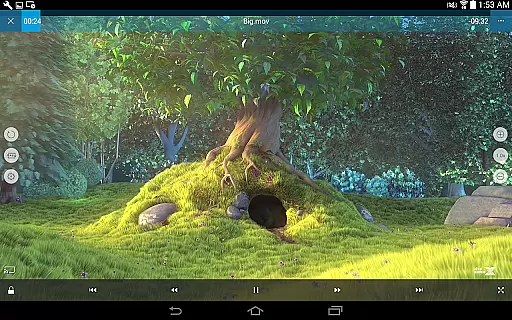
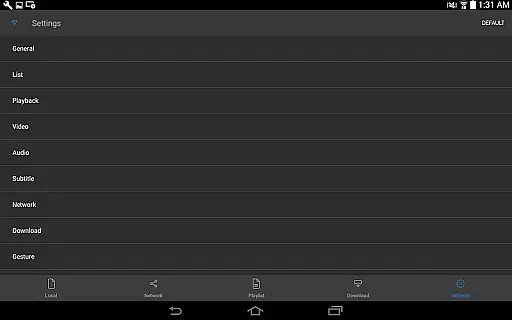
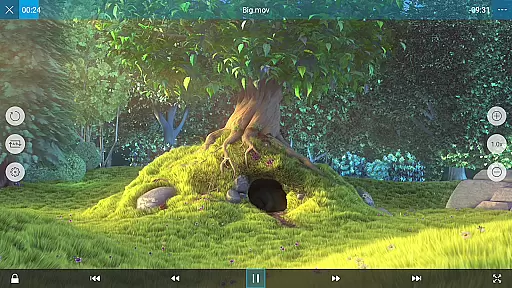
nPlayer is a versatile video player that eliminates the need for file conversion, allowing users to play almost all video formats and codecs directly on their mobile devices. With intuitive touch controls, users can easily adjust playback position, subtitle settings, volume, and brightness.
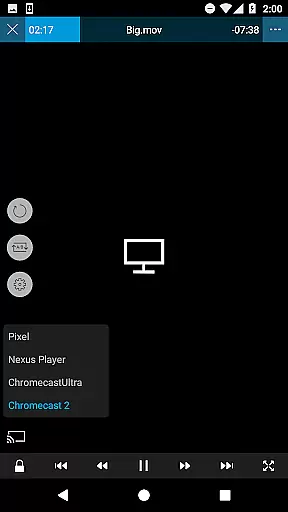
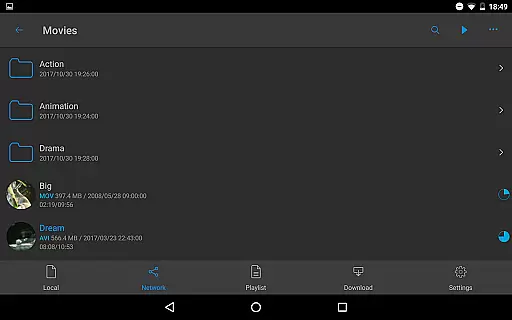
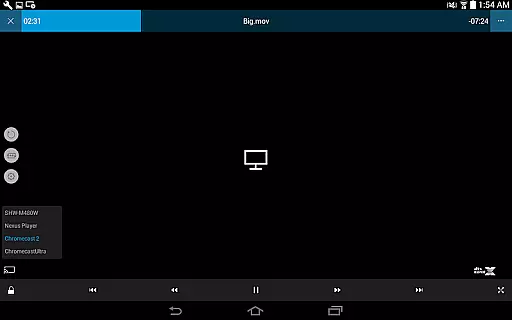
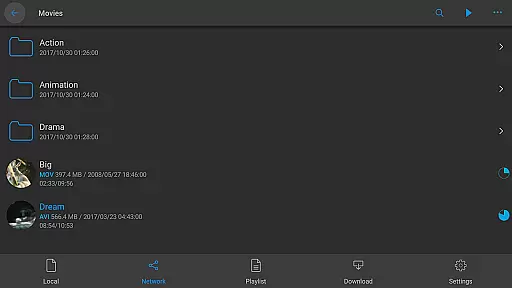
The app supports a wide range of file types including video, audio, subtitle, image, and playlist files. It also offers advanced features like DTS audio codec support, pop-up play, video casting for smart TVs, and HDMI output. Additionally, nPlayer integrates seamlessly with various cloud services and network protocols, making it easy to stream and manage media files from different sources.
Whether you're watching movies on the go or managing a large media library at home, nPlayer provides a comprehensive solution for all your media playback needs.
nPlayer stands out with its extensive format support and powerful playback capabilities. The app can handle virtually any video, audio, or subtitle format without requiring prior conversion, thanks to its robust codec engine.
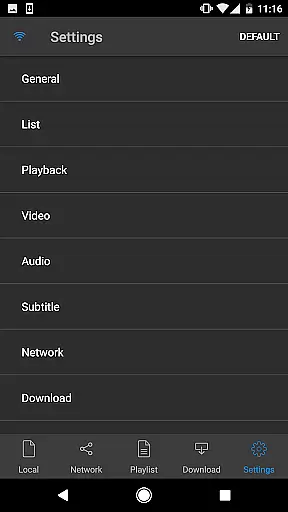
One of the key highlights is its customizable playback options. Users can fine-tune subtitle positioning and font sizes, control multi-track audio, and even boost audio levels. The app also supports advanced subtitle formats like SSA/ASS with full styling options.
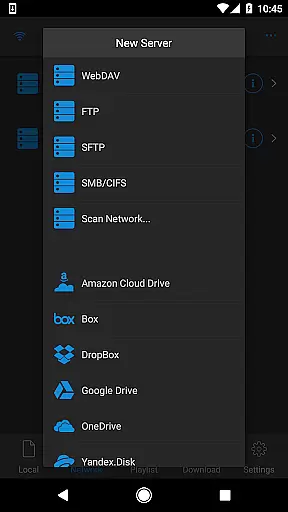
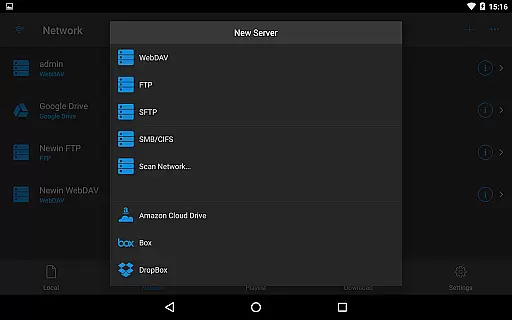
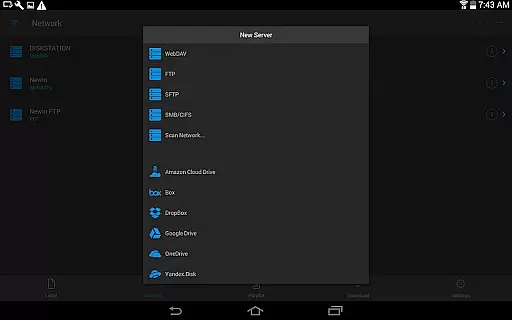
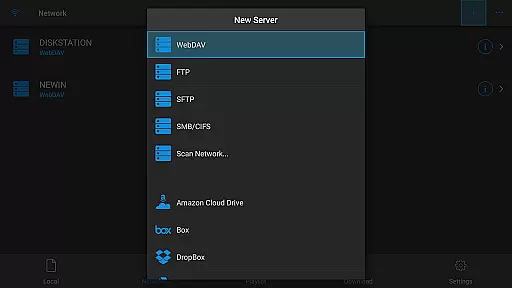
For those who rely on cloud storage, nPlayer offers seamless integration with popular services like Google Drive, Dropbox, and OneDrive. Its support for various network protocols including WebDAV, FTP, and SMB/CIFS ensures smooth streaming from remote servers. Additional features like pop-up play and smart TV casting make it an ideal choice for both casual viewers and power users.
One of the standout features of nPlayer is its extensive video format compatibility, eliminating the need for users to convert files to MP4 for mobile playback. This Video Players & Editors app supports a wide array of formats including MP4, MOV, MKV, AVI, WMV, and many more, ensuring that users can play almost any video file type without additional conversion efforts.
The application's support extends beyond just basic video playback. It includes advanced codecs like DTS audio codec (DTS HD), allowing users to experience high-quality audio alongside their video content. This makes nPlayer not only versatile in terms of video format support but also ensures an immersive audiovisual experience across different media types.
For users who work with subtitles, nPlayer offers comprehensive support for various subtitle file formats such as SMI, SRT, SSA, IDX, SUB, LRC, SUP, and MLP2. The ability to adjust subtitle location, font size, and even move between subtitle positions with a simple touch enhances accessibility and personalization options.
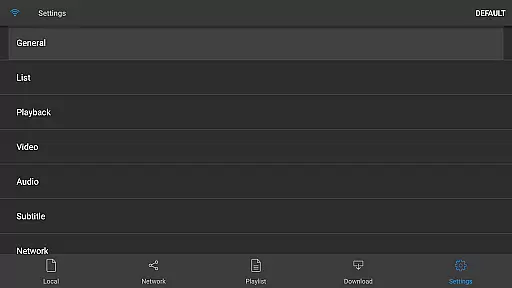
While nPlayer focuses primarily on video playback, it incorporates several AI-powered editing features that enhance user interaction and control over media content. With intuitive touch controls, users can easily adjust playback position, volume, and brightness, providing a seamless editing-like experience directly within the player interface.
The app supports multi-track audio and subtitles, giving users the flexibility to switch between different language tracks or subtitle options effortlessly. This feature is particularly useful for those who deal with multilingual content or require specific audio setups for professional purposes.
nPlayer also includes advanced functionalities such as SAMI(SMI) tag support and full styling for SSA/ASS subtitles, which allows for rich formatting options. These capabilities ensure that users can manage complex media files with embedded styles while maintaining creative control over presentation aspects, making it a valuable tool for both casual viewers and media professionals alike.
User-friendly interface
Wide format compatibility
Advanced subtitle support
Cloud service integration
Customizable playback options
Premium version required
Occasional performance issues
Limited free features
Complex settings for beginners
No built-in media converter

A full editing room to accompany your Insta360 cameras and handheld gimbals.
 3.30
3.30
Watch a large amount of high-definition short drama content
4.60
Fast & easy HD video downloader for all formats, support 4K playback & download.
4.60
Find, download, and play torrents with the official BitTorrent® Pro app
4.70
Connect EasyCap or UVC devices for recording and broadcast video/audio stream
3.60
Fast & Private HD Video Downloader with Built-in Proxy Browser and Video Player.
4.50
VLC for Android is the best open source video and music player, fast and easy!
4.10
convenient, safe and fast at Video Downloader & Player
4.60
Make videos you’re proud to share with Edits, a video editor for creators.
4.70
Pro video editor app for Instagram, edit video with song, AI, effect & slowmo.
4.80
Play ALL formats in 4K & HD. Video downloader, MP3 player, Chromecast & more.
4.80
Search & download videos from net with all video downloader, auto-detect & safe.
4.60
Support 1000+ Video Format, Subtitle Download, mp3 & Background Play, Cast On TV
4.60
Create & edit videos with AI
4.30
Powerful video player with advanced hardware acceleration and subtitle supports
4.20
Explore the largest library of free GIFs, Stickers & Memes - or create your own!
3.90
AirMirror is Receiver for Screen Mirroring and Casting from Apple Devices.
3.60
Client application for NextPVR software
3.00
Play and download HD videos from all sources — fast, simple, and all-in-one.
4.4


User Reviews