


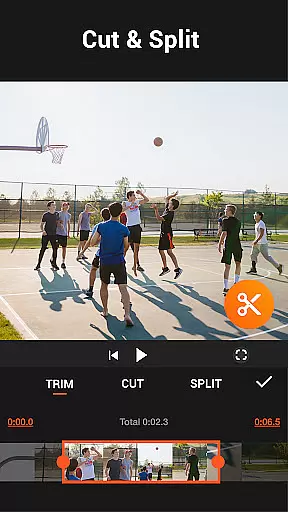
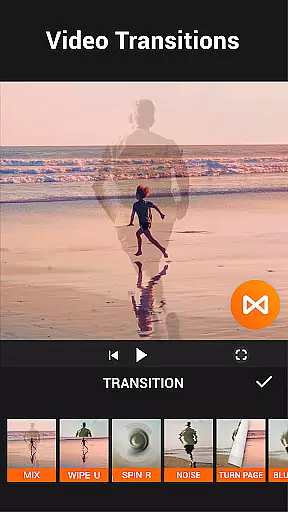


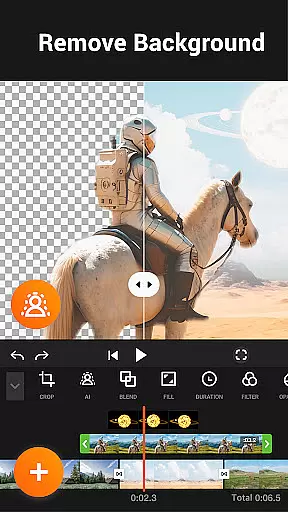
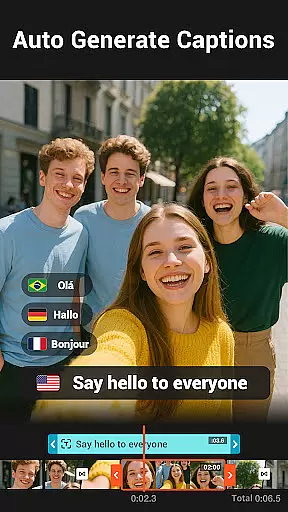
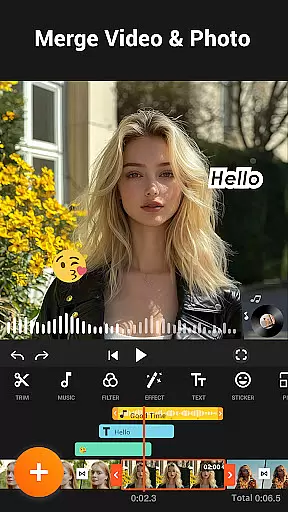
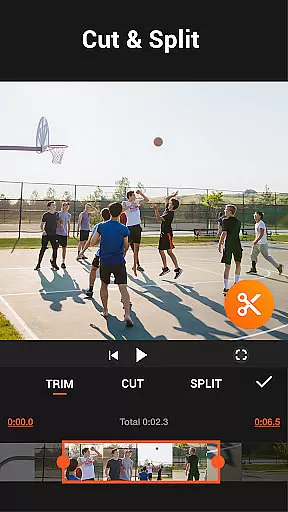


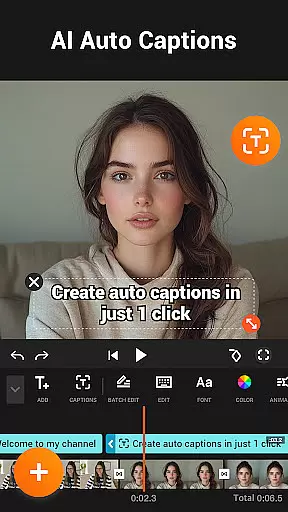
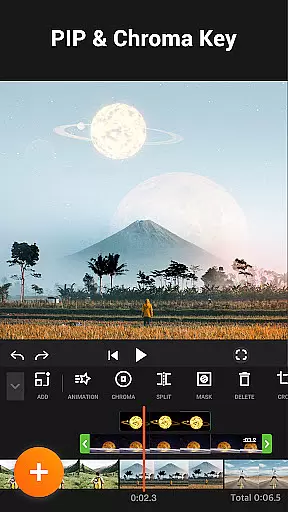

YouCut is a versatile video editing app that offers a comprehensive suite of tools for creating professional-quality videos. It stands out with its AI-powered features like Auto Captions and background removal, alongside traditional editing capabilities such as trimming, merging, and slicing videos. The app supports high-definition video export and provides users with creative options including speed control, filters, and chroma key effects.
Designed for both casual creators and professionals, YouCut caters to a wide range of video editing needs without adding watermarks or displaying intrusive ads during the editing process. Its intuitive interface allows users to easily craft engaging content for platforms like YouTube, Instagram, and TikTok, making it an essential tool for modern digital storytelling.
YouCut distinguishes itself through a rich feature set tailored for diverse video editing requirements. One standout aspect is its AI Video Boost, which includes automatic caption generation and instant background removal, enabling creators to produce polished content efficiently. Additionally, the app's advanced video enhancement tools allow users to elevate their footage quality with just a tap, while smooth slow-motion effects add a cinematic touch to any project.
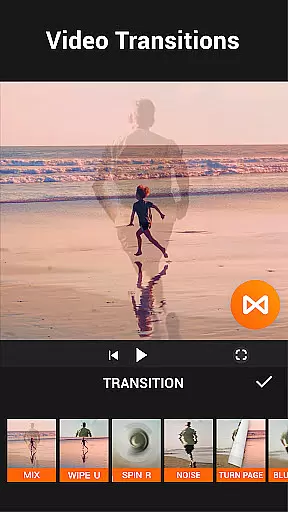
Beyond AI capabilities, YouCut excels in fundamental editing functions. Users can merge multiple clips seamlessly, adjust playback speeds from 0.2x to 100x, and apply stunning transitions between scenes. With support for multi-layer timelines and green screen effects, this app empowers creators to experiment with complex compositions. Moreover, its ability to compress files without significant quality loss ensures that projects remain shareable across various social media platforms.
Video format compatibility is a crucial feature for any video editing application, ensuring that users can work with a wide range of video files without conversion hassles. YouCut excels in this area by supporting multiple formats, allowing creators to import and export videos in their desired resolutions and codecs.
The app's ability to handle high-resolution footage up to 4K ensures that professionals and enthusiasts alike can achieve outstanding clarity and detail in their projects. This flexibility empowers users to produce content tailored for various platforms, from YouTube to Instagram, without worrying about format restrictions.
Moreover, YouCut's advanced compression technology reduces file sizes by over 90% while maintaining exceptional quality. This means faster uploads and more storage space saved on devices, enhancing the overall user experience. The inclusion of features like aspect ratio adjustments further solidifies its position as a versatile tool in the realm of digital storytelling.
AI-powered editing features are revolutionizing how we approach video production, making sophisticated techniques accessible even to beginners. In YouCut, these innovations shine through functionalities such as Auto Captions, which leverages speech-to-text technology to generate accurate subtitles automatically.
Another standout AI capability is the background removal tool, enabling users to erase or replace backgrounds instantly. This opens up creative possibilities for green screen effects and custom backdrops, elevating the visual appeal of videos effortlessly. Additionally, the app offers one-tap enhancements for both videos and photos, optimizing colors and sharpness with minimal effort.
Smooth slow-motion effects powered by AI algorithms provide buttery transitions between frames, adding a cinematic touch to clips. These intelligent tools not only streamline the editing process but also inspire creativity, encouraging users to experiment with new styles and formats within an intuitive interface designed for efficiency and ease of use.
User-friendly interface
AI-powered editing tools
No watermark on exports
High-definition video support
Versatile editing options
Limited advanced features
Occasional performance lags
Fewer tutorials available
Basic color adjustments
Ads outside editing mode

Online Videos Player
 3.90
3.90
Auto video maker with music & exclusive filters. Video editing made simple.
4.50
HD video & music player - All format support with floating & PIP mode!
3.80
Create & edit videos with AI
4.30
Capture images & record videos for USB Camera, Webcam, Microscopes, Endoscopes
3.80
Add date and time watermark to photos and videos
4.50
LumaFusion: The Ultimate Storytelling Experience for Video Editing
4.10
Video player with 4K & 1080P support, popup play, background play and subtitle.
4.20
Enjoy your favorite videos and channels with the official YouTube app.
3.90
Download Hub, easy and private way to download and enjoy your videos offline
4.80
?100% FREE! Download & save videos? safely in this app. All formats supported.
4.60
Seamlessly connect and control your smart devices, anytime, anywhere with ease.
4.60
HD video maker with no watermark, no ads & vlog maker with music, PIP, text
4.50
Fast & Private Video Downloader App. Save all videos easily from the Internet.
4.40
AI Video Editor:AI Music, Text to Video,Text to Speech,Auto Caption,Video Effect
4.00
Connect 2 UVC devices for recording and broadcast video/audio stream
3.90
Explore the largest library of free GIFs, Stickers & Memes - or create your own!
3.90
Livestream, news, & gaming content. Watch, chat, and upload. Join Rumble today!
3.80
Play and download HD videos from all sources — fast, simple, and all-in-one.
4.0


User Reviews