
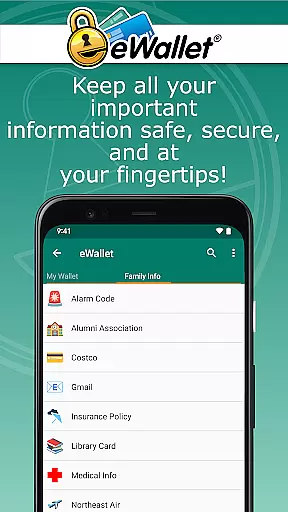
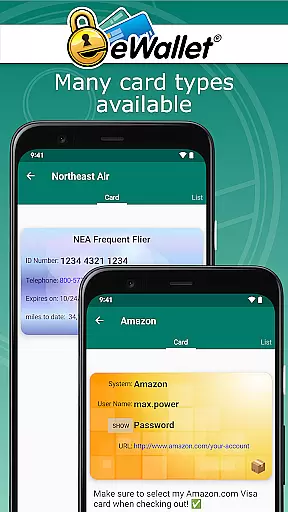
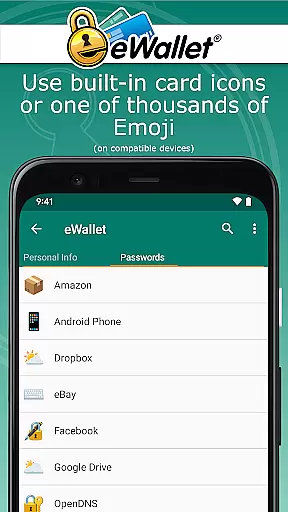
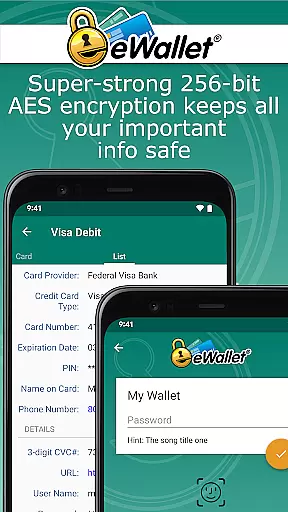
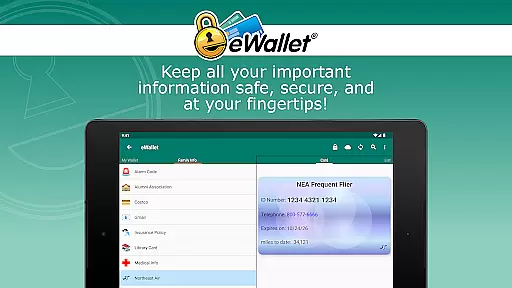
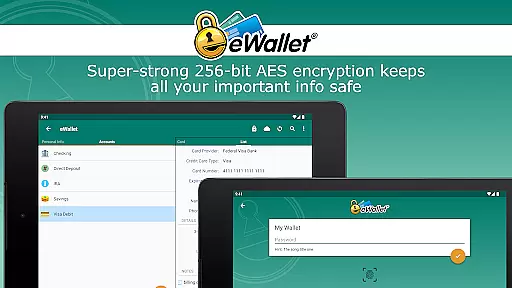
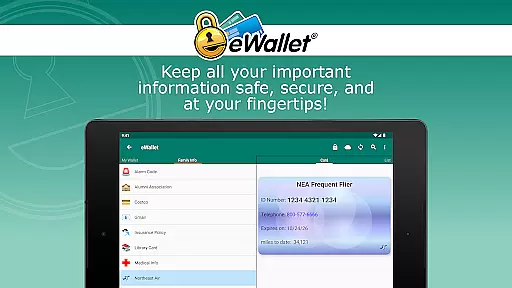
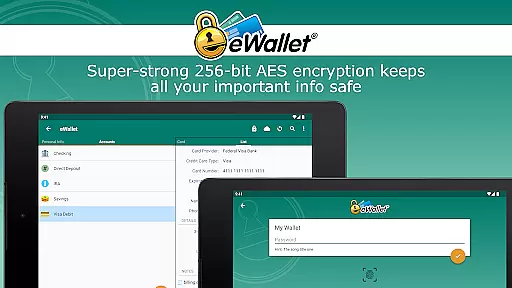
eWallet is a sophisticated password manager app designed to keep your sensitive information secure while providing convenient access. This productivity tool uses military-grade 256-bit AES encryption to protect your passwords, credit cards, and bank account details.
The app's standout feature is its support for biometric authentication, allowing users to unlock their digital wallets using fingerprints, facial recognition, or iris scans. With seamless cloud synchronization across devices and a user-friendly interface, eWallet ensures your critical data is always accessible yet remains completely secure.
Whether you're managing complex passwords or storing important personal information, eWallet provides a comprehensive solution that helps you stay organized and protected in your digital life.
eWallet stands out with its robust security features and user-centric design. The app employs military-grade 256-bit AES encryption, ensuring top-tier protection for your sensitive data. Its biometric authentication capabilities, including fingerprint and facial recognition, offer both security and convenience.
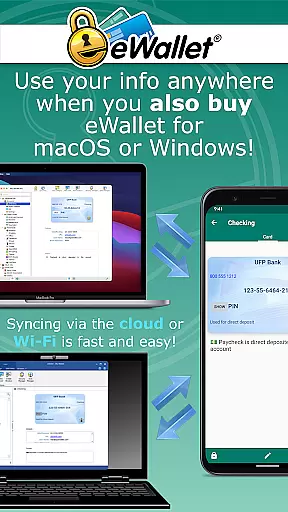
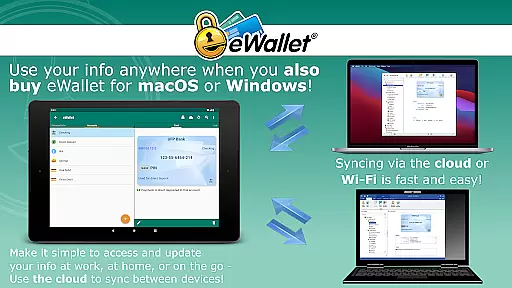
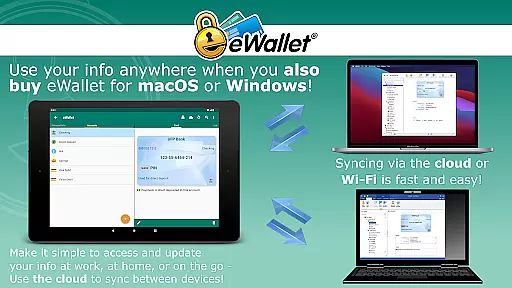
One of the app's key strengths is its versatile synchronization options. Users can sync their data seamlessly through cloud services like Dropbox, Google Drive, or Microsoft OneDrive. Alternatively, they can use Wi-Fi to synchronize between Android devices and desktop computers, maintaining complete control over their information.
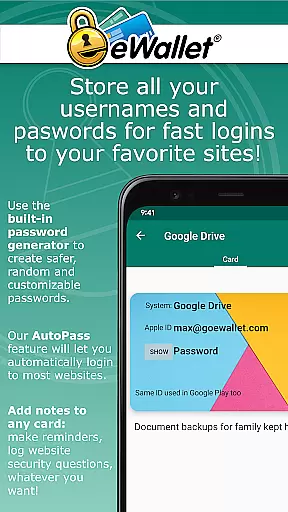
Additional features include a random password generator, auto-lock functionality, and customizable wallet designs. These elements combine to create a powerful yet user-friendly experience that caters to both security-conscious professionals and casual users seeking better organization of their digital assets.
In the realm of productivity, eWallet excels in core task management by offering a secure and efficient way to handle sensitive information. This app allows users to manage an array of personal data, including passwords, credit card details, and bank account numbers, all secured with military-grade 256-bit AES encryption.
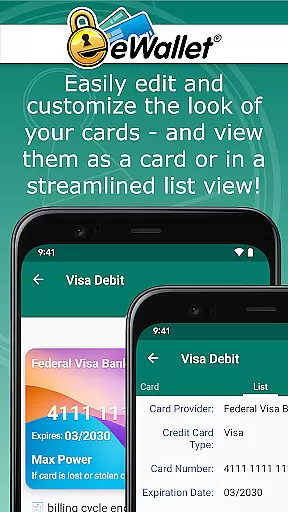
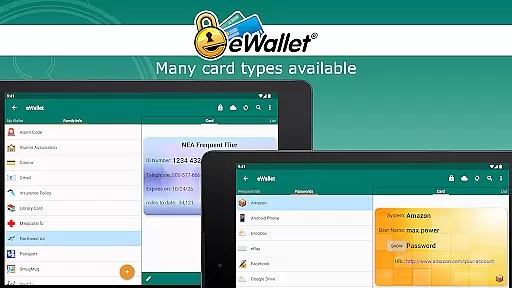
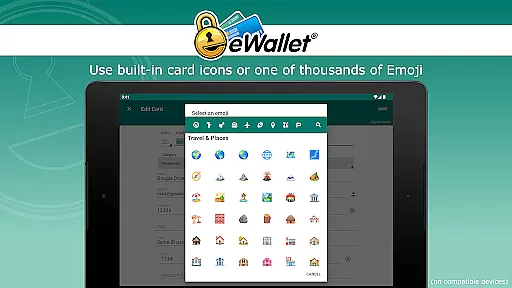
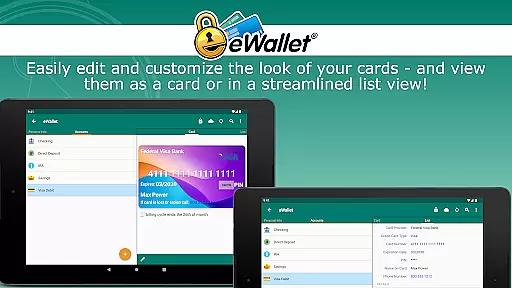
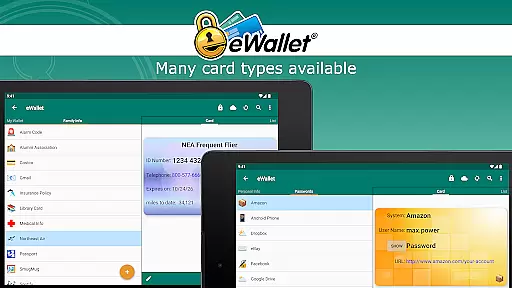
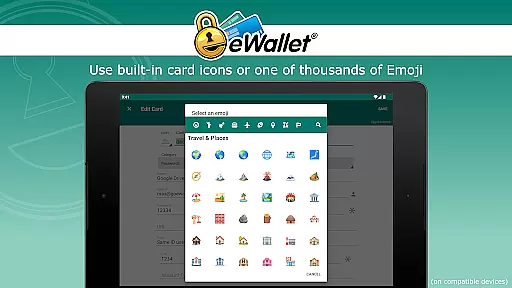
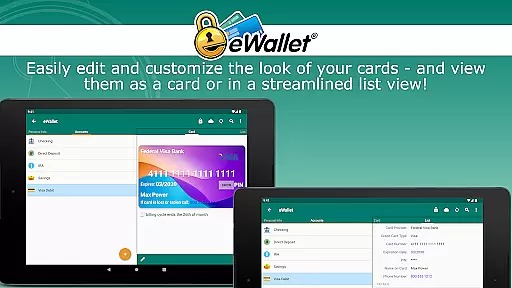
The functionality extends to organizing this data through customizable wallets, which can be personalized with different cards, backgrounds, and categories. Users have the flexibility to create and sync multiple wallets across various devices, ensuring that their information is well-structured and easily accessible whenever needed.
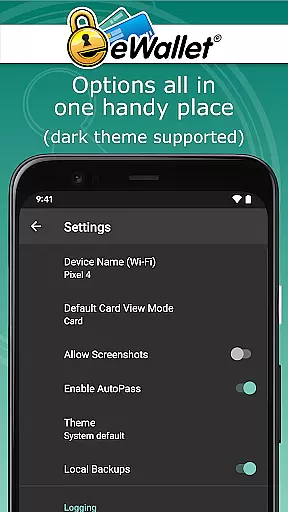
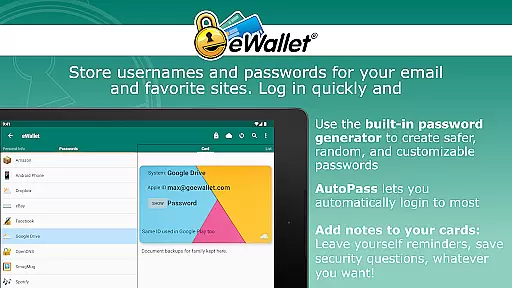
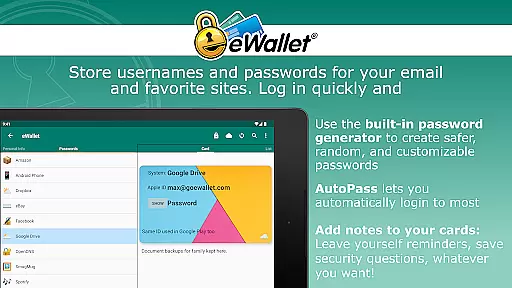
With features like a random password generator and AutoPass for automatic password entry, eWallet not only keeps your login details safe but also streamlines the process of accessing them. These capabilities culminate in an indispensable tool for anyone looking to maintain a robust and orderly digital life.
eWallet shines in cross-device synchronization reliability, providing users with seamless access to their data across Android devices and desktop computers. By utilizing cloud services such as Dropbox, Google Drive, or Microsoft OneDrive, or via Wi-Fi, eWallet ensures that your 'wallets' are synchronized and backed up without a hitch.
This reliable synchronization means that whether you're at home, in the office, or on the move, your crucial information is always up-to-date and at your fingertips. The ability to sync data effortlessly between mobile and desktop versions enhances both convenience and peace of mind.
Moreover, eWallet's auto-locking feature and support for biometric access on compatible devices add layers of security and ease of use. With these comprehensive syncing capabilities, eWallet stands out as a dependable solution for maintaining security and organization across all your devices.
Top-tier encryption
Biometric login
Cloud sync
Password generator
Cross-device support
No iOS version
Paid software
Complex setup
Desktop app extra
Android 8+ only

Seamlessly integrate data and reports to build your presentation to impress
 4.80
4.80
Auto-shutoff Alarm with Sunrise, Sunset & Fixed Options.
3.50
We're working to become the best machining app on the market! www.cncdirt.com
4.80
Pwnagotchi companion app
4.20
Stay on top of your to-dos with Google Tasks, part of Google Workspace.
4.60
Simple and reliable communication between inmates, friends and family
3.20
Activate Two Factor Authentication (2FA or Multi OTP), Password manager and more
4.10
Lightweight PDF, Word, Excel reader.
4.60
Browse and view your photos and videos from the phone with photo & video hide.
4.10
Direct Chat without saving contacts & Dual WA Account on Single Device
4.70
A beautiful digital clock with autostart and many other functions
4.70
App Lock with fingerprint, password: Lock apps & hide photos with lock screens
4.60
Functional QR scanner and barcode reader that requires little storage space.
4.60
Experience Reading - Night Mode for Documents
4.40
Docker, Kubernetes management over Portainer Mobile
4.40
Access, manage and transfer files on Android, PC, Mac, NAS and cloud storages.
4.30
Make apps & sites with natural language prompts
4.10
Mega cloud explorer plugin for Solid Explorer
3.80
Create study competitions, track your hours, and stay consistent with friends
4.0


User Reviews