
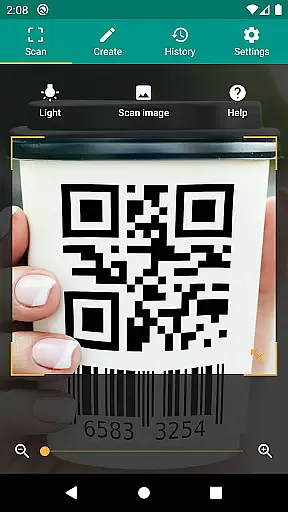
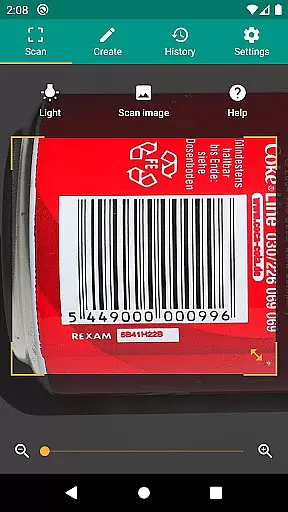
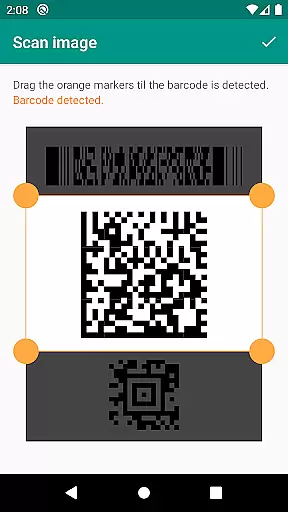
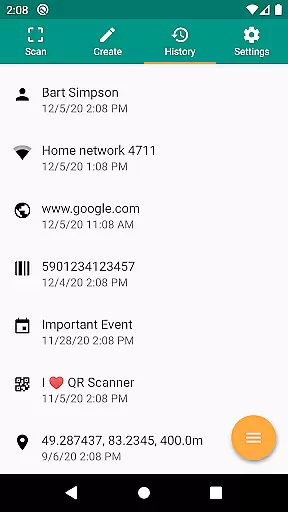
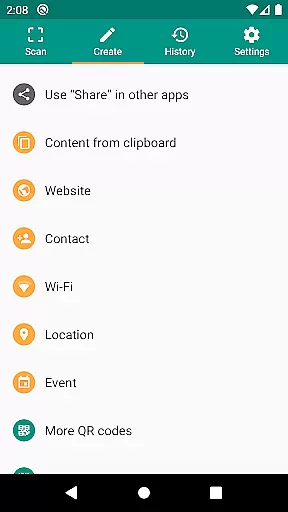
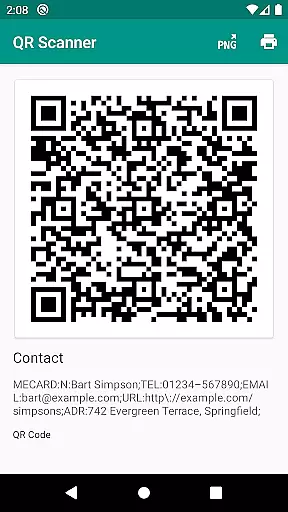
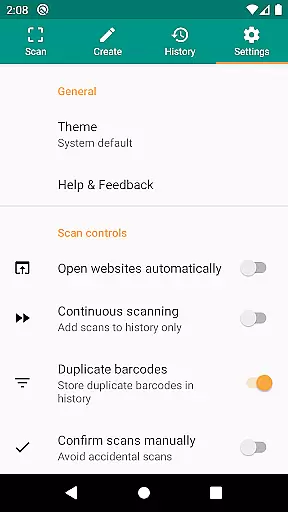
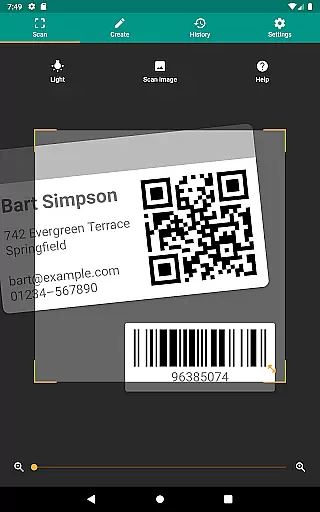
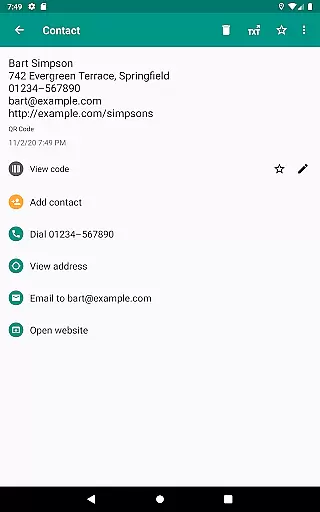
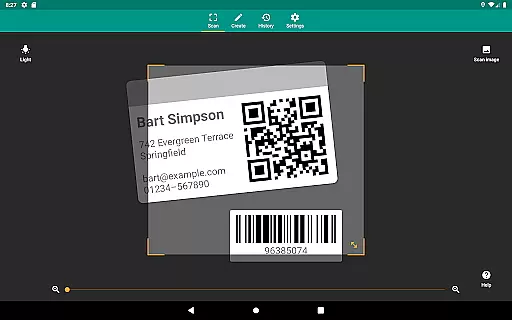
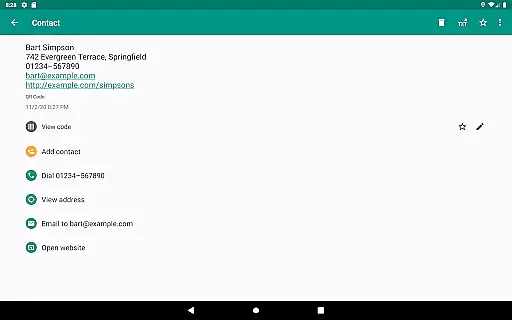
QR & Barcode Scanner is a versatile productivity tool designed to streamline code scanning and data management. This application allows users to scan all common barcode formats, including QR, Data Matrix, Aztec, UPC, EAN, and Code 39, providing instant access to product details, URLs, and other relevant information.
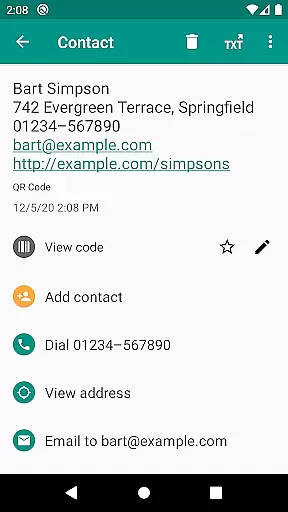
Beyond basic scanning, the app offers advanced features such as WiFi hotspot connection, calendar event creation, and VCard reading. With integrated security measures like Google Safe Browsing, it ensures safe and efficient link handling. The built-in QR code generator enables effortless sharing of website links and contact data, making it an essential utility for both personal and professional use.
One of the standout features of QR & Barcode Scanner is its ability to handle all common barcode formats with ease. Whether you need to scan product codes or QR codes containing URLs, contact data, or WiFi information, this app delivers accurate results consistently.
The app also includes practical functionalities such as flashlight activation for low-light environments and pinch-to-zoom for distant codes. Users can scan codes from image files or directly through the camera. Additionally, the CSV export feature allows for detailed record-keeping, while custom search options enable tailored information retrieval from preferred websites.
Security and performance are prioritized with minimal permissions required, ensuring user privacy. The app's integration with Chrome Custom Tabs provides faster loading times and protection against malicious links, offering a reliable scanning experience across various use cases.
QR & Barcode Scanner excels in core task management by offering a comprehensive suite of tools designed to handle various barcode and QR code-related tasks efficiently.
The app supports all common barcode formats, including QR, Data Matrix, Aztec, UPC, EAN, Code 39, and many more, ensuring that users can scan virtually any code they encounter. This versatility is crucial for managing different types of information, from product details to event data.
With features like opening URLs, connecting to WiFi hotspots, adding calendar events, and reading VCards, the app streamlines task execution. These relevant actions allow users to interact with their environment seamlessly, enhancing productivity by reducing the steps needed to complete various tasks.
Additionally, the app's ability to create and share QR codes adds another layer of task management. Users can generate QR codes for arbitrary data such as website links, making it easy to transfer information between devices without manual input. This functionality not only simplifies sharing but also ensures accuracy and speed in task completion.
Cross-device synchronization is a vital feature for users who rely on multiple devices to manage their daily tasks. QR & Barcode Scanner addresses this need by providing reliable and efficient synchronization capabilities.
The app allows users to scan an image without giving access to their device storage, maintaining privacy while ensuring that data captured on one device can be utilized on another. This minimal permission approach enhances security and user trust, which is essential for effective cross-device operations.
Moreover, QR & Barcode Scanner includes a built-in QR code generator, enabling users to display data such as website links as QR codes on their screens. This feature facilitates effortless data transfer across devices, simply by scanning the generated code. Such seamless integration ensures that users can synchronize information without hassle.
For those managing extensive histories of scans, the app offers CSV export and annotation features. Users can manage unlimited scan histories and export them as CSV files, which can then be imported into Excel or saved to cloud storage services like Google Drive. This functionality supports robust cross-device synchronization, allowing users to access and manage their data from any device with ease.
Fast and accurate scanning
User-friendly interface
Comprehensive format support
Advanced security features
Versatile data sharing
Limited design customization
No offline database
Occasional ads in free version
Requires Android 6.0+
Some features need internet

Total remote control for your Android device, PC and cloud services (IFTTT)!
 4.20
4.20
A simple, portable logger for POTA, SOTA, Field Day, and more
4.0
⏰ Finally a timer app which can run multiple timers simultaneously on your watch
3.90
Easiest event planning, volunteer signups & parent teacher conference scheduling
2.20
ID.me Authenticator is a simple and free Two Factor Authentication solution
3.50
Calendar 2023 widget for Android. Appointment scheduler, planner, and reminder
4.60
* block pre-roll ads, pop-up and forced redirect ads * Samsung certification app
4.00
A beautiful digital clock with autostart and many other functions
4.70
Ultimate Virtual AI Character for immersive Roleplay Chat. Perfect Companion
3.90
Scientific calculator for Android - looks and operates like the real thing!
4.90
Great calculator for Android named one of USA TODAY's "25 Essential Apps".
4.90
Seamlessly integrate data and reports to build your presentation to impress
4.80
Simple notepad & memo. Take notes, to-do list, shopping list with reminders.
4.80
To do list widget with a notebook organizer, checklist, simple shopping list
4.60
PDF scanner & converter for files, photos, lottery, QR codes. One swipe away!
4.50
Tally and goal counter for Wear OS & mobile
4.50
Enjoy classic gameplay with customizable features and retro-style graphics.
4.30
Wake up & get tasks done! Add alarms & reminders on the Clock Launcher.
4.00
Code on-the-go with VScode for Android. Edit,debug and collaborate from mobile!!
3.10


User Reviews