
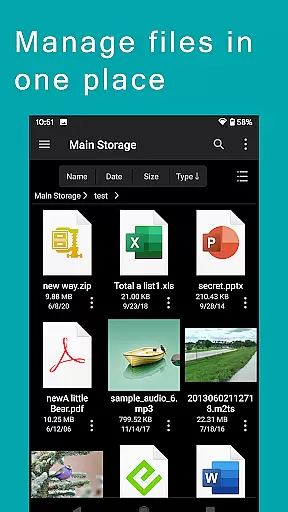
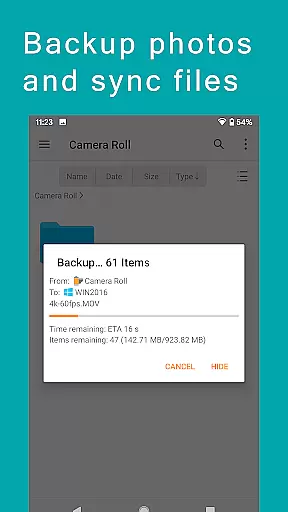
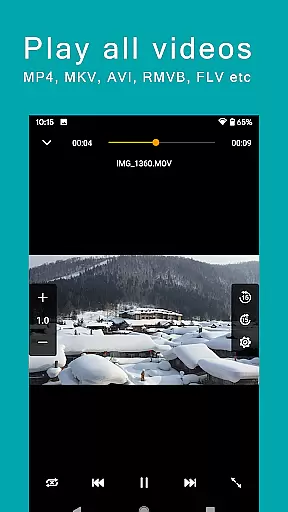
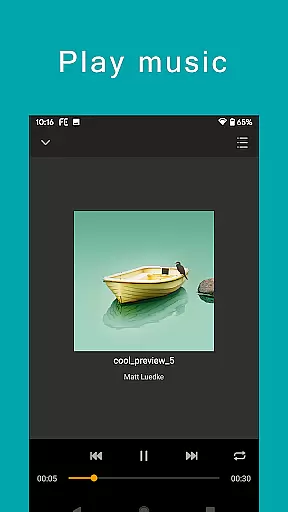
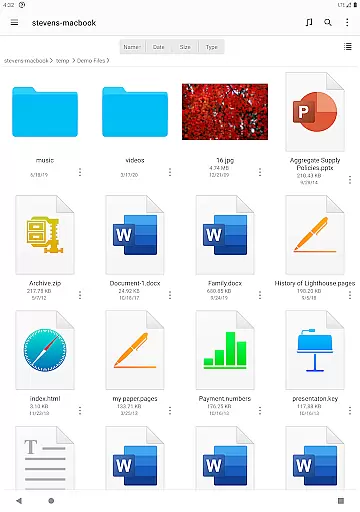
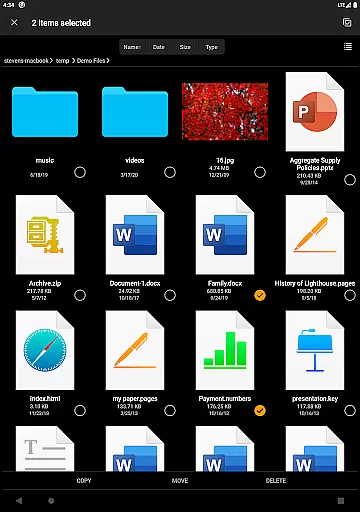
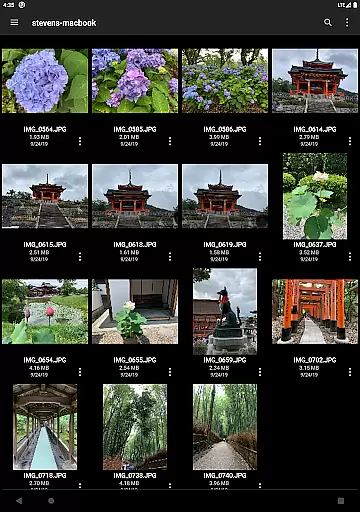

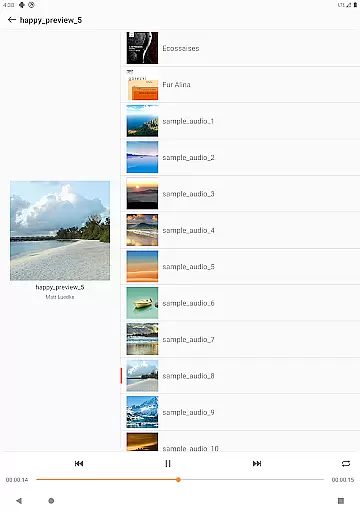
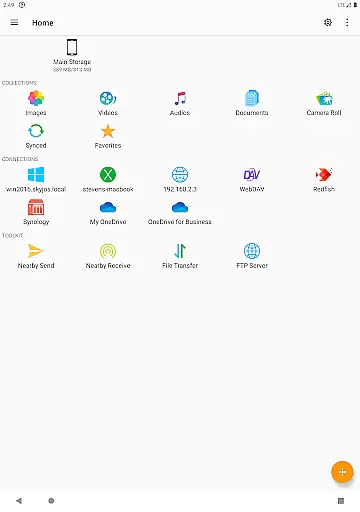
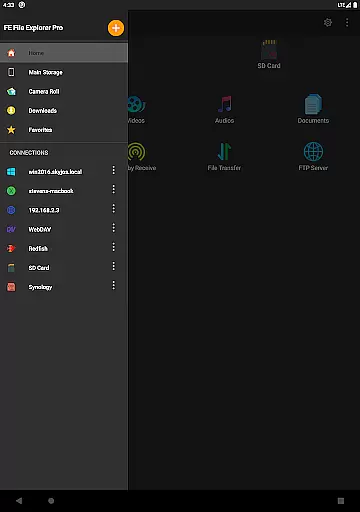
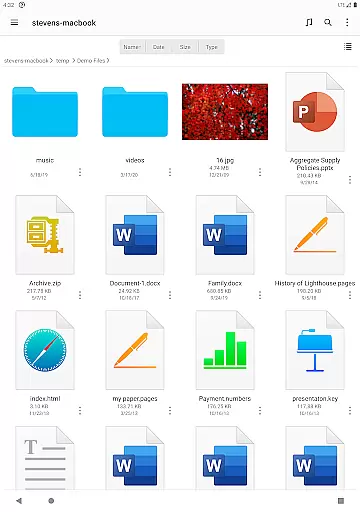
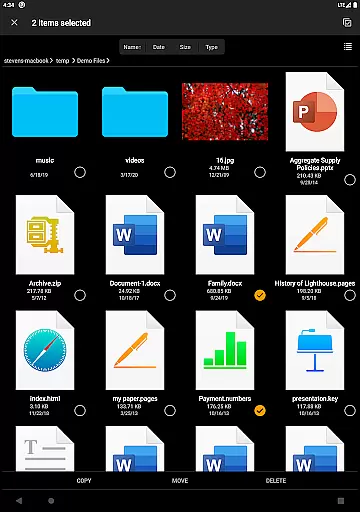
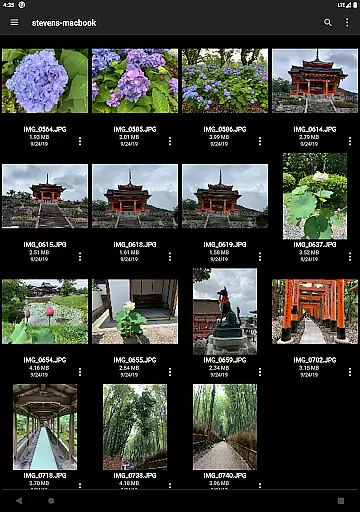

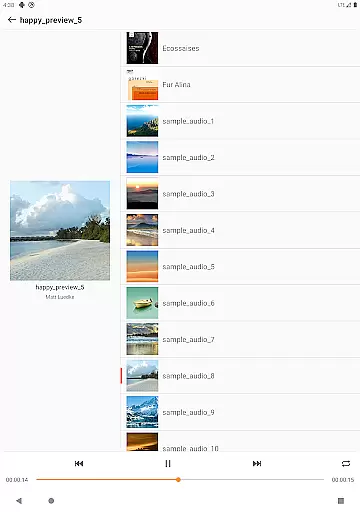
FE File Explorer Pro is a versatile file management application designed for both Android and iOS users. This app allows you to access local files, network shares, cloud storage, and even files on your computer or NAS effortlessly. With its robust functionality, you can transfer files between different locations, stream multimedia content directly to your device, and manage documents without the need for downloading.
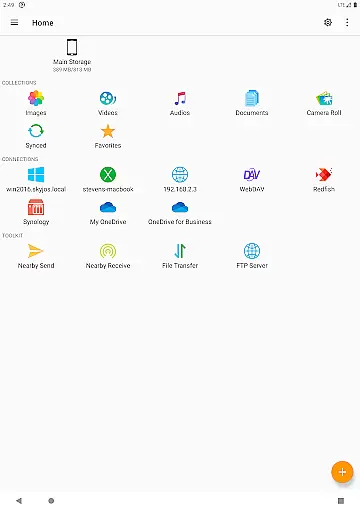
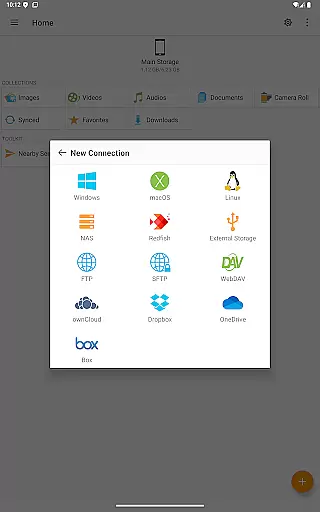
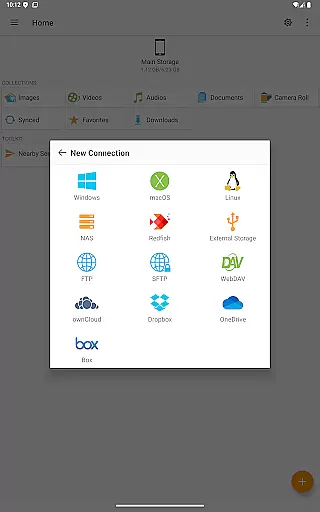
The app supports multiple protocols such as SMB/CIFS, WebDAV, FTP, and SFTP, enabling seamless connectivity with various systems including macOS, Windows, Linux, and NAS devices. Additionally, it integrates with popular cloud services like OwnCloud, Dropbox, OneDrive, and more. Whether you're managing files on your internal storage, SD card, or USB OTG, FE File Explorer Pro offers an intuitive interface that simplifies complex tasks.
For professionals who require efficient file handling, this app provides features like automatic discovery of network devices, support for Windows Domain and Active Directory, and the ability to edit documents in place. Its powerful capabilities make it an essential tool for anyone looking to streamline their digital workflow across multiple platforms.
One of the standout features of FE File Explorer Pro is its extensive protocol support. The app enables access to network shares via SMB/CIFS, WebDAV, FTP, and SFTP protocols, making it easy to connect to a wide range of devices including computers running macOS, Windows, or Linux, as well as NAS systems. This versatility ensures that no matter where your files are stored, you can reach them effortlessly.
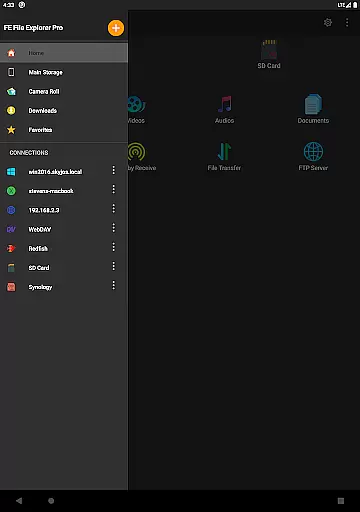
In addition to network access, FE File Explorer Pro also connects to major cloud storage providers such as OwnCloud, Dropbox, OneDrive, and OneDrive for Business. This integration allows users to manage their cloud-based files alongside local ones, providing a unified experience. The app's ability to automatically discover computers and NAS devices when setting up new connections further enhances its usability.
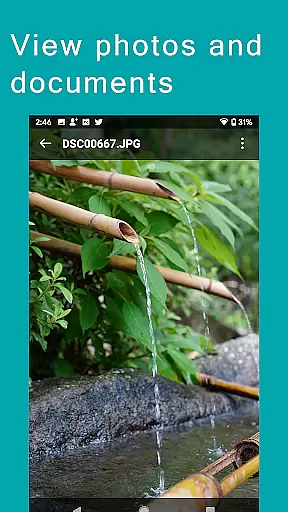
File management tasks are made simple with functionalities like copying, moving, renaming, and deleting files directly on Android. Users can view documents, browse images, play multimedia files, and even edit documents located on remote storage in another app. Advanced features include archiving and unarchiving ZIP, RAR, and 7zip files, searching by file name, streaming media, syncing files, backing up photos, and transferring files between Android and iOS devices using nearby file transfer.
FE File Explorer Pro excels in core task management by providing users with a comprehensive suite of tools to handle files across multiple environments. The app supports access to local storage, network shares, and various cloud services, making file management seamless and efficient.
With functionalities such as copying, moving, renaming, and deleting files directly on Android devices, the app ensures that users can perform necessary file operations without any hassle. Its support for protocols like SMB/CIFS, WebDAV, FTP, and SFTP allows for extensive connectivity options, ensuring you can manage files on macOS, Windows, Linux, and NAS systems effortlessly.
The ability to automatically discover computers and NAS when setting up new connections simplifies the process of accessing remote files. Additionally, features like domain support, Active Directory, and DFS integration make it an ideal choice for enterprise users who require robust and secure file management solutions.
Cross-device synchronization is a standout feature of FE File Explorer Pro, allowing users to sync files between remote storage and Android devices reliably. This functionality ensures that your data remains consistent and up-to-date across all your devices, enhancing productivity and convenience.
The app facilitates transferring files between different storage locations, whether they are on local storage, SD cards, USB OTG, or cloud services like OwnCloud, Dropbox, and OneDrive. This versatility ensures that no matter where your files are located, you can access and manage them efficiently.
Moreover, FE File Explorer Pro offers advanced features such as streaming movies and music from remote storages to Android devices and backing up camera photos to remote storage. These capabilities not only enhance user experience but also ensure that your media files are always accessible and safely stored.
The nearby file transfer feature further augments cross-device operations by enabling easy transfers between Android and iOS devices, making it a versatile tool for both personal and professional use.
Powerful file management
Versatile protocol support
Seamless cloud integration
Efficient media streaming
User-friendly interface
Occasional sync issues
Limited free version
Advanced features may overwhelm beginners
Requires stable internet for remote access
Some features need technical knowledge

 4.20
4.20
A Revolutionary All-in-One Artificial Intelligence Tools
3.80
Mega cloud explorer plugin for Solid Explorer
3.80
A lightweight JSON & XML files creator, editor and viewer (Premium Version)
4.40
Functional QR scanner and barcode reader that requires little storage space.
4.60
Create and edit presentations with Google Slides, part of Google Workspace.
4.00
Tally and goal counter for Wear OS & mobile
4.50
Understand anything with a personalized AI research assistant
4.80
Note taking, handwriting, record audio, PDF annotation, planner & journal
4.20
Secure, fast, open-source, Remote Desktop Client for Windows and Linux with SSH
4.60
Secure your apps with lock screens, use custom themes and different features.
4.40
Secure, open-source, SPICE and SSH Remote Desktop for QEMU KVM virtual machines
4.00
Smart PDF reader & editor to view, organize and manage PDF documents easily.
3.70
Find and delete junk files & block unwanted notifications & manage files
3.70
Experience and share your SolidWorks designs on your Android® phone and tablet.
2.50
Ads Free App! Editor, Hide File, Copy, Move, Delete and Rename.. all facility av
1.70
AI Video AI Image Private LLM AI Browser Llama Gemma Ollama Connect LLM Studio
4.0
The upgraded version of Name Wheel with AI and the power to add your own wheels.
4.2
A comprehensive suite of tools designed specifically for Lactation Consultants
4.2


User Reviews